
King Video
Local and Network Player
Designed for iPhone, iPad
Free · In-app purchases
- Age rating4+
- CategoryPhoto & Video
- Developerlecoo
- LanguagesEnglish+ 7 more
- Size11.0 MB
Links to the official App Store page
Download.org hosts no file of King Video. The button opens its official App Store page, published by lecoo. Listing last checked on Nov 15, 2026.
Screenshots

About
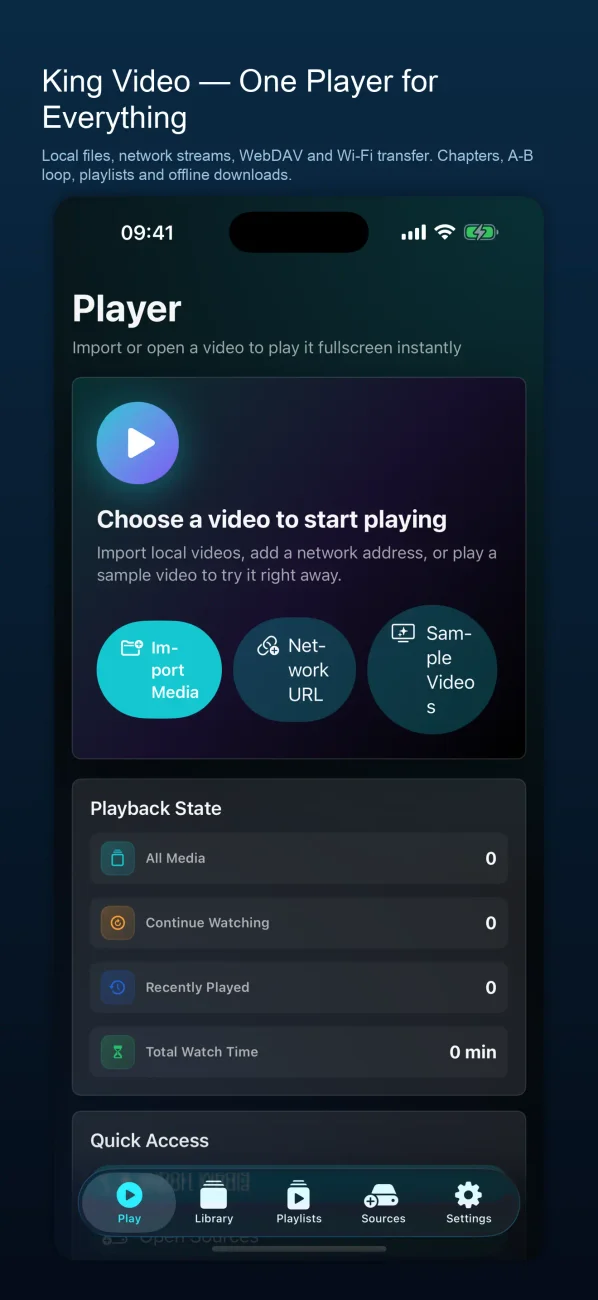
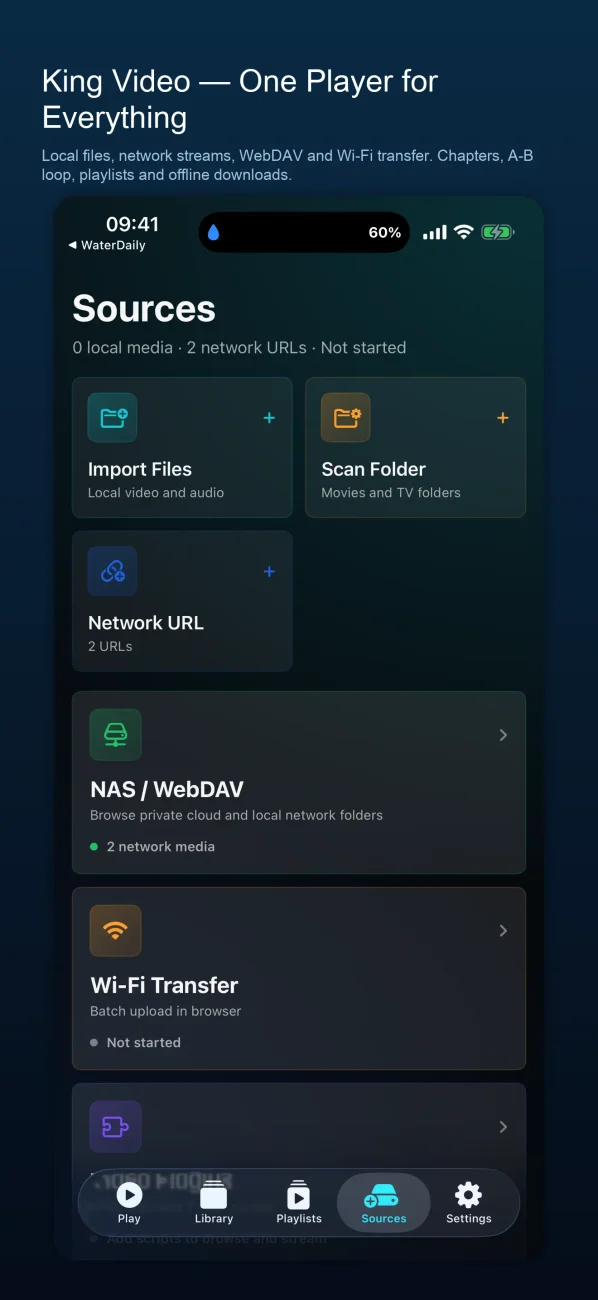
King Video is an all-in-one media player for local and network media.
Import videos and audio from Files, scan folders, add HTTP, HTTPS, and HLS playback URLs, browse NAS or private cloud directories through WebDAV, and upload media from a browser over the same Wi-Fi network.
Key features:
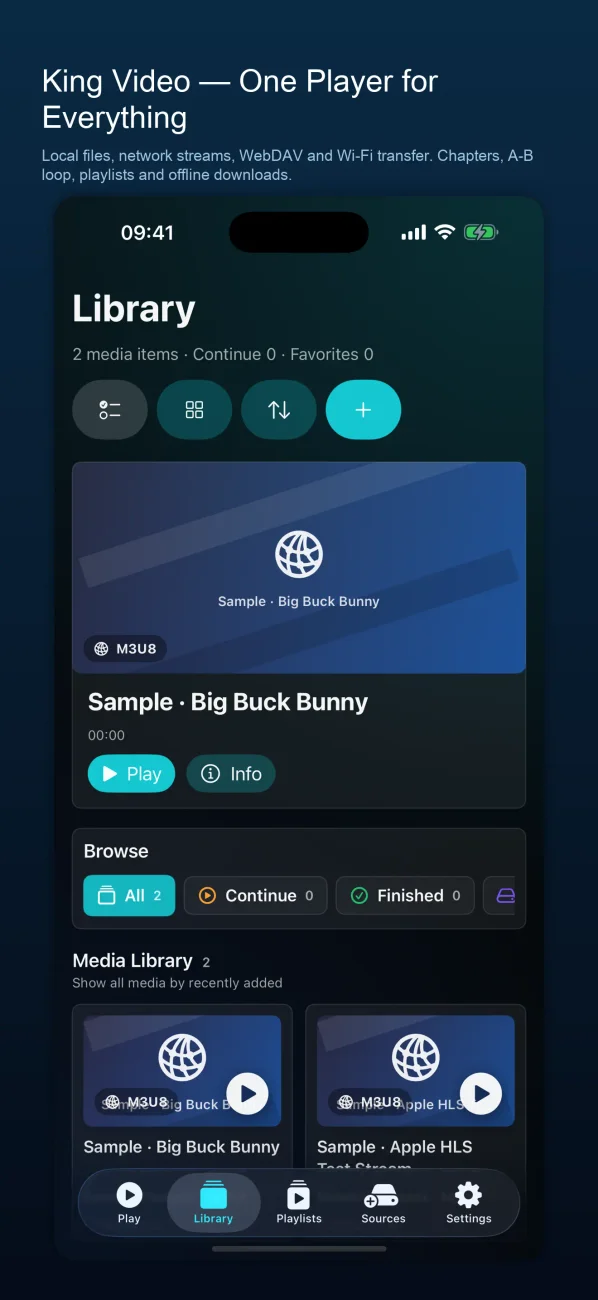
- Local video and audio import, folder scanning, and media library management
- Network playback URLs, HLS streams, and WebDAV/NAS browsing
- Wi-Fi transfer with browser uploads on the local network
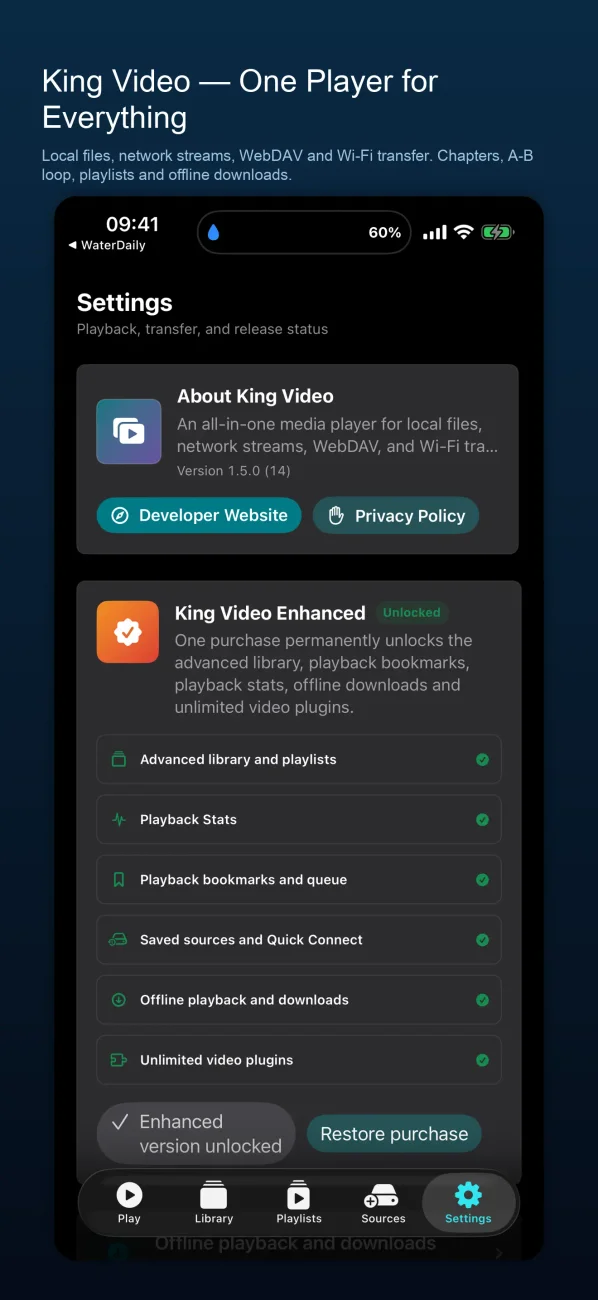
- Video plugins (Enhanced Edition): parse MacCMS JSON APIs, M3U/M3U8 and TXT live lists, and TVBox configs — try 1 plugin free, one-time purchase for unlimited (scripts are user-provided)
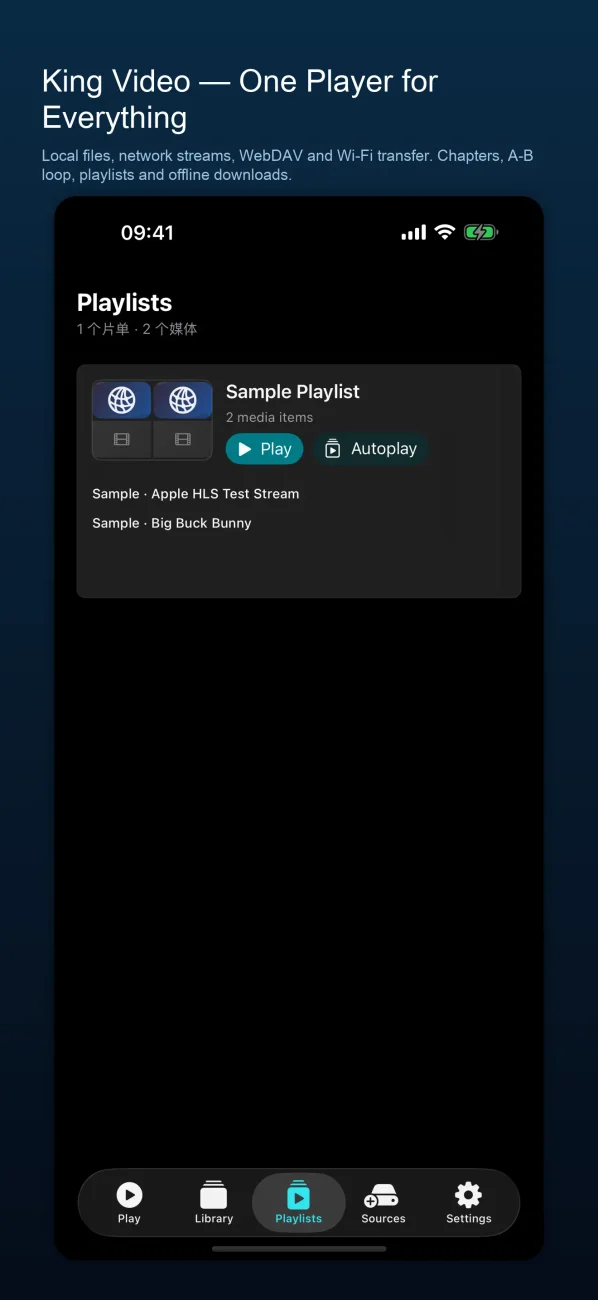
- Full-screen playback, playback queue, resume watching, favorites, and progress tracking
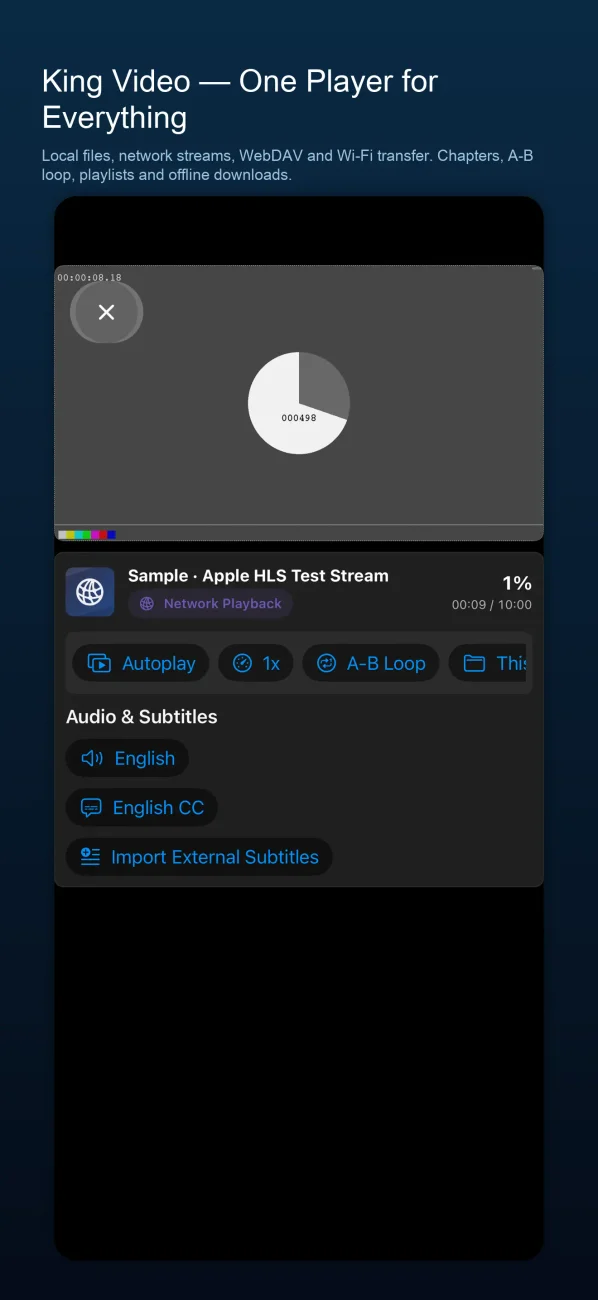
- Chapters list, A-B loop, frame-by-frame stepping, and frame capture to Photos
- Scrub the timeline or swipe to preview target frames with thumbnails
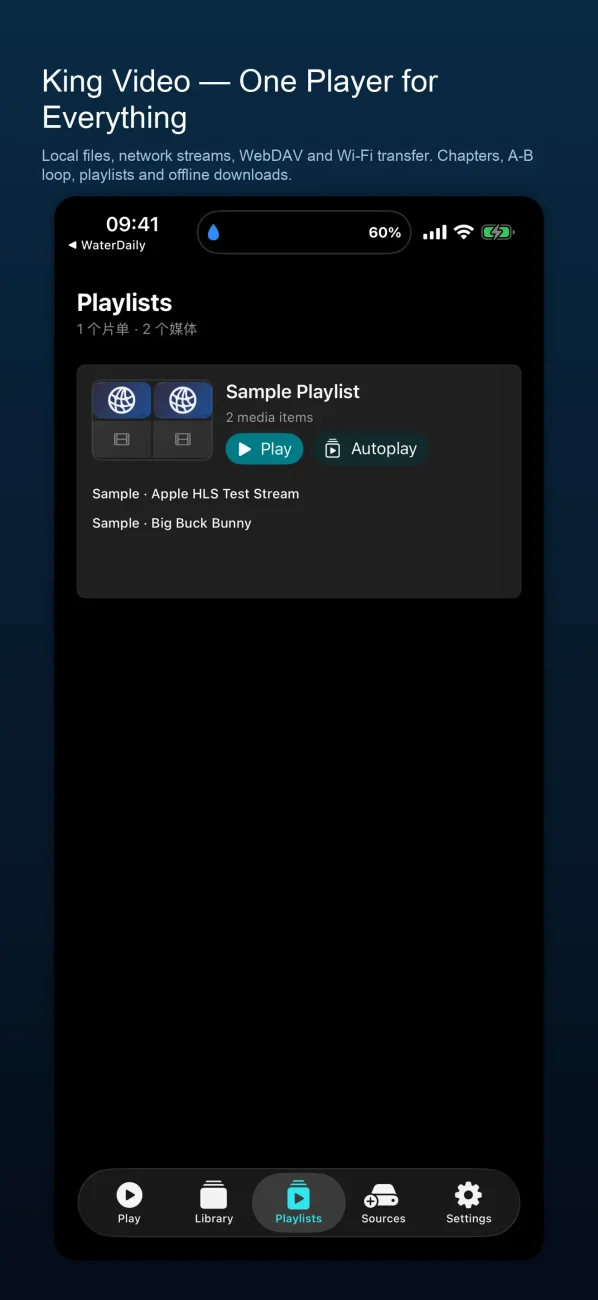
- Hold-to-speed 2x peek, Skip Intro, and a Next Episode pill for playlists
- Embedded subtitles and external SRT/VTT/ASS/SSA subtitles with timing and style controls
- Audio track selection, playback speed, sleep timer, and display modes
- Layouts adapted for iPhone, iPad, Mac, and Vision Pro
- Siri, Shortcuts and Spotlight access to resume playback instantly
- Native SMB client: connect to NAS shares, browse and import folders
- TMDB metadata enhancement: real posters and info matched automatically
- Auto skip-intro memory and per-series audio track memory
- Drag-and-drop import and in-player sharing
What’s new
Version 1.9.0 · Nov 5, 2026
Day/night modes and full polish: a refreshed look and feel.
- Day/night modes: follows your system appearance automatically
- All-new settings dual-pane layout: General, Playback, Subtitles, Language, Data
- SMB direct playback fixed: double-click NAS files to play (supports Chinese and special-character names)
- Animations tuned to Apple rhythm: natural transitions with haptics
- Clear play history added; TMDB matching more precise
- Full copy review across all 8 languages plus many visual refinements
App privacy
What lecoo declares on the App Store about how this app handles data.
-
Data not collected
The developer does not collect any data from this app.
Privacy practices may vary, for example with the features you use or your age.
Information
- Seller
- Beijing Sommerfeld Technology Co., Ltd.
- Category
- Photo & Video
- Version
- 1.9.0
- Updated
- Nov 5, 2026
- Released
- Jun 25, 2026
- Size
- 11.0 MB
- Requires
- iOS 18.6 or later
- Age rating
- 4+
- Price
- Free
- In-app purchases
- Yes
- Languages
- English, French, German, Japanese, Korean, Simplified Chinese, Spanish, Traditional Chinese
- Copyright
- © 2026 Beijing Sommerfeld Technology Co., Ltd.
You might also like
-
 MediaRoamNAS video, subtitles & files
-
 映匣Photo & Video
-
 GplayerIPTV, EPG & NAS Player
-
 Useful Zoom V-PlayerZoomable Video Player
-
 SilkSlide - Photo SlideshowDigital frame Photo slideshow
-
 PhotoFit – Resize & CompressExact KB or pixels, first try
-
 iVideo - Video Editor ToolboxTrim, Caption, Color, Compress
-
 CueBuddy - Voice TeleprompterSpeak naturally on camera
-
 PawCam: Pet Photo CameraAI picks the best pet shot
-
 Motion Transfer: AI DanceAnimate photos with any video