
Kinnavo: Contacts & Notes
Your people and all about them
Designed for iPhone, iPad
In-app purchases
- Age rating4+
- CategoryProductivity
- DeveloperAlexey Kobylyatskiy
- LanguagesFrench+ 7 more
- Size37.1 MB
Links to the official App Store page
Download.org hosts no file of Kinnavo: Contacts & Notes. The button opens its official App Store page, published by Alexey Kobylyatskiy. Listing last checked on Nov 23, 2026.
Screenshots

About
Kinnavo helps you keep the contacts of the people you rely on in order: tradespeople, tutors, doctors and other specialists.
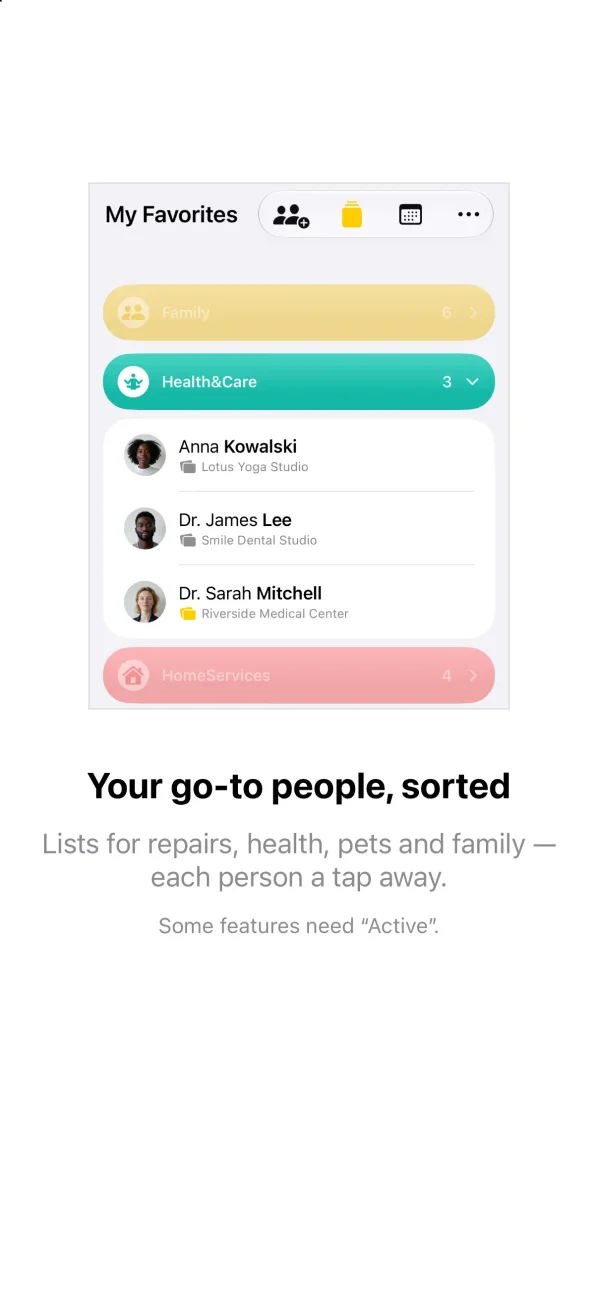
“My Favorites”
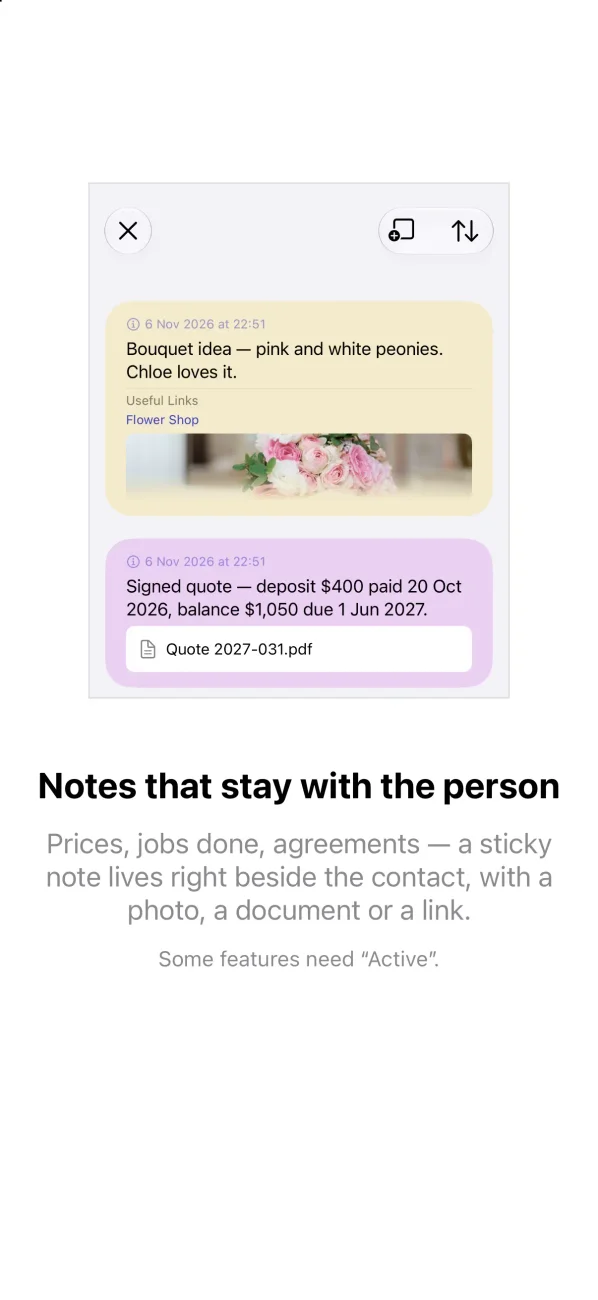
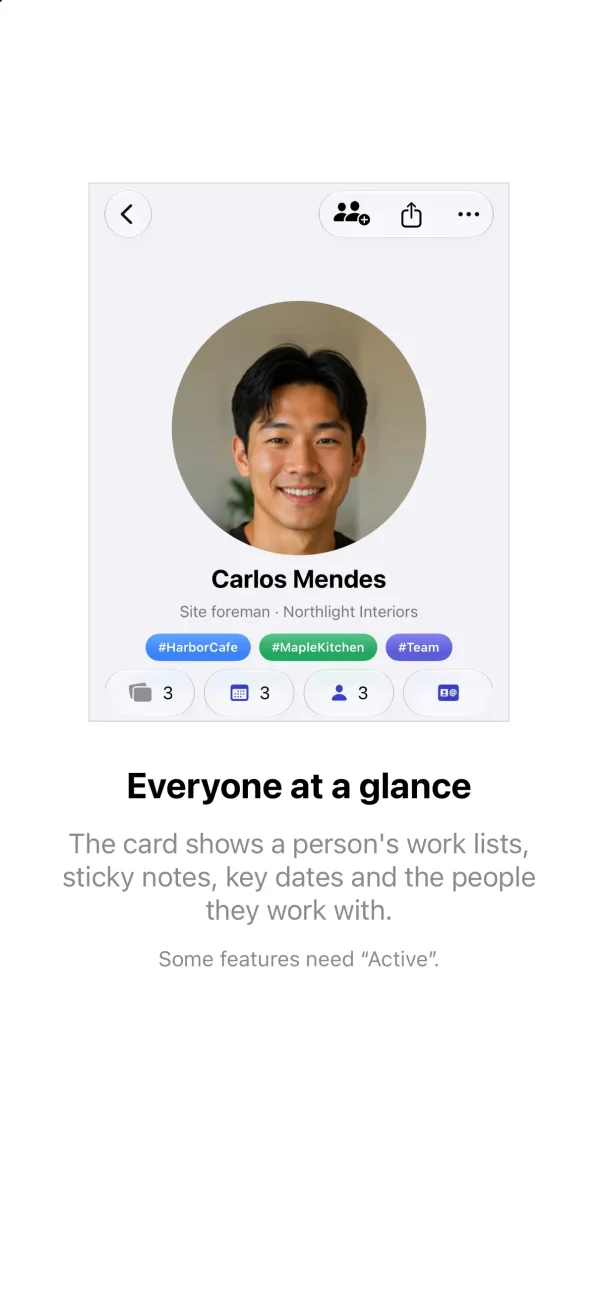
The people you need are already in your address book. Kinnavo works with it: add the contacts you need to your own favorites lists and keep everything important right next to each person — prices, work done, notes and impressions, photos and documents. Key dates and related people sit right on the card, and a list’s board brings the notes of everyone on it together on one screen. Everything is in one place, and the right person is easy to find.
Contacts you create with Kinnavo gather in the #Kinnavo list, and once a month the app reminds you about them — so you can add them to the right lists or delete the ones you don’t need. Your address book stays up to date and clean.
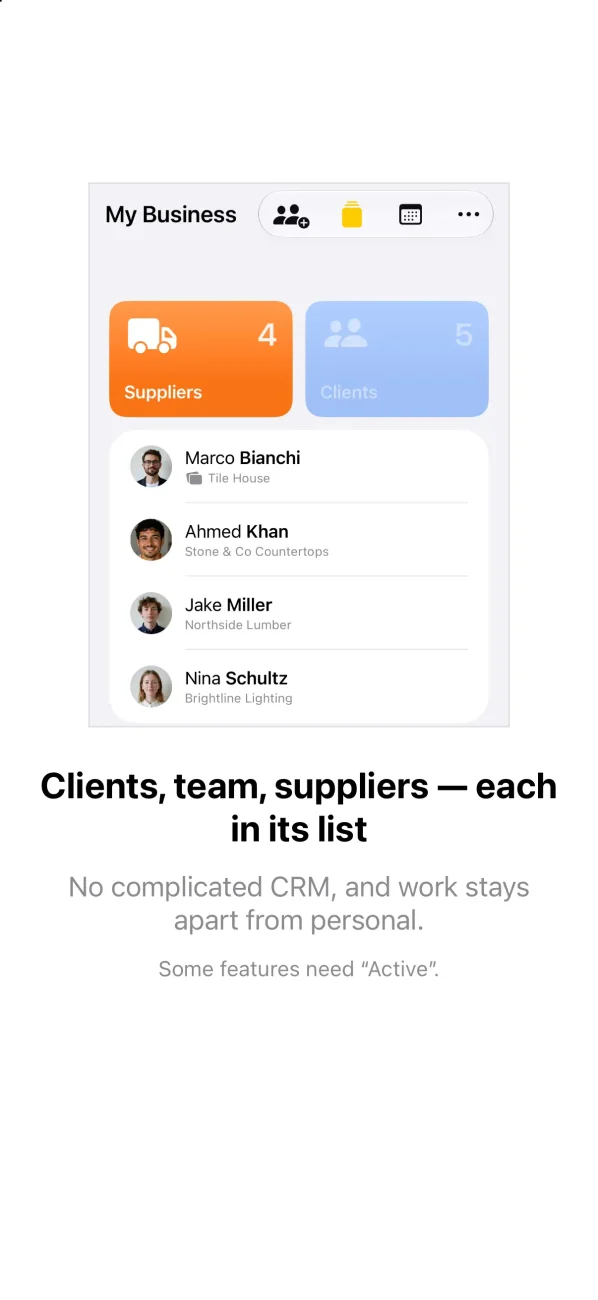
For working with clients — “My Business”
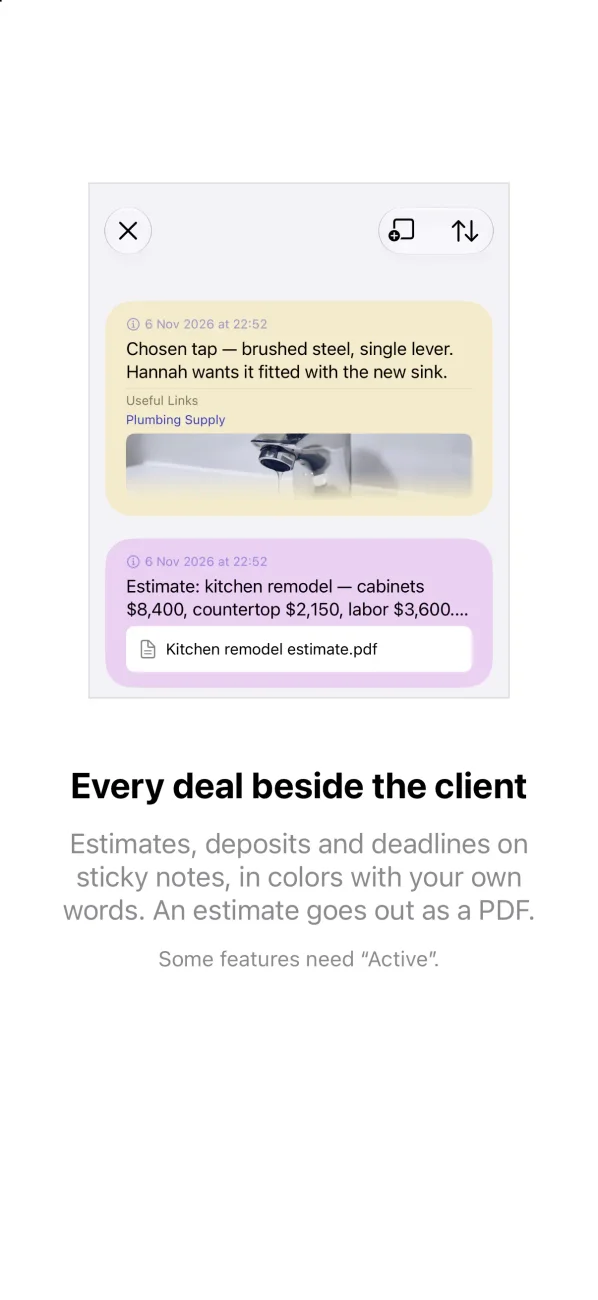
Put what you know about your clients to work for your business. Five sticky note colors show who needs your attention, what’s done and what’s still waiting. Pin the work list you need to its own tab and send the list’s contacts with a single tap. Send an estimate, a report or any other document as a ready PDF straight from a sticky note — from your phone, even on site. A Business Card on “My Card”, “My Ads” with posters and an email campaign tell your clients about you.
The “My Favorites” and “My Business” modes stay separate; you switch between them in Settings.
“Active”
Both modes are free, and so are “My Day”, the calculator on a sticky note, the “Business Cards” filter and the widgets. “Active” unlocks your own words and order for the sticky note colors (for example, “Client”, “Urgent”, “Paid”), pinning sticky notes on the board, “Key Dates” for a whole list and “List in Columns”: a list’s board across the full width of the screen on iPad, Mac and an unfolded iPhone Duo.
It’s a one-time purchase, not a subscription, and you can restore it on your other devices. Try “Active” free for 14 days.
No ads, tracking or analytics. Your data syncs through your iCloud, which Kinnavo cannot access.
What’s new
Version 4.0.2 · Nov 17, 2026
• Kinnavo now runs on iPad, Mac and iPhone Duo.
• A list’s board: the notes of everyone on the list on one screen, with what matters pinned at the top.
• Five sticky note colors, each with its own purpose.
• Key dates and related people on a contact’s card, with reminders of key dates.
• Draw on a photo in a sticky note or on a blank page — “Insert Drawing”.
• “Send a Copy” — a sticky note goes to someone else as a single file.
• “Scan Business Card” — in a sticky note and on the “Contacts” tab: the card lands in the sticky note as a straight photo and joins the “Business Cards” filter, and from the “Contacts” tab it opens a new contact right away.
• Copy a photo, PDF or business card from a sticky note and paste it into another app or on another device.
• Three widgets: a sticky note from “My Day”, a list and “My Card”.
• Improved stability and performance.
App privacy
What Alexey Kobylyatskiy declares on the App Store about how this app handles data.
-
Data not collected
The developer does not collect any data from this app.
Privacy practices may vary, for example with the features you use or your age.
Information
- Seller
- Alexey Kobylyatskiy
- Category
- Productivity
- Version
- 4.0.2
- Updated
- Nov 17, 2026
- Released
- Jul 26, 2026
- Size
- 37.1 MB
- Requires
- iOS 18.7 or later
- Age rating
- 4+
- In-app purchases
- Yes
- Languages
- French, German, English, Spanish, Italian, Portuguese, Russian, Ukrainian
- Copyright
- © 2026 Alexey Kobylyatskiy
You might also like
-
 Meeting Transcriber: SaidbyPrivate & offline: who spoke
-
 AI Note Taker: MemrioVoice Notes to Summaries
-
 Sagt: Transcribe Audio to TextPrivate offline speech to text
-
 Daily Tasks: Habit TrackerADHD Planner & Routine Goals
-
 Pauz - Time off, mastered.Leave, holiday and rest
-
 AI Notetaker for LecturesRecord Meeting Memos, TLDL
-
 ADHD Planner - EssentialismFocus, Habits & On-Device AI
-
 Notebooks: Write and OrganizeNotes, Tasks, Markdown, Files
-
 Famnest: Family OrganizerShared Calendar & To-do Lists
-
 Notely: Offline NotepadFast private memo organizer