
Kintore Workout Timer
Strength Interval Timer
Designed for iPhone, iPad
In-app purchases
- Age rating4+
- CategoryHealth & Fitness
- Developertakuya kamimura
- LanguagesJapanese+ 7 more
- Size17.0 MB
Links to the official App Store page
Download.org hosts no file of Kintore Workout Timer. The button opens its official App Store page, published by takuya kamimura. Listing last checked on Nov 23, 2026.
Screenshots


About
An interval timer designed for strength training.
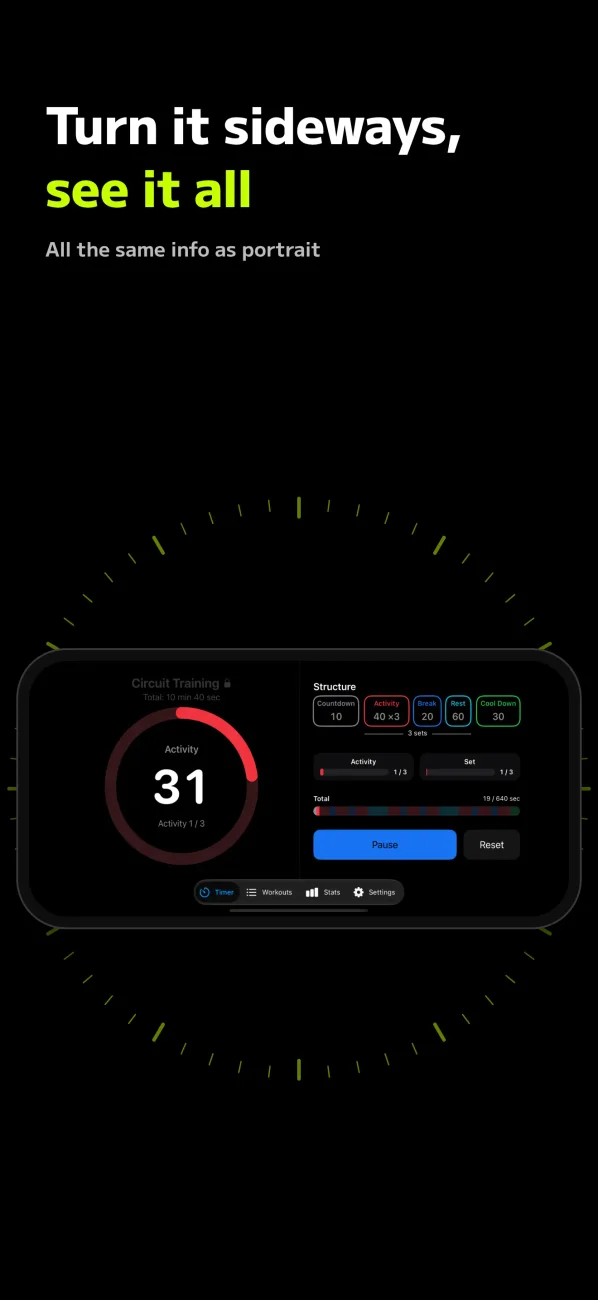
Manage your entire workout flow — from countdown to activity, break, rest between sets, and cooldown — all in one sequence. Track progress visually for each set and overall. Perfect for tempo training with HIIT, Tabata, circuit training, bodyweight exercises, and other repetitive workouts.
Works on iPhone and iPad, in portrait or landscape.
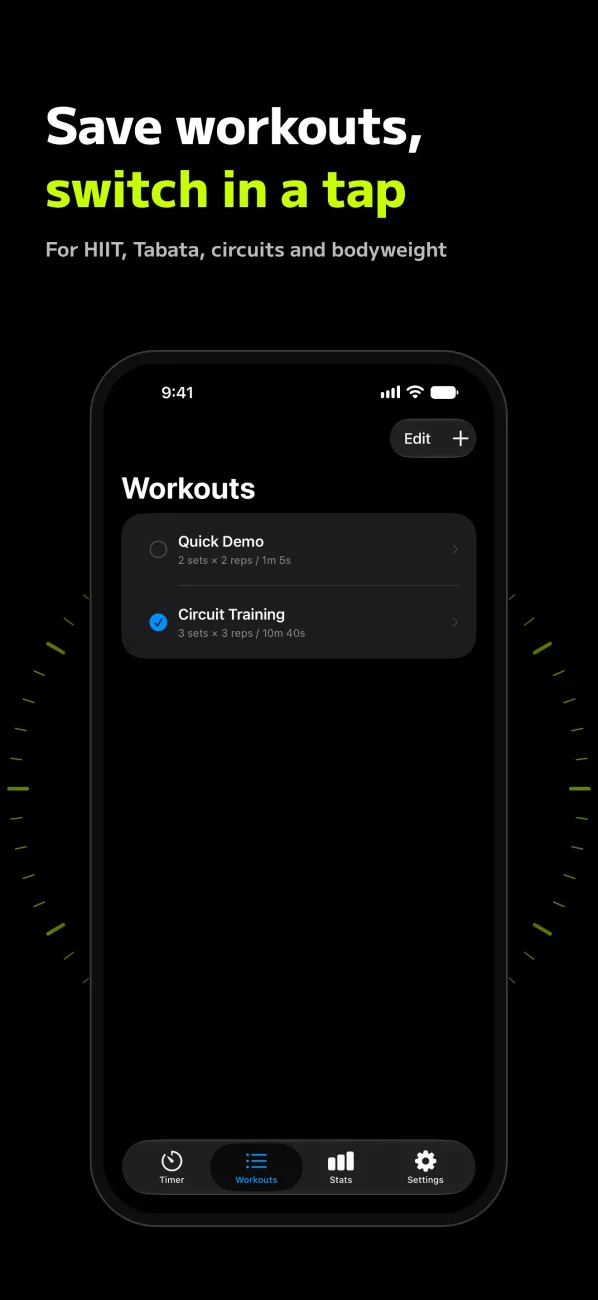
Create, edit, and save your own workouts.
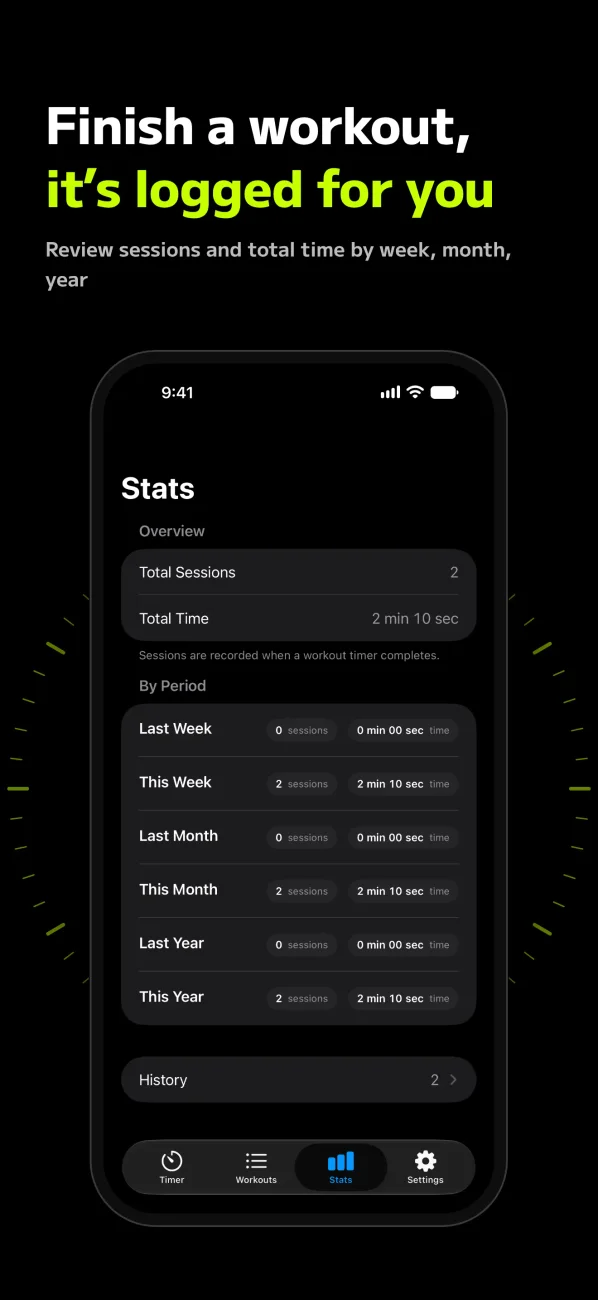
Combine phase durations, set counts, and activity reps to design your training in detail. The timer screen shows the phase name, remaining seconds, progress ring, and total progress bar in sync, so you always know exactly where you are. After completing a workout, your stats are recorded — review your session count and total time anytime. When you first open the app, two workouts are ready: Quick Demo, which lets you try every phase and sound in about a minute, and Circuit Training, ready to use as is.
Choose a sound set.
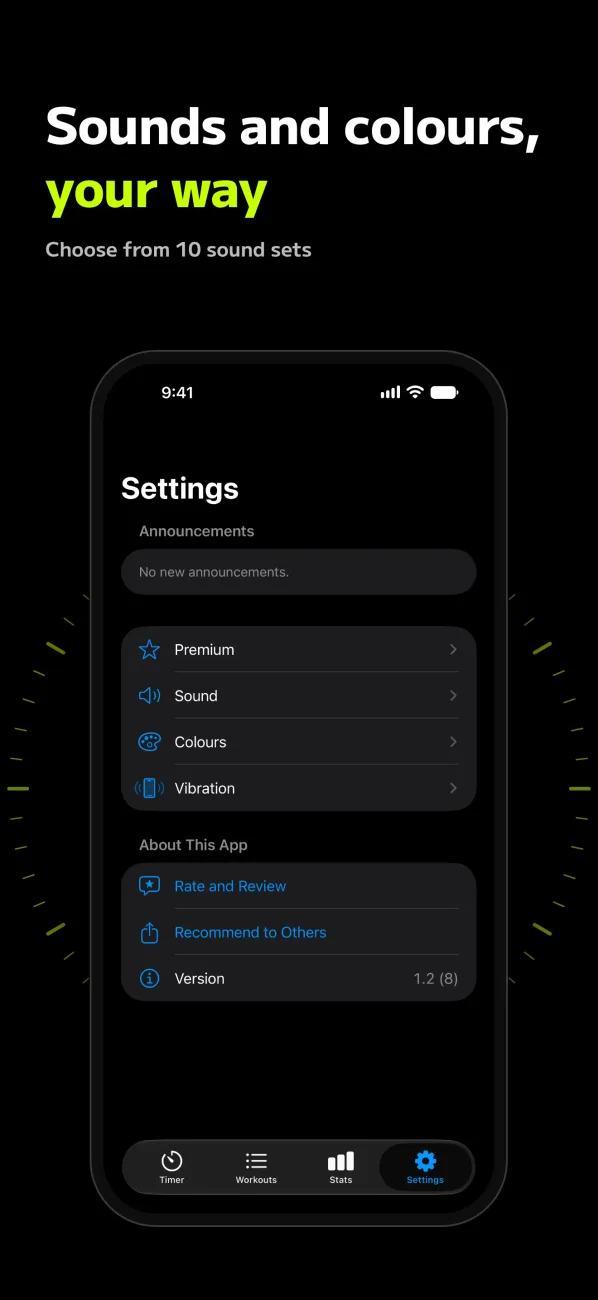
Pick one of 10 sound sets. In each set, the beat, warning cue, start, and finish sounds are designed to sound good together, even when they overlap. You can turn each sound on or off.
Colors are also fully customizable, so you can adjust visibility during your workout to your preference.
*On iPhone, vibration feedback is also available as an option.
*The screen stays on while the timer is running. If you lock the screen or switch to another app, sounds and vibration stop (the timer keeps running).
*The free plan allows up to 5 workouts. Premium removes ads and unlocks unlimited workouts.
Terms of Use: https://ottoto99.github.io/kintore-site/terms.html
Privacy Policy: https://ottoto99.github.io/kintore-site/privacy.html
What’s new
Version 1.2 · Nov 15, 2026
- All-new sounds: choose the beat, warning cue, start, and finish sounds together from 10 sound sets
- Sounds in each set are designed to sound good together, even when they overlap
- The default set is Time Signal (Flute). Sounds you chose before are not carried over. Each sound's on/off setting and the cue count stay the same, and any sound set to None is turned off
- A cleaner timer screen: the remaining seconds are larger, and the Start button stays visible on smaller iPhones
App privacy
What takuya kamimura declares on the App Store about how this app handles data.
-
Data linked to you
May be collected and linked to your identity.
- Location
- Identifiers
- Usage data
-
Data not linked to you
May be collected but is not linked to your identity.
- Purchases
- Usage data
- Diagnostics
- Other data
Privacy practices may vary, for example with the features you use or your age.
Information
- Seller
- takuya kamimura
- Category
- Health & Fitness
- Version
- 1.2
- Updated
- Nov 15, 2026
- Released
- Apr 1, 2026
- Size
- 17.0 MB
- Requires
- iOS 17.2 or later
- Age rating
- 4+
- In-app purchases
- Yes
- Languages
- Japanese, Indonesian, Spanish, German, Hindi, Portuguese, Simplified Chinese, English
- Copyright
- © 2026 ottoto
You might also like
-
 Interval Routine TimerА player for work and rest
-
 簡単筋トレタイマーHealth & Fitness
-
 トレーニングタイマー_インターバルHealth & Fitness
-
 Timee: Focus Timer & HIITYoga, Tabata & intervals
-
 KachiKachi: Tabata & HIITInterval timer with voice cues
-
 PowerRepsReps, sets & workout history
-
 HIIT Interval Timer: RoundsWork/rest rounds, hands-free
-
 BPWeekHealth & Fitness
-
 RestBeat: Gym Rest TimerWorkout interval set timer
-
 Interval Timer | HIIT TrainingWorkout & boxing round timer