- Age rating4+
- CategoryProductivity
- DeveloperEmil John
- LanguagesEnglish+ 1 more
- Size4.8 MB
Links to the official App Store page
Download.org hosts no file of Klarflow – Tasks & Planner. The button opens its official App Store page, published by Emil John. Listing last checked on Nov 23, 2026.
Screenshots
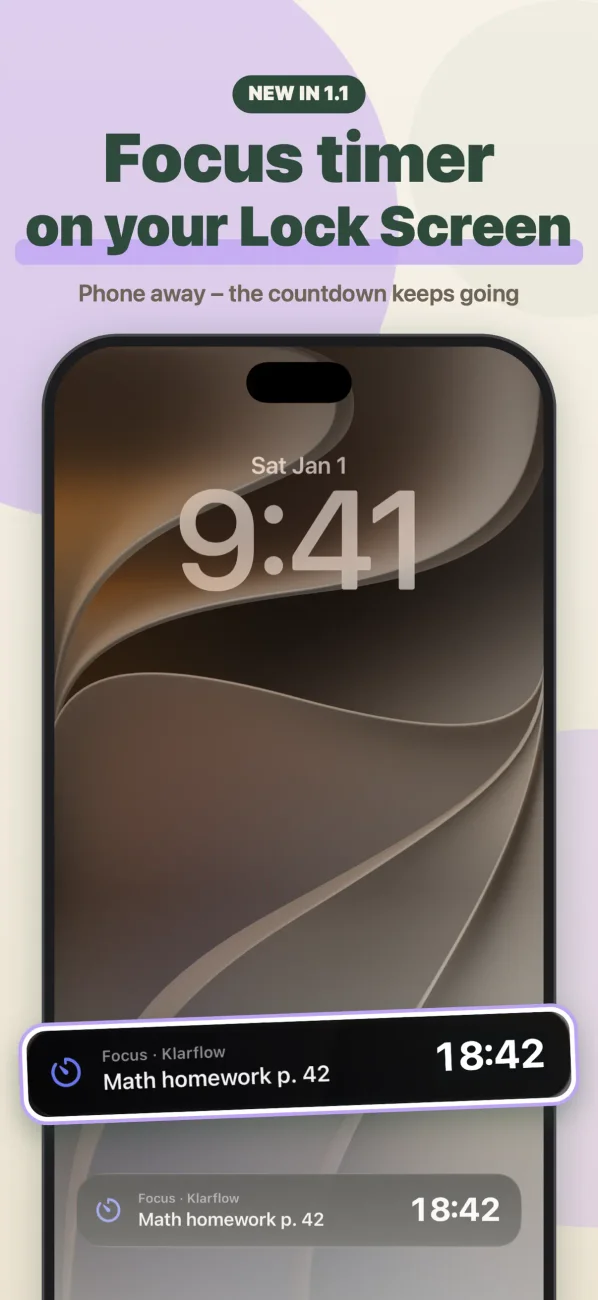
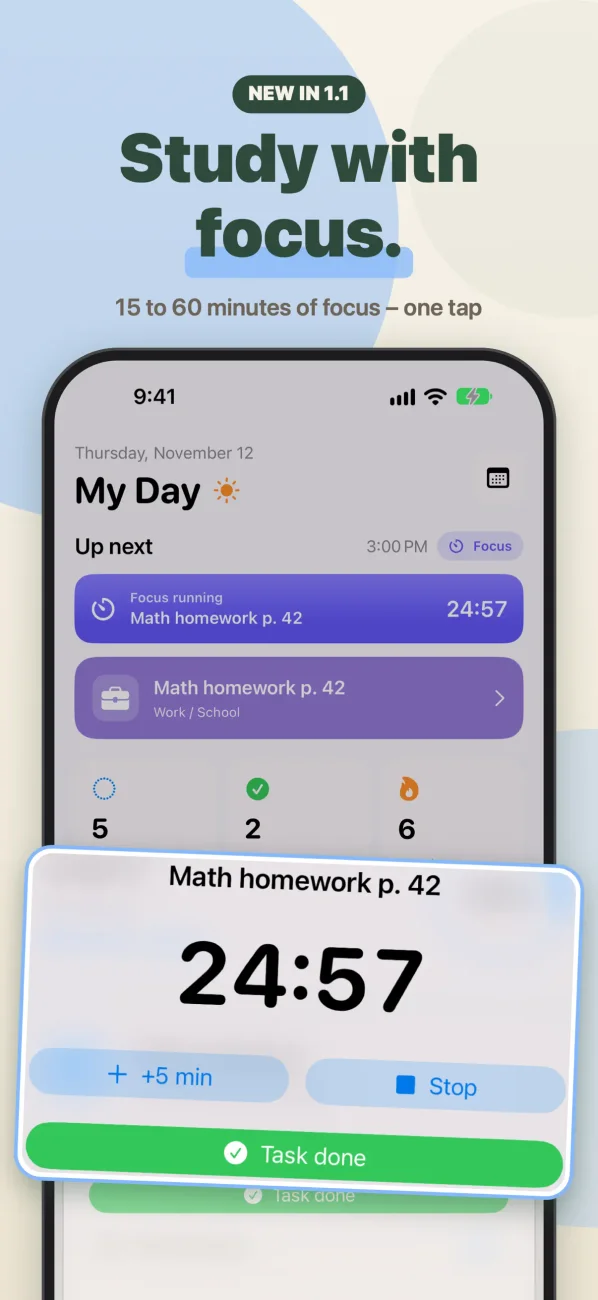
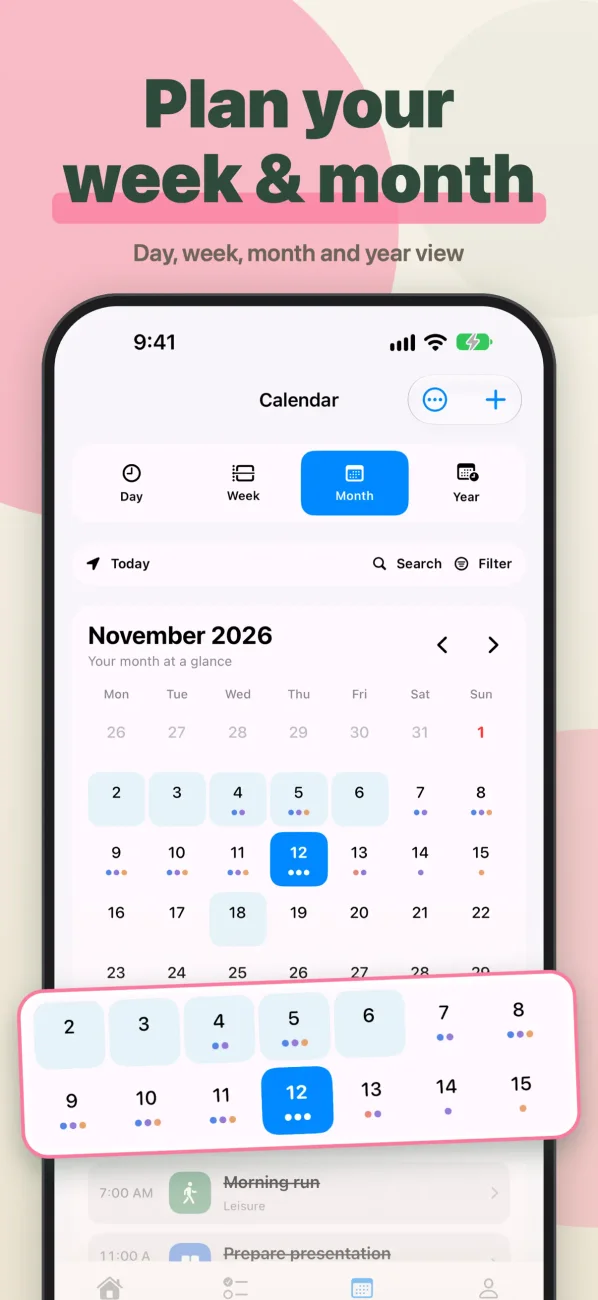
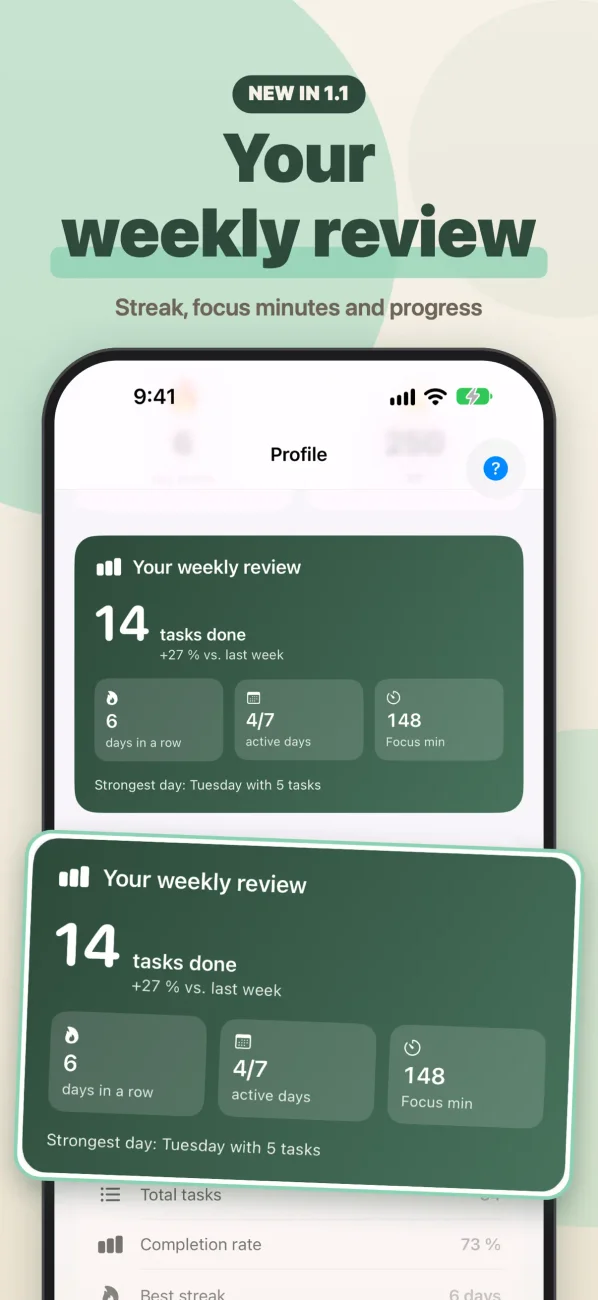
About
Klarflow speaks English and German – including voice input.
Klarflow is your personal daily planner – fast, beautiful and private.
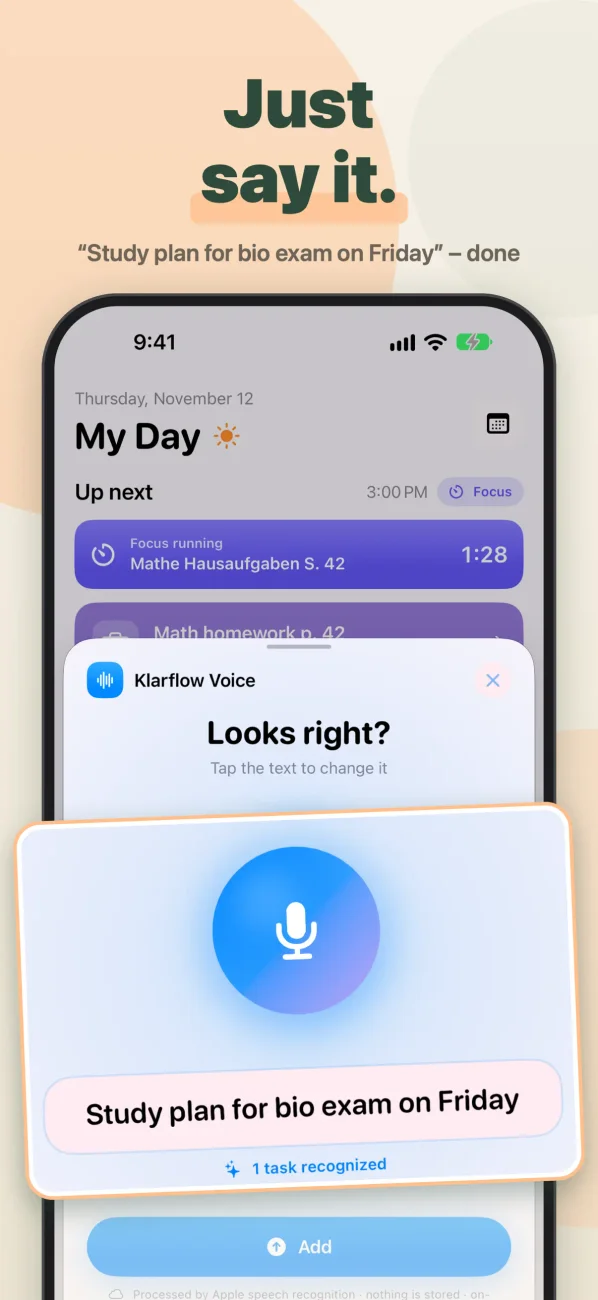
JUST SAY IT
Hold the microphone button, say what you need to do and let go. Tap “Add” – Klarflow recognizes tasks, dates, times and repeats, and sorts everything into the right category automatically.
KLARFLOW AI – RIGHT ON YOUR IPHONE
On devices with Apple Intelligence, Klarflow even understands casual speech, abbreviations and several commands at once: check off tasks, move appointments or ask what’s on tomorrow. The AI runs entirely on your device. Nothing is sent to a server.
WORKS WITH SIRI
Add tasks or ask about your day with Siri – also in the Shortcuts app.
SAFE WITH EVERY COMMAND
Deleting and moving are always confirmed first, and “Undo” reverses any voice command with one tap.
YOUR DAY AT A GLANCE
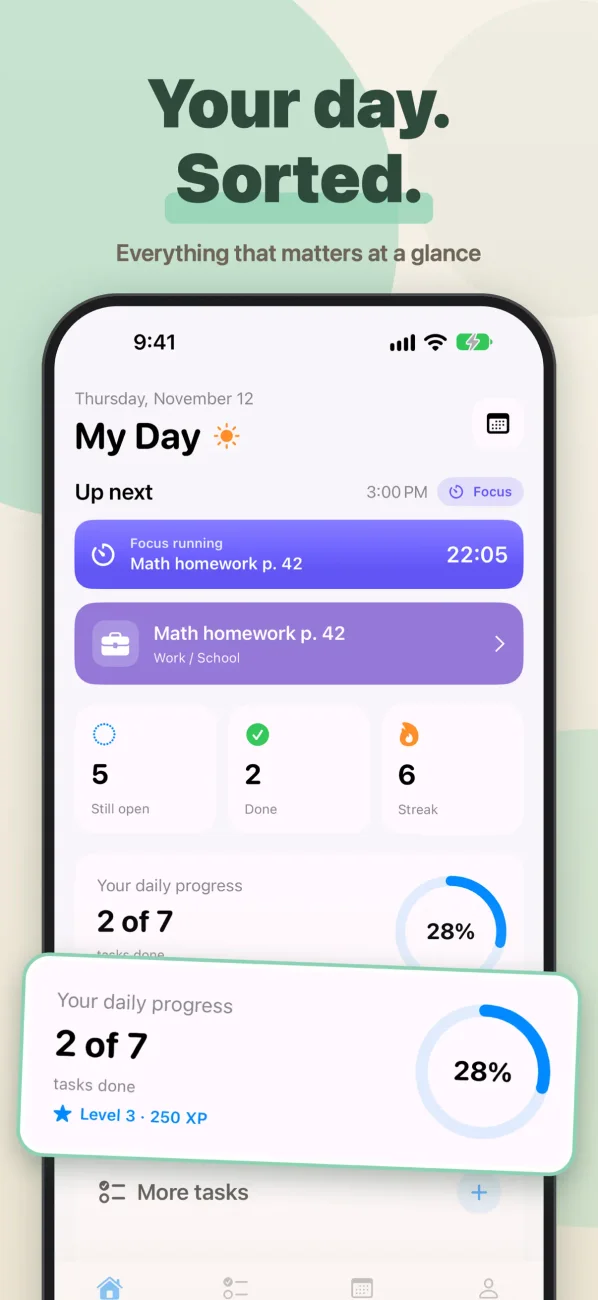
• “My Day” with progress, streak and your next task
• Week and month calendar
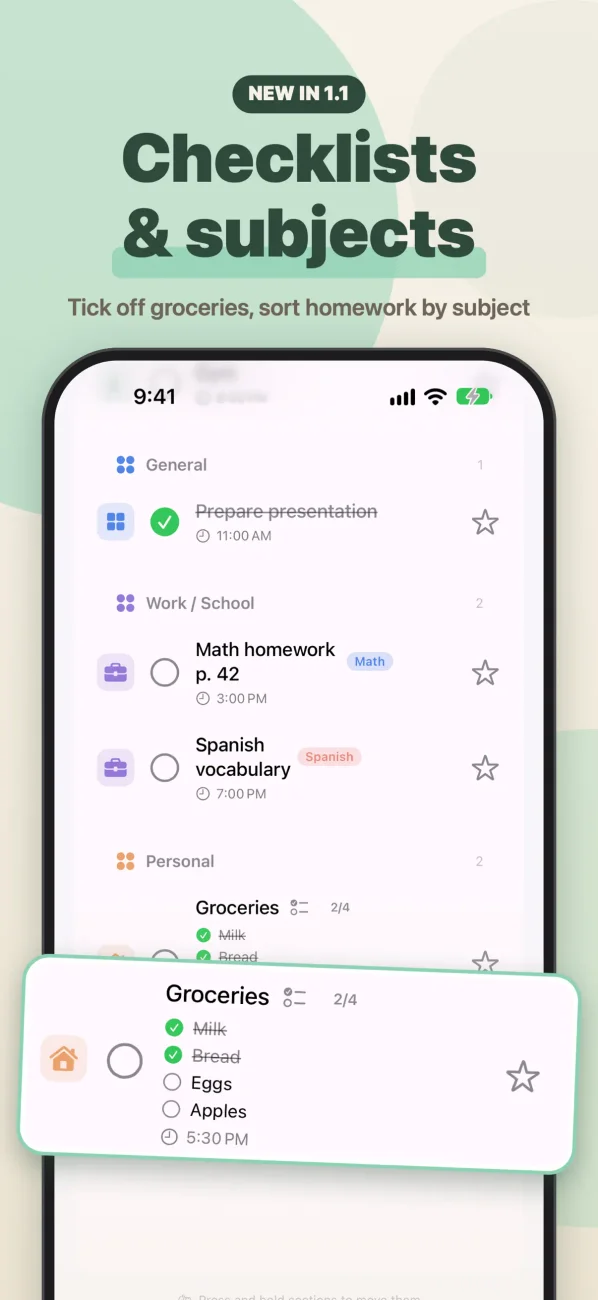
• Colors and categories for a clear overview
• Highlight important tasks
• Repeating tasks (daily, weekly, custom rules)
• Reminders at the right time
• Levels, XP and achievements that keep you motivated
MAKE IT YOURS
Choose colors, backgrounds, card styles and light or dark mode.
PRIVACY FIRST
• No account, no ads, no tracking
• All tasks stay on your iPhone
• Speech recognition offline whenever possible – otherwise only with your consent via Apple
• Export your data or delete everything at any time in Settings
Klarflow – your day. Your flow.
What’s new
Version 1.2 · Nov 19, 2026
New in 1.2
• Connect Apple Calendar: your tasks appear in your iPhone calendar automatically – and your events show up in Klarflow. Move something and it updates everywhere.
• Even smarter voice input: "in half an hour", "twenty past three" or "after school" – Klarflow now understands how you really talk.
• Evening reminder: if you like, Klarflow gives you a quick nudge in the evening to plan the next day.
• Small improvements and bug fixes.
App privacy
What Emil John declares on the App Store about how this app handles data.
-
Data not linked to you
May be collected but is not linked to your identity.
- Usage data
Privacy practices may vary, for example with the features you use or your age.
Information
- Seller
- Emil John
- Category
- Productivity
- Version
- 1.2
- Updated
- Nov 19, 2026
- Released
- Nov 10, 2026
- Size
- 4.8 MB
- Requires
- iOS 18.6 or later
- Age rating
- 4+
- Price
- Free
- Languages
- English, German
- Copyright
- © 2026 Emil John
You might also like
-
 everbinSave anything. AI sorts it.
-
 Calendar Agenda Planner - AeraCalm, minimal daily schedule
-
 Splacer: ADHD Planner & To-DosCalendar, Notes, Files & Lists
-
 Instant CalendarCreate Business Day Calendars
-
 SteelNote: Markdown NotesSimple, local, plain text
-
 Daily Planner - CouchdayPlan Your Day Like a Playlist
-
 To Do List – Tasks & RemindersTask Manager with Notes
-
 Timbo: AI Calendar, To Do ListReminders, Planner & Countdown
-
 SolaflexSolaflex GmbH
-
 e2n terminalProductivity