
Klear - Construction Manager
Real-Time Site Management App
Designed for iPhone, iPad, iPod touch
- Age rating4+
- CategoryProductivity
- DeveloperKizeo
- LanguagesFrench+ 7 more
- Size75.3 MB
Links to the official App Store page
Download.org hosts no file of Klear - Construction Manager. The button opens its official App Store page, published by Kizeo. Listing last checked on Nov 16, 2026.
Screenshots





About
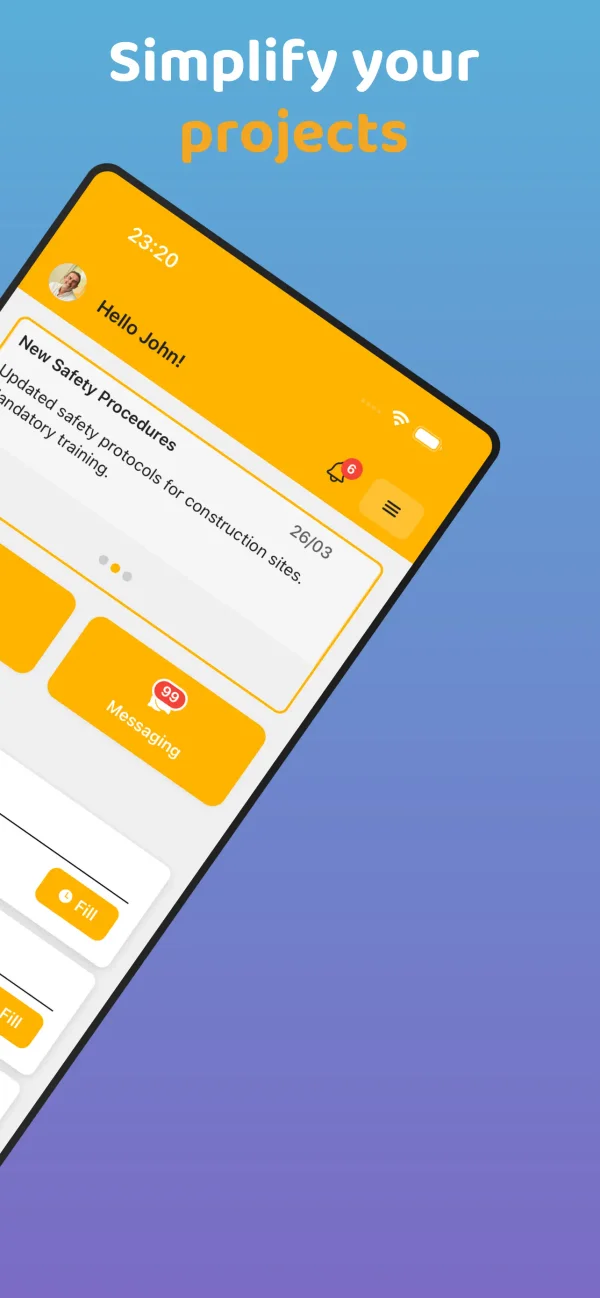
Transform your construction site management with Klear, the mobile app designed for site managers and construction professionals. Coordinate teams, track projects, and access documents instantly - even offline.
WHY CONSTRUCTION PROFESSIONALS CHOOSE KLEAR
Reduce travel time by up to 40% with intelligent route optimization. Stop wasting 1-2 hours daily on poorly planned trips. Our algorithm calculates the best itinerary based on time constraints, geolocation, and available slots.
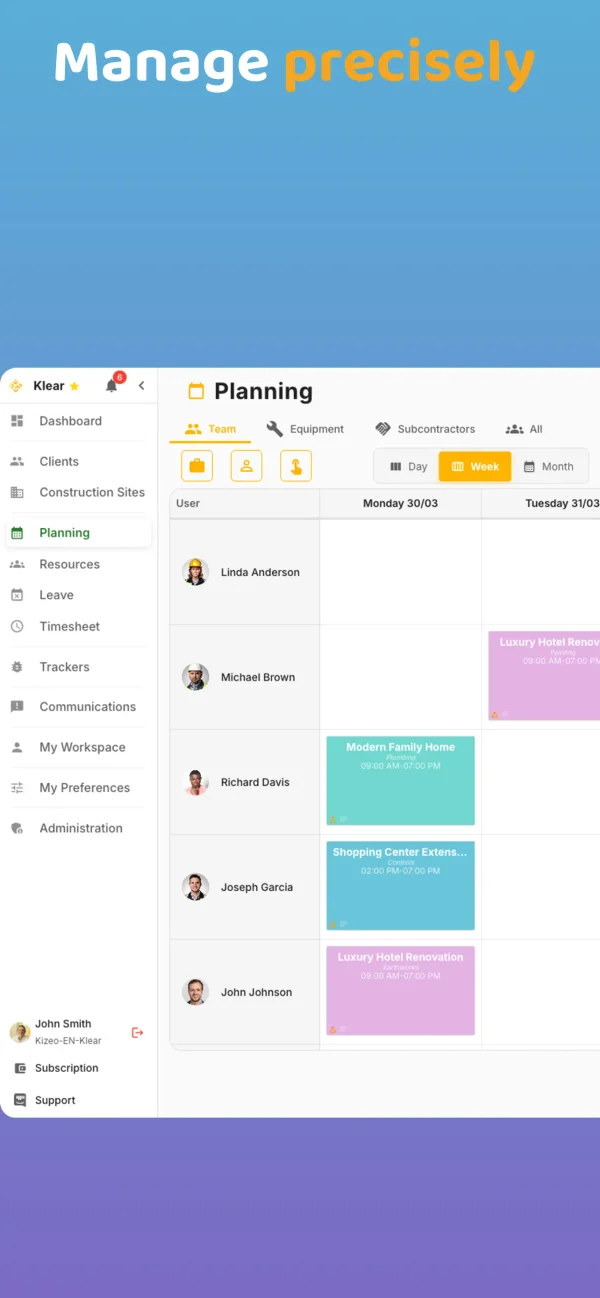
Manage teams, equipment, and subcontractors in one unified schedule. No more last-minute conflicts. Our drag-and-drop interface detects conflicts automatically - technicians on leave, equipment already assigned - and alerts you before validation.
Access all site documents instantly. No more searching through emails or folders. Centralize plans, photos, quotes, minutes, and invoices in one organized library. Find any document in 3 clicks, even offline.
KEY FEATURES
• Real-Time Project Management - Monitor construction sites with live status updates and progress tracking
• Visual Planning & Scheduling - Organize teams, equipment, and subcontractors with automatic conflict detection
• Interactive Site Map - Visualize all sites on one map and access their status instantly
• Professional Team Chat - Communicate with site managers and subcontractors via dedicated messaging with audio/video calls
• Centralized Document Library - Store and organize plans, photos, contracts, and invoices by customizable categories
• Pre-Built Templates - Speed up tasks with ready-to-use templates for reports, checklists, and forms
• Time Tracking & Timesheets - Monitor working hours, absences, and resource allocation
• Dashboard & Analytics - Track project progress, costs, and performance with visual reports
• Offline-First Design - Access critical information without internet connection
• Trade-Specific Organization - Structure projects by construction phases: Preparation, Structural Work, Utilities, Secondary Work, Finishing, Safety
FOUR VIEWS FOR EVERY SITUATION
Switch between four views depending on your needs:
- Planning View: Weekly organization
- Kanban View: Workflow management for priorities
- Map View: Geographic optimization for routes
- List View: Complete task overview
All views stay synchronized in real-time.
WHO BENEFITS FROM KLEAR
• Site Managers coordinating multiple projects
• Construction Companies managing teams and subcontractors
• Project Managers tracking progress and resources
• Field Supervisors needing instant access to plans
• Small to Medium Construction Businesses optimizing operations
REAL-WORLD USE CASES
Coordinate 6 different trades without chaos. Organize interventions by trade with color coding. The visual schedule respects dependencies between construction phases automatically.
Eliminate document search time. Electrical plans, structural photos, reception minutes - everything centralized and findable in seconds, organized by project and category.
Optimize daily routes automatically. One click recalculates the optimal sequence for daily interventions, considering time constraints and real locations.
Detect scheduling conflicts before they happen. The system checks team and equipment availability automatically, alerting you instantly before validation.
START MANAGING SMARTER TODAY
Join construction professionals who have transformed their site management with Klear. Download now and experience all your construction management tools in one powerful, mobile-first application.
What’s new
Version 1.1.209 · Nov 11, 2026
What's new:
• Chat: "Save to gallery" or "Share" with a long press; "Kizeo Forms Form" in the + menu.
• Absences: approve your own pending absence (depending on your rights).
Improvements:
• My Planning and Team Planning: days better separated ("Today", number of events).
• Absences: the end date of a period no longer changes when you edit it.
App privacy
What Kizeo declares on the App Store about how this app handles data.
-
Data linked to you
May be collected and linked to your identity.
- Location
- Contact info
- User content
- Identifiers
Privacy practices may vary, for example with the features you use or your age.
Information
- Seller
- KIZEO
- Category
- Productivity
- Version
- 1.1.209
- Updated
- Nov 11, 2026
- Released
- Dec 8, 2025
- Size
- 75.3 MB
- Requires
- iOS 15.1 or later
- Age rating
- 4+
- Languages
- French, German, English, Spanish, Italian, Dutch, Polish, Portuguese
- Copyright
- © Kizeo 2025
You might also like
-
 BatisimplyProductivity
-
 Construction Site Manager AIDaily Logs, Inventory & Team
-
 Ballast Ferroviaire TransportProductivity
-
 Chantier & PlanningProductivity
-
 Mes ChantiersProductivity
-
 L'Artisan ConnectéProductivity
-
 MonstockGestion des stocks
-
 PunchyGestion des réserves
-
 ODEIConstruction management
-
 BTP MobileProductivity