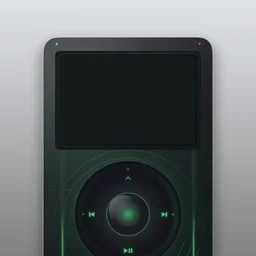
klikWheel
Retro scroll-wheel player
Designed for iPhone, iPad
Free · In-app purchases
- Age rating4+
- CategoryMusic
- DeveloperJoshua Stoner
- Size40.0 MB
Links to the official App Store page
Download.org hosts no file of klikWheel. The button opens its official App Store page, published by Joshua Stoner. Listing last checked on Nov 24, 2026.
Screenshots

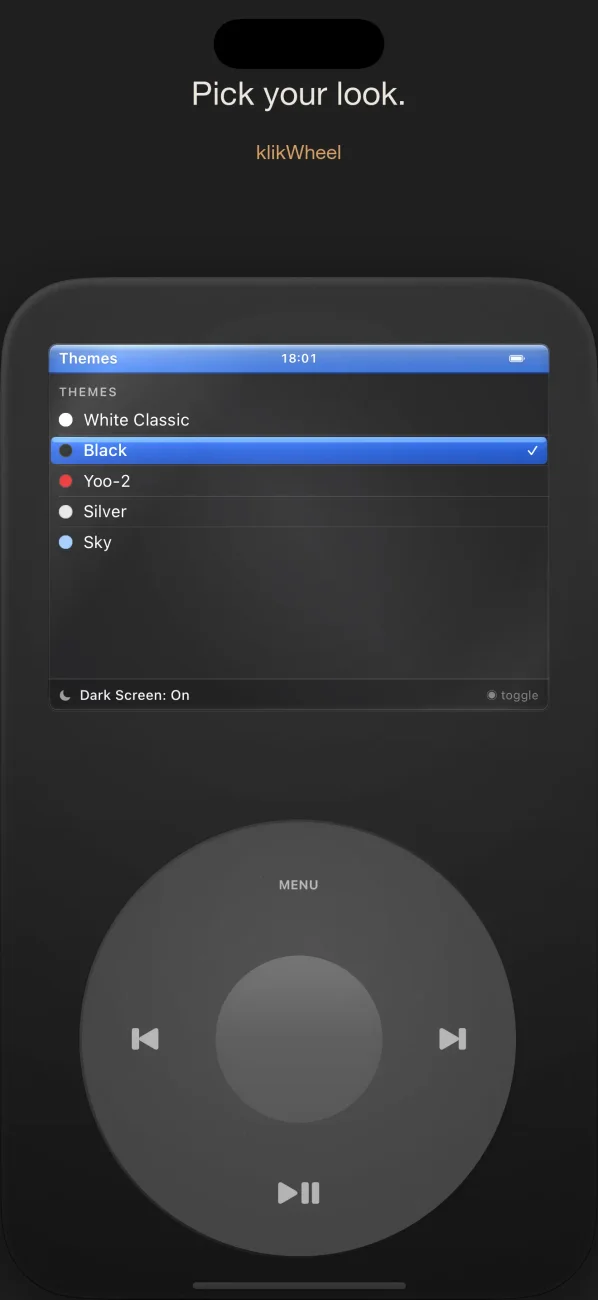
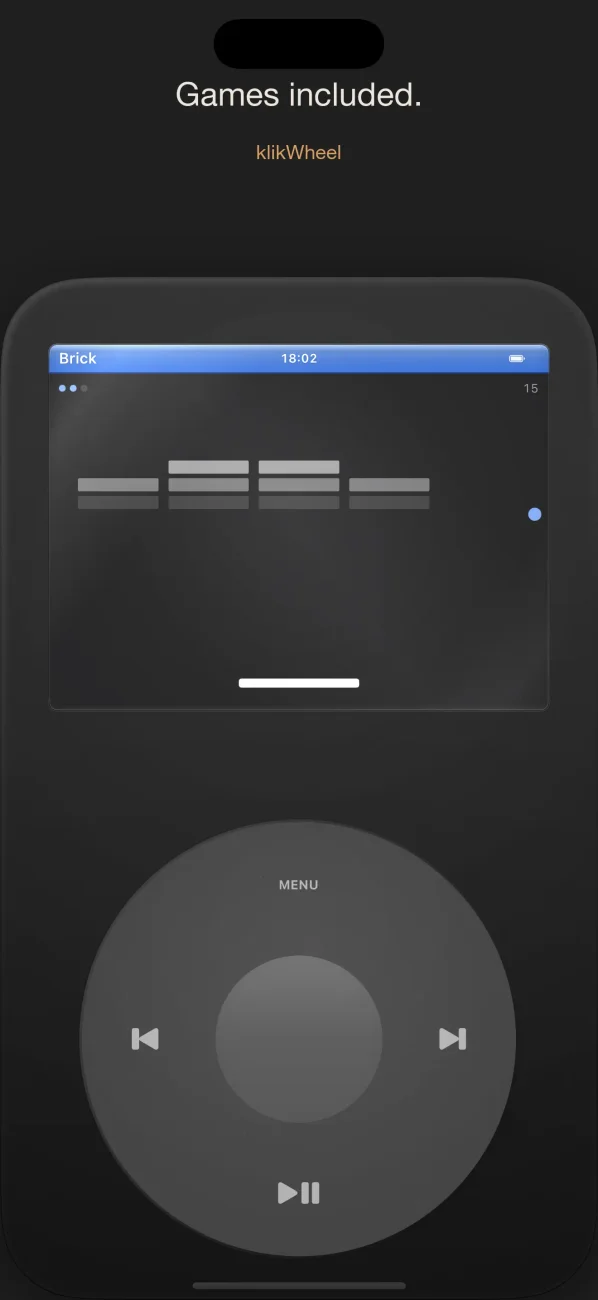
About
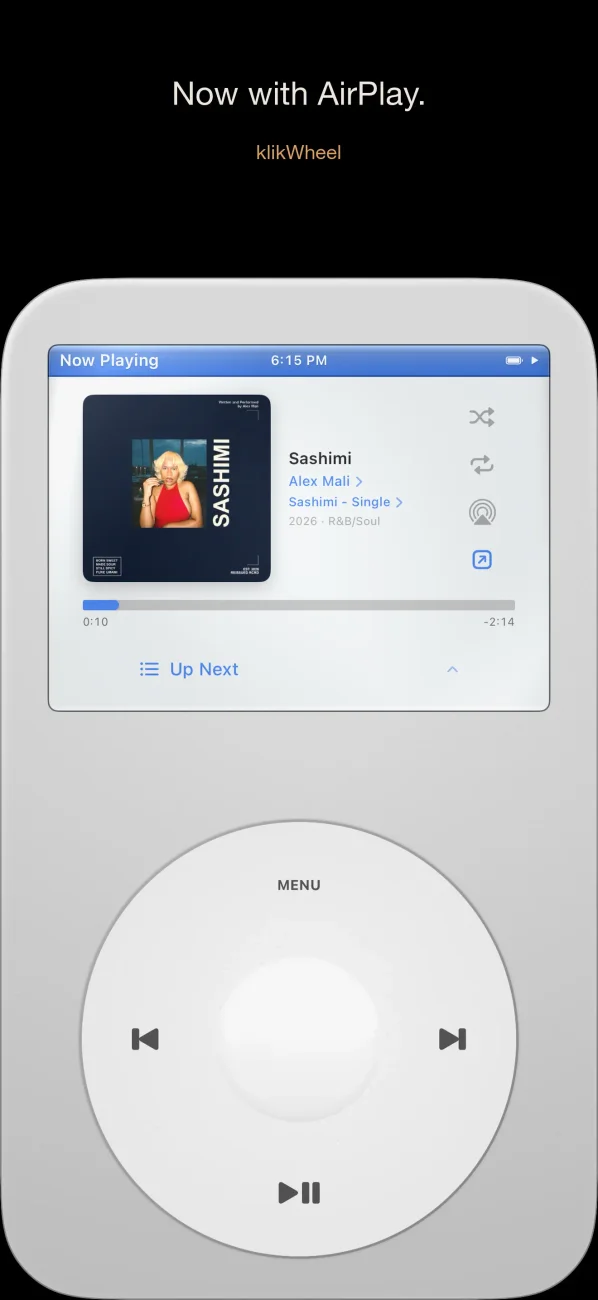
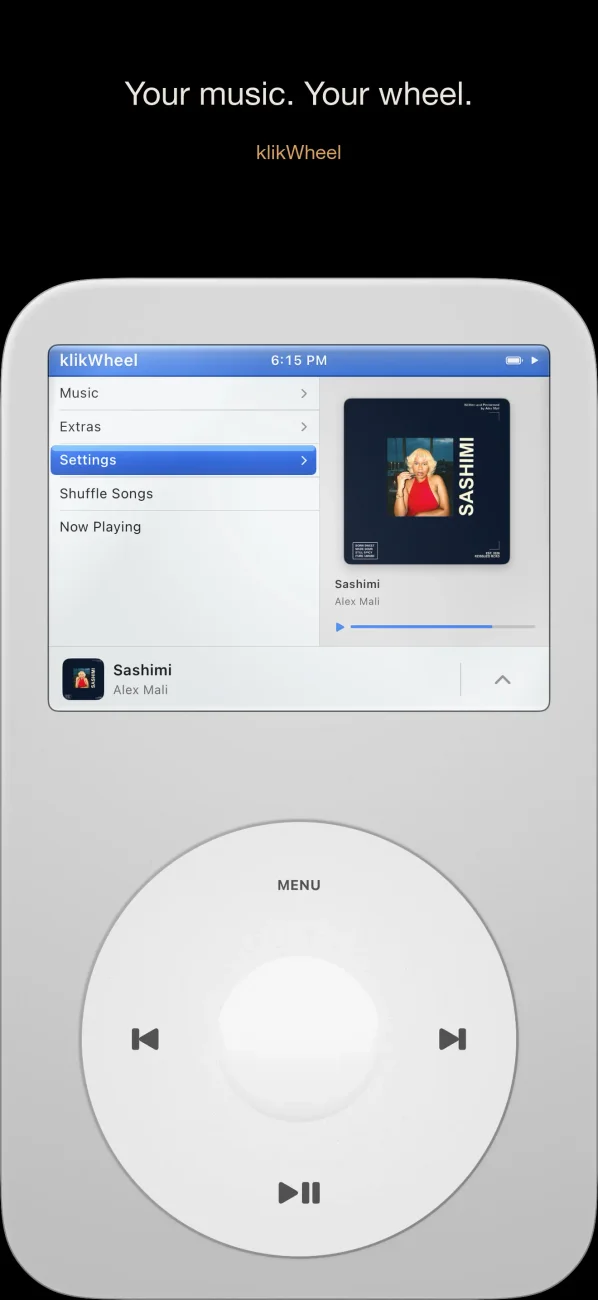
klikWheel is a music player you actually touch. Spin the wheel to scroll, press to play, and get through your library without looking at a grid of tiles.
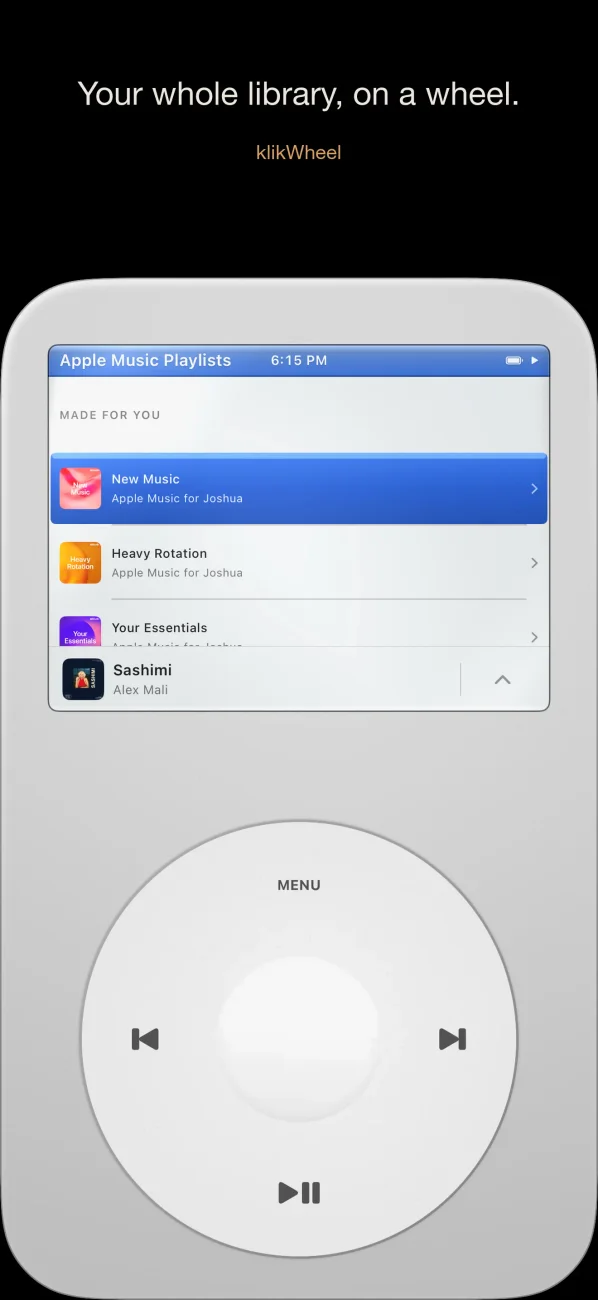
Play your own files or pull from Apple Music—through the same click-wheel either way, on iPhone and iPad.
FEATURES
• Scroll-wheel navigation with haptic clicks
• Import your own library (MP3, FLAC, and more)—plays fully offline
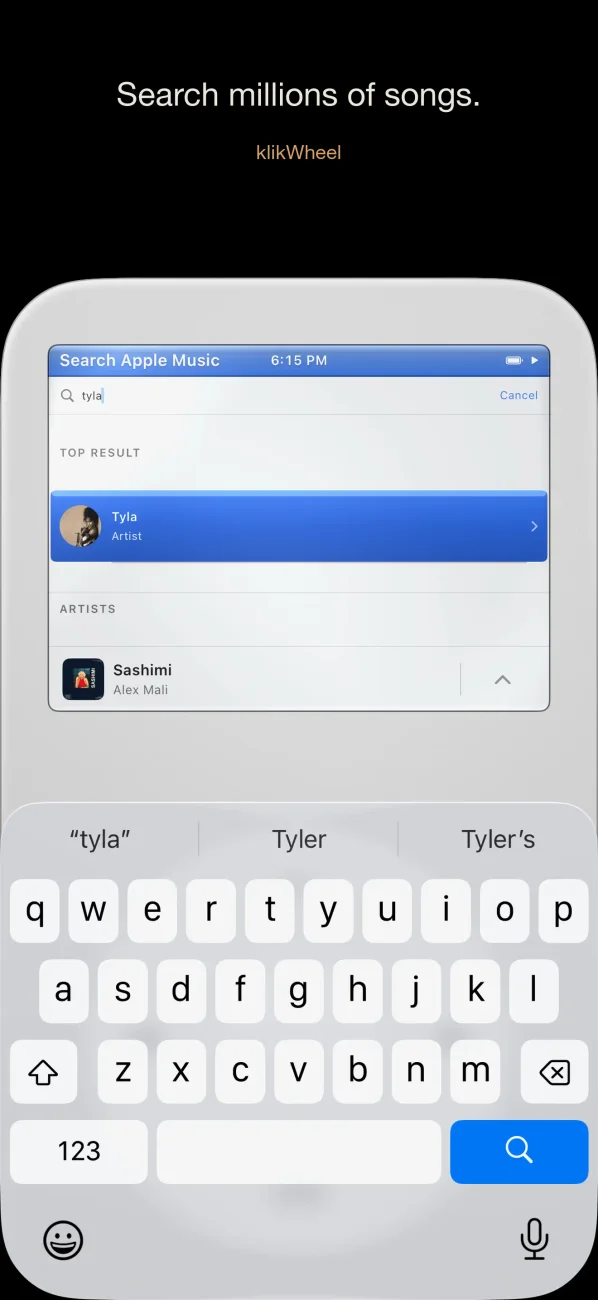
• Apple Music—search, browse by artist and album, explore playlists, play full tracks with your subscription
• iPad—fullscreen, windowed, split
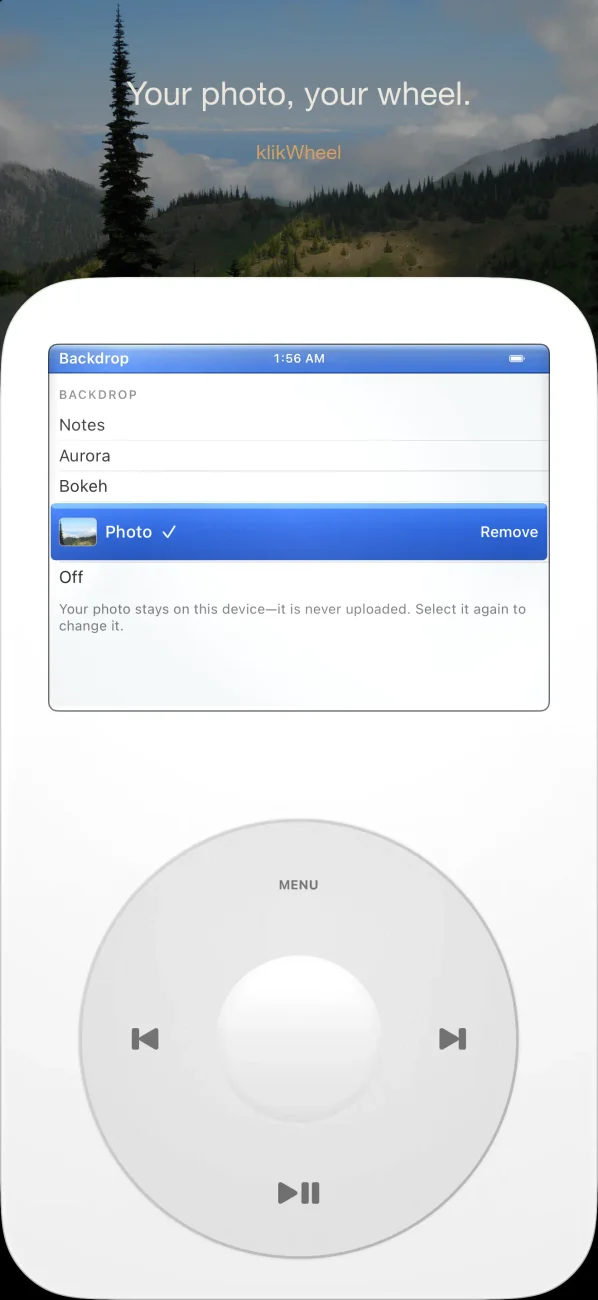
• Backdrops—floating notes, a Metal aurora, or bokeh that react to what's playing
• Hide Explicit—filters your local library and Apple Music at once, center-press to toggle
• Sort albums A–Z or newest-first
• Drag to scrub on the Now Playing screen
• Block artists from your queue
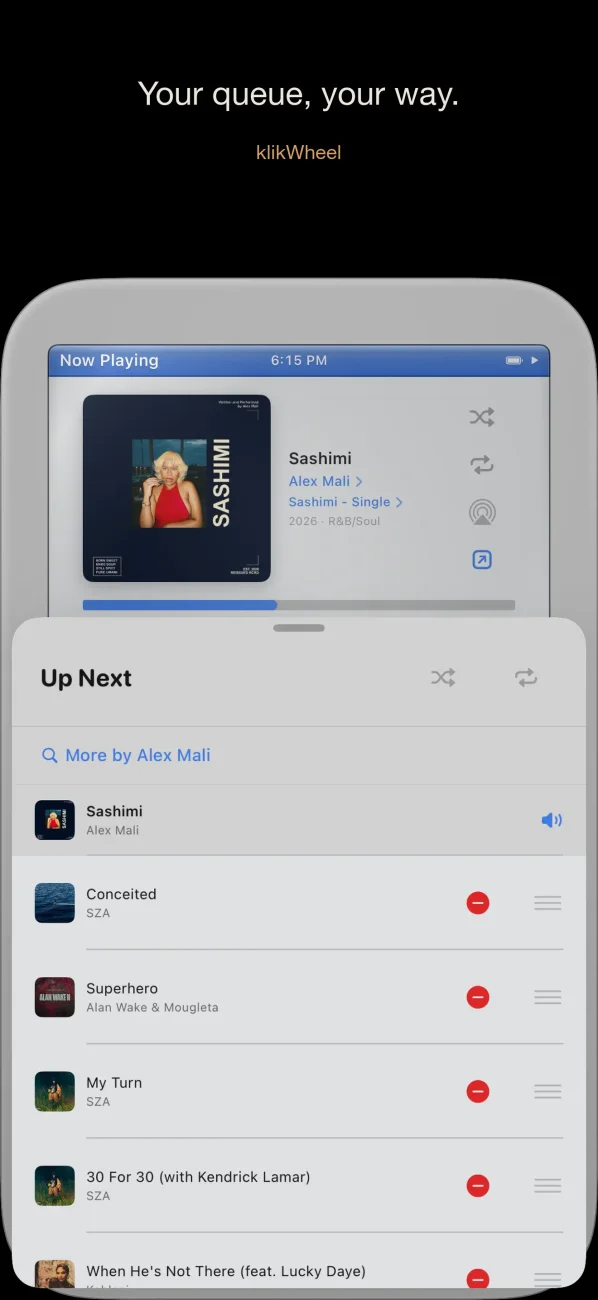
• Edit your Up Next queue—drag to reorder, swipe to remove
• Local playlists—multi-select and search to build them fast
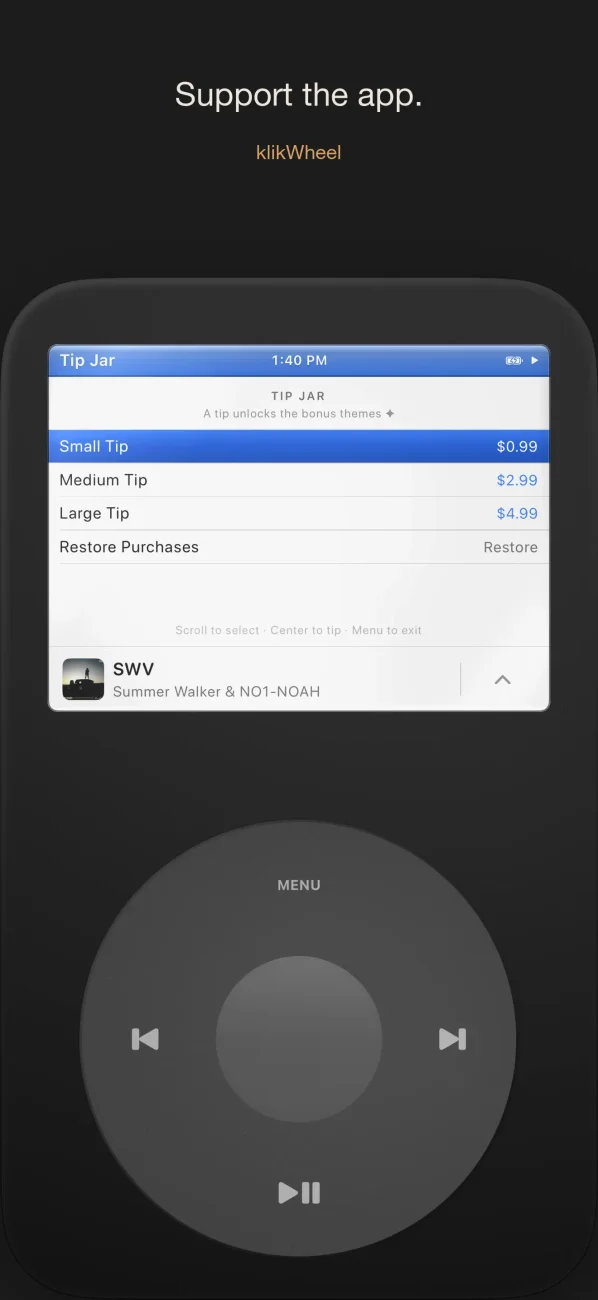
• 12 collectible themes, 3 unlockable Pro themes
• Extras: Brick, Snake, a Fidget toy, and a Clock
• Full VoiceOver and Dynamic Type support
No klikWheel account. No tracking. No ads. Just your music and a wheel.
klikWheel is an original, unofficial tribute to the dedicated scroll-wheel music players of the 2000s. It is not affiliated with, endorsed by, or associated with Apple Inc.
What’s new
Version 1.8.0 · Nov 23, 2026
New: a photo backdrop and a Home Screen icon you choose. Plus fixes.
• Pick your own photo as the backdrop: Settings > Appearance > Backdrop > Photo. Your original stays in Photos.
• Choose a Home Screen icon separately from your theme, or leave it on Match Theme to follow your theme: Settings > Appearance > App Icon. All 14 icons are redrawn: a frosted-glass click wheel in each theme's colors, and a white iPod for White Classic. Free users pick from seven; tips and secret themes unlock more. iOS shows its own notice each time the icon changes.
• Songs from your own library can resume by themselves after a call, Siri, or an alarm, if you were away five minutes or less.
• Artists now sort A–Z, skipping a leading The, A, or An. Albums do the same when Settings > Albums is set to A–Z. Genres sort A–Z too.
• Slower presses on the wheel buttons now register.
• Up Next and the playlist sheets are now opaque cards in your theme's screen color, so the wheel's color no longer shows through their captions and buttons.
• One unreadable value in your library file no longer empties the whole library.
• When the app recovers your library from its backup, your songs keep their titles, artists, and albums.
• Imported FLAC files now get their track and disc numbers, album artist, genre, composer, and cover art. FLACs already in your library update once, the first time you open this version.
• A file the player can't open is now skipped on import, and the alert says which files were skipped.
• An empty playlist now offers Add Songs right there. If your library is empty, it tells you to use Import Music in the Music menu first.
App privacy
What Joshua Stoner declares on the App Store about how this app handles data.
-
Data not collected
The developer does not collect any data from this app.
Privacy practices may vary, for example with the features you use or your age.
Information
- Seller
- Joshua Stoner
- Category
- Music
- Version
- 1.8.0
- Updated
- Nov 23, 2026
- Released
- Jun 10, 2026
- Size
- 40.0 MB
- Requires
- iOS 17.0 or later
- Age rating
- 4+
- Price
- Free
- In-app purchases
- Yes
- Copyright
- © 2026 Joshua Stoner
You might also like
-
 MusicPod: Classic Music PlayerBrowse Albums in 3D Cover Flow
-
 myPod: Retro Music PlayerYour Music, Your Way
-
 NewPod: Music Offline PlayerMusic, Back at Your Fingertips
-
 RetroPod MusicYour music, made tactile
-
 Jam-PodMusic, the old-school way
-
 MuseDial: Music PlayerRetro, reimagined.
-
 SepiaPod - Retro Music PlayerNostalgic. Elegant. Music.
-
 StereoXImmersive listening
-
 SurgePod: Track Your ListeningAll Your Stats - Nostalgic UI
-
 UltraPod: Retro Music PlayerApple Music, MP3 & Navidrome