- Age rating4+
- CategoryMusic
- DeveloperKlipsch Group, Inc.
- LanguagesEnglish+ 11 more
- Size254.8 MB
Links to the official App Store page
Download.org hosts no file of Klipsch Connect. The button opens its official App Store page, published by Klipsch Group, Inc. Listing last checked on Nov 15, 2026.
Screenshots



About
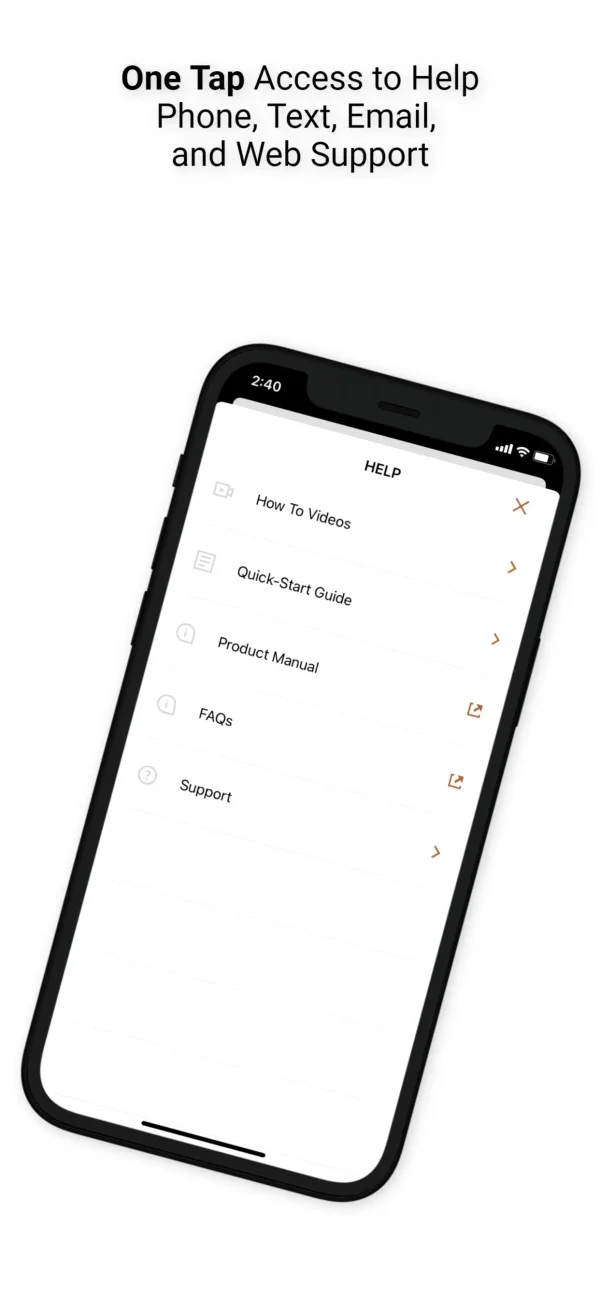
Need support or have a feature suggestion? Please reach out to our Product Support team:
• Live Chat in the App or
• https://support.klipsch.com or
• +1-800-KLIPSCH
Klipsch Connect™ works with:
• The One Plus and The Three Plus tabletop speakers
• The Fives, The Sevens, The Nines, and The Nines McLaren powered monitors
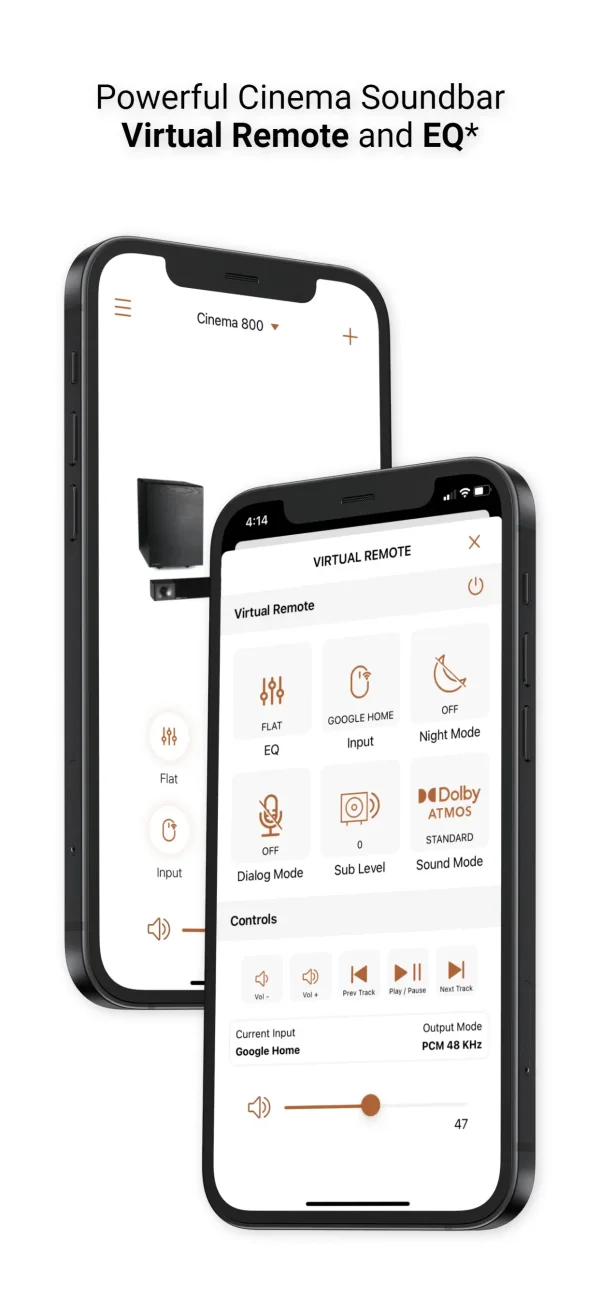
• Cinema 700, 800 and 1200 Series soundbars
• Cinema 600 Series soundbar
• T5 Series True Wireless earphones
• T5 II series True Wireless earphones
• T5 II ANC series True Wireless earphones
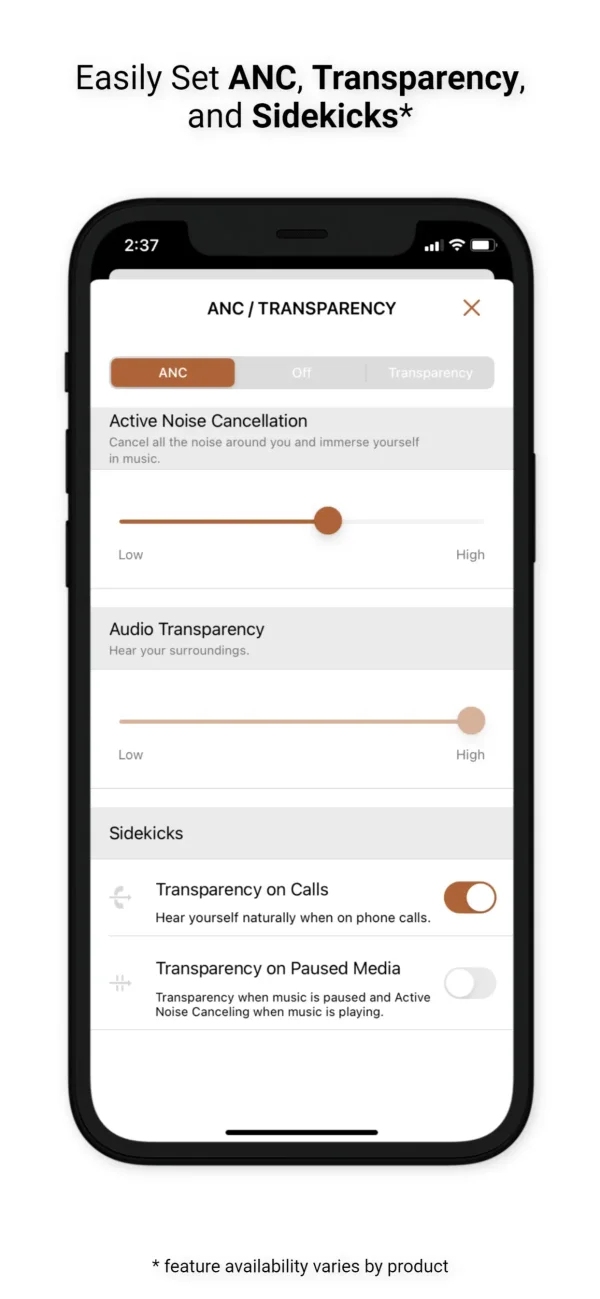
You can easily personalize your experience by adjusting EQ, transparency, and ANC settings. Soundbar and Powered Monitor products all support Virtual Remote Control. You can install feature updates, troubleshoot common issues, contact product support - including in-app Live Chat, and much more.
Features (availability varies by product):
• Virtual Remote Control
• EQ Presets
• Custom EQ Adjustments
• ANC Level Control
• Transparency Mode & Level
• Dirac HD Sound
• Dynamic Bass Control - a.k.a. "Loudness"
• Room Placement Control - a.k.a. "Bass Cut Mode"
• Dolby Atmos (tm) Sound Mode Control
• Night Mode and Dialog Mode Control
• Channel-Specific Volume Control
• Subwoofer Volume Control
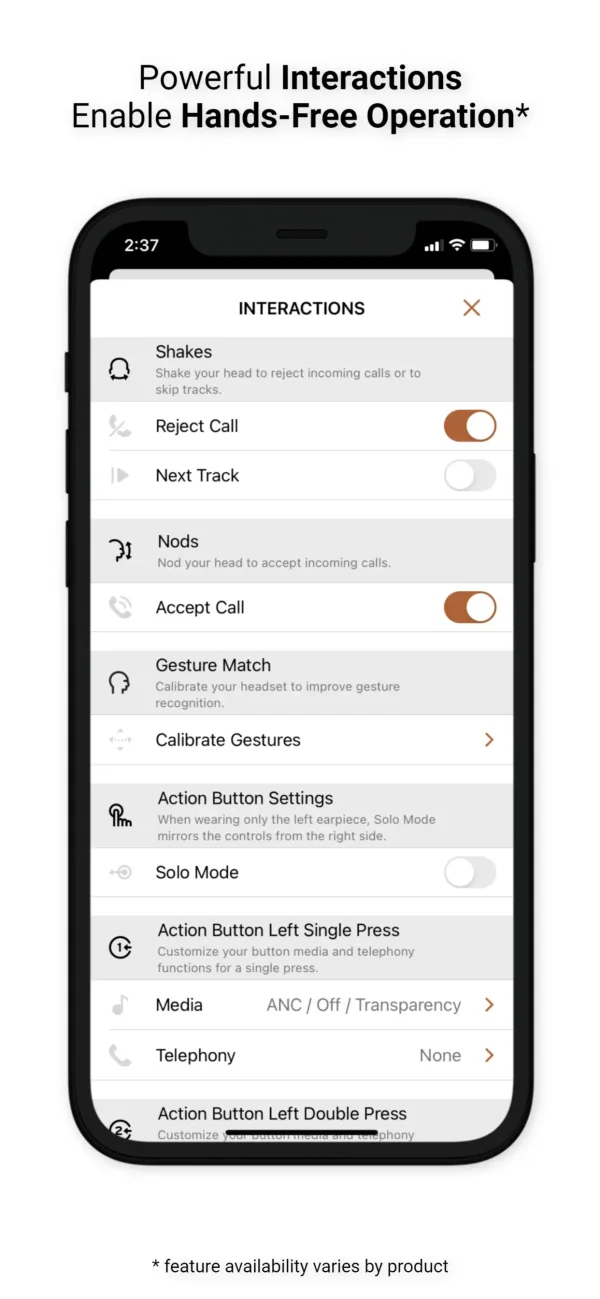
• Bragi AI, Moves & Sidekicks
• Battery Level & Status
• Live Chat with Support (during business hours)
• Quick-Start Guides & Product Manuals
• How-To Videos and FAQs
• Product Firmware and Feature Updates
• Product Registration
• Easy Access to Product Support
IMPORTANT FIVES UPDATE: If you cannot connect after you run the Fives Updater app, that means Step 1 did not complete successfully. Make sure to run the USB update. If you need help, we're here for you - please reach out to Product Support (link below) and we'll help you complete the update.
How to Access Cinema Soundbar and Fives, Sevens, and Nines Virtual Remote Capabilities:
Cinema 1200, 800, and 700
Virtual Remote Control and EQ features require the soundbar be running the latest update. This normally happens automatically when the soundbar has been connected to the Internet, either via Klipsch Connect or Google Home. If your device has not been connected to the Internet, please contact our Product Support Team for assistance. See details below.
The Fives, The Sevens, and The Nines, including McLaren Editions
Virtual Remote Control and EQ features require the powered monitors be running the latest update. If you have not updated your Fives already, please download the free "Klipsch The Fives Updater" app. This will walk you through the update process. After the update is complete, all future updates will come through Klipsch Connect. Our Product Support team can walk you through the entire process. Simply reach out to us at:
• Live Chat in the App! or
• https://support.klipsch.com or
• +1-800-KLIPSCH
What’s new
Version 1.20.0 · Nov 14, 2023
• Added support for Music City products
• Visual improvements
• Tweaks and bug fixes based on customer feedback
App privacy
What Klipsch Group, Inc. declares on the App Store about how this app handles data.
-
Data linked to you
May be collected and linked to your identity.
- Contact info
-
Data not linked to you
May be collected but is not linked to your identity.
- User content
- Identifiers
- Usage data
- Diagnostics
Privacy practices may vary, for example with the features you use or your age.
Information
- Seller
- Klipsch Group, Inc.
- Category
- Music
- Version
- 1.20.0
- Updated
- Nov 14, 2023
- Released
- Mar 6, 2020
- Size
- 254.8 MB
- Requires
- iOS 12.4 or later
- Age rating
- 4+
- Price
- Free
- Languages
- English, French, German, Indonesian, Italian, Japanese, Korean, Portuguese, Russian, Simplified Chinese, Spanish, Traditional Chinese
- Copyright
- © 2020-2023 Klipsch Group, Inc.