
Koala Sampler • Beat Maker
Your Pocket Beat Machine
Designed for iPhone, iPad, iPod touch
$4.99 · In-app purchases
- Age rating4+
- CategoryMusic
- DeveloperMazbox Limited
- LanguagesEnglish
- Size62.3 MB
Links to the official App Store page
Download.org hosts no file of Koala Sampler • Beat Maker. The button opens its official App Store page, published by Mazbox Limited. Listing last checked on Nov 25, 2026.
Screenshots


About
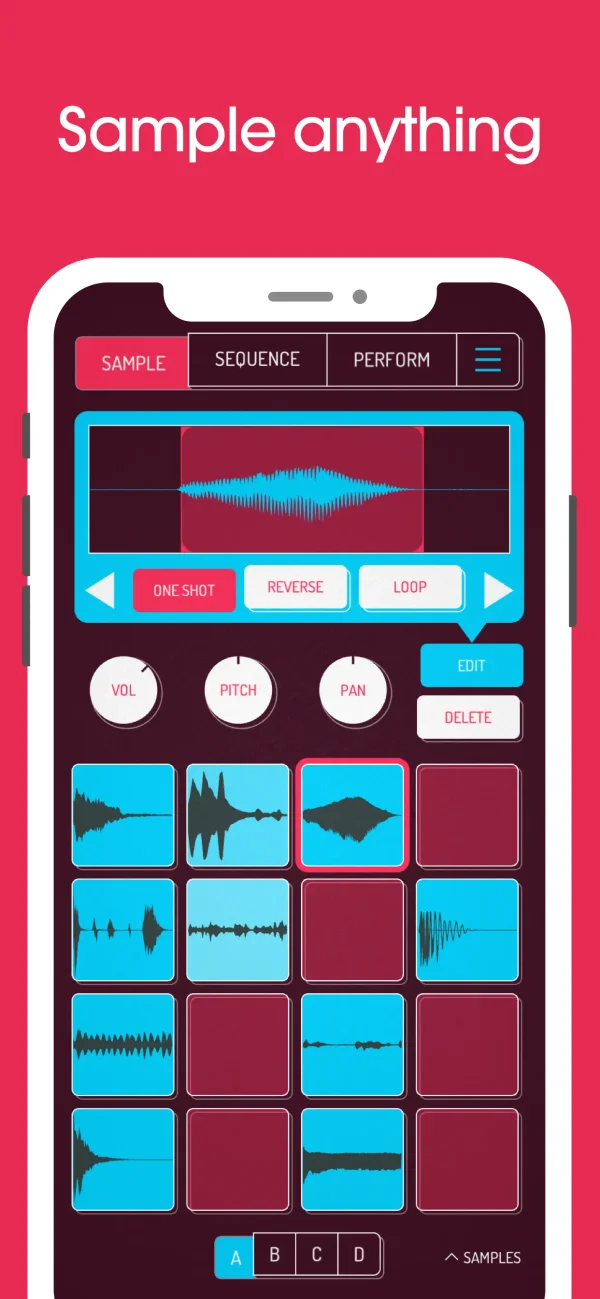
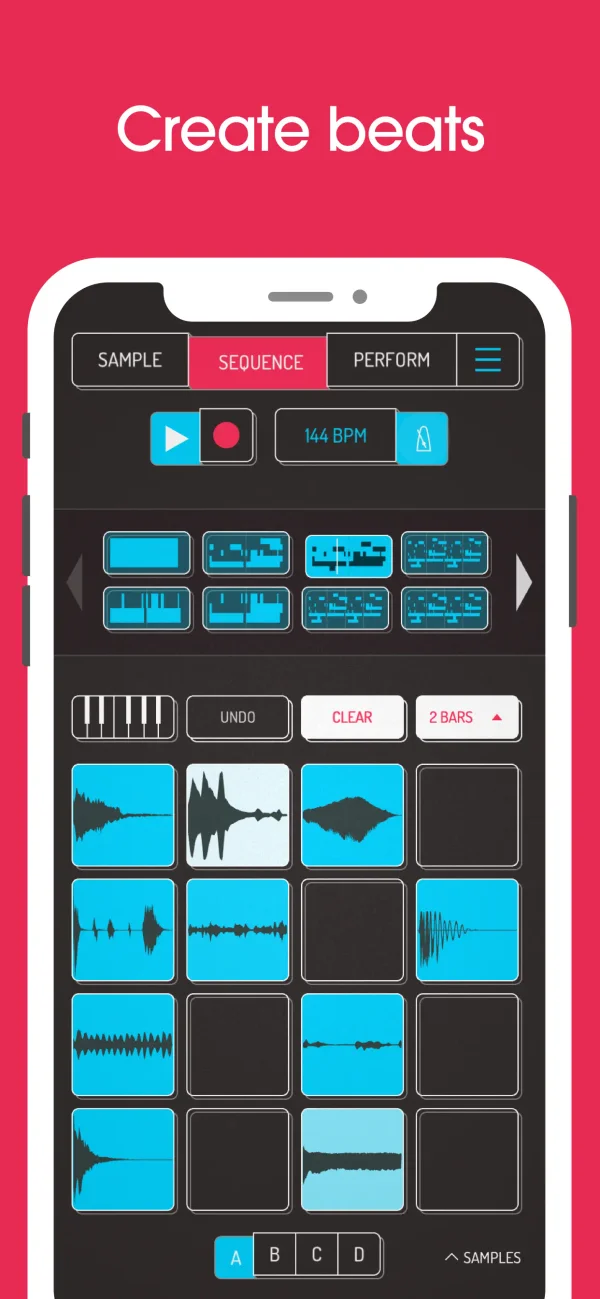
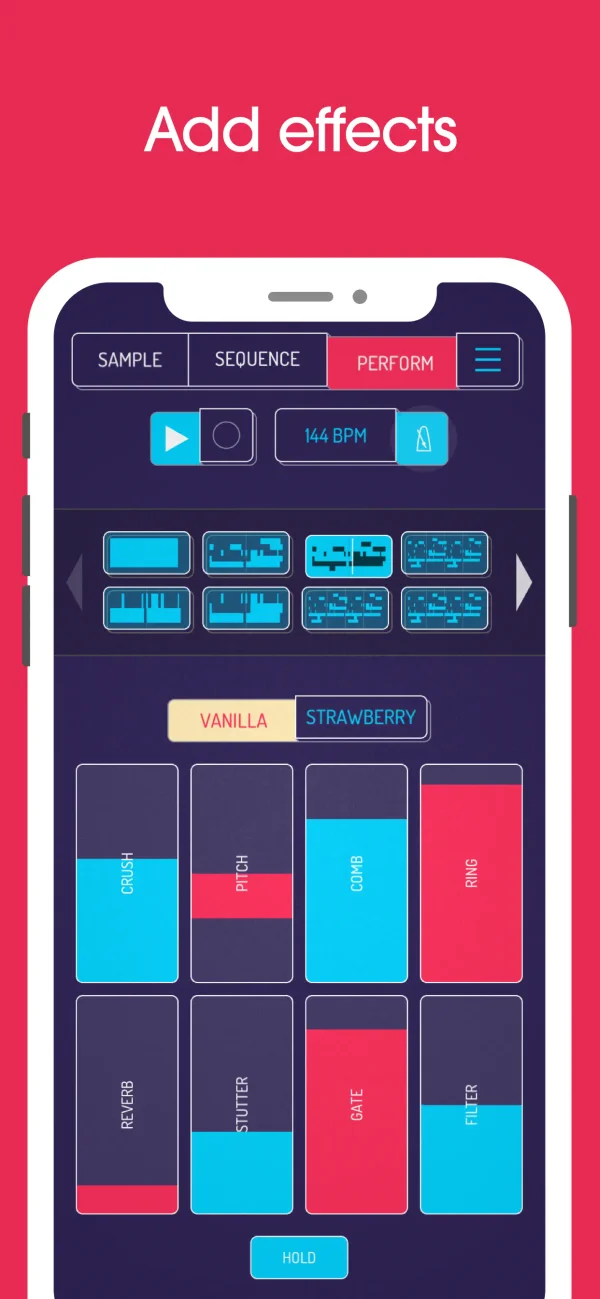
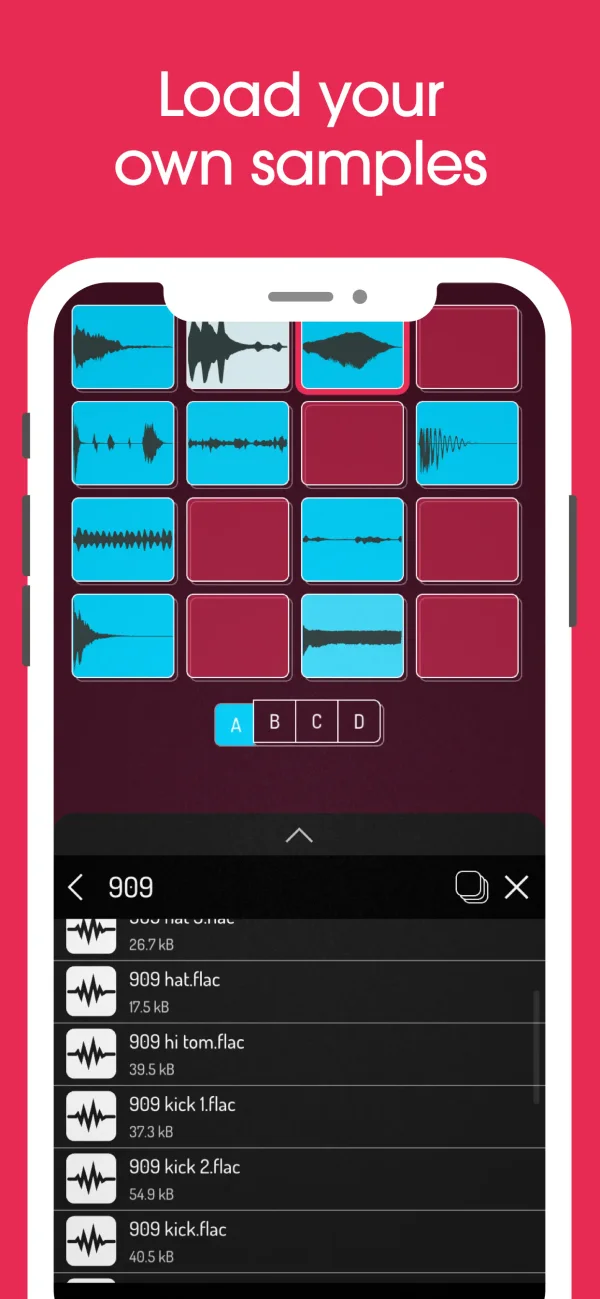
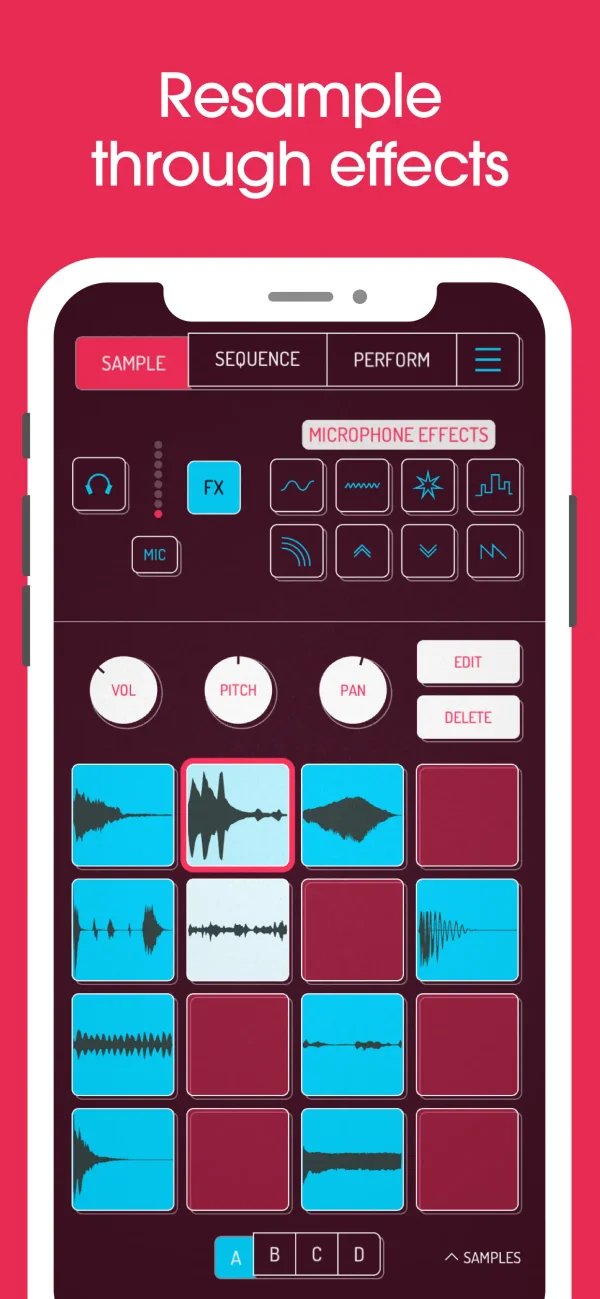
Koala is the ultimate pocket-sized sampler. Record anything with your phone's mic or load your own sounds. Use Koala to create beats with those samples, add effects and create a track!
Koala's super intuitive interface helps you make a track in a flash - there is no brake pedal. You can also resample the output of the app back into the input, through the effects, so the sonic possibilities are endless.
Koala's design focuses totally on making the music-making process instant, keeping you in the flow and keeping it fun, not getting bogged down by pages of parameters and micro-editing.
"Been putting that $4 koala sampler to good use lately. Undeniably great tool that puts some of these expensive beat boxes to shame. A must cop."
-- flying lotus, twitter
* Record up to 64 different samples with your mic
* Transform your voice or any other sound with 16 superb built-in fx
* Load your own samples
* Choose from one of 250 built-in sounds
* Resample the output of the app back into a new sample
* Export loops or entire tracks as professional quality WAV files
* Direct export to Ableton Live Set
* Copy/paste or merge sequences just by dragging them
* Create beats with the high-resolution sequencer
* Import samples from the Files app or even from videos
* Keyboard mode lets you play chromatically or one of 9 scales
* Quantize, add swing to get the right feel
* Normal/One-shot/Loop/Reverse playback of samples
* 6 Choke groups
* Attack, release and tone adjustable on each sample
* Mute/Solo controls and note repeat
* Add any (or all) of the 16 effects to the entire mix
* AUv3 compatible - use in GarageBand, Logic, Cubasis etc etc
* MIDI controllable - play your samples on a keyboard, map the effects to knobs
* Jam with others over WiFi with Ableton Link
* Free copy of Ableton Live Lite included
* AudioShare compatible
* Use AI to separate samples into individual instruments (drums, bass, vocals and other)
* Set your own background image and choose from a growing list of background visual FX
8 Built-in Microphone FX:
* More Bass
* More Treble
* Fuzz
* Robot
* Reverb
* Octave up
* Octave down
* Synthesizer
16 Built-in DJ Mix FX:
* Bit-crusher
* Pitch-shift
* Comb filter
* Ring modulator
* Reverb
* Stutter
* Gate
* Resonant High/Low Pass Filters
* Cutter
* Reverse
* Dub
* Tempo Delay
* Talkbox
* VibroFlange
* Dirty
* Compressor
Features included in SAMURAI In-App Purchase
* Pro-quality Timestretch (5 modes: Modern, Retro, Beats, Re-pitch and Cyclic)
* Piano roll editor
* Auto-chop (auto, equal, and lazy chop)
* 3 Band EQ
* Pocket operator sync out
* Quokka Synth - powerhouse polyphonic synthesizer
* MIDI Out - control external MIDI hardware with Koala's sequencer
* Chopper - multimodal sample chopping instrument
Features included in MIXER In-App Purchase
* Mix your beats professionally with a 4 channel mixer + main bus
* Route any sample to any channel
* Mute/solo, faders and accurate metering on every channel
* 5 effect slots per channel
* 29 high-quality effects - compressors, filters, phasers and more, with new effects to come
* Host AUv3 plugins - both audio effects and instruments
What’s new
Version 2.0.28 · Nov 21, 2026
- Koala Connect - link two Koalas on the same network and work on one session together, or send a song from one to the other. Switch it on in GENERAL settings. Works between phones, tablets and computers, and in the desktop plug-ins (including Logic)
- Kits - EXPORT > KIT saves the current bank, with every pad in it, as a .kit file. Open or drop a kit to load it into the current bank.
- colours on SMC-PAD pads
App privacy
What Mazbox Limited declares on the App Store about how this app handles data.
-
Data not linked to you
May be collected but is not linked to your identity.
- Diagnostics
Privacy practices may vary, for example with the features you use or your age.
Information
- Seller
- Mazbox Limited
- Category
- Music
- Version
- 2.0.28
- Updated
- Nov 21, 2026
- Released
- Feb 28, 2019
- Size
- 62.3 MB
- Requires
- iOS 15.0 or later
- Age rating
- 4+
- Price
- $4.99
- In-app purchases
- Yes
- Languages
- English
- Copyright
- © 2026 elf audio
You might also like
-
 Loopy Pro: Looper DAW SamplerLive looping. Your way.
-
 Ableton NoteA place to start musical ideas
-
 King of FM 2: DX Synth/E Piano#1 DX7 Sounds & Electric Piano
-
 AudioKit Synth One SynthesizerFeature-packed Pro Synthesizer
-
 AudioKit Synth One J6 + AUv3Pro Analog Synthesizer Fun!
-
 AUM - Audio MixerConnect, route, mix, record!
-
 Animoog Z SynthesizerMultisensory Music Production
-
 Dawnbeat - SamplerCreative Sampler
-
 Beat Maker - SamplerMake the best beats on the go!
-
 DramboModular groovebox, synth & fx