
- Age rating4+
- CategoryPhoto & Video
- DeveloperPrinics Co., Ltd
- LanguagesEnglish+ 16 more
- Size175.8 MB
Links to the official App Store page
Download.org hosts no file of KODAK MEMO. The button opens its official App Store page, published by Prinics Co., Ltd. Listing last checked on Nov 14, 2026.
Screenshots

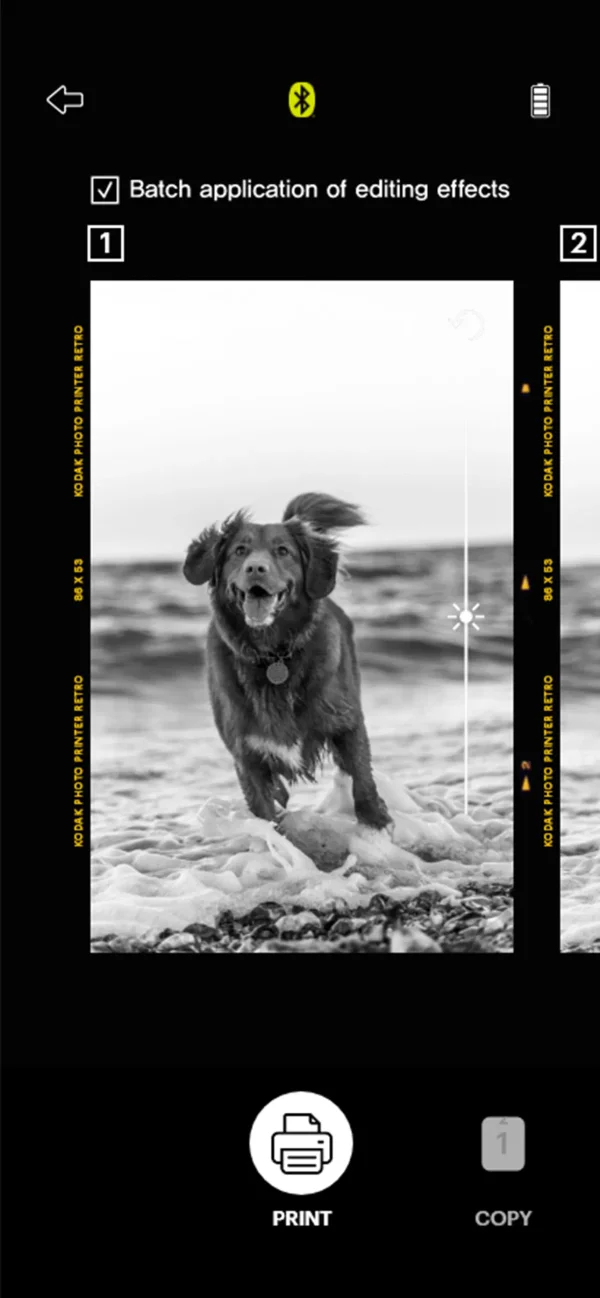
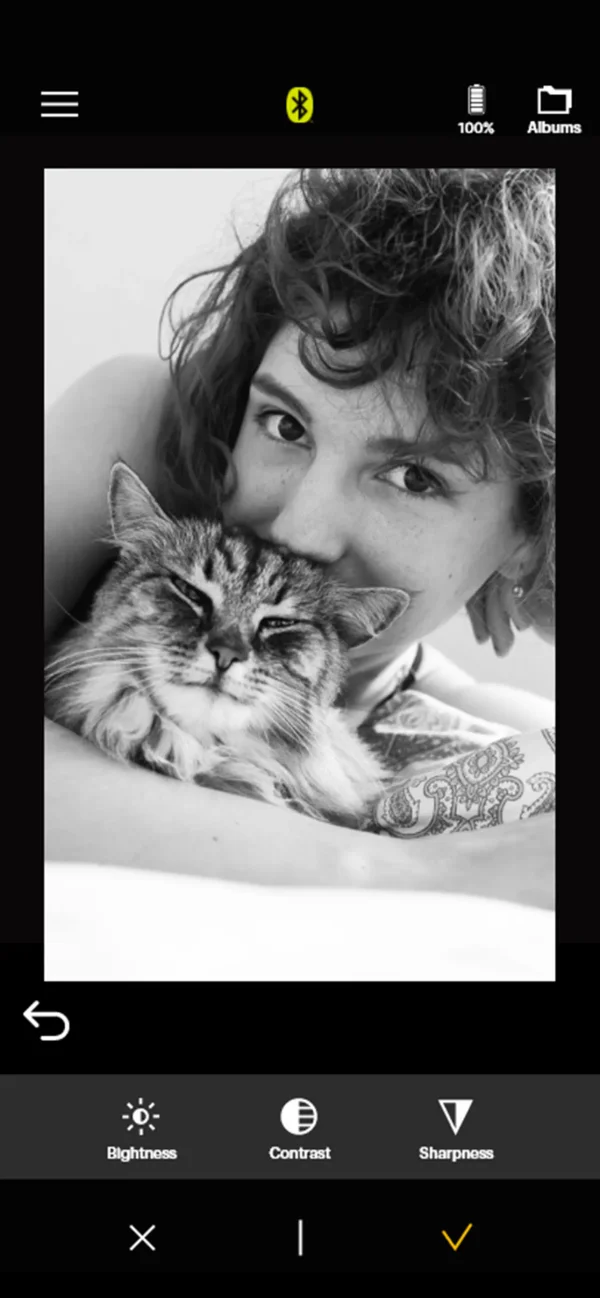


About
[How to Use]
1. Make sure you recharge the printer before you use it.
2. Make sure the Adapter is connected properly.
3. Turn on the printer
4. Go to the Bluetooth setting and find the printer’s MAC address.
The MAC address is placed inside the printer’s door
If you purchased a Dock Printer, dock your smartphone at the pin on top of the printer or find the MAC address on the downside of the printer to connect the device to Bluetooth.
5. Select an image from the Gallery or take a photo with your smartphone.
6. Once the image has been selected, edit the image with your personal preference.
7. Now press the print button located on top of the printer when editing is completed.
8. When you print for the first time, you may need to update the firmware. Please follow the instructions shown on the screen of your smartphone.
9. It will take about a minute to fully print. Please do not pull the photo until it is completely printed.
What’s new
Version 1.4.6 · Mar 31, 2025
- change images
App privacy
What Prinics Co., Ltd declares on the App Store about how this app handles data.
-
Data not collected
The developer does not collect any data from this app.
Privacy practices may vary, for example with the features you use or your age.
Information
- Seller
- Prinics Co., Ltd
- Category
- Photo & Video
- Version
- 1.4.6
- Updated
- Mar 31, 2025
- Released
- Oct 20, 2023
- Size
- 175.8 MB
- Requires
- iOS 12.0 or later
- Age rating
- 4+
- Price
- Free
- Languages
- English, Czech, Danish, Dutch, Finnish, French, German, Italian, Japanese, Korean, Norwegian Bokmål, Polish + 5 more
- Copyright
- © 2021 Prinics Co., Ltd All Rights Reserved
You might also like
-
 KODAK SMILEPhoto & Video
-
 KODAK SMILE Classic 2-in-1KODAK Classic 2-in-1
-
 X halfPhoto & Video
-
 INSTAX PalPhoto & Video
-
 instax WIDE EvoPhoto & Video
-
 HP Sprocket PanoramaPhoto & Video
-
 CutAI - AI Video EditorAuto cuts, captions & text
-
 Ricoh Recipes — JPEG SettingsJPEG Recipes For Ricoh GR
-
 GR WORLDPhoto & Video
-
 myLightMeter PROA reliable light meter