
- Age rating4+
- CategoryEducation
- DeveloperYINGDE YANG
- LanguagesEnglish+ 1 more
- Size93.1 MB
Links to the official App Store page
Download.org hosts no file of Kotoba Snap. The button opens its official App Store page, published by YINGDE YANG. Listing last checked on Nov 18, 2026.
Screenshots




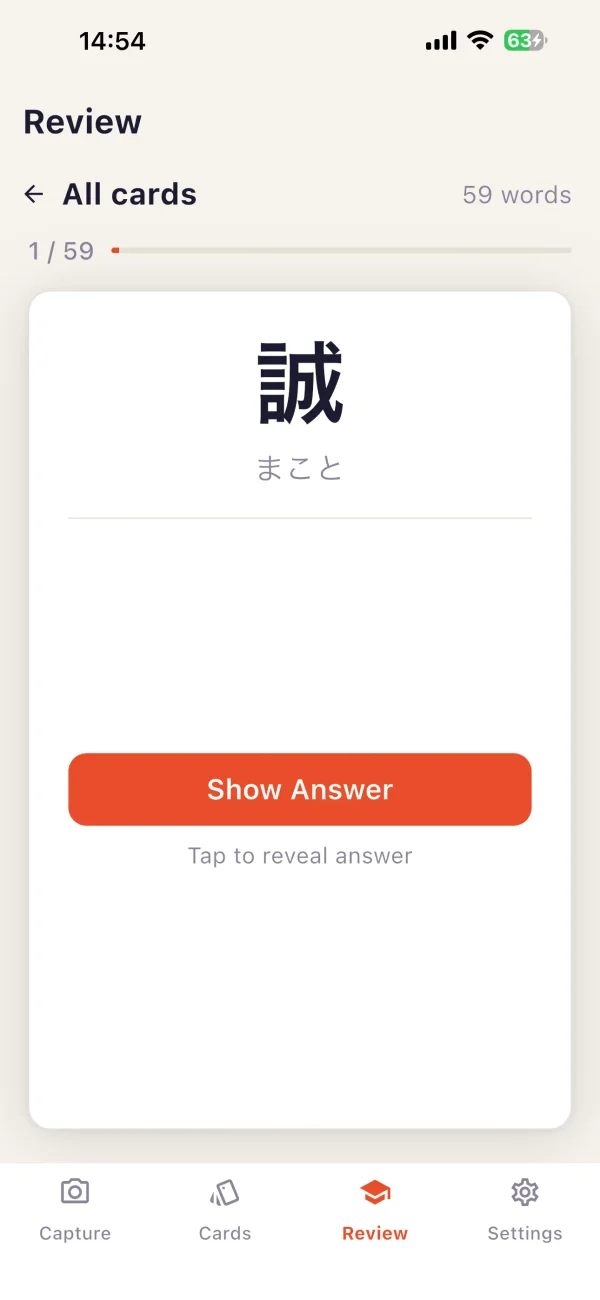
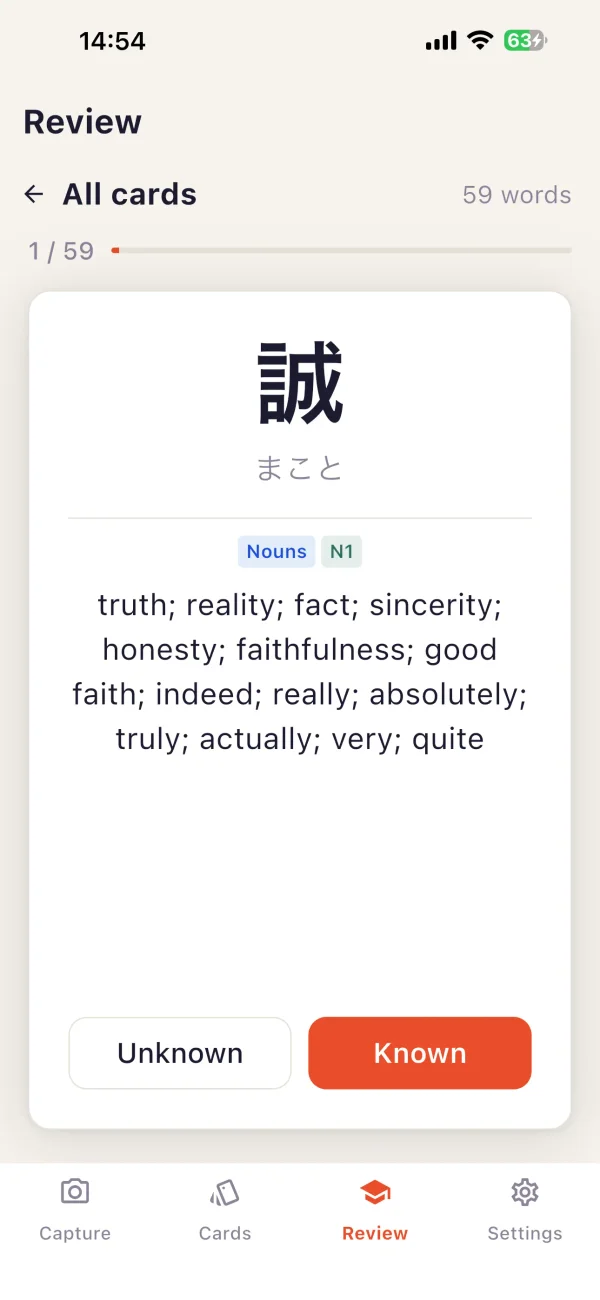
About
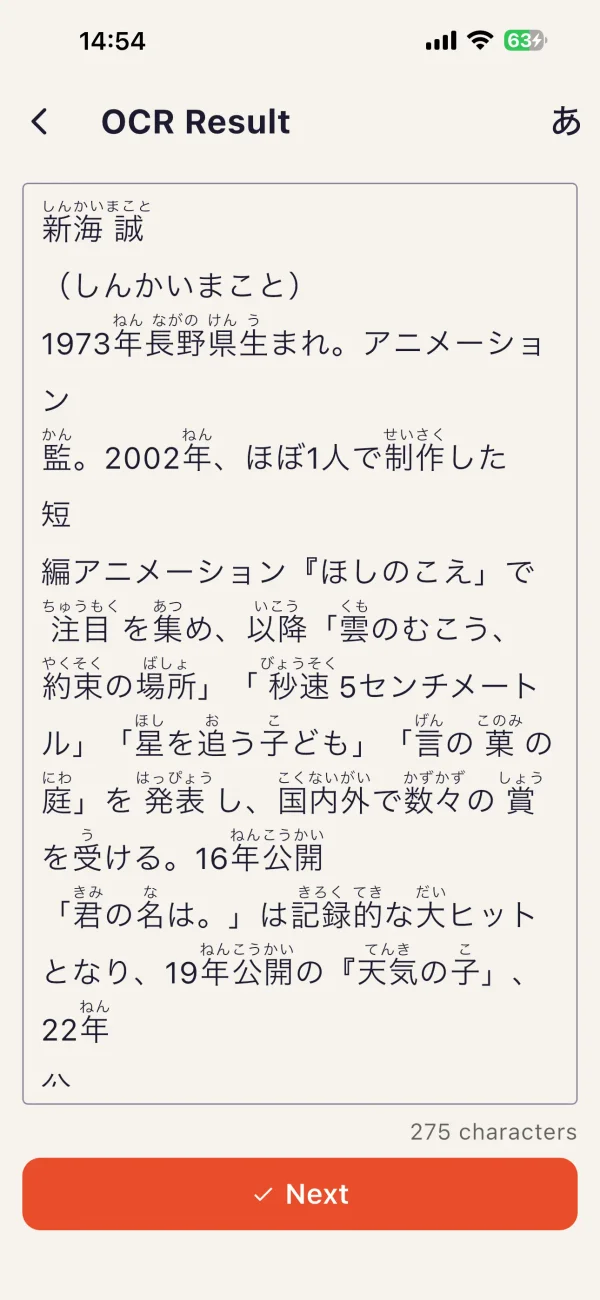
Snap a photo. Turn the Japanese words in it into flashcards.
Menus, street signs, packaging, a page of a novel — whenever you run into
Japanese you don't know, just photograph it. Kotoba Snap recognizes the text,
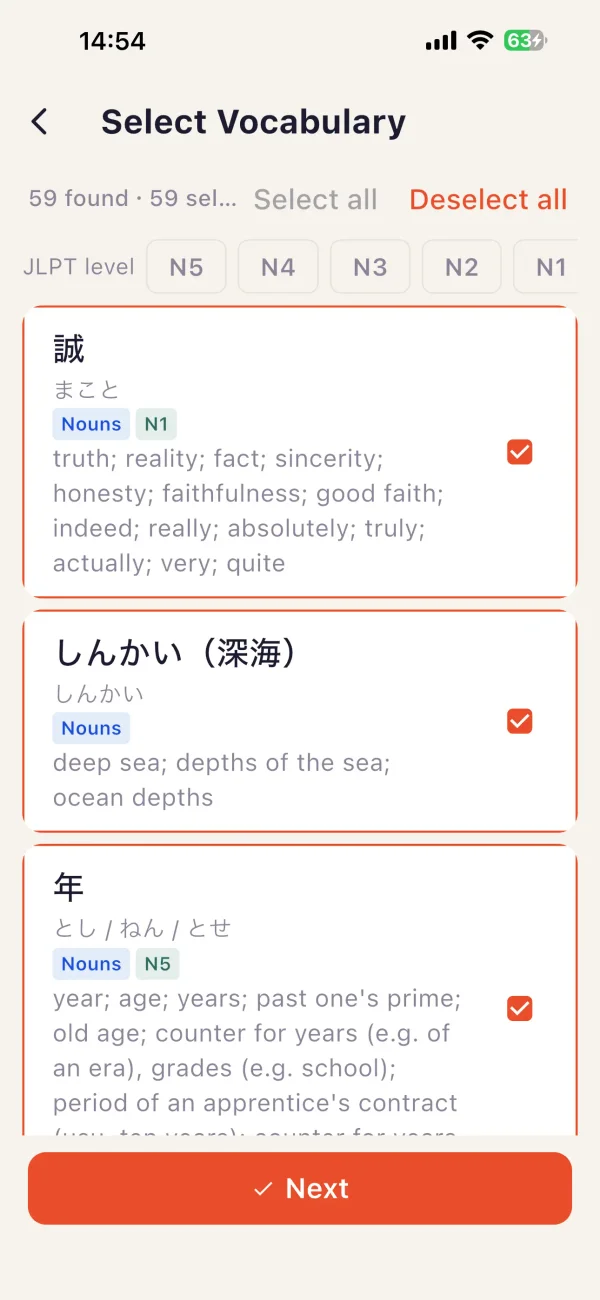
splits it into words, and lets you pick the ones worth learning.
Interface languages: English and Simplified Chinese. The app starts in
Simplified Chinese — switch to English under Settings → Language. Japanese
interface is not available yet.
· Photo to text — handles vertical Japanese, recognized on your device
· Instant lookup — offline dictionary with readings, part of speech, JLPT level
· Read it again — recognized text is kept with the photo, readable with furigana
any time, and still selectable while furigana is on
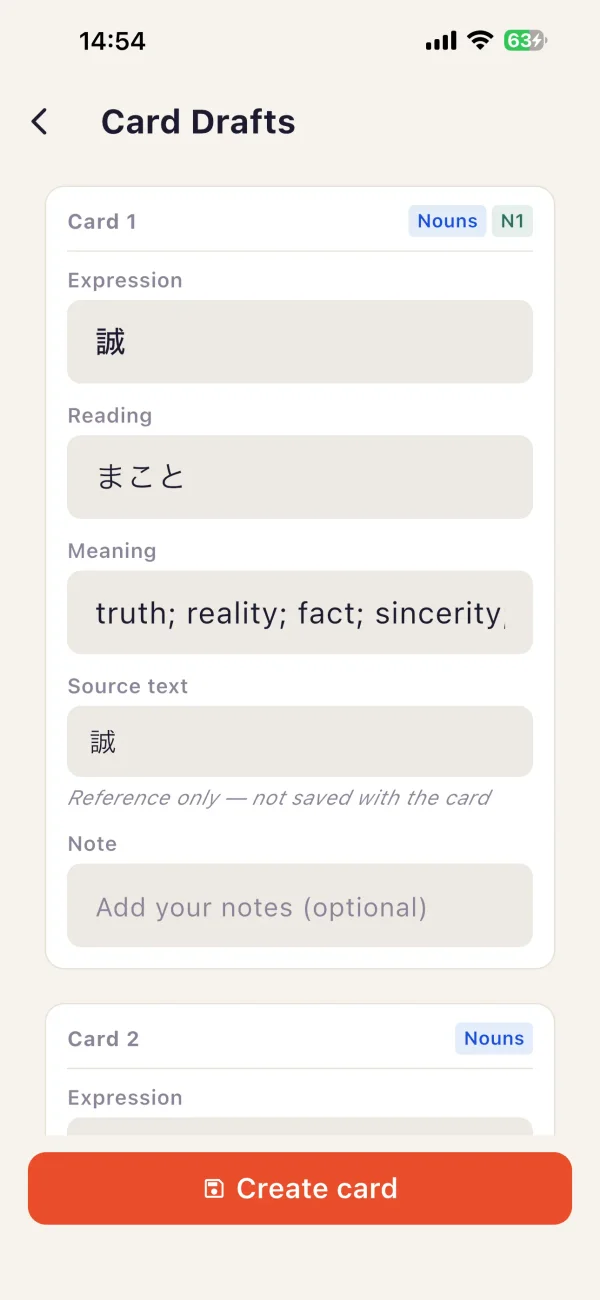
· Build cards by hand — written form, reading, meaning, part of speech and JLPT
level, with dictionary lookup while you edit
· Verb conjugation — expand any verb into its full set of forms and usages,
with transitive and intransitive marked
· Spaced review — scheduling handled for you, no deciding when to revisit
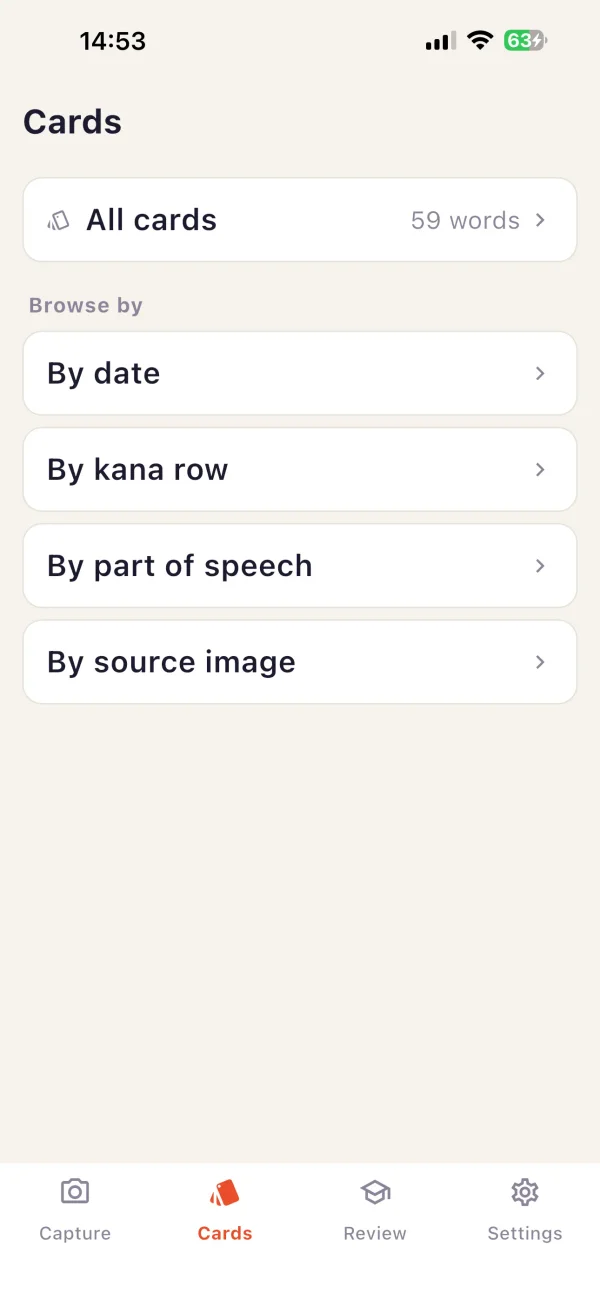
· Source photos — browse cards grouped by the picture you found them in
· Reference translation — Japanese sentences translated into Simplified Chinese
on your device. Requires iOS 18 or later and the Simplified Chinese interface;
one language pack is downloaded the first time, offline after that. A
Japanese-to-English path is not available yet.
· AI translation — optional, off by default. Enter your own API key and the
recognized text can be translated by Claude, ChatGPT or DeepSeek. Photos are
never sent, and the key stays on this device.
Note: definitions are provided in Simplified Chinese and English.
No account. No sign-up. The dictionary ships with the app: capture, recognition,
lookup and review all run on your device and need no network. The
reference-translation language pack is downloaded once on first use, and works
offline after that. AI translation is optional and off by default; once you
enable it and enter your own API key, translating sends the recognized text to
the provider you chose.
What’s new
Version 1.2.1 · Aug 16, 2026
The launch animation is a little slower
It used to end before you could see it.
The full dictionary now starts loading the moment you open the app
It used to wait until after your first photo lookup, so if you only made cards by hand it never loaded at all. Now it prepares in the background at launch, takes a few seconds, and blocks nothing while it does.
Fixed: while the dictionary was still loading, making a card by hand said "not in the dictionary"
That was untrue — the word was there, that half of the dictionary just was not ready yet. It now says the full dictionary is still loading and to try again shortly.
App privacy
What YINGDE YANG declares on the App Store about how this app handles data.
-
Data not linked to you
May be collected but is not linked to your identity.
- User content
- Identifiers
- Usage data
- Diagnostics
- Other data
Privacy practices may vary, for example with the features you use or your age.
Information
- Seller
- YINGDE YANG
- Category
- Education
- Version
- 1.2.1
- Updated
- Aug 16, 2026
- Released
- Aug 5, 2026
- Size
- 93.1 MB
- Requires
- iOS 15.5 or later
- Age rating
- 4+
- Price
- Free
- Languages
- English, Simplified Chinese
- Copyright
- © 2026 YINGDE YANG
You might also like
-
 Kanji no MaEducation
-
 NNihonGoNorman's Nihongo learning tool
-
 KotobaBloomAI Japanese for Real Life
-
 Kotoba - Translate & LearnJapanese, Mandarin, Cantonese
-
 Kotoba DeckJapanese for Karateka
-
 天才小兔ABCEducation
-
 Niho: Read Real Japanese BooksReader, dictionary, JLPT vocab
-
 Wasabi JLPT (Vocabulary)Japanese Vocabulary Learning
-
 Learn Japanese Online AppHelp practice basic Japanese
-
 LOING: Korean·Japanese·SpanishLearn Hangul, Hiragana & Vocab