kpad timers
Run multiple timers with ease
Designed for iPhone
Free · In-app purchases
- Age rating4+
- CategoryUtilities
- DeveloperAndrei Prigorshnev
- LanguagesEnglish
- Size2.2 MB
Links to the official App Store page
Download.org hosts no file of kpad timers. The button opens its official App Store page, published by Andrei Prigorshnev. Listing last checked on Nov 14, 2026.
Screenshots

About
kpad comes in handy if:
- You set the same timer every day
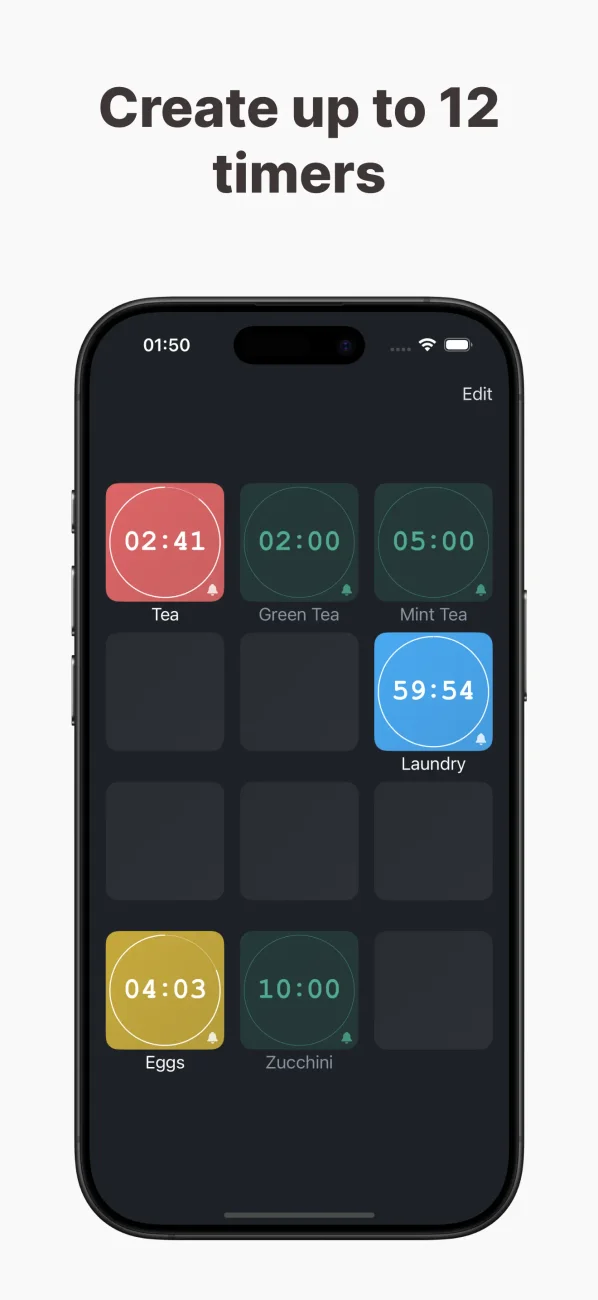
- You need a simple way to run multiple timers at once
No ads, no need to register and login. No unrelated notifications too, you only get notified when your timers go off.
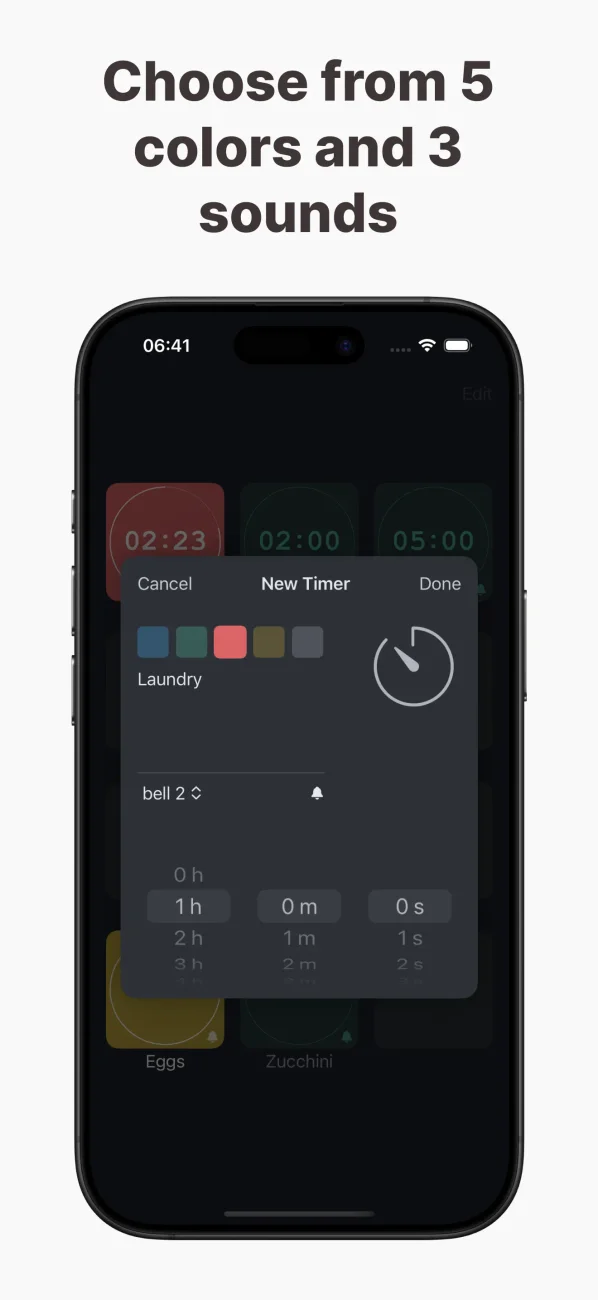
kpad gives you a panel with a fixed grid where you can place up to 12 timers. By combining timers' positions and colors, you can create an easily memorable layout suited just for you. For example, let's say you drink mint tea every day. You can create a green timer button, place it in the top right corner of the app, and it'll be quickly accessible whenever you need it.
What’s new
Version 1.1.3 · Jan 7, 2025
The app's display name changed from just "kpad" to "kpad timers" for better discoverability on devices.
App privacy
What Andrei Prigorshnev declares on the App Store about how this app handles data.
-
Data not collected
The developer does not collect any data from this app.
Privacy practices may vary, for example with the features you use or your age.
Information
- Seller
- Andrei Prigorshnev
- Category
- Utilities
- Version
- 1.1.3
- Updated
- Jan 7, 2025
- Released
- Nov 22, 2024
- Size
- 2.2 MB
- Requires
- iOS 17.6 or later
- Age rating
- 4+
- Price
- Free
- In-app purchases
- Yes
- Languages
- English
- Copyright
- © Andrei Prigorshnev
You might also like
-
 MultiCalc: Calculator & UnitsScientific, Hex & Converter
-
 Watch Calculator: Tip & UnitsScientific Math & Converter
-
 CalctanScientific & Tape Calculator
-
 One Tap Timer – Easy CountdownFor cooking, study & workouts
-
 Tally Counter: Habit TrackerClicker Score Keeper & Widget
-
 Countdown Widget: Day CountBirthday & Anniversary Tracker
-
 Unplugged: Battery WidgetApple Watch Monitor & Alerts
-
 Loop - Interval & Multi TimerFor Sport, Meditation & Study
-
 Visual Multi Timer: TimusMultiple Interval Timers Free
-
 CleanCam: Swipe Photo CleanerFree Up Storage & Declutter