- Age rating4+
- CategorySports
- DeveloperNikita Svesnikov
- LanguagesEnglish
- Size9.3 MB
Links to the official App Store page
Download.org hosts no file of KumiteTechnology Live. The button opens its official App Store page, published by Nikita Svesnikov. Listing last checked on Nov 23, 2026.
Screenshots
About
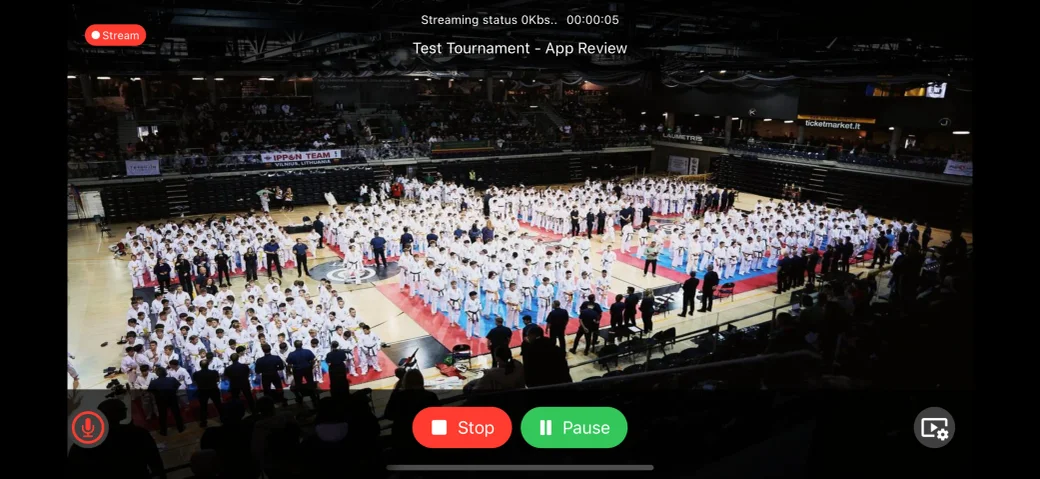
KumiteTechnology Live is designed for combat sports tournament organizers who want to share their events with fans around the world. With seamless integration into the KumiteTechnology platform, you can start streaming in just a few steps. The app supports high-definition, customizable live streams with real-time overlays, score updates, and essential match information, making each broadcast both engaging and professional.
Key features include:
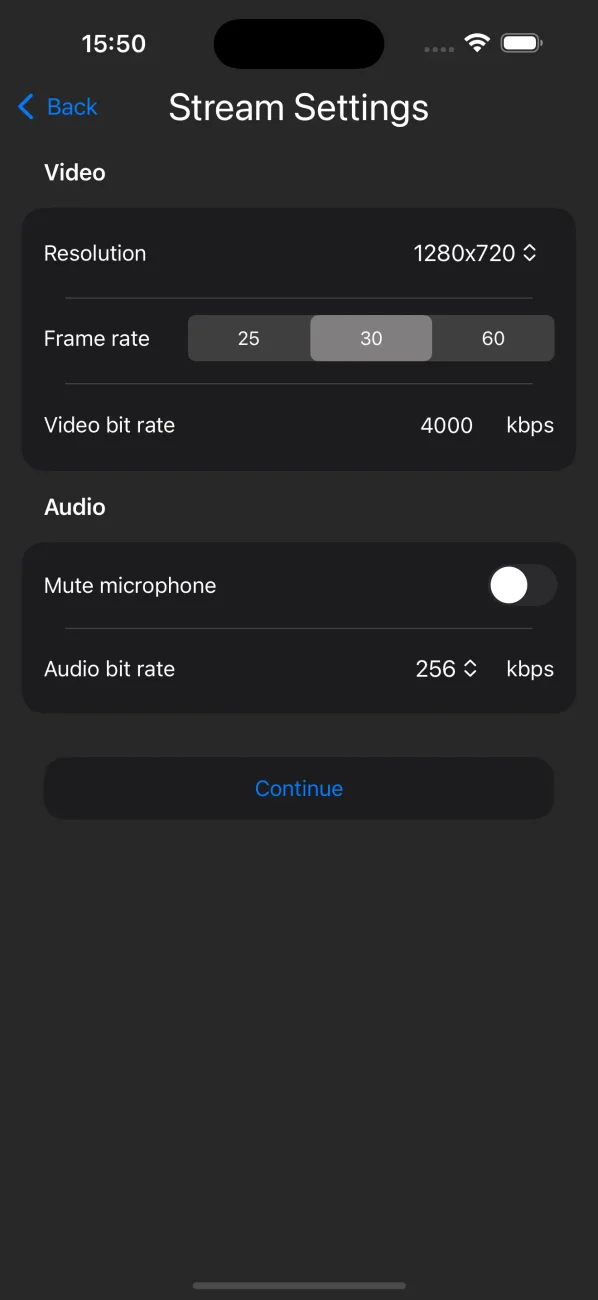
- HD Live Streaming: Broadcast at 720p or 1080p, with 30 or 60 FPS options, for a sharp and smooth viewer experience.
- Real-time Overlays: Display current match scores, competitor information, and event branding.
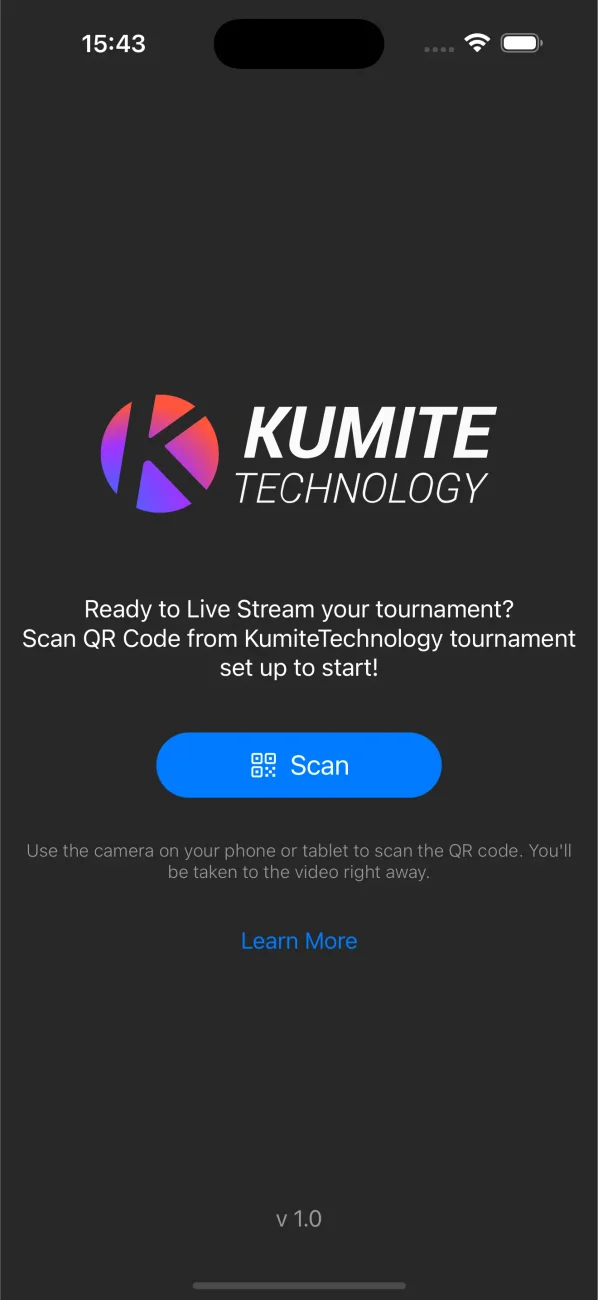
- Easy Setup: Just scan a QR code to sync the app with your KumiteTechnology event, and start streaming with one click.
- Secure and Reliable: Built to handle high-traffic events, ensuring a consistent experience for viewers.
Perfect for tournaments of all sizes, KumiteTechnology Live makes it simple to broadcast high-quality streams directly from your iPhone.
What’s new
Version 1.13 · Nov 16, 2026
Auto-framing
Put your phone on a tripod facing the whole tatami, and the app works like a camera operator, keeping the fighters in frame:
- Mark the tatami area once. The camera then follows the athletes on the mat and leaves out the referee, the judges and people walking past.
- When the fight clock is stopped, it pulls back to show the whole tatami.
- In kata, it frames the whole team.
- The marked area follows the mat when you zoom or the tripod gets bumped.
- Turn it on or off in Settings.
Change resolution while live
You can now switch between 720p and 1080p during a stream. The stream reconnects in a few seconds at the new resolution, and a "Switching to…" message shows while it does.
Stream info on screen
A small badge on the live screen shows exactly what's being sent: the resolution, frame rate and bitrate.
Improvements
- The scoreboard overlay uses less battery and processing power.
- Default bitrates now follow YouTube's recommendations, and audio defaults to 128 kbps.
- An invalid video bitrate now falls back to the recommended value.
- The buttons on the bottom bar are evenly spaced.
App privacy
What Nikita Svesnikov declares on the App Store about how this app handles data.
-
Data not linked to you
May be collected but is not linked to your identity.
- Identifiers
- Diagnostics
Privacy practices may vary, for example with the features you use or your age.
Information
- Seller
- Nikita Svesnikov
- Category
- Sports
- Version
- 1.13
- Updated
- Nov 16, 2026
- Released
- Nov 13, 2024
- Size
- 9.3 MB
- Requires
- iOS 16.0 or later
- Age rating
- 4+
- Price
- Free
- Languages
- English
- Copyright
- © 2026 KumiteTechnology
You might also like
-
 Tournament ExpertSports
-
 iBudokan KyokushinkaiKarate: katas and techniques
-
 Kyokushin: Belts RequirementsBelt Requirements & Training
-
 KaratePlanKarate events, clubs & results
-
 Stats4sportSports
-
 Fitofan TouchSports
-
 CrossFit Green BeachSports
-
 Winero - Book Courts & PlayPadel, tennis and pickleball
-
 FightScoutConnect to the Combat Sports
-
 Tournament LiveSports