- Age rating4+
- CategoryLifestyle
- DeveloperShenzhen VanTop Technology & Innovation Co., Ltd.
- LanguagesEnglish+ 12 more
- Size157.9 MB
Links to the official App Store page
Download.org hosts no file of Kyvol. The button opens its official App Store page, published by Shenzhen VanTop Technology & Innovation Co., Ltd. Listing last checked on Nov 21, 2026.
Screenshots

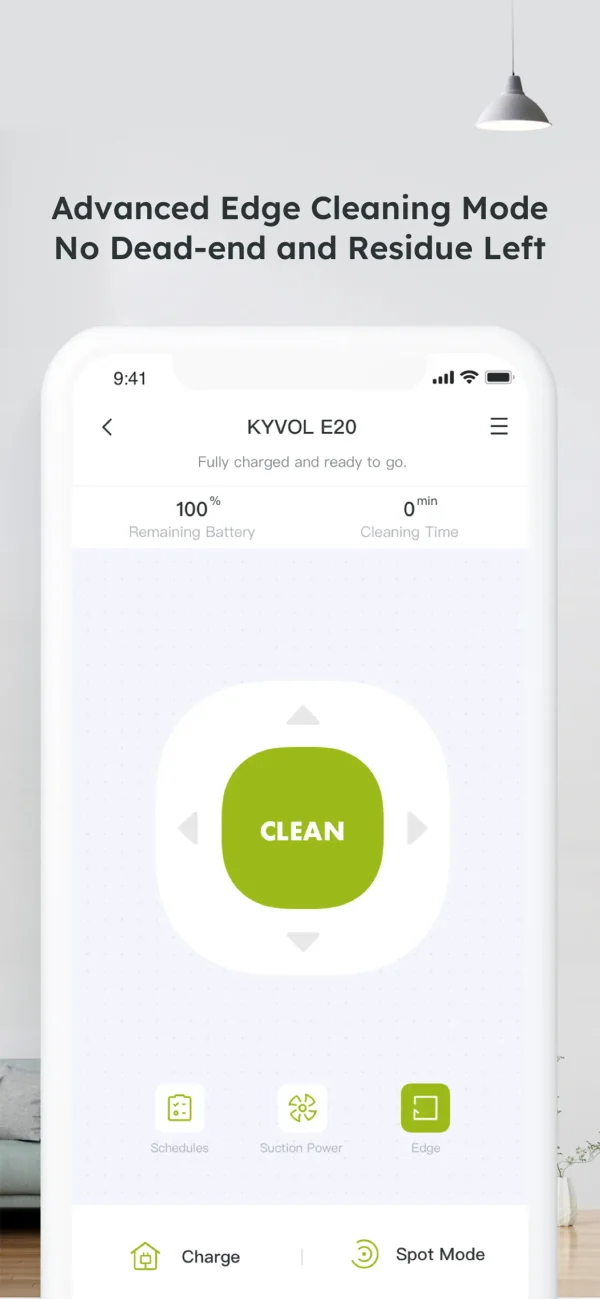
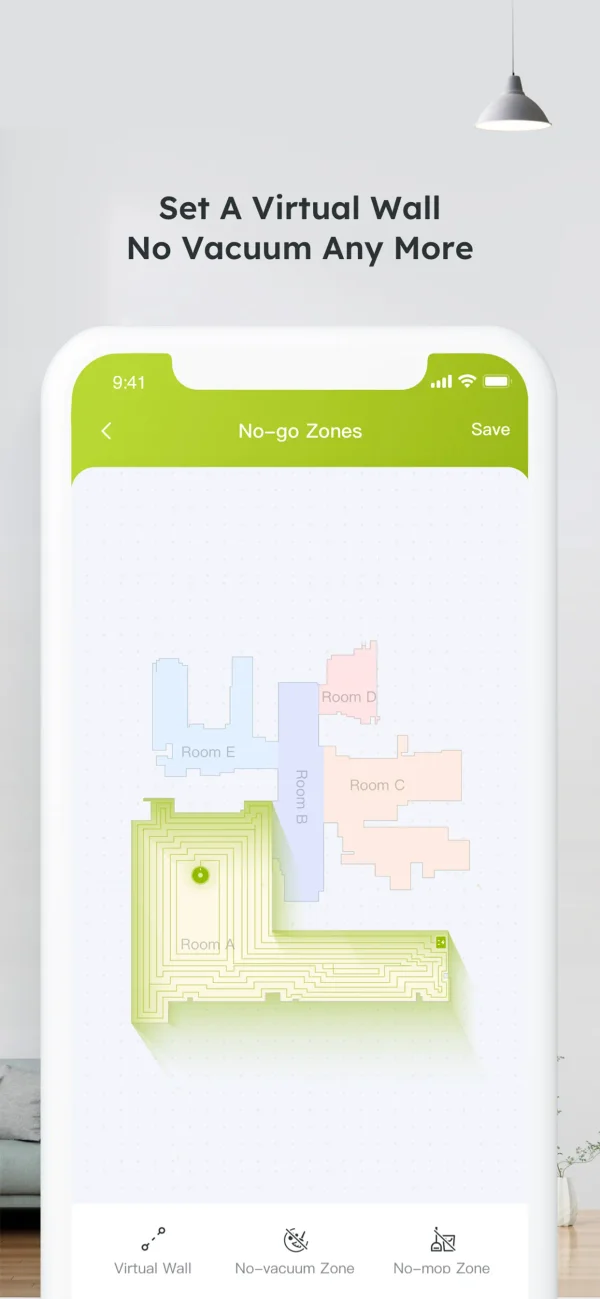
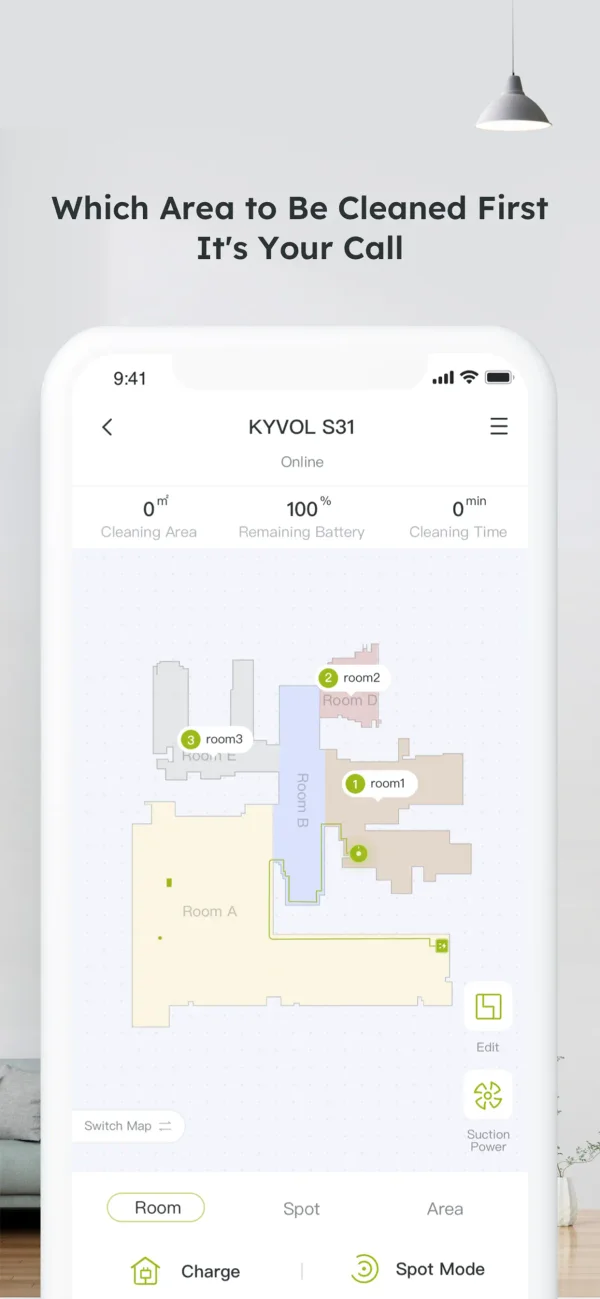

About
How to use Kyvol app
Step 1. Download the app
Download the app from Appstore
Step 2. Register your account:
After downloading the app, create an account with your Email address. If you already have a Kyvol account, you can log in directly.
Step 3. Add your devices to Kyvol app:
Open the Kyvol app and follow the setup procedure to pair new devices with your smartphone
Step 4. Use your devices:
After the pairing the succeed, the new device will show up in the device list. You can simply tap the icon and start enjoying the Kyvol smart home experience.
What’s new
Version 5.1.8 · Sep 7, 2025
1. Solving Some Known Issues
App privacy
What Shenzhen VanTop Technology & Innovation Co., Ltd. declares on the App Store about how this app handles data.
-
Data not linked to you
May be collected but is not linked to your identity.
- Location
- Contact info
- Identifiers
- Usage data
- Diagnostics
Privacy practices may vary, for example with the features you use or your age.
Information
- Seller
- Shenzhen VanTop Technology & Innovation Co., Ltd.
- Category
- Lifestyle
- Version
- 5.1.8
- Updated
- Sep 7, 2025
- Released
- Apr 10, 2020
- Size
- 157.9 MB
- Requires
- iOS 12.0 or later
- Age rating
- 4+
- Price
- Free
- Languages
- English, Arabic, French, German, Italian, Japanese, Korean, Portuguese, Russian, Simplified Chinese, Spanish, Traditional Chinese + 1 more
- Copyright
- © Vantop