- Age rating4+
- CategoryUtilities
- DeveloperSyswares
- LanguagesEnglish
- Size48.8 MB
Links to the official App Store page
Download.org hosts no file of La Sovrana Orders. The button opens its official App Store page, published by Syswares. Listing last checked on Nov 21, 2026.
Screenshots

About
How to Place Orders with FlowX
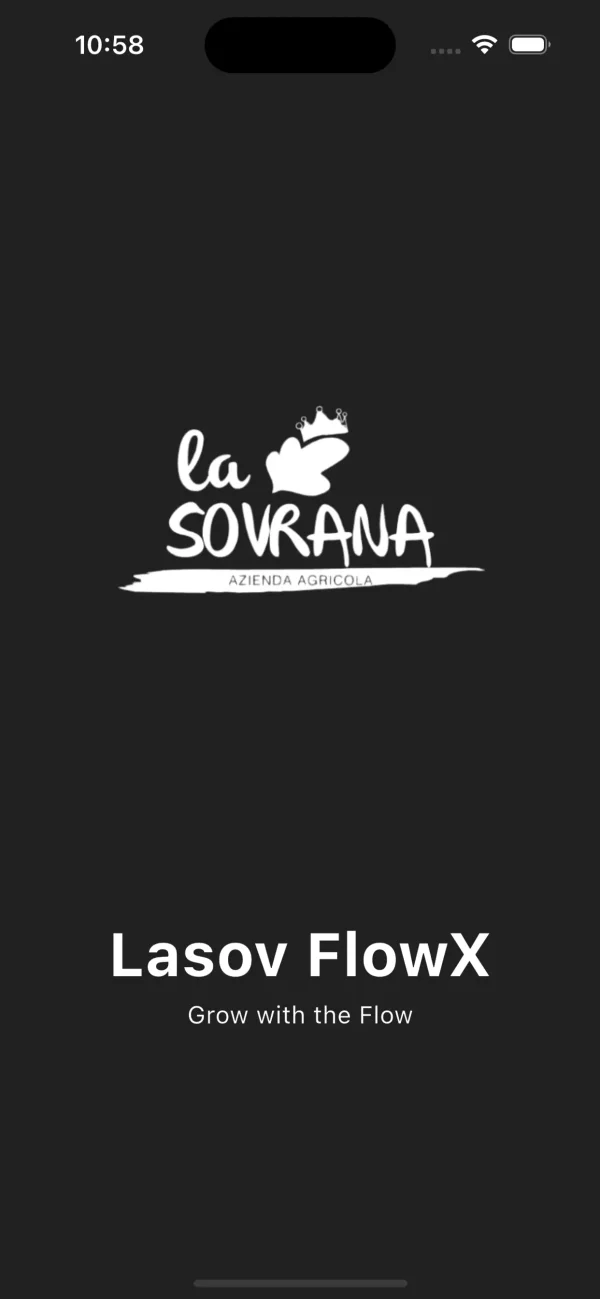
Placing an order with FlowX is simple, efficient, and tailored to meet the unique needs of your kitchen. Whether creating a new order, reordering from past purchases, or exploring special offers, Floware provides a streamlined process for accuracy and convenience.
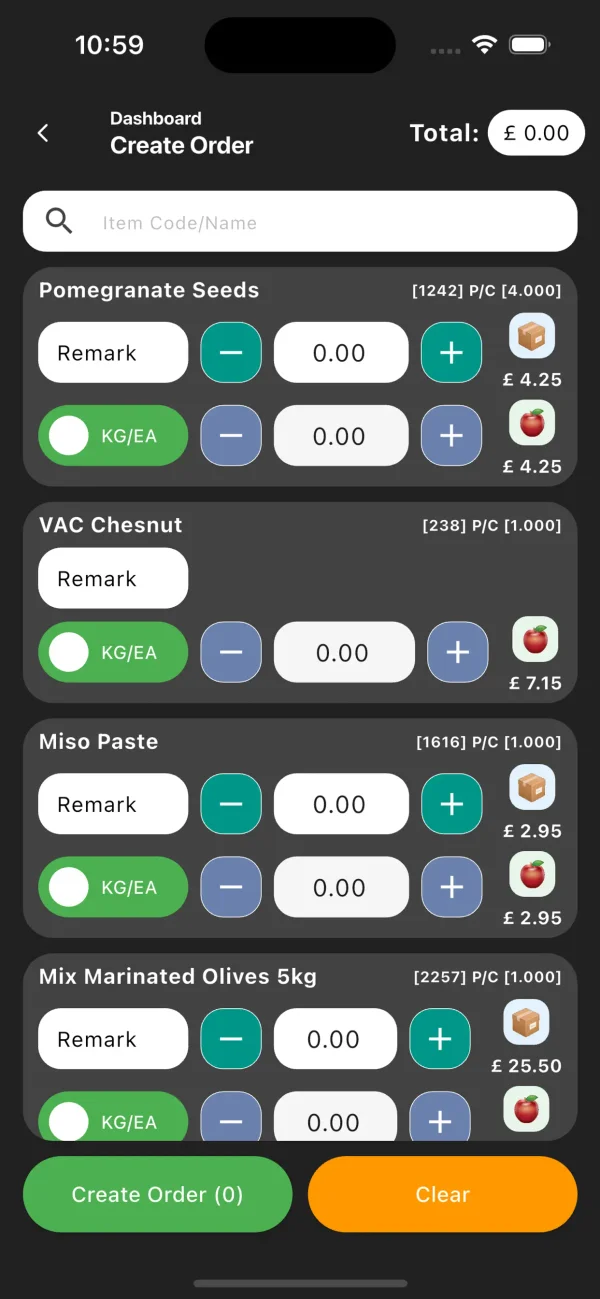
1. Create a New Order
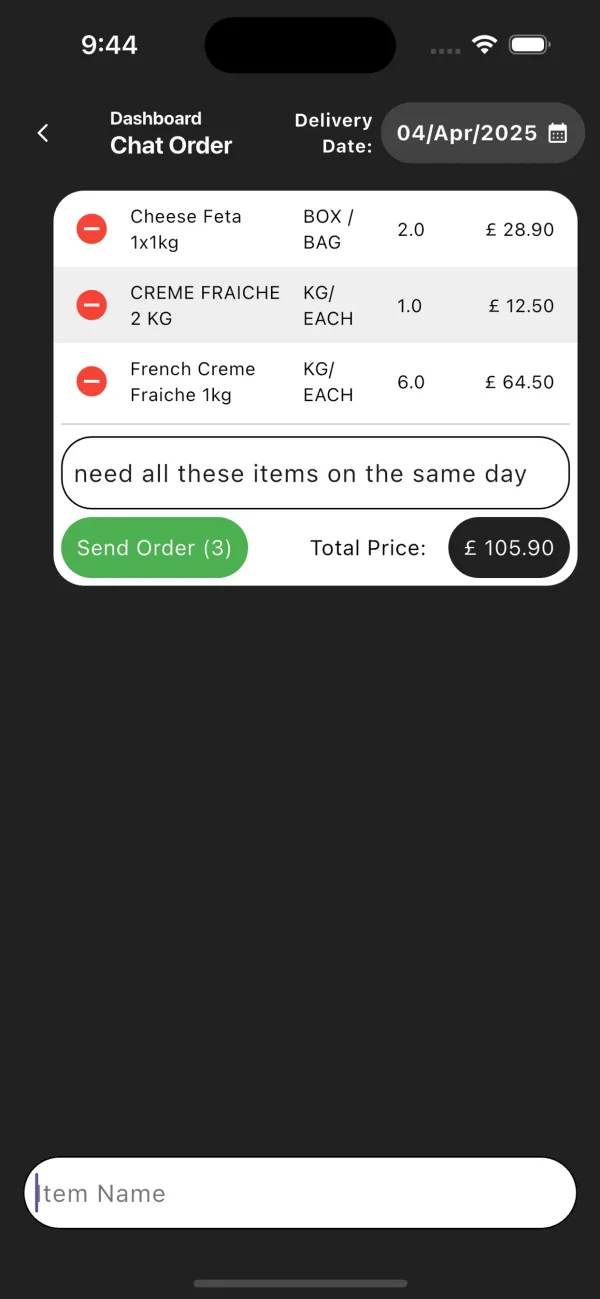
To start, fill your basket with the needed items. Click "Create Order" to go to a review screen, where you can fine-tune your selections. This step allows you to adjust quantities, add or remove items, ensuring everything is perfect before finalizing your order.
Once confirmed, Floware automatically notifies the supplier via email, adding your order to their list. The requested delivery will be prepared and shipped according to your specifications. Floware simplifies kitchen management by streamlining the entire ordering process, saving time and improving efficiency.
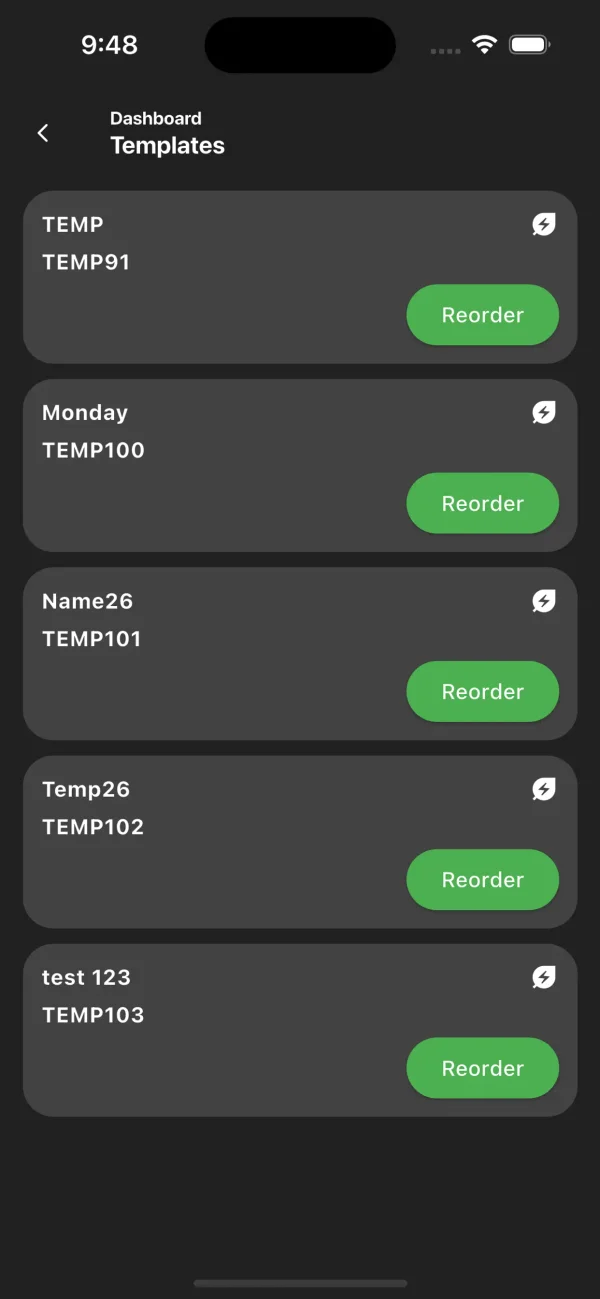
2.Reorder: Simplified Repeat Orders
Reordering past purchases is easy with Floware:
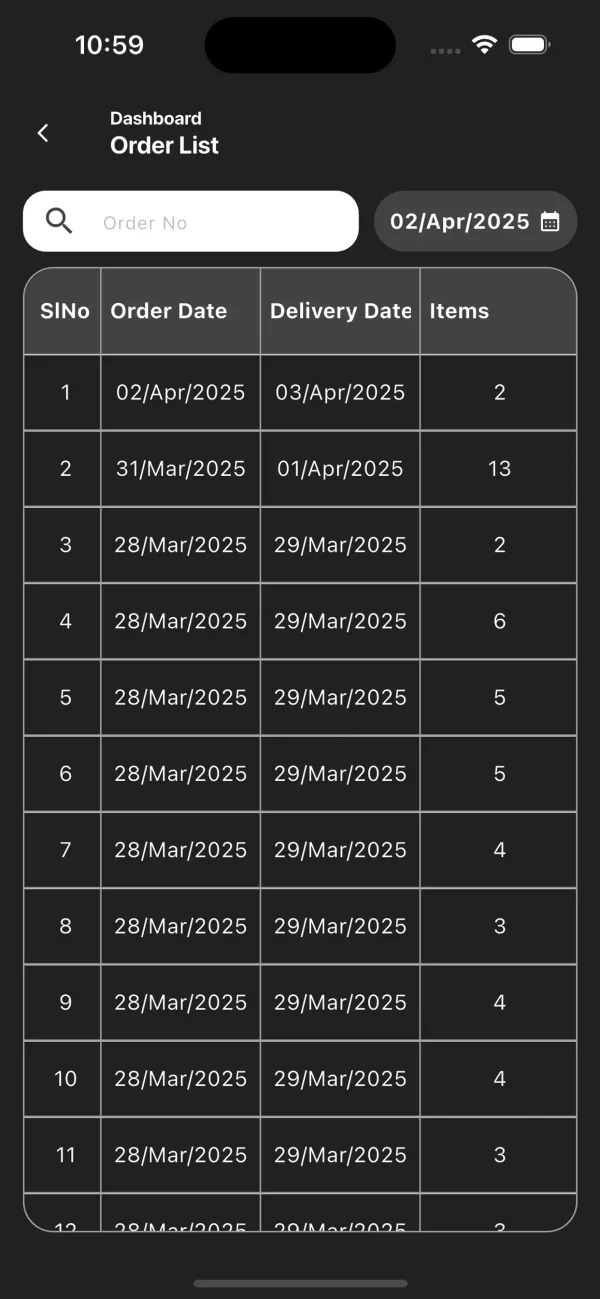
Access Previous Orders: Navigate to the order list to find all past orders. Select the one you wish to reorder.
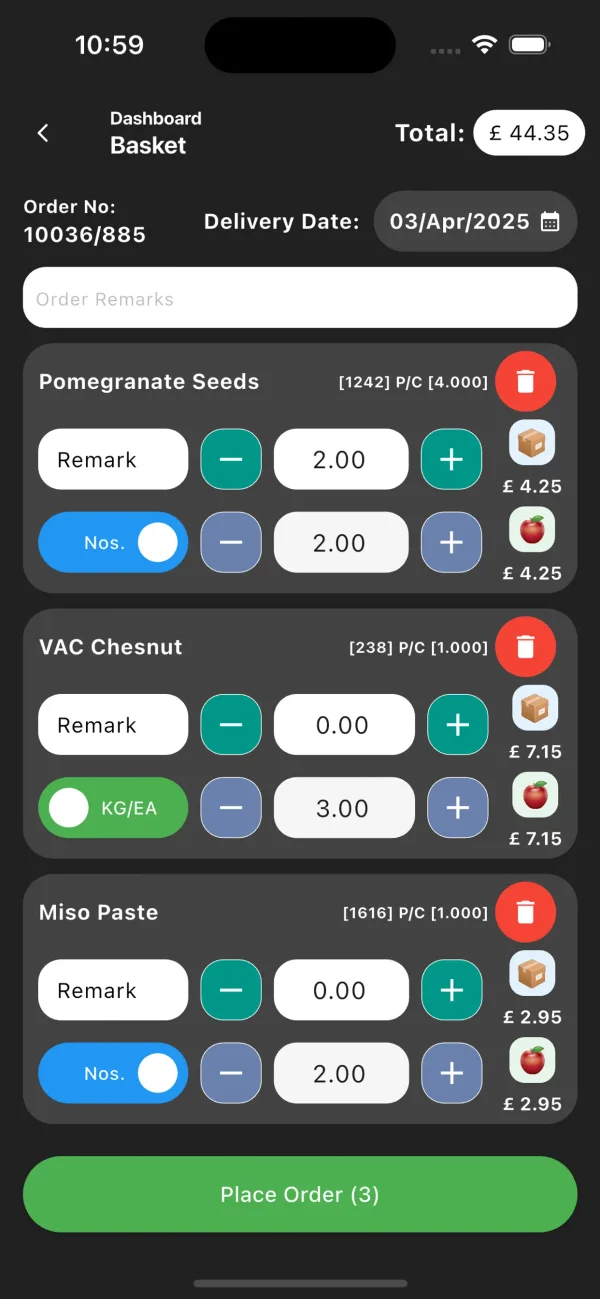
Review and Edit: Once selected, the order is added to your basket. You can adjust quantities, remove items, or add new products to meet your needs.
Place Order: After reviewing, click "Place Order" to send the updated order to the supplier, completing the process in one click.
Explore Accessible Offers: Once updated, these special products become visible to all users. This gives you the opportunity to browse and explore exclusive items.
Place Order: After reviewing the offers, you can easily place an order for any of the specialty products, enjoying a seamless process with just a few clicks.
For any further questions visit out website www.flowares.com or email to info@flowares.com
What’s new
Version 1.0.23 · Mar 6, 2026
*Bug Fixes
App privacy
What Syswares declares on the App Store about how this app handles data.
-
Data not collected
The developer does not collect any data from this app.
Privacy practices may vary, for example with the features you use or your age.
Information
- Seller
- SYSWARE SYSTEMS LTD
- Category
- Utilities
- Version
- 1.0.23
- Updated
- Mar 6, 2026
- Released
- Apr 2, 2025
- Size
- 48.8 MB
- Requires
- iOS 16.6 or later
- Age rating
- 4+
- Price
- Free
- Languages
- English
- Copyright
- © 2024 Flowares