
- Age rating4+
- CategoryProductivity
- DeveloperMURASAKI ITALIA CO., LTD.
- LanguagesEnglish+ 1 more
- Size94.0 MB
Links to the official App Store page
Download.org hosts no file of Lamponi. The button opens its official App Store page, published by MURASAKI ITALIA CO., LTD. Listing last checked on Nov 23, 2026.
Screenshots

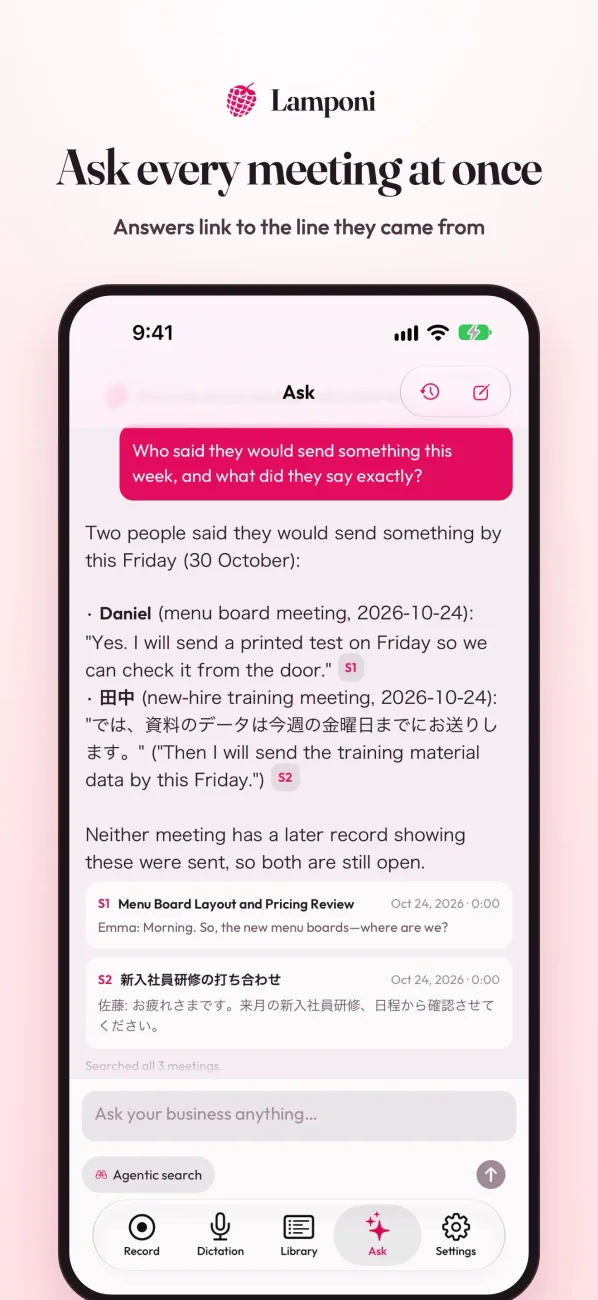


About
Lamponi records your in person meetings on your iPhone and turns them into a transcript with speaker names and a summary. Months later, one question finds the meeting you need.
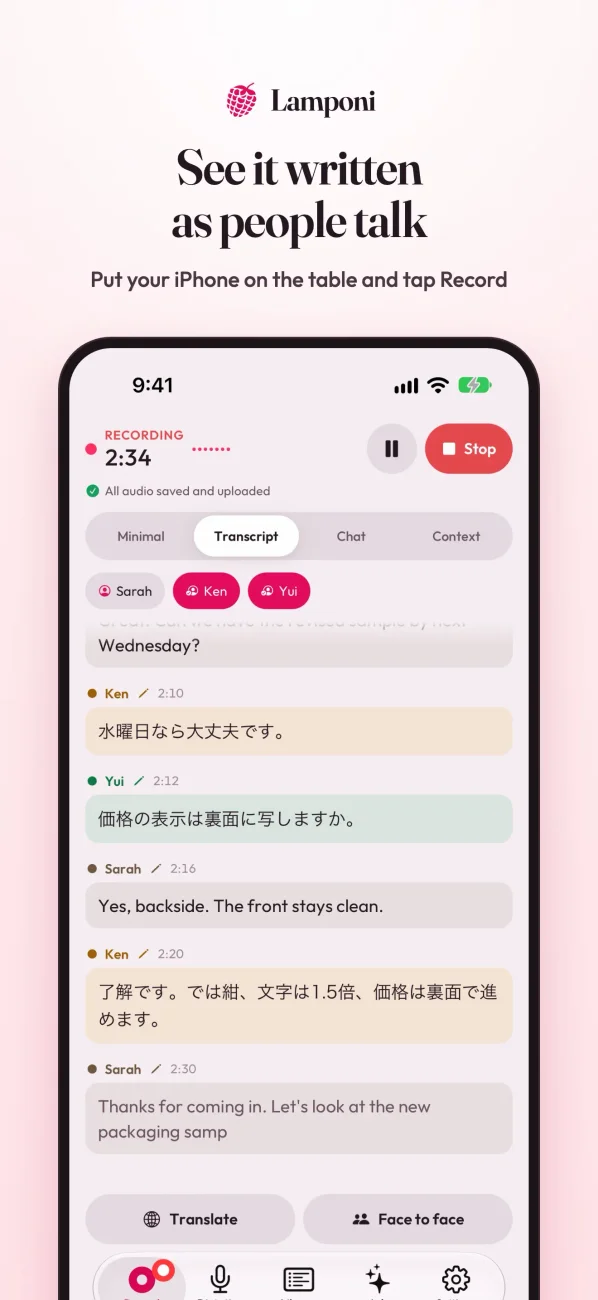
Put your iPhone in the middle of the table and tap Record. Everyone shares its microphone. You can lock the phone and turn it face down while it records. The timer on the Lock Screen and in the Dynamic Island shows the recording is still running.
WHILE YOU RECORD
• Watch the transcript appear as people talk
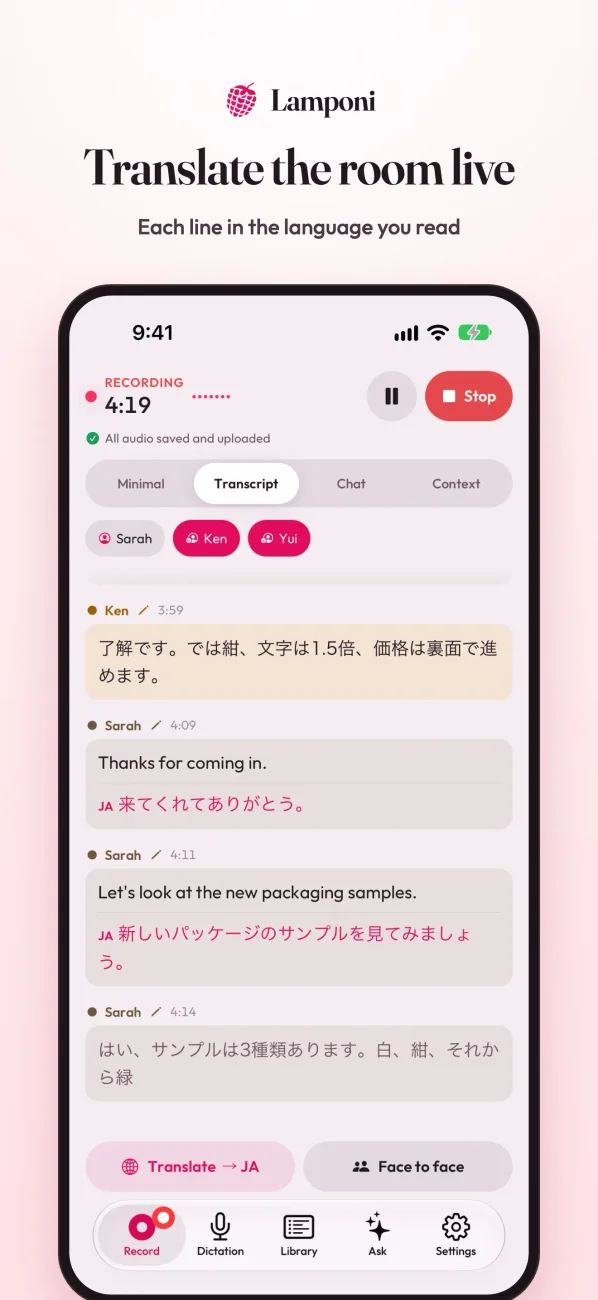
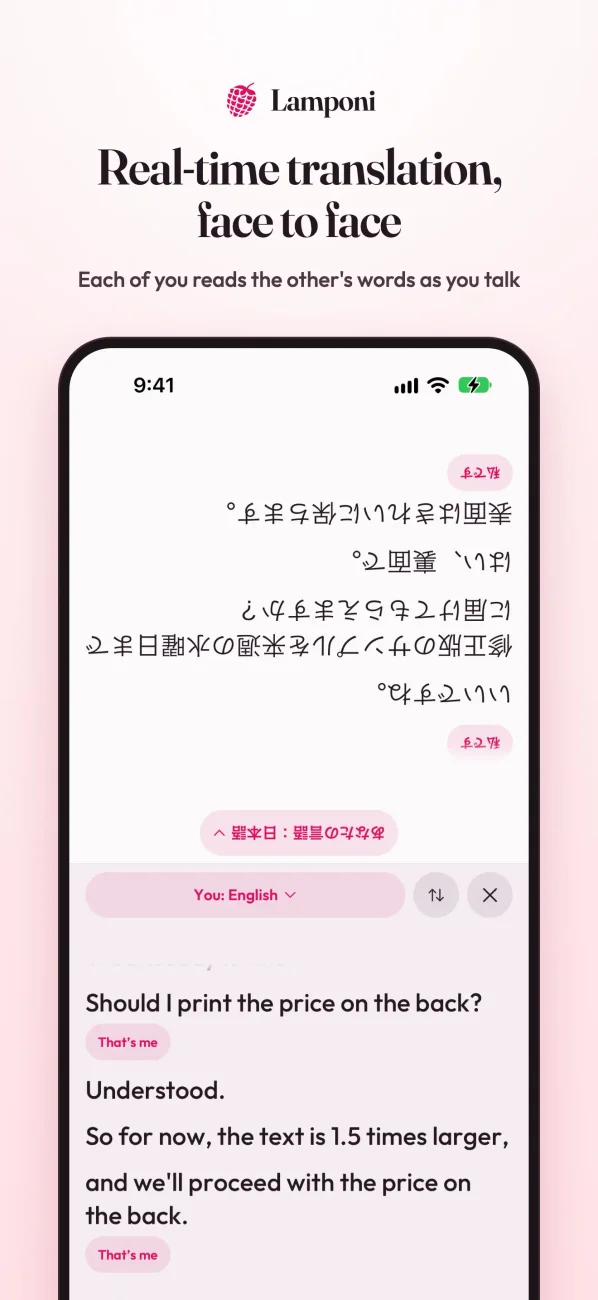
• Translate it live into another language. Across a table, split the screen so each person reads their own language
• Pause when the meeting breaks and resume when it starts again
WHEN YOU STOP
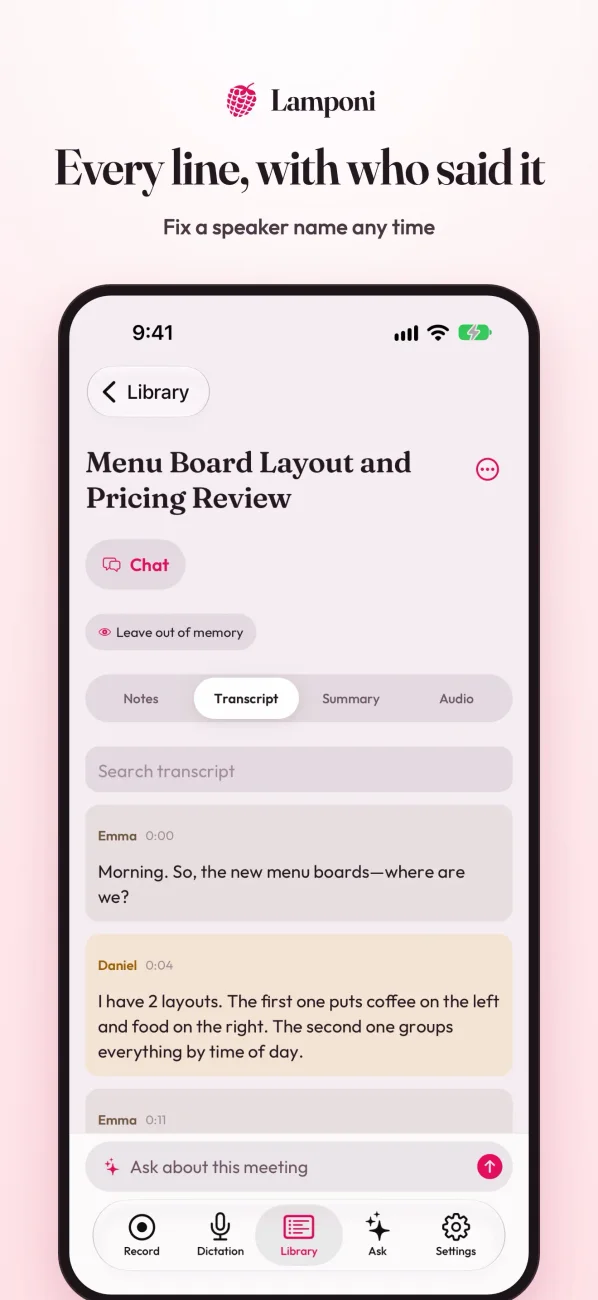
• A full transcript with every line labeled by speaker
• A summary of the meeting
• Export as text, subtitles or Markdown, or send an encrypted share link
ASK YOUR MEETINGS
Ask a question across every meeting you have recorded. Each answer links to the meeting and the line it came from, so you can check it before you use it.
DICTATE IN ANY APP
Add the Lamponi keyboard and speak wherever you type. It uses your dictionary and the names of the people you meet.
ENCRYPTED ON YOUR IPHONE
Meetings are encrypted on your iPhone before they upload. Transcription and AI handle a meeting only while they work on it. They keep no copy and never train on it.
SAME ACCOUNT AS YOUR COMPUTER
Sign in with the account you use for Lamponi on Mac, Windows or Linux.
Please tell everyone in the room before you start recording.
Terms: https://lamponi.ai/terms
Privacy: https://lamponi.ai/privacy
What’s new
Version 1.0.9 · Nov 22, 2026
A keyboard session can now stay on until you turn it off. Choose "Until I turn it off" under Session length. Opening Lamponi can also start a session for you, so the keyboard microphone is ready the next time you tap it. During a session, dictation keeps going when you switch apps or lock your iPhone, and your music keeps playing. A new Instant mic option dictates straight from the keyboard without opening Lamponi. It pauses when you leave the screen or lock your iPhone, so it starts turned off. You'll find all of this in Settings under Lamponi keyboard.
App privacy
What MURASAKI ITALIA CO., LTD. declares on the App Store about how this app handles data.
-
Data used to track you
May be used to track you across apps and websites owned by other companies.
- Purchases
- Contact info
-
Data linked to you
May be collected and linked to your identity.
- Purchases
- Contact info
- User content
- Identifiers
- Usage data
- Sensitive info
- Diagnostics
-
Data not linked to you
May be collected but is not linked to your identity.
- Purchases
Privacy practices may vary, for example with the features you use or your age.
Information
- Seller
- MURASAKI ITALIA CO., LTD.
- Category
- Productivity
- Version
- 1.0.9
- Updated
- Nov 22, 2026
- Released
- Nov 6, 2026
- Size
- 94.0 MB
- Requires
- iOS 17.0 or later
- Age rating
- 4+
- Price
- Free
- In-app purchases
- Yes
- Languages
- English, Japanese
- Copyright
- © 2026 Murasaki Italia K.K.
You might also like
-
 Pigeon - Voice to AIVoicemails to your AI agents
-
 コヨミカ - 六曜と旧暦のスケジュール帳Productivity
-
 Tingdong: Captions & TranslateLive Translator & Voice Notes
-
 Inbox Pro - Email for GmailSecure Mail for Gmail an IMAP
-
 GLB File ViewerProductivity
-
 Fathom: AI Notes & TranslateTransribe Audio to Text
-
 accoca - ID & Password ManagerEasily secure your passwords
-
 FirstSeed PlannerCalendar, notes & to-do list
-
 Fathom AI NotetakerCapture, Transcribe, Summarize
-
 Focus Matrix – Task ManagerEisenhower Priority Box