- Age rating12+
- CategoryProductivity
- DeveloperLangdock GmbH
- LanguagesEnglish+ 1 more
- Size62.2 MB
Links to the official App Store page
Download.org hosts no file of Langdock. The button opens its official App Store page, published by Langdock GmbH. Listing last checked on Nov 23, 2026.
Screenshots


About
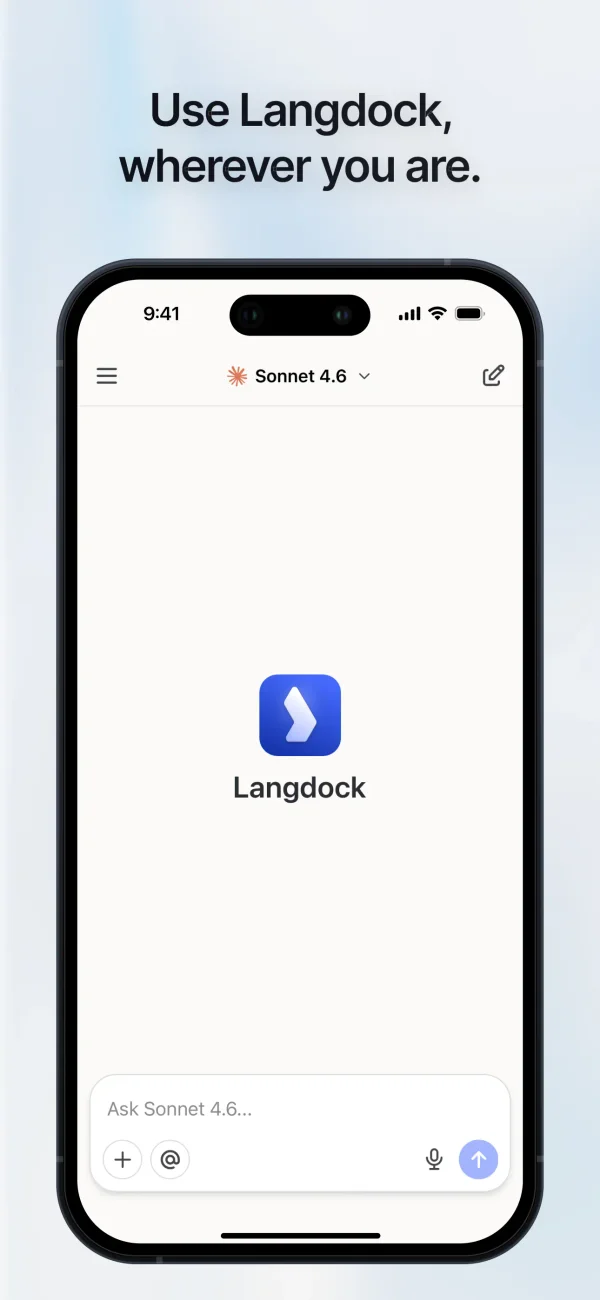
Langdock brings your workspace's AI to your iPhone, iPad and Apple Watch. Chat with the models your company provides, use your team's agents and projects, search the web with sources, and let agents work in your connected tools, always with your approval.
Langdock is built for work. You sign in with your organization's account, and your workspace admin decides which models, agents and integrations you can use.
CHAT WITH YOUR WORKSPACE'S MODELS
• Pick any model your workspace offers, or leave it on Auto and let Langdock choose
• Set how hard a model thinks: higher levels take longer for better answers
• Watch answers appear as they are written, with tables, code, math, charts and images
• Regenerate an answer with a different model
• Attach photos, take a picture, add files or files from your integrations, or paste, and ask about them
• Files the AI creates arrive as cards you can open, preview and share
WEB SEARCH AND DEEP RESEARCH
• Search the web in a chat and see numbered sources next to the answer
• Open the sources sheet to check where a claim comes from
• Start a deep research run and read the finished report with its sources
AGENTS, PROJECTS AND PROMPTS
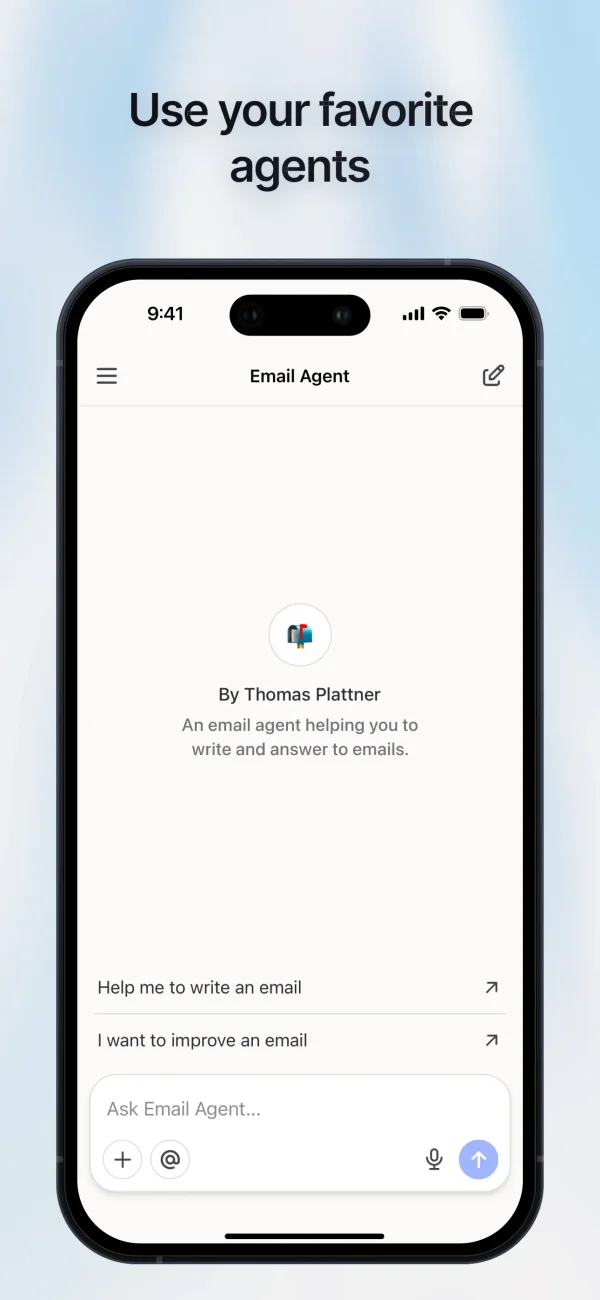
• Find your team's agents, pin your favorites and start a chat with one
• Type @ in the message box to mention agents, integrations, knowledge folders and saved prompts
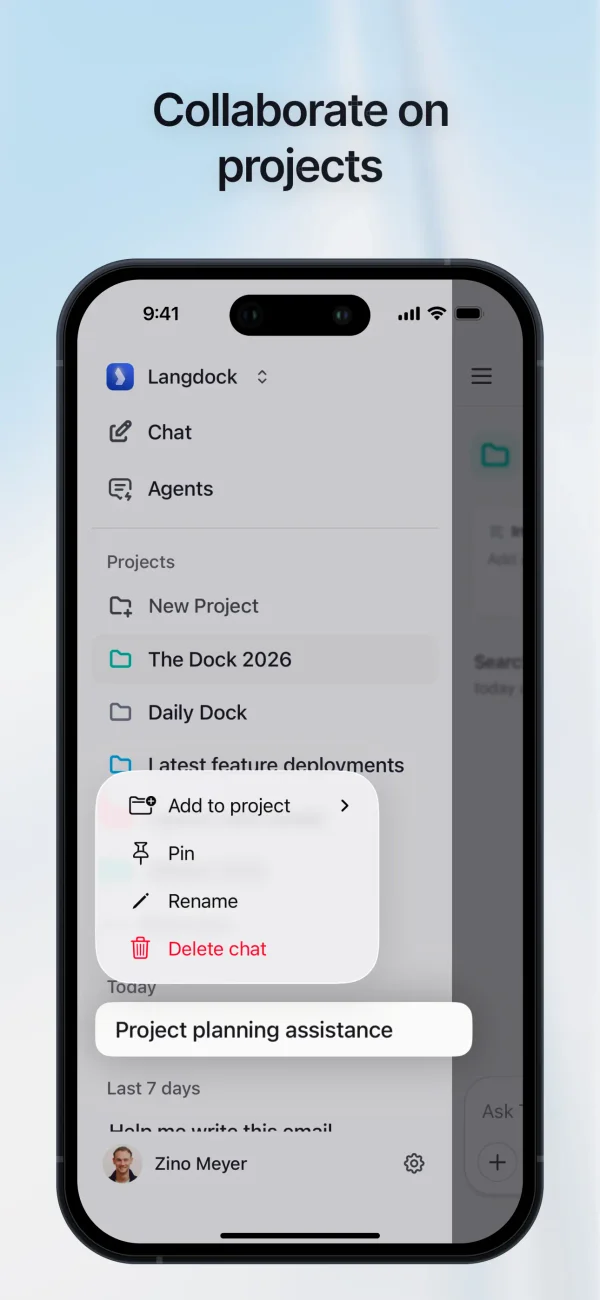
• Keep instructions, files and chats together in a project
• Pin, rename, search and organize your chat history, and switch between workspaces
INTEGRATIONS, WITH YOU IN CONTROL
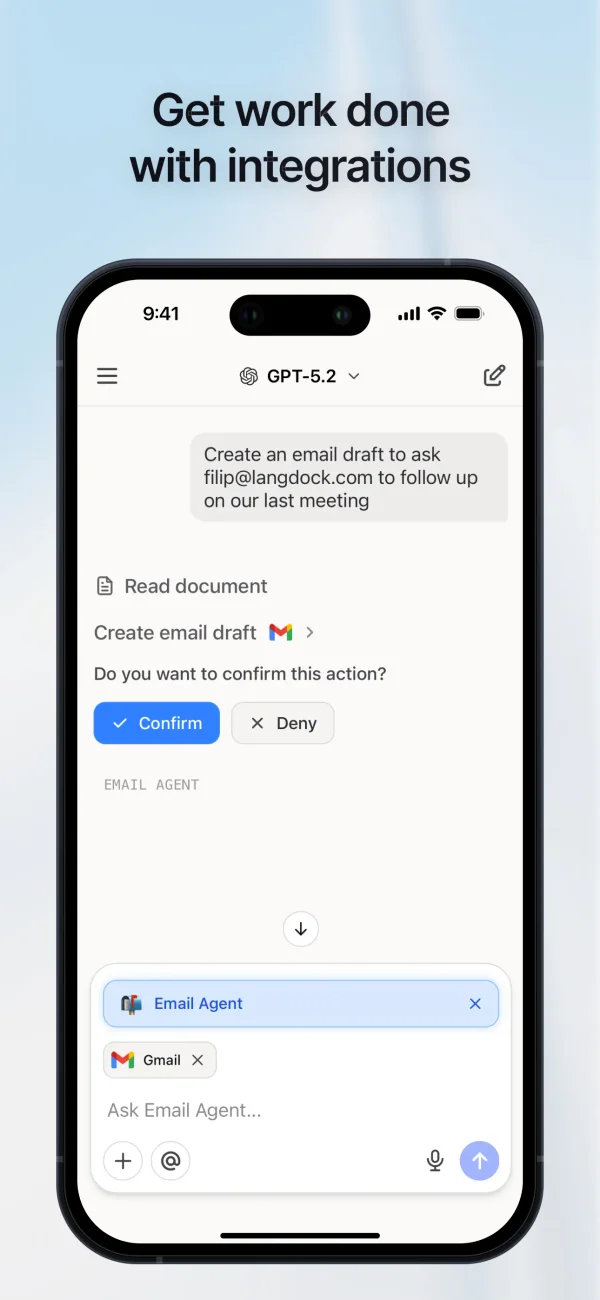
• Agents can act in your connected tools, such as your CRM or your mail
• When an action needs your OK, Langdock shows what it is about to do and waits for you to Confirm or Deny
• Choose which connection to use, or reauthorize or add one without leaving the chat
VOICE
• Dictate a message with your voice on iPhone or Apple Watch
ALWAYS WITHIN REACH
• Live Activities and Dynamic Island: follow a long answer from the Lock Screen, see its steps, and get notified when it is done or needs you
• Widgets: ask from the Home Screen, or add New chat, Dictate and Latest chat to your Lock Screen
• Control Center and Action button: start a new chat or dictate with one tap
• Siri, Shortcuts and Spotlight: "Ask Langdock", start a new chat, search your chats or open an agent
• Quick actions: press and hold the app icon for New chat, Dictate, Camera or Search
• Share extension: send text, web links, images and PDFs from any app straight into a chat (up to five files, 25 MB each)
APPLE WATCH
• Ask with your voice, read the answer on your wrist, reply with a quick tap and pick up recent chats
• Add Langdock to your watch face or Smart Stack for one-tap access
• Your watch signs in through your iPhone, so there is nothing to set up
MADE FOR iOS 26
• Native SwiftUI design with Liquid Glass, light and dark mode, and Dynamic Type
• iPhone and iPad, with the iPad in every orientation
• Available in English and German
• No ads, and no third-party tracking in the app
Langdock requires iOS 26 or later and a Langdock workspace account. Ask your workspace admin if you do not have access yet.
What’s new
Version 3.3.0 · Nov 20, 2026
Bug fixes and improvements.
App privacy
What Langdock GmbH declares on the App Store about how this app handles data.
-
Data linked to you
May be collected and linked to your identity.
- Contact info
- User content
- Identifiers
- Usage data
Privacy practices may vary, for example with the features you use or your age.
Information
- Seller
- Langdock GmbH
- Category
- Productivity
- Version
- 3.3.0
- Updated
- Nov 20, 2026
- Released
- Mar 28, 2025
- Size
- 62.2 MB
- Requires
- iOS 26.0 or later
- Age rating
- 12+
- Price
- Free
- Languages
- English, German
- Copyright
- © Langdock GmbH
You might also like
-
 DATEV SmartLoginProductivity
-
 Privacy AI: Agent & ChatbotGGUF/MLX, voice, image, skills
-
 Lumiere: OpenClaw & AI AgentsOne app for all your AI models
-
 Airia ChatProductivity
-
 Cumbersome: AI LLM API ClientAPI to ChatGPT, OpenAI, Ollama
-
 Nebula AIYour own team of AI coworkers
-
 ZKcrypt AISmart & Secure AI Powered Chat
-
 LavaChat: Your AI HubYour Custom Multi-AI Chat
-
 Fello AI: Chat Bot AssistantAsk GPT, Write, & Cowork
-
 Nect WalletIdentify & sign digitally