Lanparcel: Local File Drop
Send a File to Any Browser
Designed for iPhone, iPad
$0.99
- Age rating4+
- CategoryUtilities
- DeveloperRobert Corbin
- Size13.0 MB
Links to the official App Store page
Download.org hosts no file of Lanparcel: Local File Drop. The button opens its official App Store page, published by Robert Corbin. Listing last checked on Nov 18, 2026.
Screenshots
About
Lanparcel sends a file from your iPhone or iPad to any nearby device on the same Wi-Fi network. The other device needs only a web browser: no app, no account and no cloud upload.
HOW IT WORKS
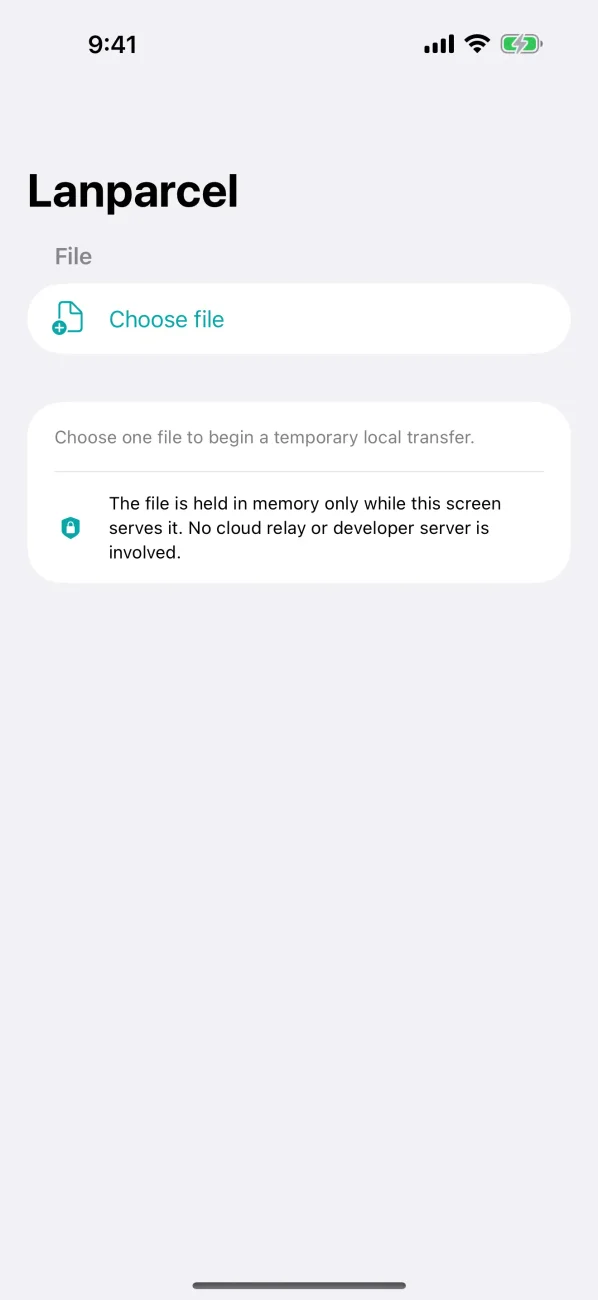
1. Tap Choose file and pick a file from the Files picker (On My iPhone, iCloud Drive or any other location you use).
2. Lanparcel starts a temporary web server on your local network and shows a QR code together with the local address, for example http://192.168.1.20:52814/Notes.pdf.
3. On the other device, such as a laptop, tablet or phone on the same network, scan the QR code or type the address into a browser. The file downloads straight from your iPhone or iPad.
4. A download counter shows when the file has been fetched. Tap Stop transfer session when you are done, or choose another file to replace it.
WHAT TO EXPECT
- One file at a time, sent from this device to browsers on the same network. Lanparcel does not receive files.
- While a session is running, any device on the network that opens the address can download the file, so stop the session when you are finished and use Lanparcel on networks you trust.
- Keep Lanparcel open on screen during the transfer; iOS pauses the session when the app is in the background.
- The file is served over plain HTTP inside your local network. The connection is not encrypted.
- The file is held in memory while it is served, so it suits documents, photos and everyday files. Very large videos may not fit.
- Some networks, such as guest or public Wi-Fi, stop devices from reaching each other. Use a home or office network, or a personal hotspot, instead.
PRIVACY
Nothing is copied to a server, and Lanparcel has no account, no ads and no analytics. iOS asks for Local Network permission the first time you start a session; it is used only to serve your file.
What’s new
Version 1.0.1 · Oct 7, 2026
The QR code for the download address now displays correctly, so other devices can scan it to start the download.
App privacy
What Robert Corbin declares on the App Store about how this app handles data.
-
Data not collected
The developer does not collect any data from this app.
Privacy practices may vary, for example with the features you use or your age.
Information
- Seller
- Robert Corbin
- Category
- Utilities
- Version
- 1.0.1
- Updated
- Oct 7, 2026
- Released
- Aug 6, 2026
- Size
- 13.0 MB
- Requires
- iOS 17.0 or later
- Age rating
- 4+
- Price
- $0.99
- Copyright
- © 2026 Robert Corbin