Lapwing Run
Intervals for starting again
Designed for iPhone
Free · In-app purchases
- Age rating4+
- CategoryHealth & Fitness
- DeveloperPurplecones, LLC
- LanguagesEnglish
- Size8.4 MB
Links to the official App Store page
Download.org hosts no file of Lapwing Run. The button opens its official App Store page, published by Purplecones, LLC. Listing last checked on Nov 15, 2026.
Screenshots
About
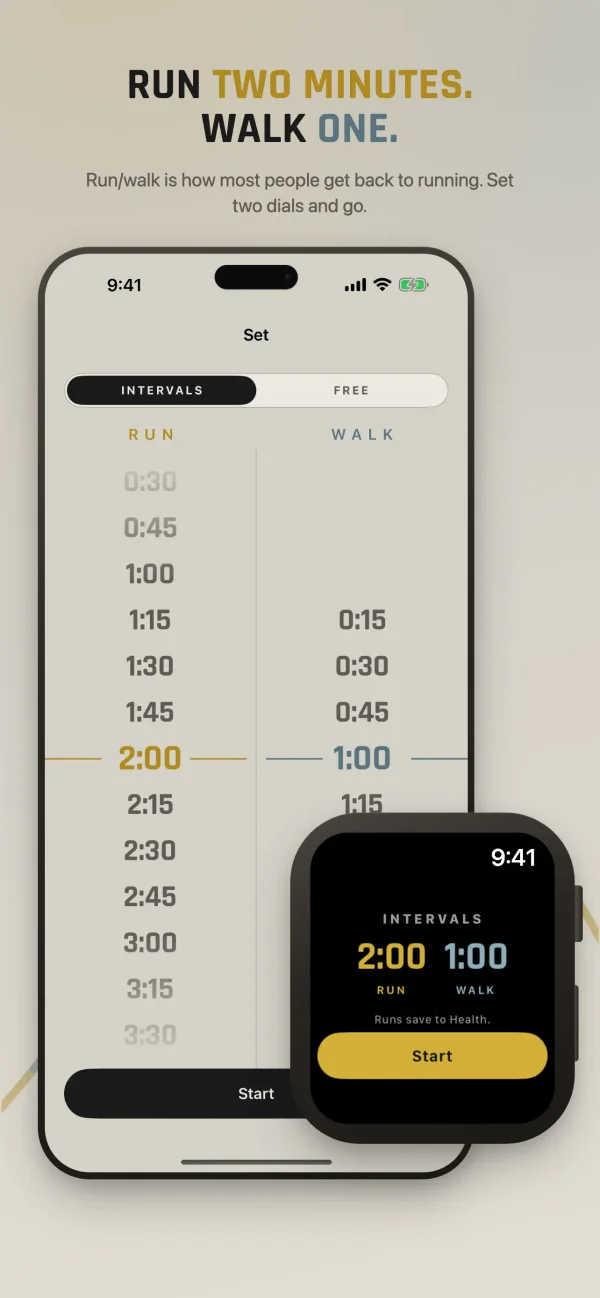
Run two minutes. Walk one. Repeat.
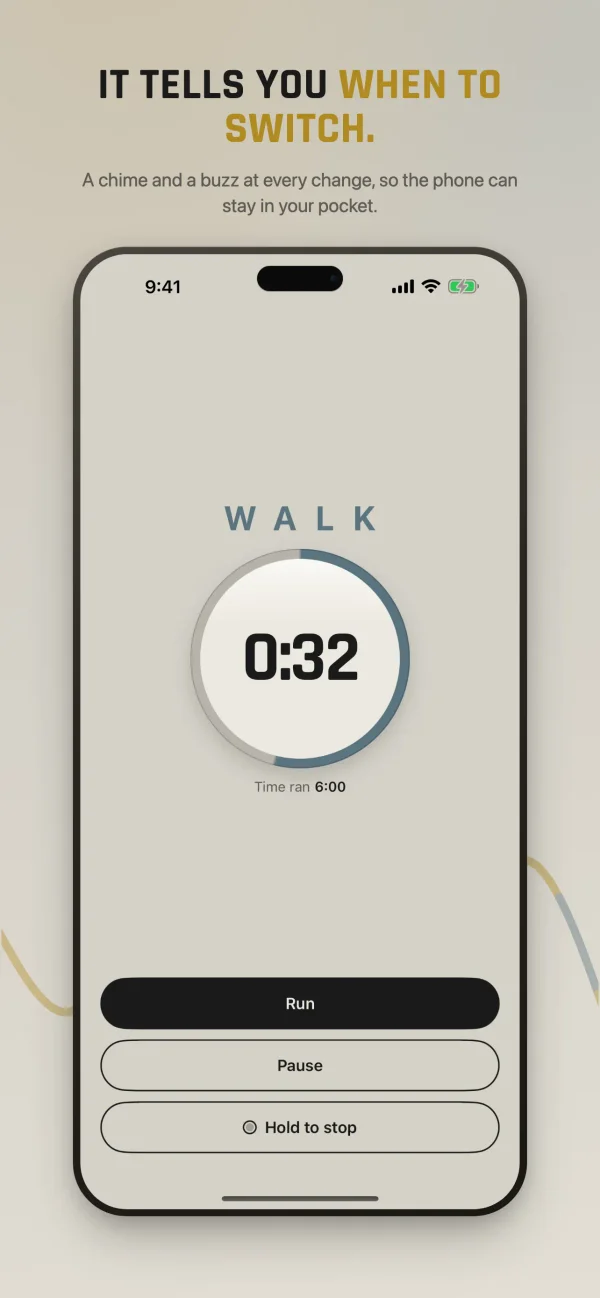
Run/walk is how most people get back to running without getting hurt. The hard part is remembering to switch. Lapwing does the remembering: set two dials, put the phone in your pocket, and go. A chime and a buzz tell you when to run and when to ease off, so you never have to look at the screen.
Two ways to run
Intervals. You pick the run length and the walk length, and the clock flips between them until you stop.
Free. No timer. Run until you want a break, tap Walk, and tap Run when you are ready again.
A map that shows the walking too
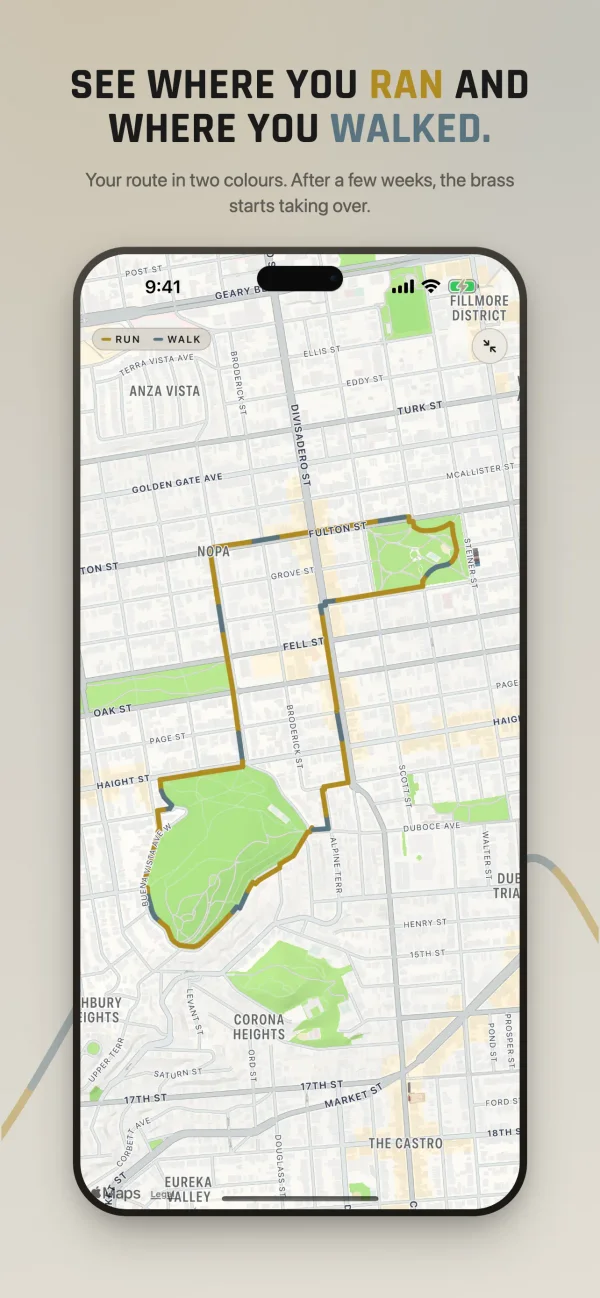
Your route is drawn in two colours: brass for the stretches you ran, steel for the stretches you walked. Distance and pace come along with it. After a few weeks, the brass starts taking over.
On your wrist
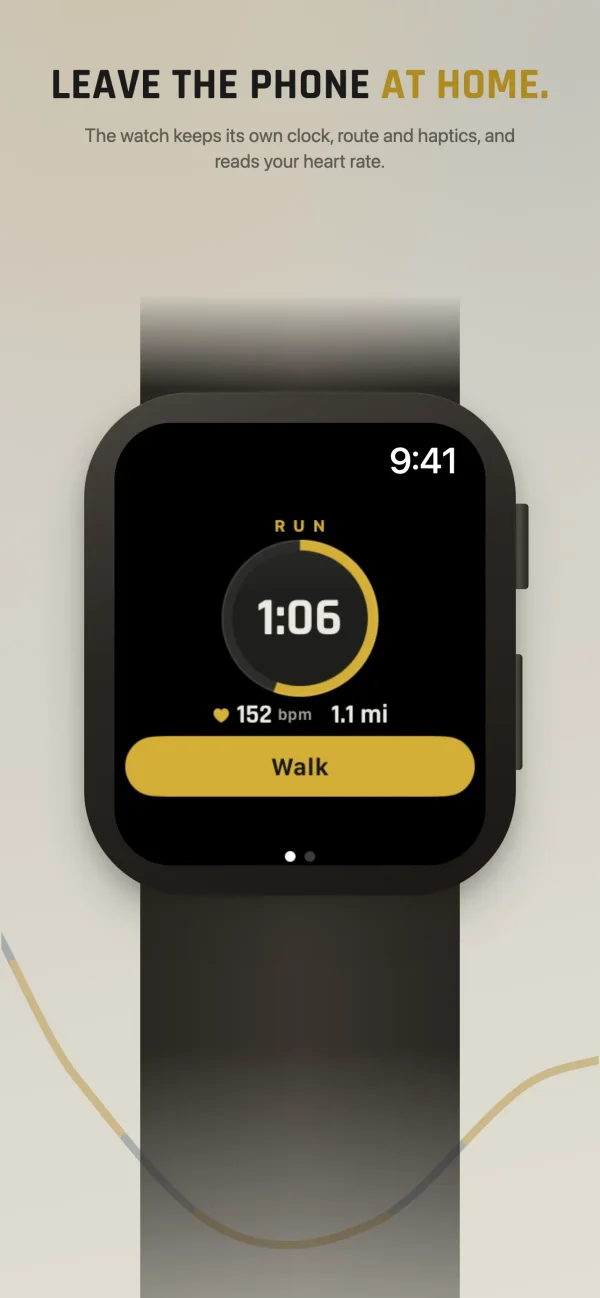
Lapwing has an Apple Watch app. Start a run from the watch and the phone can stay home: the watch keeps its own clock, its own GPS route and its own haptics. Start on the phone with the watch on and the same run shows in both places, and either one can switch phase or stop it. A run recorded on the watch carries its heart rate, and saves to Health as a workout with its route.
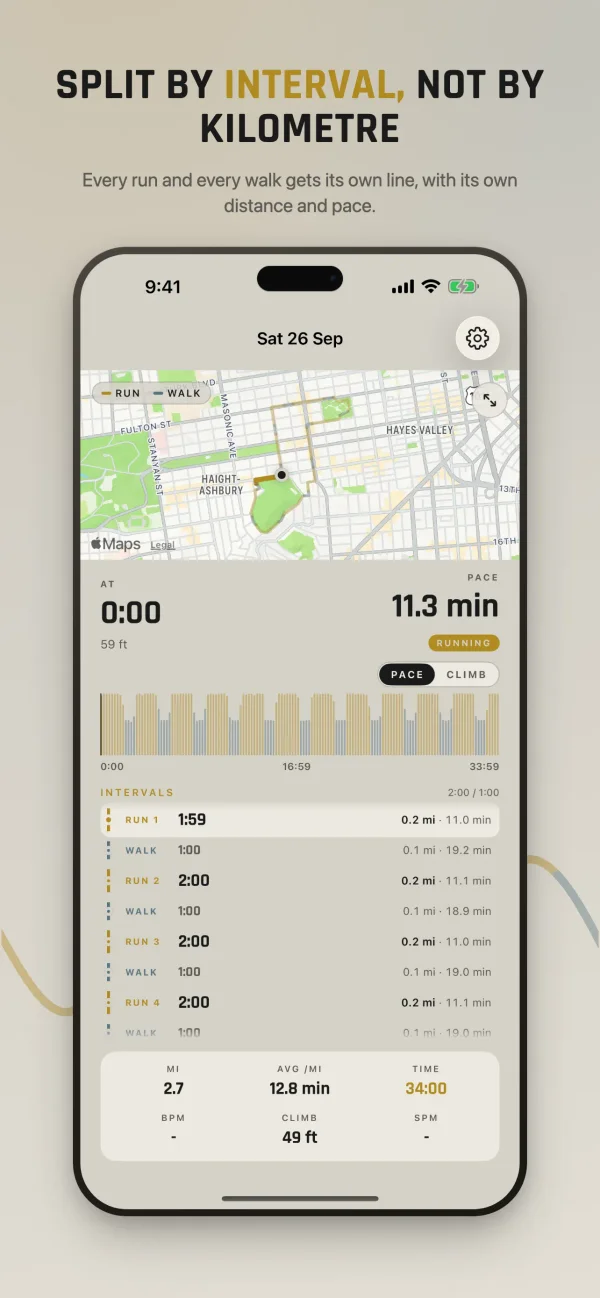
Split by interval, not by kilometre
Everyone else splits your run per kilometre, which tells you nothing when you are stopping to walk every two minutes. Lapwing logs each run and each walk as its own line with its own distance and pace, so you can scrub back through the whole thing.
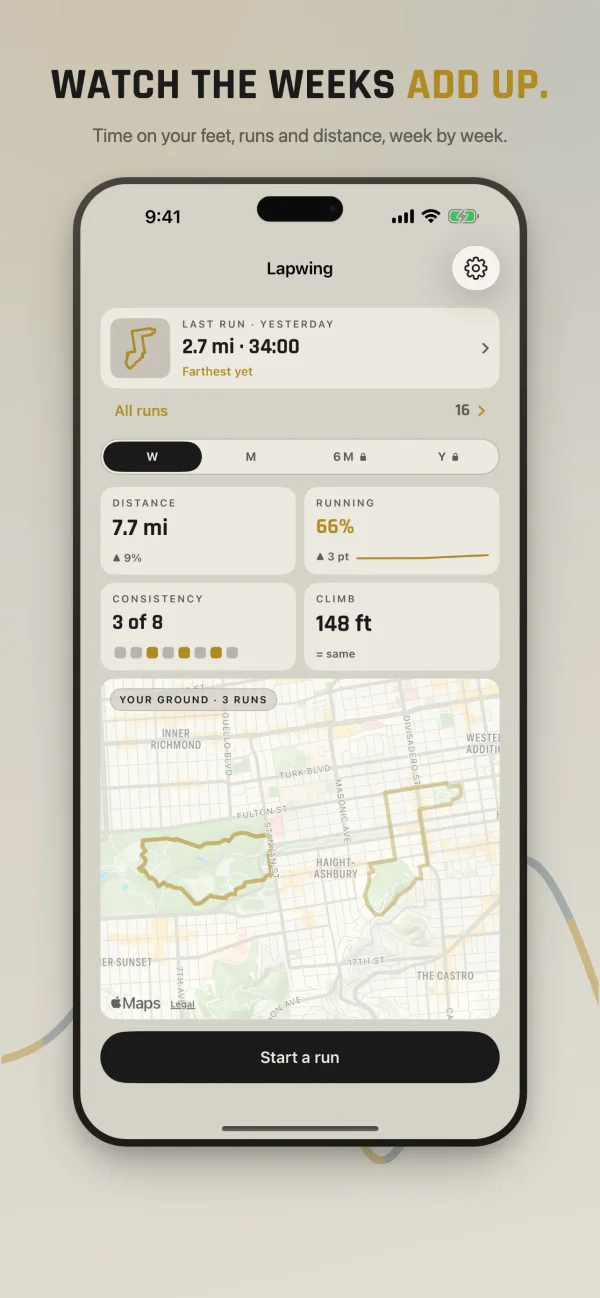
Watch the weeks add up
Home shows your last run, then the week or month at a glance: distance, how much of it you ran, the days you got out, and how far you climbed, each against the period before. Underneath, a map draws every route you ran in that time. Tap any number for the chart behind it.
Nobody is watching
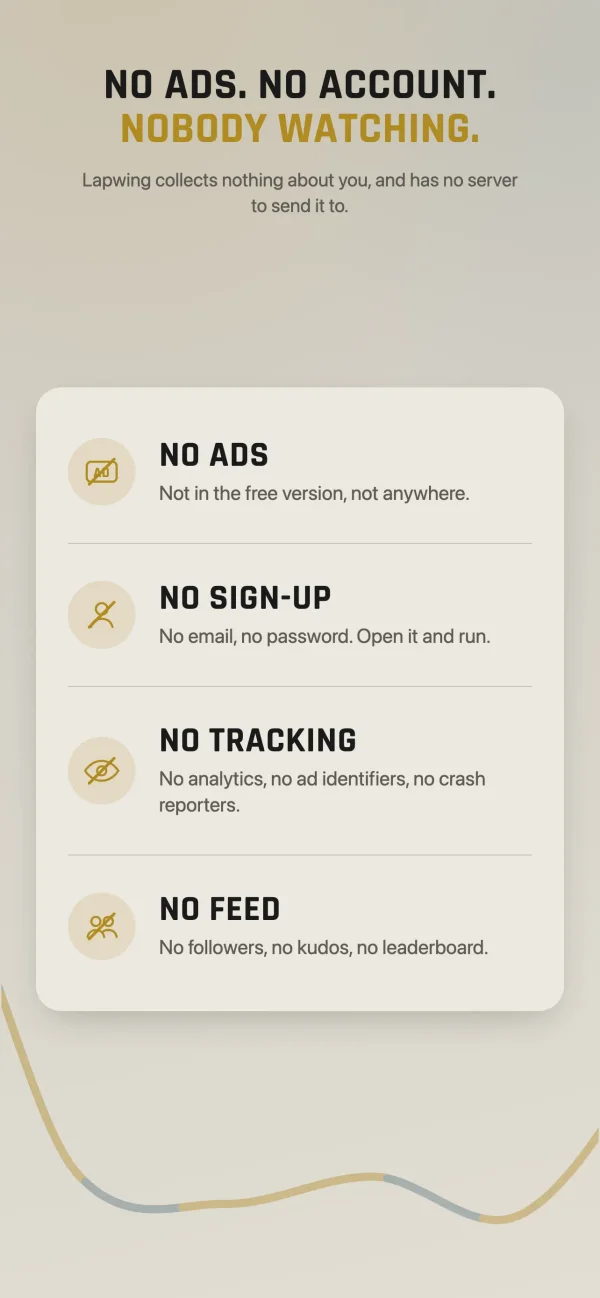
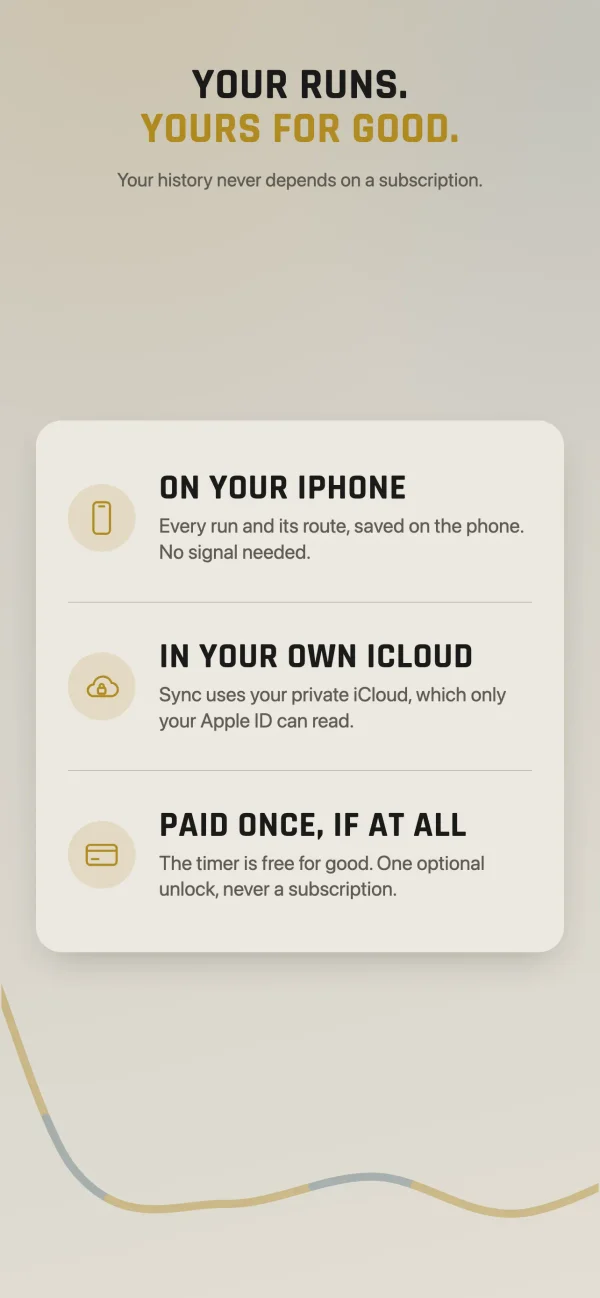
There are no ads, no analytics and no tracking. There is no account and nothing to sign up for. No feed, no followers, no kudos, no leaderboard. Your runs are stored on your iPhone. There is no Lapwing server.
What is free
The timer is free forever, with no trial and no ads: both modes, the route map, distance and pace, interval splits on every run, your three most recent runs, and the week and month dashboard.
What the unlock adds
Running Unlimited is one optional in-app purchase, $4.99 paid once, not a subscription. It opens your full run history, the six month and year dashboards, the Apple Watch app, and sync through your own private iCloud. On the free tier older runs are hidden, never deleted, so they are all still there if you buy it later.
Location is used only to draw your route and work out distance and pace. Deny it and the timer, the chimes and your run and walk times all still work, which is how a treadmill run works.
iPhone in portrait, and Apple Watch. Requires iOS 26 and watchOS 8.
What’s new
Version 1.6 · Nov 13, 2026
Switch between Intervals and Free run mid-run, without stopping: one tap on the live screen or on the watch.
Free run now notices on its own when you're running and when you're walking.
When a run ends you land straight on its full detail, and Back takes you Home.
Stats show Total time (run + walk) above Total run.
Options opens as a sheet, and the app follows your text size.
VoiceOver announces each change between run and walk.
More reliable runs from Apple Watch to iPhone, clearer iCloud sync status, and faster history lists.
App privacy
What Purplecones, LLC declares on the App Store about how this app handles data.
-
Data not collected
The developer does not collect any data from this app.
Privacy practices may vary, for example with the features you use or your age.
Information
- Seller
- Purplecones, LLC
- Category
- Health & Fitness
- Version
- 1.6
- Updated
- Nov 13, 2026
- Released
- Sep 4, 2026
- Size
- 8.4 MB
- Requires
- iOS 26.0 or later
- Age rating
- 4+
- Price
- Free
- In-app purchases
- Yes
- Languages
- English
- Copyright
- © 2026 Purplecones, LLC
You might also like
-
 Aruki: Japanese Walking TimerInterval Walking, Pace Timer
-
 ePilates OnlinePilates & Fitness Classes
-
 Intervals Aloud: Voice TimerWalk-Run, HIIT & Breathing
-
 Fit After 40Health & Fitness
-
 Move: Daily Movement CoachHealth & Fitness
-
 Glo and GoGlo and Go booking portal
-
 Anti Aging Mission: LongevityLongevity Coach & Daily Plan
-
 Run/Walk Interval TrainingCustom Interval Training Timer
-
 RaxupFocus & Reaction Training
-
 Harry's: Fitness ChallengesWin Cash: Run, Ride, Workout