- Age rating4+
- CategoryUtilities
- DeveloperShenzhen Longer3D Technology Co., Ltd.
- LanguagesEnglish
- Size93.1 MB
Links to the official App Store page
Download.org hosts no file of LaserBurn. The button opens its official App Store page, published by Shenzhen Longer3D Technology Co., Ltd. Listing last checked on Nov 15, 2026.
Screenshots

About
[Important Notice]
LaserBurn is only applicable to the LONGER Nano series, B1 series and RAY5 series.
For the required firmware for the B1 series, please visit the following link: https://bit.ly/48eaZw5 or contact official after-sales service at support@longer.net.
[Introduction]
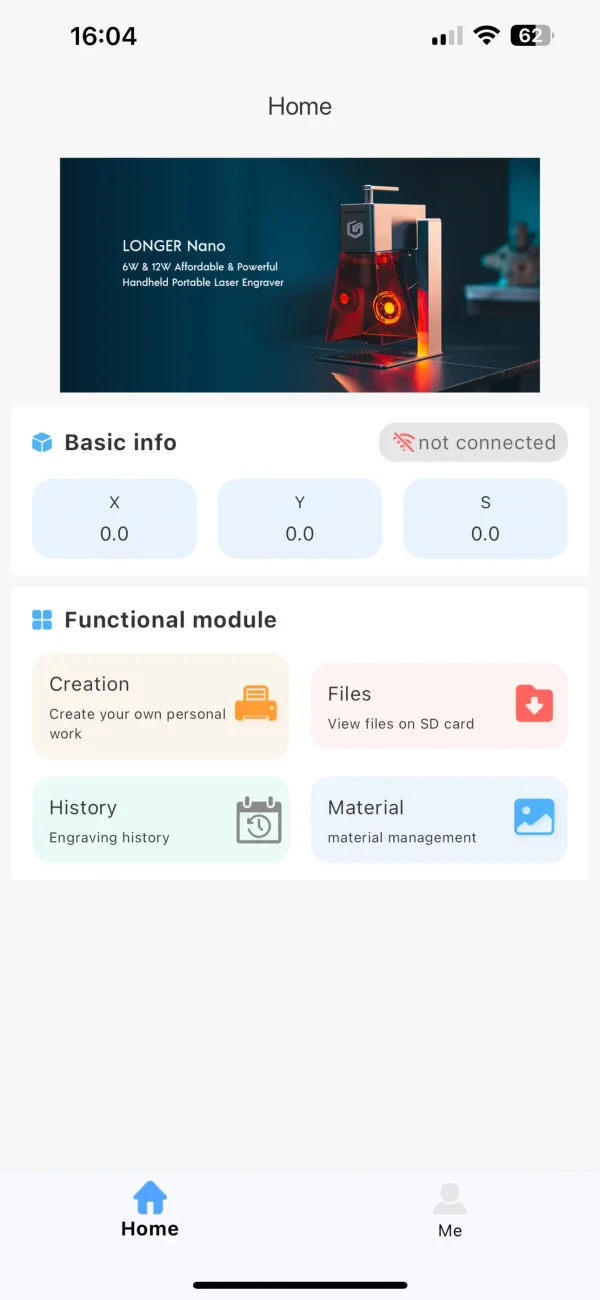
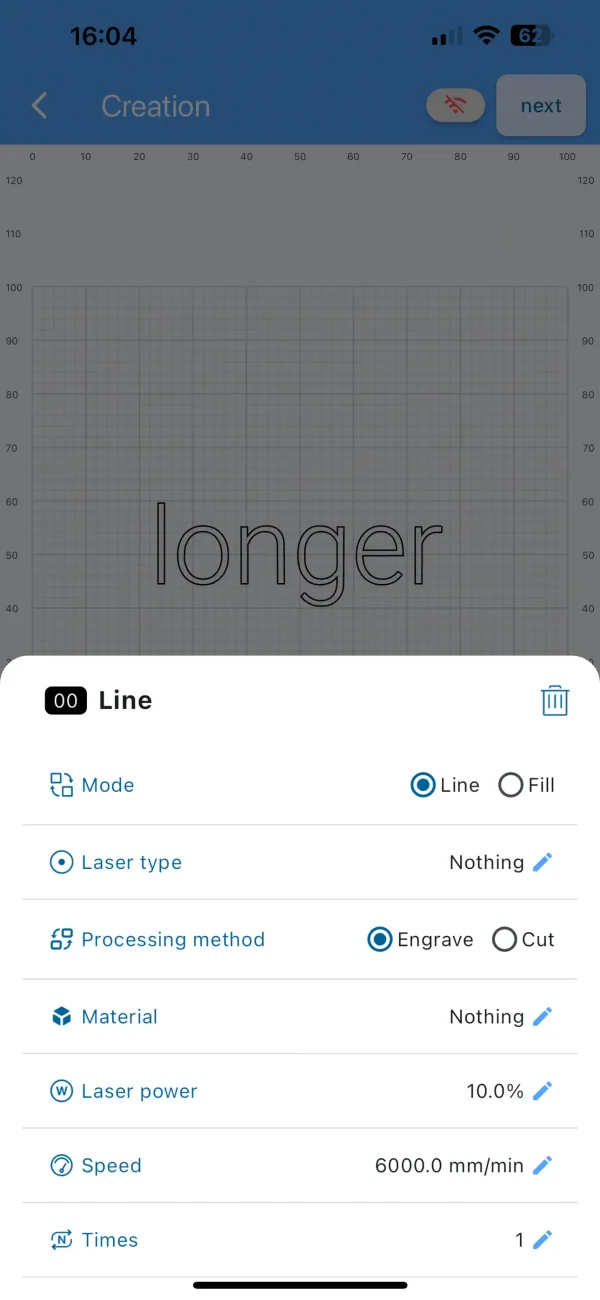
The LaserBurn app is designed specifically for LONGER laser engraving machines. With this app, you can connect and control your LONGER laser engraver, import or create designs, set engraving parameters, preview the engraving before starting, monitor progress in real-time, view engraving history, and even use offline engraving.
[Wi-Fi Setup]
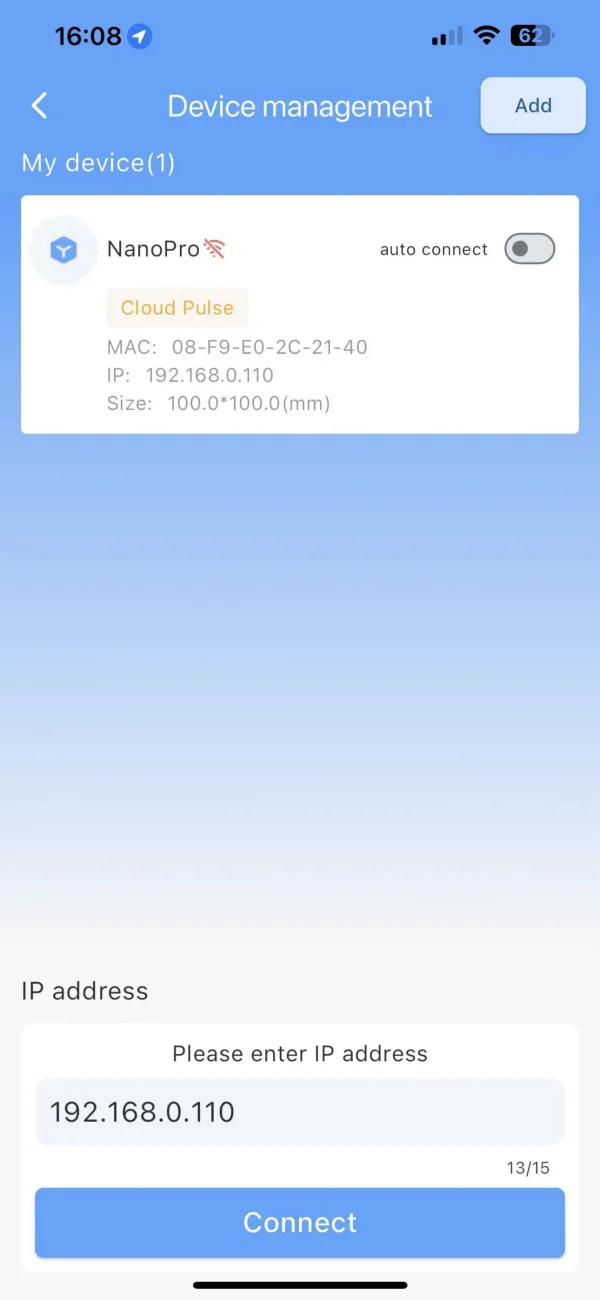
- Display network information, scan for available Wi-Fi networks automatically, or assign a network manually.
[Creation]
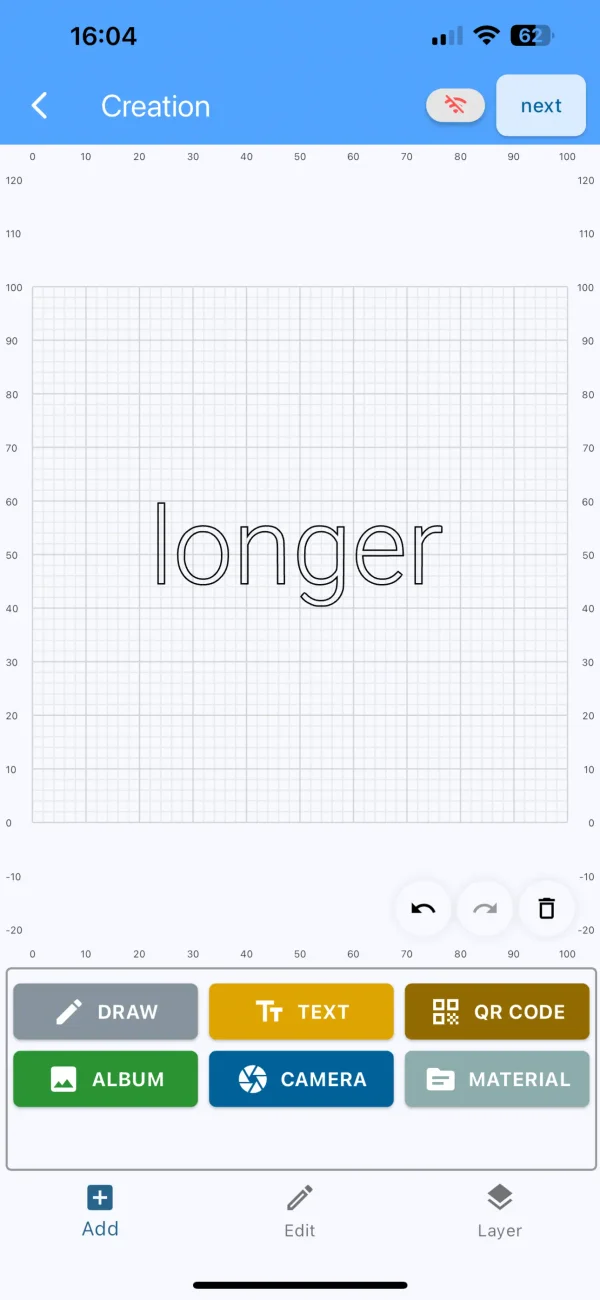
- Offers drawing tools for graffiti (lines and simple shapes), text, QR code creation, album import and editing, photo capture, a material library, and layer management.
[Preparation]
- Set the design's position and size, and preview the engraving pattern.
- Use border patrol to outline and adjust the engraving area.
- Configure engraving parameters (laser power, speed, precision, repetitions, etc.).
[Control]
- Displays the machine's current position, and allows you to set the zero point, zero the software/hardware, move the axis, and adjust the laser focus.
[Work]
- Shows engraving details, including machine status, time, repetitions, and coordinates.
- Adjust parameters such as laser power magnification, feed speed, and air assist.
- Provides pause, resume, and end engraving options.
[File]
- View a list of G-code files stored on the machine, including capacity, file size, and more.
- Select files for preview and engraving.
[History]
- Displays engraving history, including file names, times, and repetitions.
- Reuse history files for repeat engraving.
[Materials]
- Access built-in or custom patterns for easy reuse.
[Help]
- A wealth of tutorial videos and documents are available to help you quickly get started with your LONGER engraving machine and troubleshoot any issues.
What’s new
Version 2.1.5 · Aug 3, 2026
Fixed some known issues to improve stability
App privacy
What Shenzhen Longer3D Technology Co., Ltd. declares on the App Store about how this app handles data.
-
Data not collected
The developer does not collect any data from this app.
Privacy practices may vary, for example with the features you use or your age.
Information
- Seller
- Shenzhen Longer3D Technology Company Limited
- Category
- Utilities
- Version
- 2.1.5
- Updated
- Aug 3, 2026
- Released
- Sep 27, 2023
- Size
- 93.1 MB
- Requires
- iOS 12.0 or later
- Age rating
- 4+
- Price
- Free
- Languages
- English
- Copyright
- © 2022 Longer3D Co., Ltd.
You might also like
-
 Laser engravingLaser engraving machine
-
 AtomStack StudioUtilities
-
 AlgoLaserA versatile engraving tool
-
 xTool Creative Space MobileUtilities
-
 Falcon Design SpaceFalconDesign for craftseek.com
-
 WeCreatInspire lite space design
-
 LaserPecker Design SpaceUtilities
-
 Engraver激光雕刻机
-
xTool Creative SpaceUtilities
-
 ORTURUtilities