Le VPN: Fast & Secure
VPN service trusted since 2010
Designed for iPhone, iPad, Mac
In-app purchases
- Age rating4+
- CategoryProductivity
- DeveloperVTNV Solutions Limited
- LanguagesGerman+ 14 more
- Size99.5 MB
Links to the official App Store page
Download.org hosts no file of Le VPN: Fast & Secure. The button opens its official App Store page, published by VTNV Solutions Limited. Listing last checked on Nov 28, 2026.
Screenshots
About
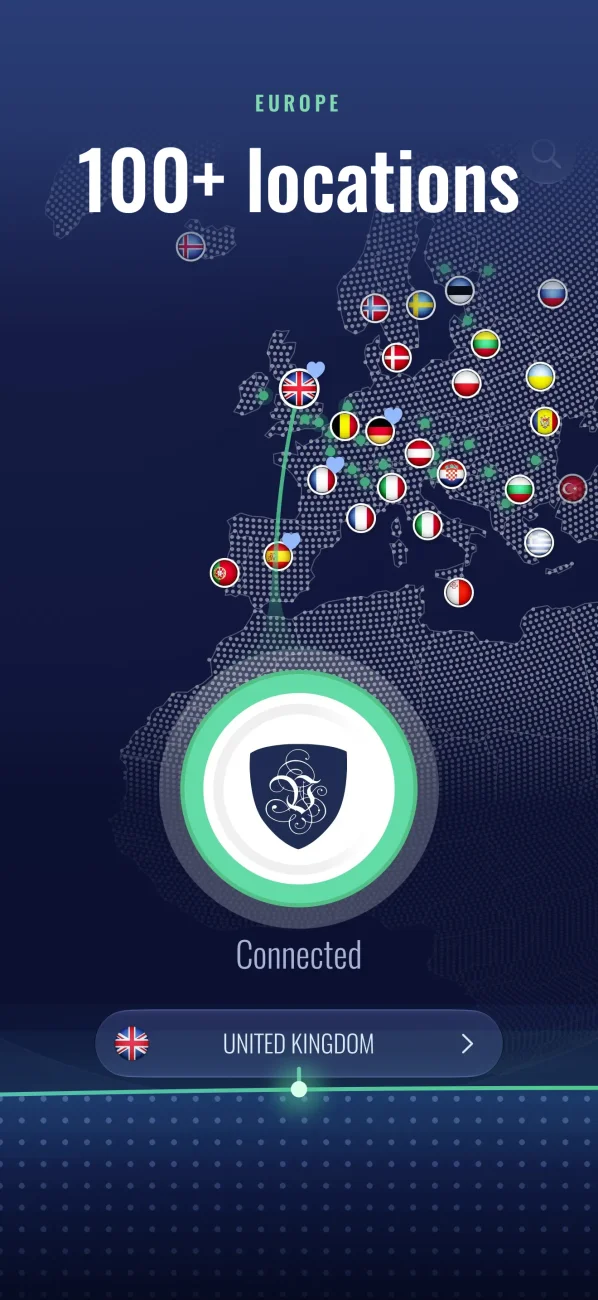
Le VPN for iPhone and iPad protects you on any WiFi network and keeps what you do online private. Pick one of our VPN servers in 100+ locations, tap Connect, and you browse with that server's IP address over an encrypted connection. Enjoy the Internet by Your Own Rules!
Change your IP address to 100+ locations
Le VPN gives your device the IP address of any of our VPN servers, in 100+ locations. Websites and apps then see the server's location instead of yours. The servers are fast, and encryption protects the connection on every WiFi network.
One tap to connect
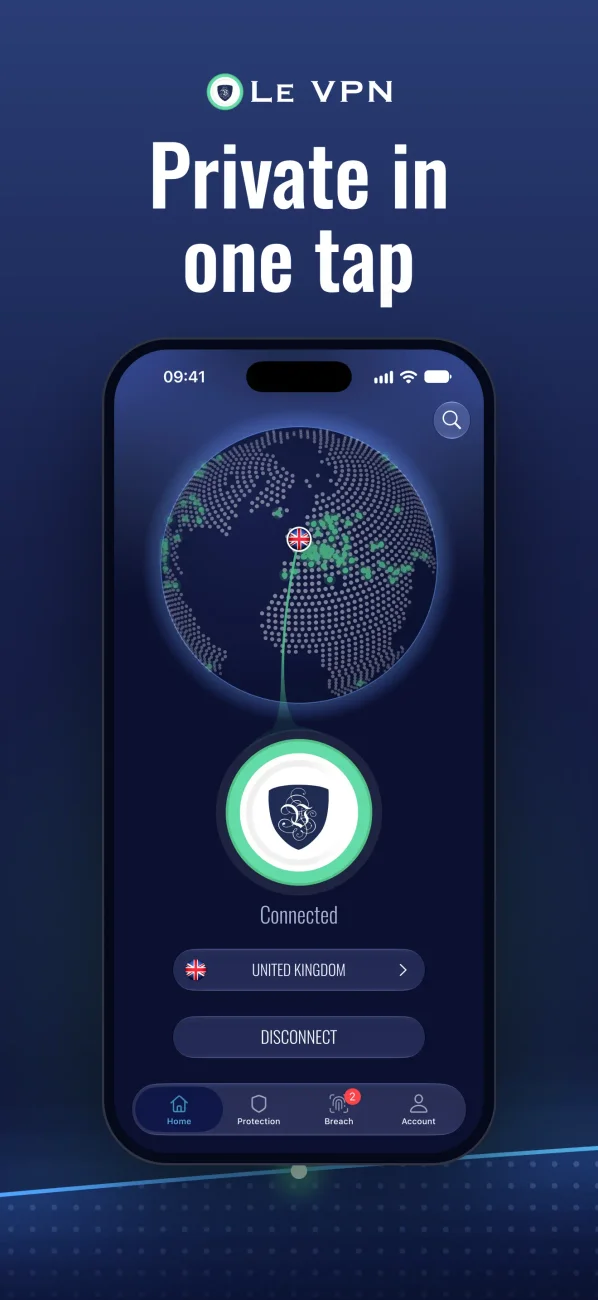
Choose a country and tap "Connect". From that moment the app encrypts everything your iPhone or iPad sends and receives. Your favourite servers stay at the top of the list, and you can switch to another server without disconnecting first.
Quantum-safe WireGuard
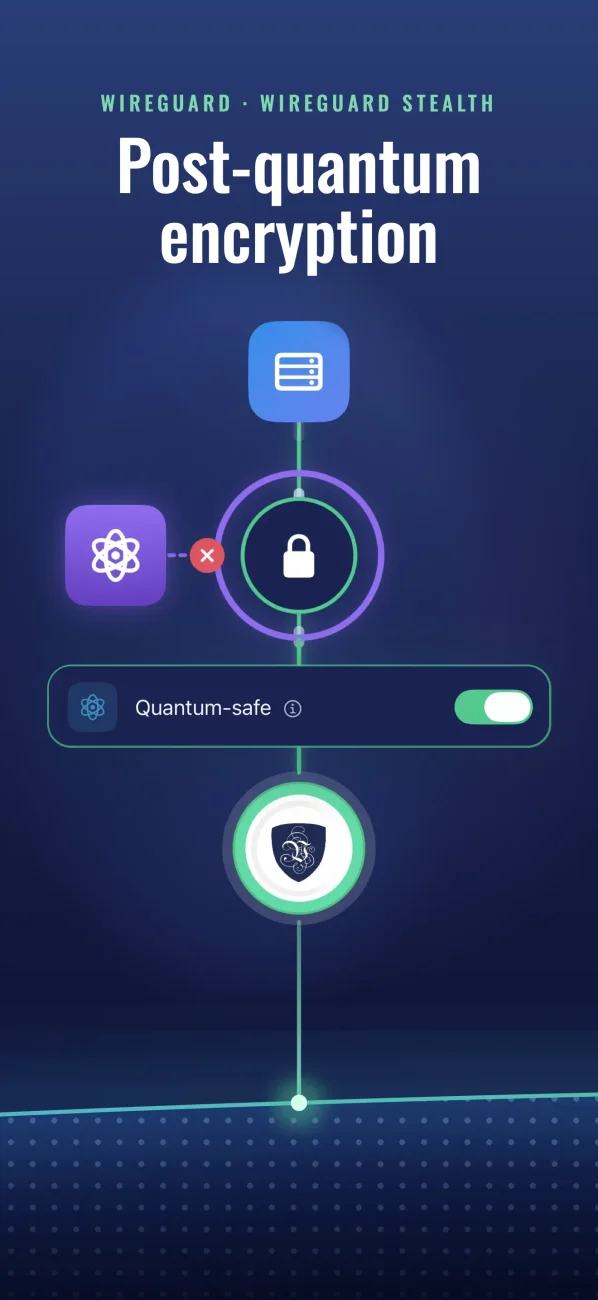
Someone can record your encrypted traffic today and wait until a quantum computer is strong enough to decrypt it. With the switch on, Le VPN adds a fresh ML-KEM-768 secret, the NIST FIPS 203 standard, to WireGuard and Stealth WireGuard connections, so a quantum computer alone can't open those recordings. Turn it on with the Quantum-safe switch in the VPN settings.
Stealth WireGuard
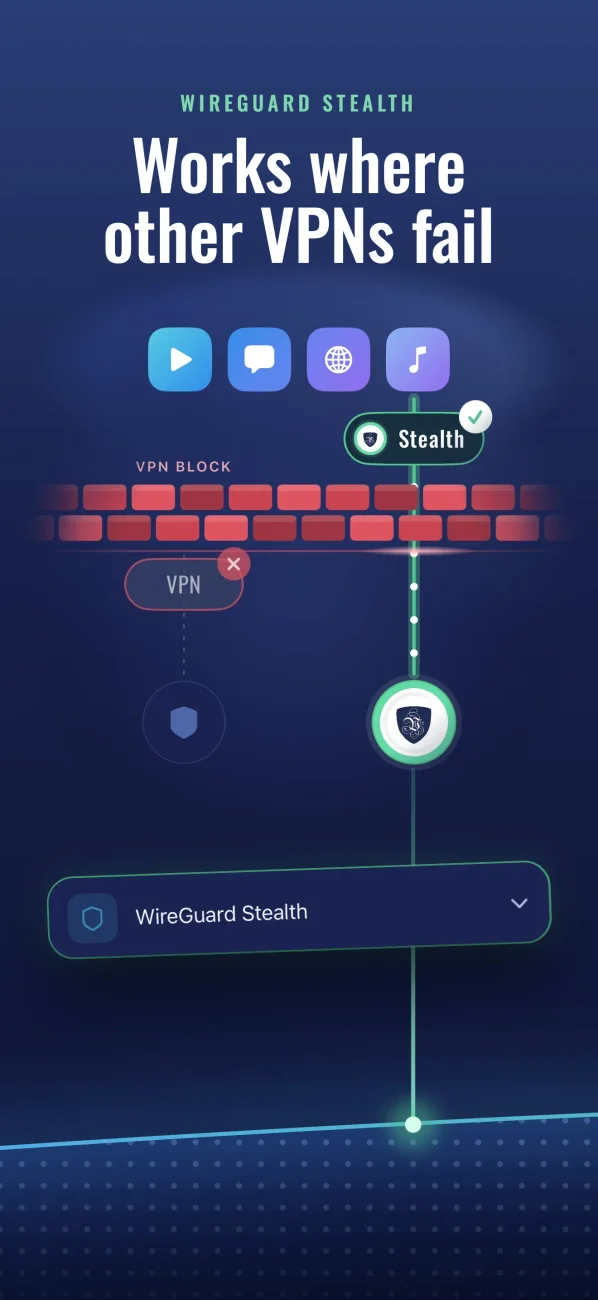
Stealth WireGuard disguises VPN traffic so it gets through networks that block or slow down VPN connections. You pick WireGuard Stealth or WireGuard in the VPN settings.
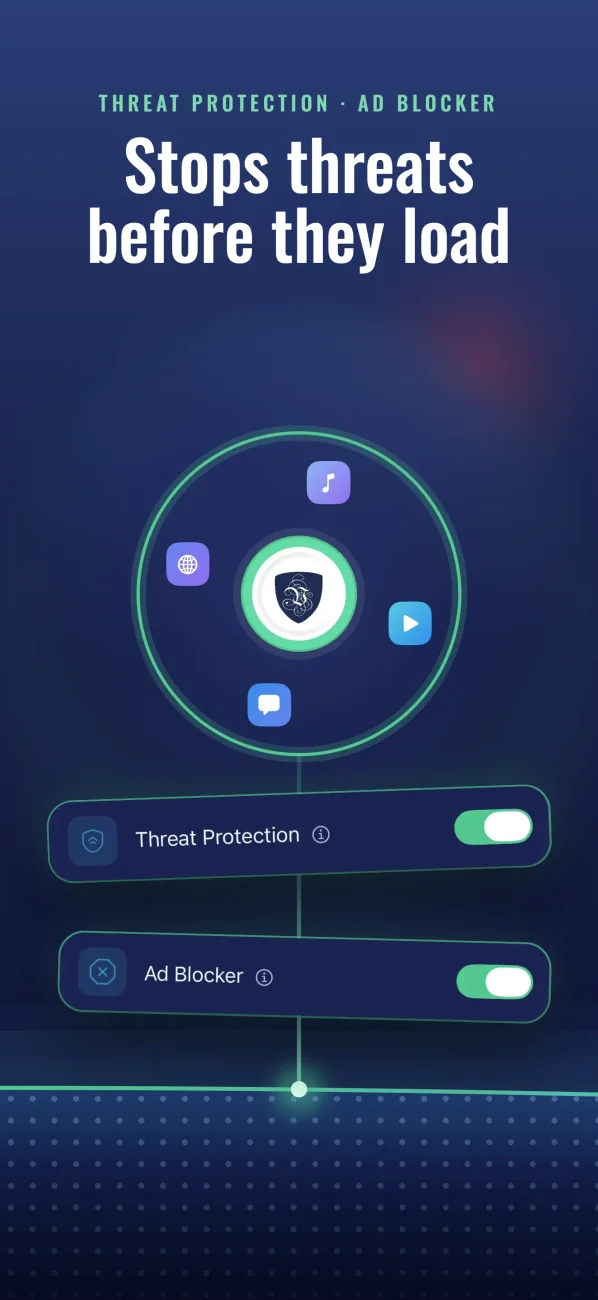
Block ads while you browse
The Ad Blocker removes ads from websites and apps before they load: while the VPN is on, Le VPN's own DNS servers drop the requests that ads come from. Nothing to install, nothing to configure, one switch in the menu.
More than a VPN connection
• Threat Protection blocks malware and phishing websites.
• Automatic VPN reconnection brings the VPN back when your network changes.
• "Test your IP" shows your current IP address, its location and whether you are protected.
• A live traffic graph shows what you download and upload while connected.
• The globe on the main screen shows the location of your server.
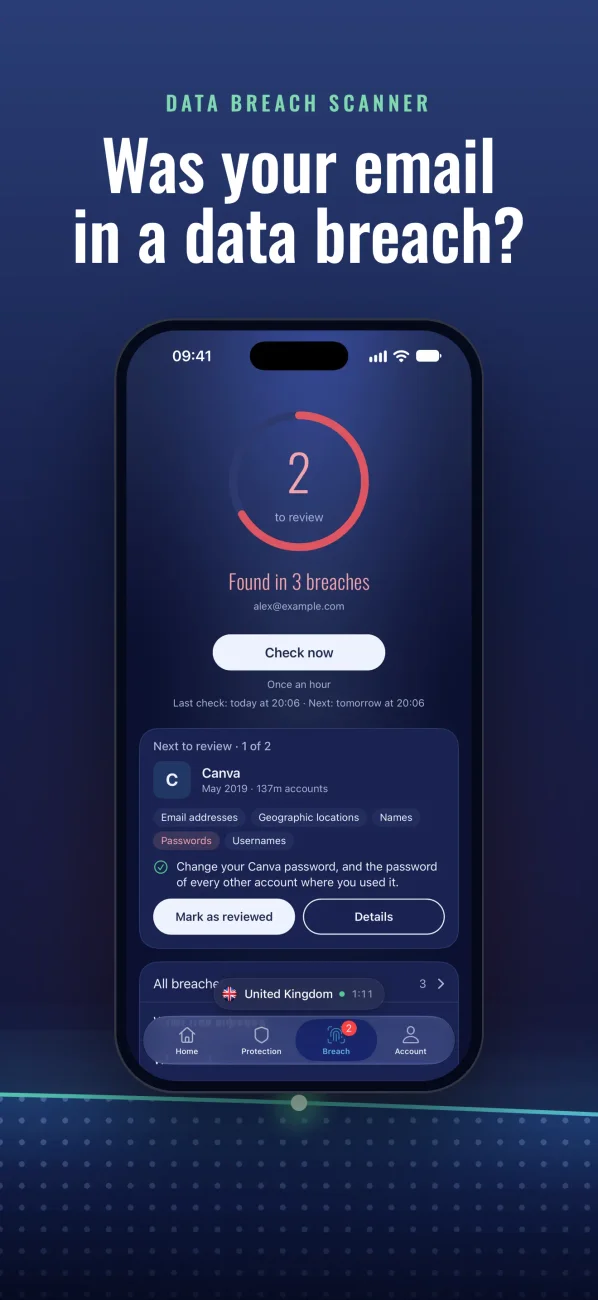
• Breach detection watches up to 5 e-mail addresses on your account and notifies you when one shows up in a new data breach.
• Le VPN widgets connect and disconnect from your Home Screen, your Lock Screen and Control Centre.
• Bypass VPN for local networks keeps printers and other home devices reachable.
• The app has light and dark themes, comes in 15 languages and fits both iPhone and iPad.
One subscription for all your devices
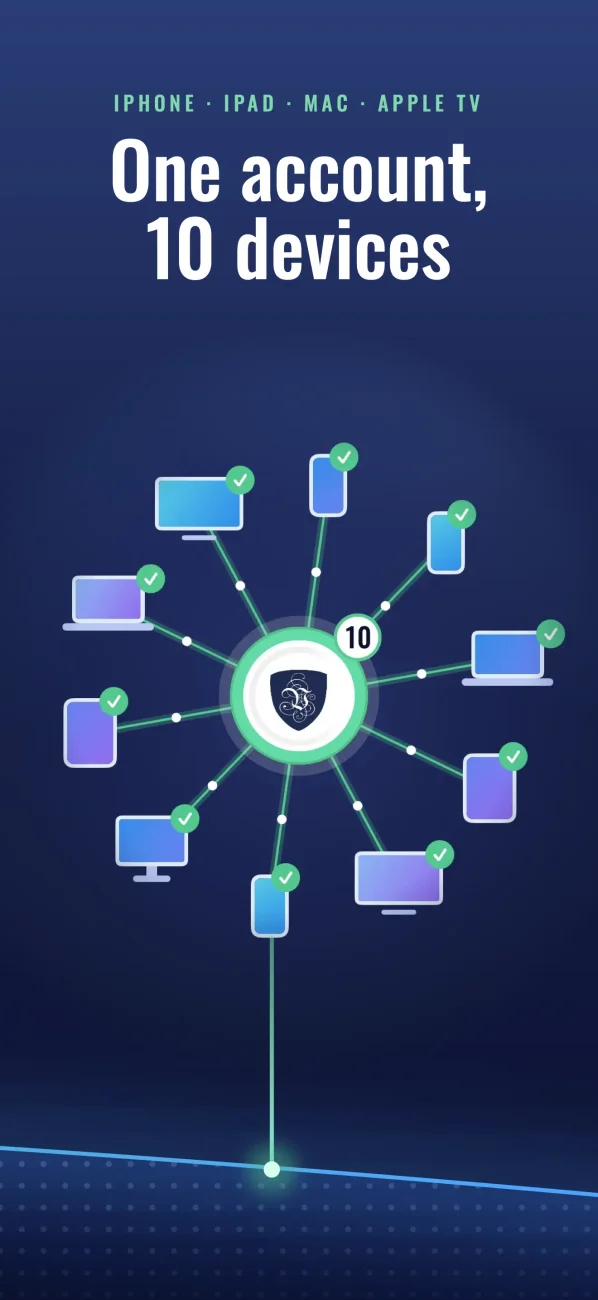
Le VPN is a paid service, and you need a subscription to use this app. New accounts start with a 7-day free trial. A plan you buy in this app also covers your other devices: desktops, laptops, other phones and tablets, routers, game consoles and smart TVs. On iOS the app connects through WireGuard, IKEv2 or IPSec. OpenVPN is available on other devices.
What every Le VPN plan includes
• Use on an unlimited number of devices.
• 10 VPN connections at the same time.
• Unlimited traffic and bandwidth at high speeds.
• No logs of your online activity.
• Support 24/7, in several languages.
Why choose Le VPN?
• Le VPN has been a VPN provider since 2010 and has protected millions of users around the world.
• We keep no traffic logs, and an email address is the only personal detail we ask for.
• WireGuard, IKEv2 and IPSec encrypt everything between your device and the VPN server.
• On public WiFi in a hotel or an airport, other people on the network cannot read your traffic.
• Websites see the IP address of the VPN server, so your own stays hidden.
Privacy Policy and Terms of use:
https://www.le-vpn.com/vpn-terms-of-use/
What’s new
Version 3.11.0 · Nov 28, 2026
• Quantum-safe WireGuard: a switch you turn on in the VPN settings. With the switch on, Le VPN adds a fresh ML-KEM-768 secret, the NIST FIPS 203 standard, to WireGuard and Stealth WireGuard connections, so traffic recorded today can't be decrypted later by a quantum computer.
• Breach detection now watches up to 5 e-mail addresses on your account, for example work, personal and family. You get a notification when one shows up in a new data breach, and you can run a check by hand any time.
• New tab bar: Home, Protection, Breach and Account, plus My server when your account has a personal VPN server.
• A pill above the tab bar shows your selected server and live traffic while connected.
• Search for a country or city from the top right of the server list.
• Account shows the Apple TVs signed in to your account, and signs one out.
• Plus improvements and fixes.
App privacy
What VTNV Solutions Limited declares on the App Store about how this app handles data.
-
Data not linked to you
May be collected but is not linked to your identity.
- Contact info
- Usage data
- Diagnostics
Privacy practices may vary, for example with the features you use or your age.
Information
- Seller
- VTNV Solutions Limited
- Category
- Productivity
- Version
- 3.11.0
- Updated
- Nov 28, 2026
- Released
- Jan 23, 2014
- Size
- 99.5 MB
- Requires
- iOS 16.0 or later
- Age rating
- 4+
- In-app purchases
- Yes
- Languages
- German, Arabic, English, French, Italian, Japanese, Persian, Polish, Portuguese, Russian, Spanish, Czech + 3 more
- Copyright
- © 2026 VTNV Solutions Limited
You might also like
-
 IronGuard VPN: Turbo VPN ProxyFast VPN for iPhone & iPad
-
 F-Secure FREEDOME VPNSafe, Private & Unlimited VPN
-
 Spamdrain - Email Spam BlockerJunk Mail & Phishing Filter
-
 X VPN Dash, Free VPN ™, Best XX VPN, VPN for X, Best VPN X
-
 VPN Proxy & Internet Speed ProOnline Privacy & WiFi Analyzer
-
 PDF Editor・PDF File ConverterPDF Scanner, Filler and Signer
-
 SuperVPN - VPN ProxyPrivate browsing on any Wi-Fi
-
 Authenticator+ AppAuthentication OTP 2FA/MFA
-
 Screen Time App LimitStay Focused for Daily Goals
-
 VPN - Free VPN Turbo Fast ™Super Unlimited & Secure Proxy