
Leaf Identifier
AI Leaf Identification Scanner
Designed for iPhone
Free · In-app purchases
- Age rating4+
- CategoryEducation
- DeveloperKawaii
- LanguagesEnglish
- Size23.3 MB
Links to the official App Store page
Download.org hosts no file of Leaf Identifier. The button opens its official App Store page, published by Kawaii. Listing last checked on Nov 15, 2026.
Screenshots


About
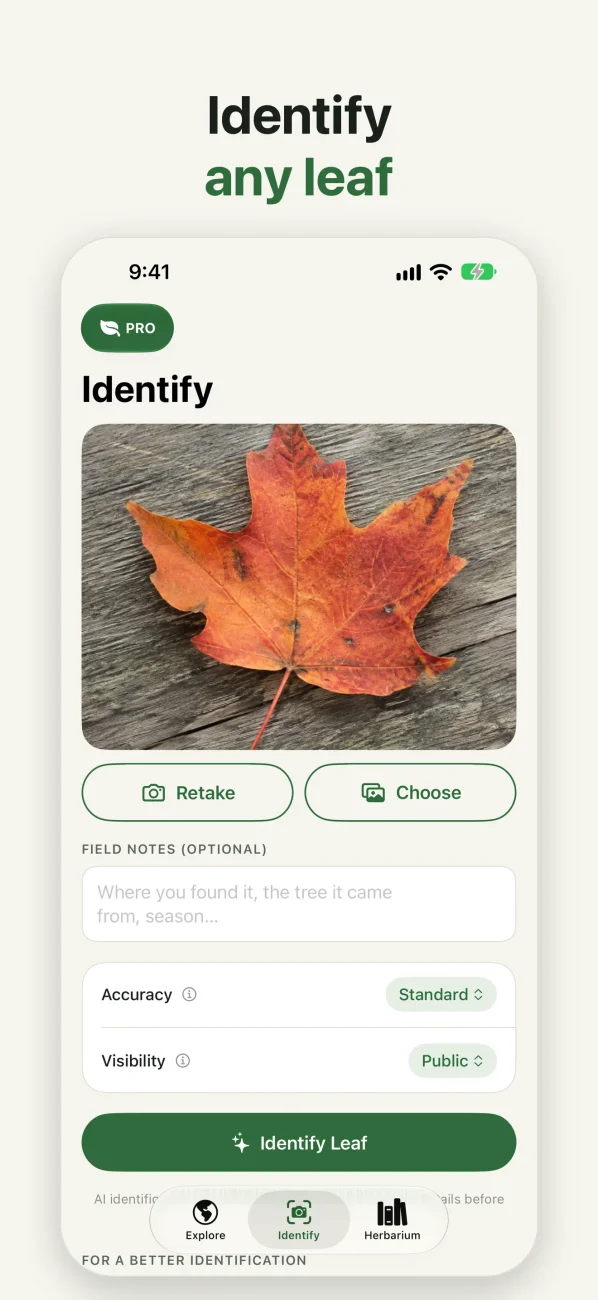
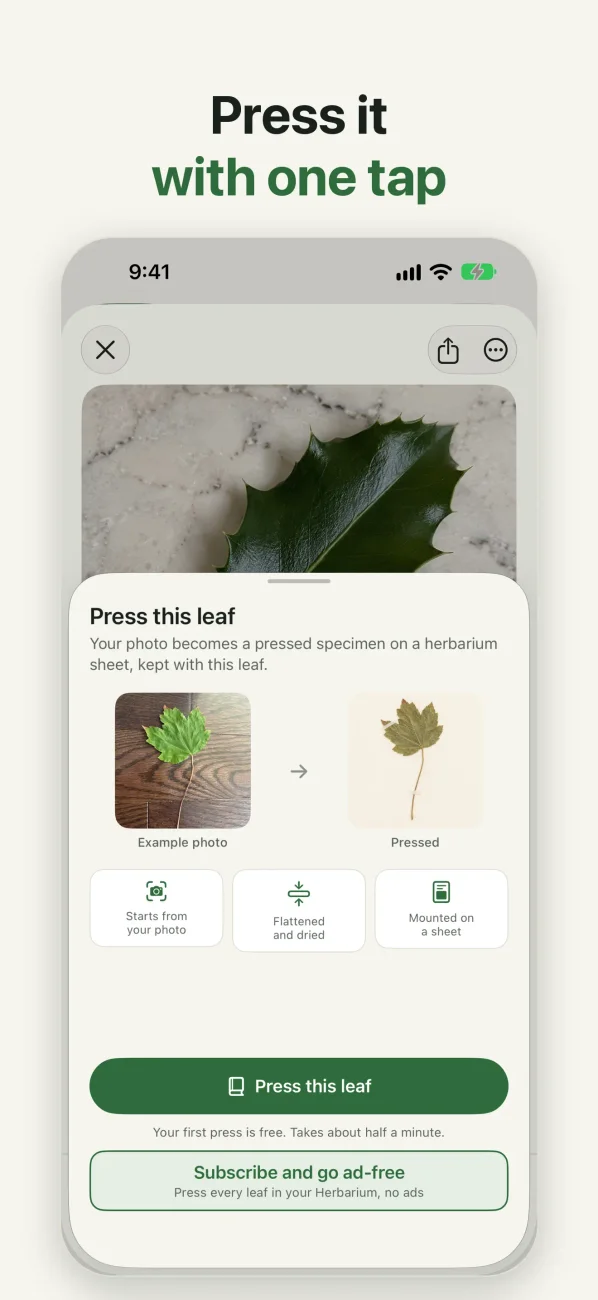
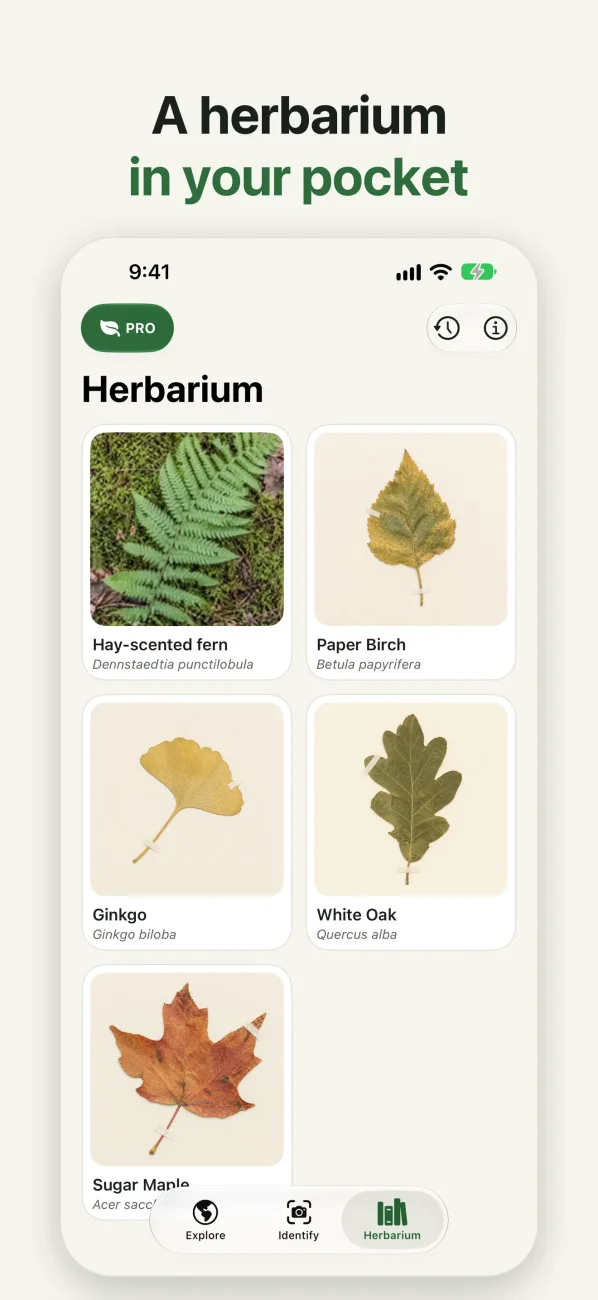
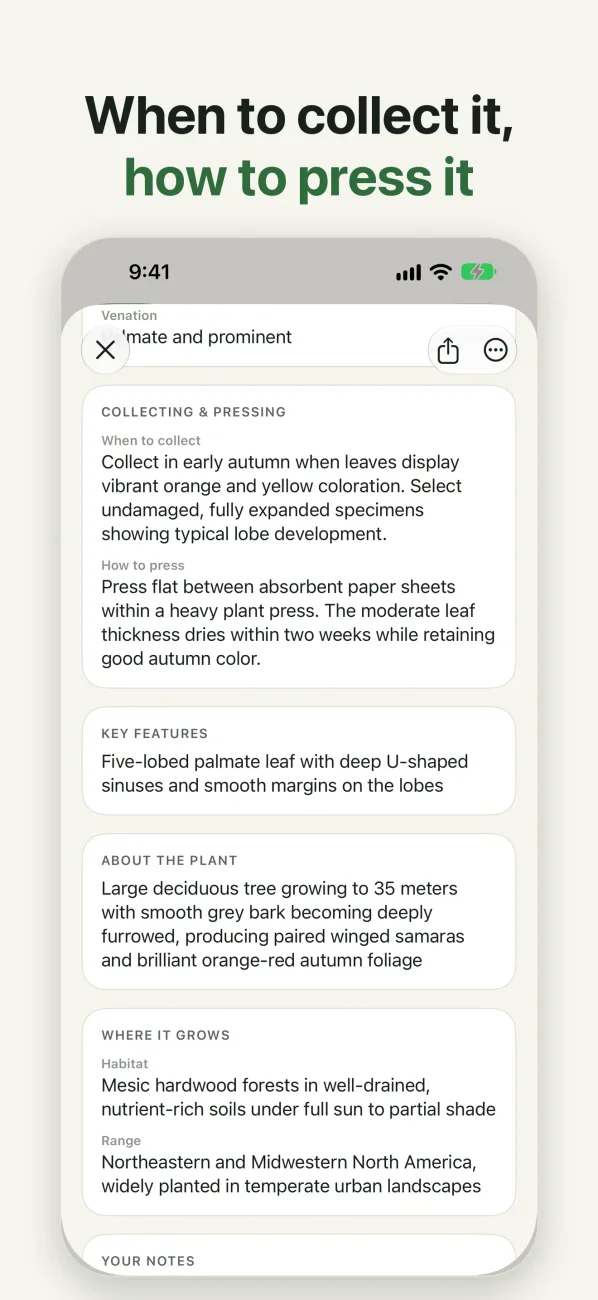
Leaf Identifier is for people who collect leaves. Photograph a leaf and get its name, the traits that make it what it is, and notes on when to collect it and how to press it. Then press it: one tap turns your photo into a pressed, mounted specimen on a herbarium sheet. Keep the finds you love in your Herbarium.
IMPORTANT
AI identifications are best guesses and can be wrong. Leaf Identifier does not provide edibility, toxicity, or medicinal information, and a result must never be used to decide whether anything is safe to touch, eat, or use. Verify important details with a qualified botanist or an authoritative reference. Collect responsibly: follow local laws, park rules, and landowner permissions.
WHAT YOU GET
• A name and family for the leaf in your photo, with its leaf type, shape, margin, arrangement, and venation explained in plain words
• Collecting notes: the season and stage when specimens of this leaf look their best, and what a well-formed specimen looks like
• Pressing and preserving tips written for this leaf: how to lay it out, how long it takes to dry, how it keeps its color, and how to mount, label, and store it
• Press It: turn your photo into a pressed, mounted specimen on a herbarium sheet with one tap. Your first press is free; after that, watch a short ad or go Pro
• Habitat and native range, key features, and a description of the tree or shrub it came from
• Your Herbarium for the finds you want to keep, plus a history of every identification
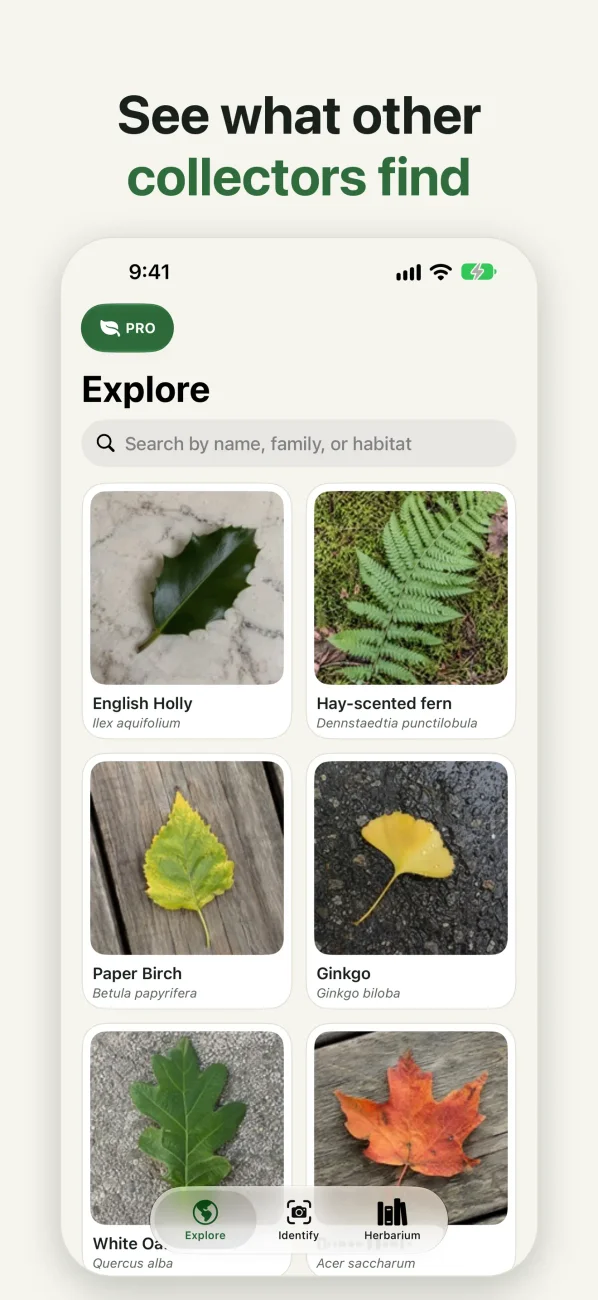
• Explore: leaves shared publicly by other collectors, with search by name, family, or habitat
• Report Content on any shared identification that looks wrong or inappropriate
HOW IT WORKS
1. Lay a leaf flat on a plain background and take a photo, or pick one from your library
2. Add optional field notes, like where you found it and the tree it came from
3. Get the name, the leaf's traits, and how to press and preserve it
4. Press it, and tap Add to Herbarium to keep it in your collection
BEFORE YOU START
The first time you open the app, you'll read our full AI Identification Disclaimer. Results are general information, not expert identifications, and are not botanical, horticultural, medical, veterinary, or legal advice.
Find our EULA here: https://www.apple.com/legal/internet-services/itunes/dev/stdeula/
What’s new
Version 1.0.1 · Oct 26, 2026
- Bug Fixes
App privacy
What Kawaii declares on the App Store about how this app handles data.
-
Data linked to you
May be collected and linked to your identity.
- User content
- Identifiers
- Usage data
Privacy practices may vary, for example with the features you use or your age.
Information
- Seller
- Kawaii, Incorporated
- Category
- Education
- Version
- 1.0.1
- Updated
- Oct 26, 2026
- Released
- Apr 23, 2026
- Size
- 23.3 MB
- Requires
- iOS 17 or later
- Age rating
- 4+
- Price
- Free
- In-app purchases
- Yes
- Languages
- English
- Copyright
- © Leaf Identifier
You might also like
-
 Linnea: Plant ID & HerbariumIdentify & collect wildflowers
-
 Tree Leaf Identifier & ScannerBark AI wood species photo ID
-
 Grass Identifier - GrassLensWeed ID: Lawn, Garden & Wild
-
 Leaf Identification: Plant IDIdentify Flowers, Trees Leaves
-
 TCG Card Scanner: Value CheckEdition, Number & Price Guide
-
 UK Antique Identifier & ValueFurniture & Pottery Valuations
-
 Leaf IdentifierIdentify from a photo
-
 Vinyl Collection & ScannerFind Record Pressing & Price
-
 Stamp Identifier: UK ValuationScan for Country, Year & Issue
-
 สนุกกับมาตราแม่ ก กา (ADs)Education