Leafmark: EPUB Reader & Notes
Export Highlights to Markdown
Designed for iPhone, iPad
Free · In-app purchases
- Age rating4+
- CategoryBooks
- DeveloperAkira Taniwaki
- LanguagesEnglish
- Size24.6 MB
Links to the official App Store page
Download.org hosts no file of Leafmark: EPUB Reader & Notes. The button opens its official App Store page, published by Akira Taniwaki. Listing last checked on Nov 23, 2026.
Screenshots


About
Read DRM-free EPUBs and keep the passages you want to revisit. Export your highlights and notes as Markdown for Obsidian, Notion, or any plain-text editor. Your first export is free.
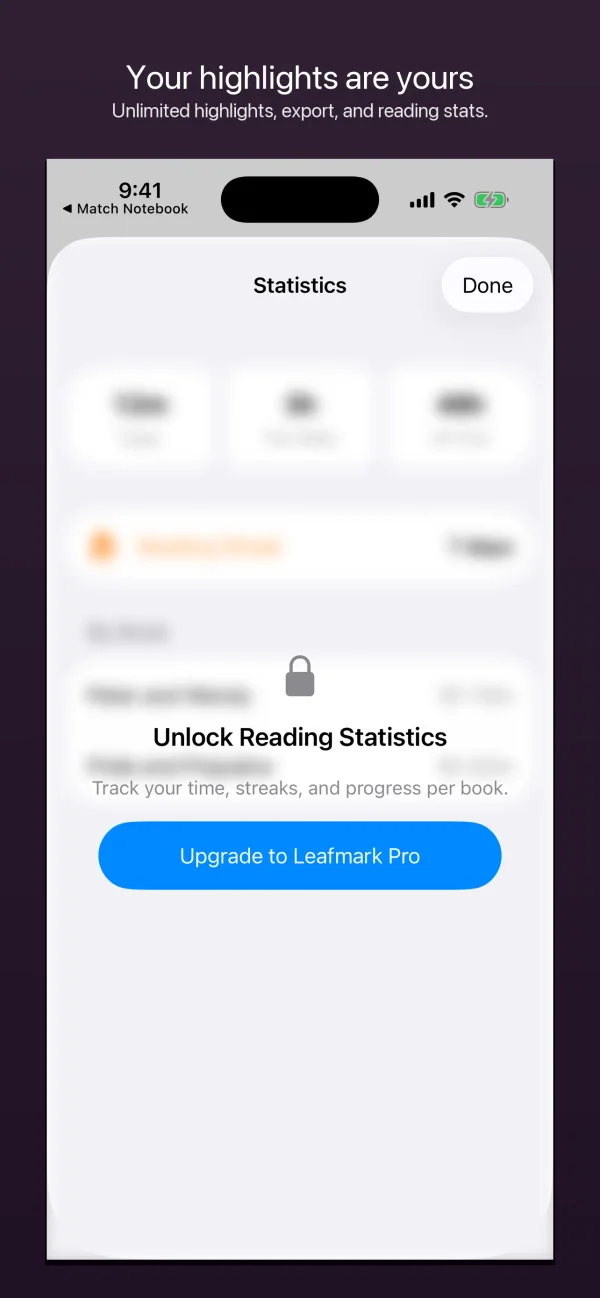
Read for free, with no Leafmark account required. A one-time Pro purchase adds unlimited highlights and exports, including exports from every book at once, plus reading stats.
READ THE WAY YOU LIKE
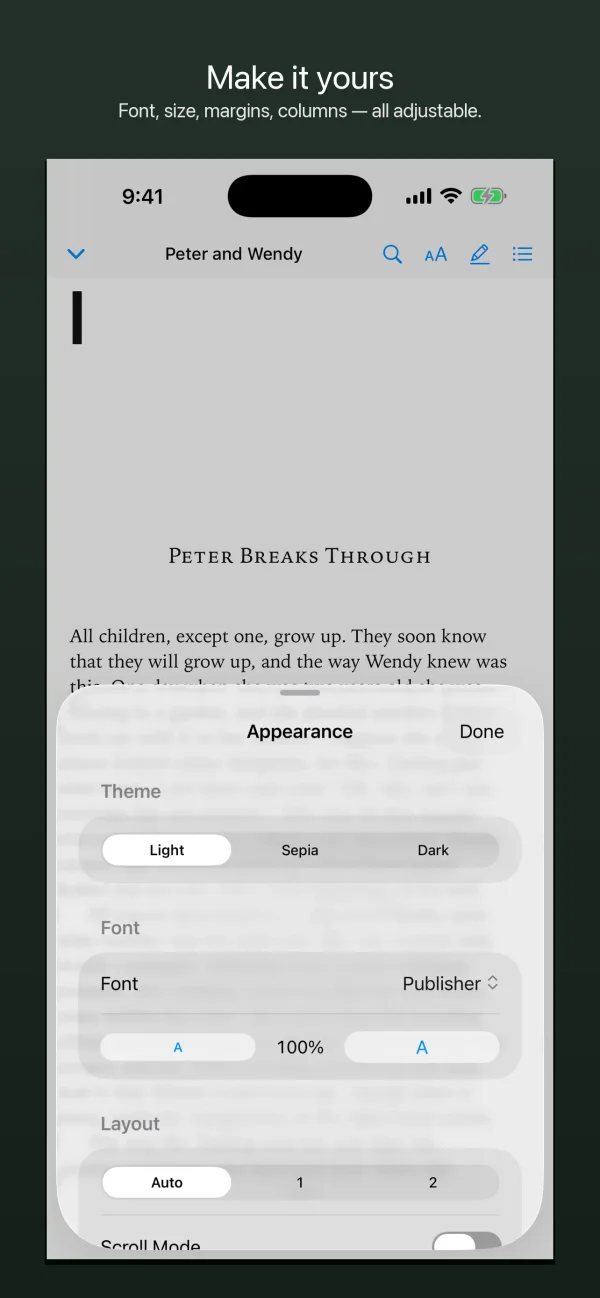
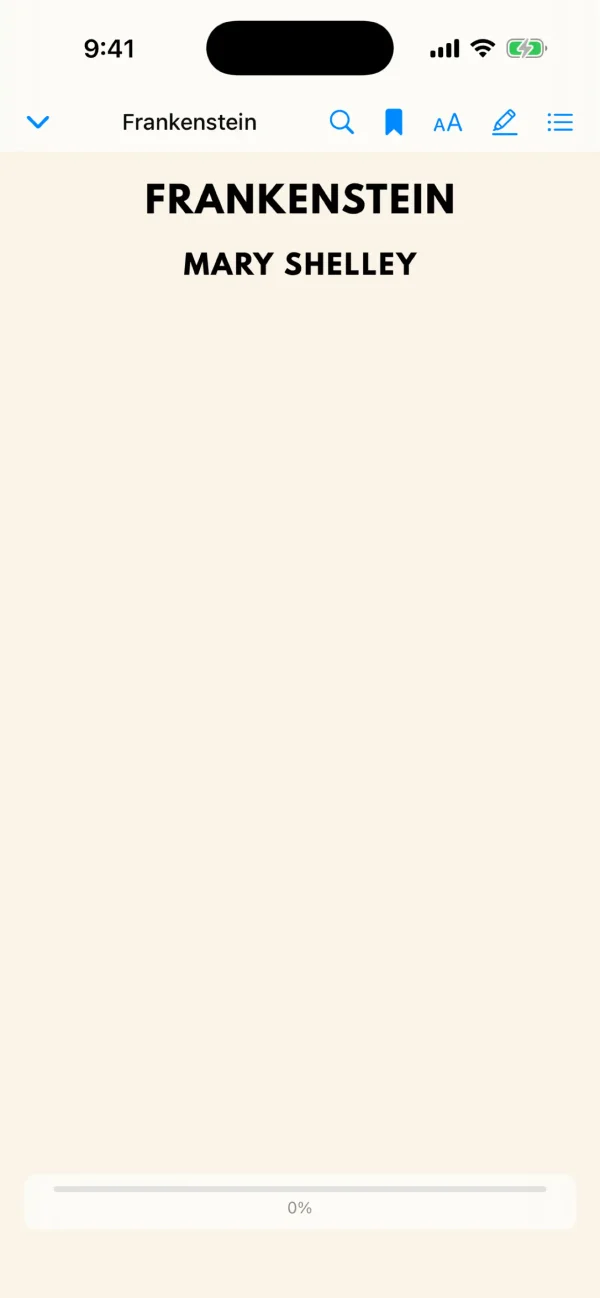
• Reflowable EPUB rendering with light, sepia and dark themes
• Vertical Japanese text (tategaki) renders as the book declares it
• Adjustable font, size, line height and margins
• One or two columns, plus a scrolling mode — great on iPad in landscape
• Full-text search, table of contents and a built-in dictionary lookup
• Your reading position is remembered per book
ANNOTATE AND KEEP YOUR NOTES
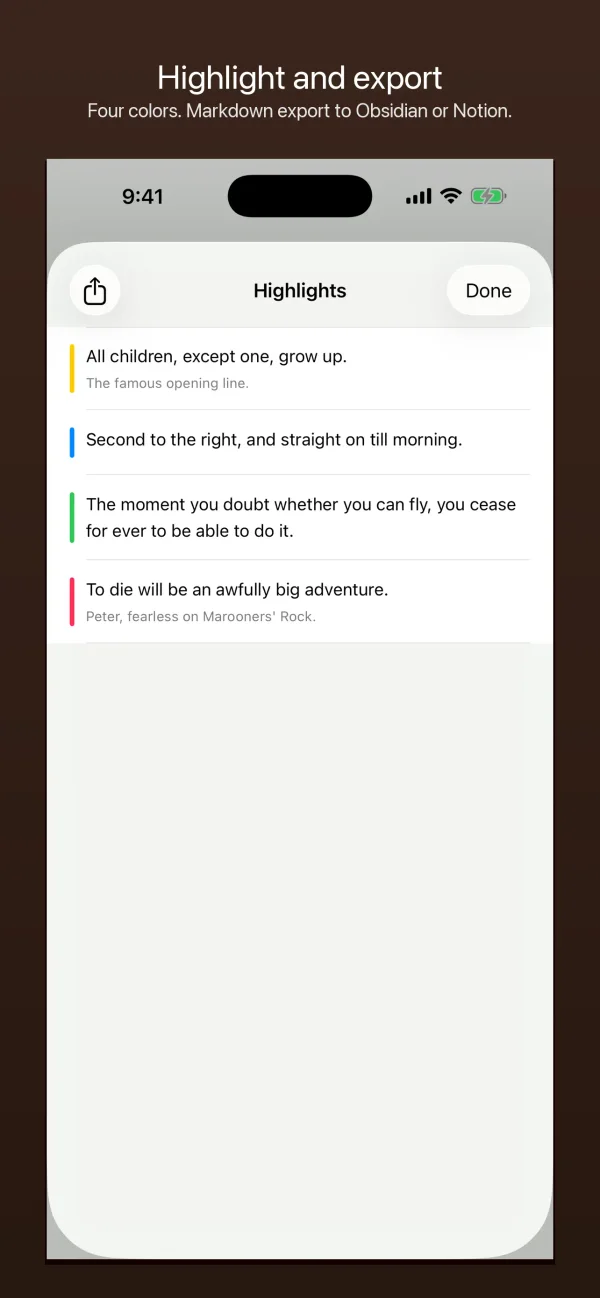
• Highlight in four colors and attach notes
• Export every highlight and note to Markdown — drop them straight into Obsidian, Notion or any plain-text vault
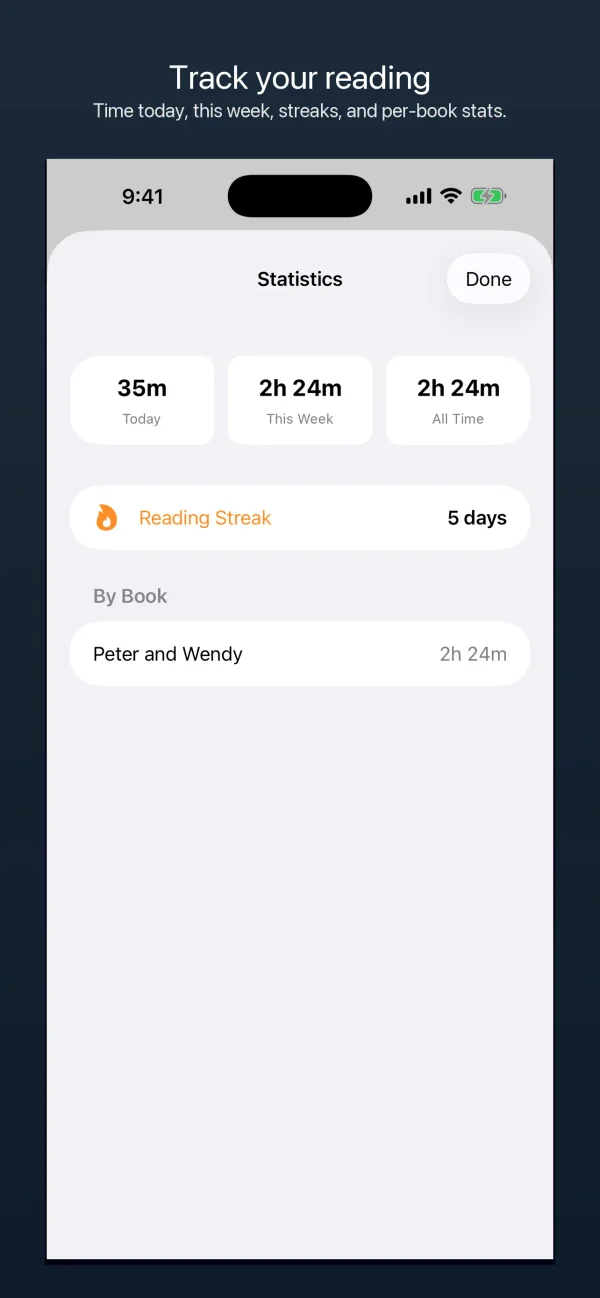
• Reading statistics: time today, this week and all time, your streak, and time per book
PRIVACY BY DESIGN
• No Leafmark account and no sign-in
• No ads. Anonymous analytics cover app usage and the purchase flow. Book titles, text, highlights, and notes are never sent to analytics
• Highlights, bookmarks, and reading positions sync through your personal iCloud account, not a Leafmark server
LEAFMARK PRO
Reading is always free. Import your library, render any book and try the feel before you decide. You also get one free Markdown export, so you can see exactly what lands in your notes before paying. A single one-time purchase, Leafmark Pro, unlocks the full annotation workflow: unlimited highlights (the free tier keeps up to three per book), unlimited Markdown export, and reading statistics. Restore your purchase any time.
GOOD TO KNOW
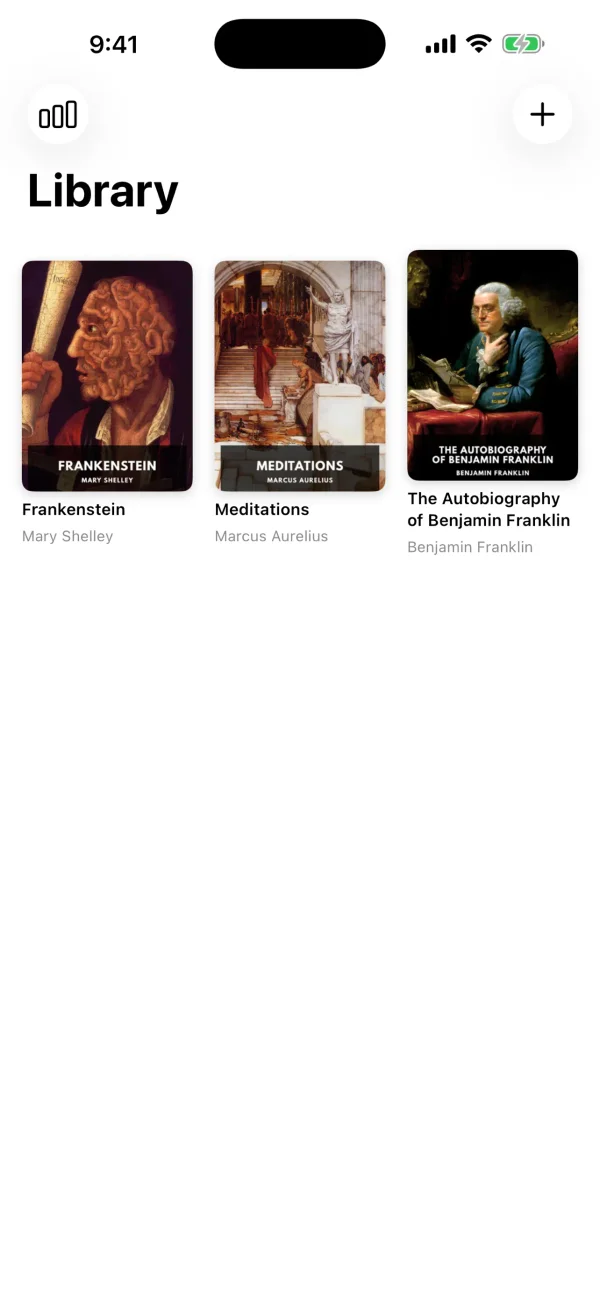
• Import EPUBs straight from Files — iCloud Drive, Google Drive, Dropbox, or right off your device.
• Works with DRM-free EPUB files. DRM-protected books and PDF are not supported.
• Public-domain EPUBs are available from Public Domain Library and Standard Ebooks.
What’s new
Version 1.21 · Nov 23, 2026
We updated Leafmark’s App Store age rating information. You can read EPUBs for free and try one Markdown export of your highlights and notes.
App privacy
What Akira Taniwaki declares on the App Store about how this app handles data.
-
Data not linked to you
May be collected but is not linked to your identity.
- Purchases
- Location
- Identifiers
- Usage data
- Diagnostics
Privacy practices may vary, for example with the features you use or your age.
Information
- Seller
- Akira Taniwaki
- Category
- Books
- Version
- 1.21
- Updated
- Nov 23, 2026
- Released
- Jun 27, 2026
- Size
- 24.6 MB
- Requires
- iOS 17.0 or later
- Age rating
- 4+
- Price
- Free
- In-app purchases
- Yes
- Languages
- English
- Copyright
- © 2026 Akira Taniwaki
You might also like
-
 ScrollWizard: EPUB & PDFYour library, your way
-
 Flumen: eBook ReaderYour elegant EPUB library
-
 Timebound EPUB ReaderRead your own EPUBs
-
 TomoTomoBooks
-
 Coral ReaderYour private book reader
-
 Calibre 2Ebook library, reader & sync
-
 Afterglow - EPUB ReaderYour books, in their own light
-
 Libra readerYour books. Free books too.
-
 BeyondReadEPUB & PDF reader with AI
-
 Quill - AI Book ReaderAI-Powered Ebook Reader