Learn A Note: Note Practice
Learn Piano Notes Easily!
Designed for iPhone, iPad, Mac
$1.99
- Age rating4+
- CategoryMusic
- DeveloperCharles Condron
- LanguagesEnglish+ 35 more
- Size142.9 MB
Links to the official App Store page
Download.org hosts no file of Learn A Note: Note Practice. The button opens its official App Store page, published by Charles Condron. Listing last checked on Nov 23, 2026.
Screenshots
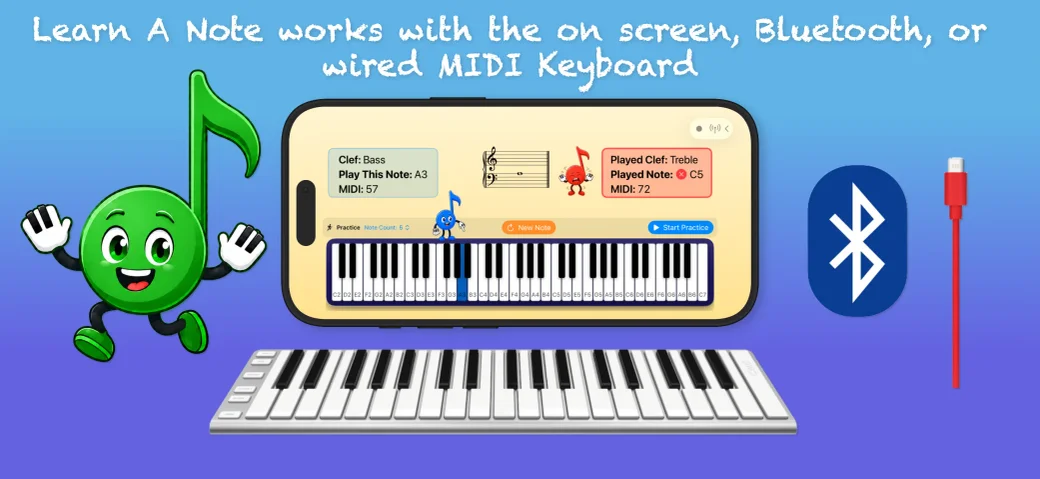
About
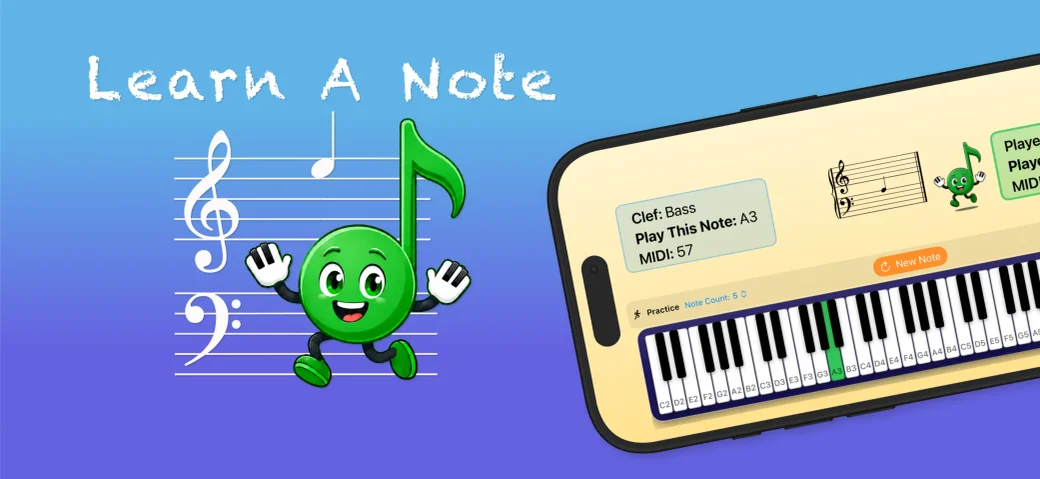
Learn A Note is a simple and effective way to learn piano notes on the treble and bass clef. Designed for piano beginners and music teachers, the app helps you recognize notes quickly using focused practice and instant visual feedback.
Key Features
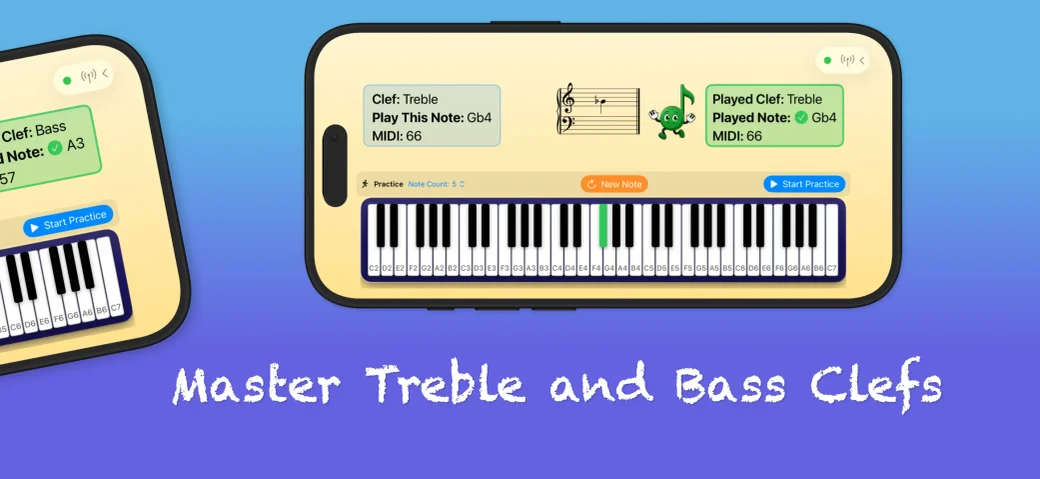
• Practice treble clef, bass clef, or both clefs
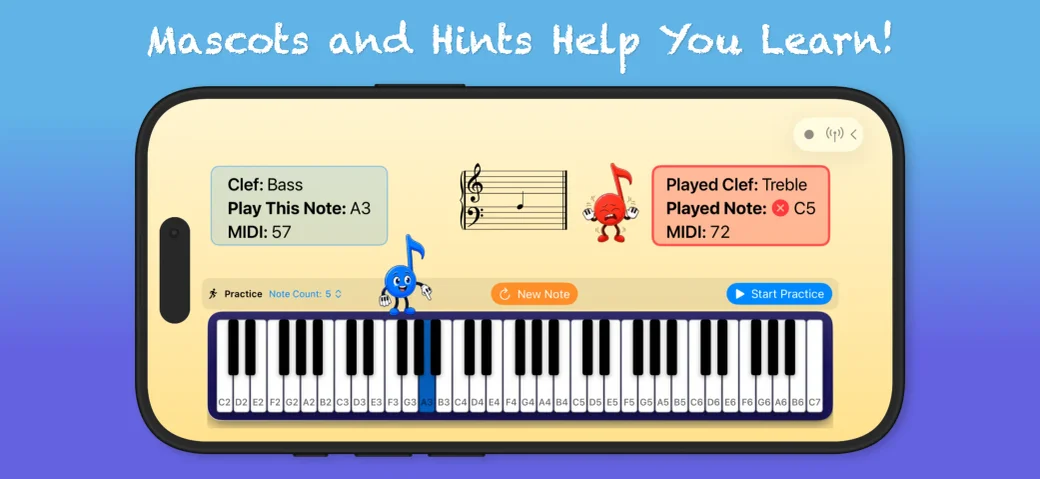
• Random note exercises for real learning (not memorization)
• Play using the on-screen keyboard, USB or Bluetooth MIDI keyboard
• Turn hints on or off as you learn
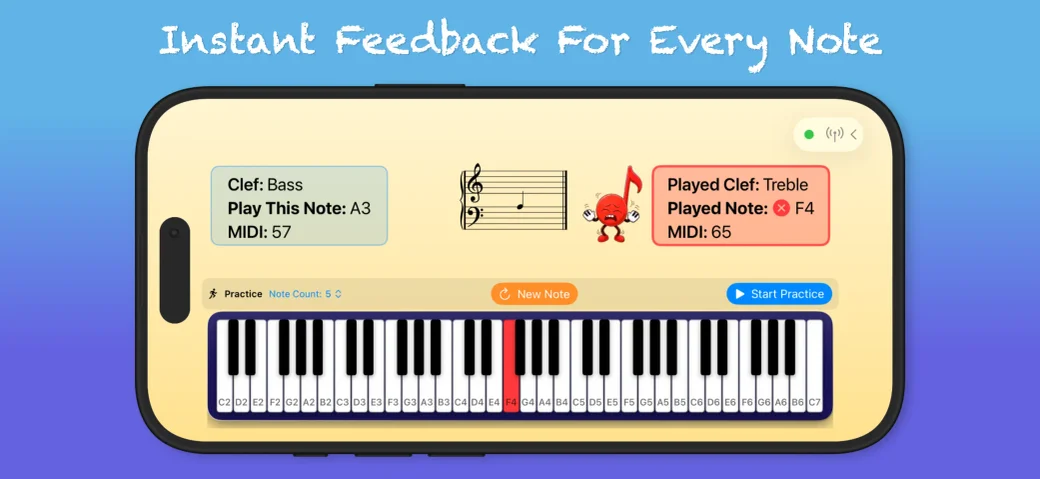
• Instant visual feedback for correct and incorrect notes
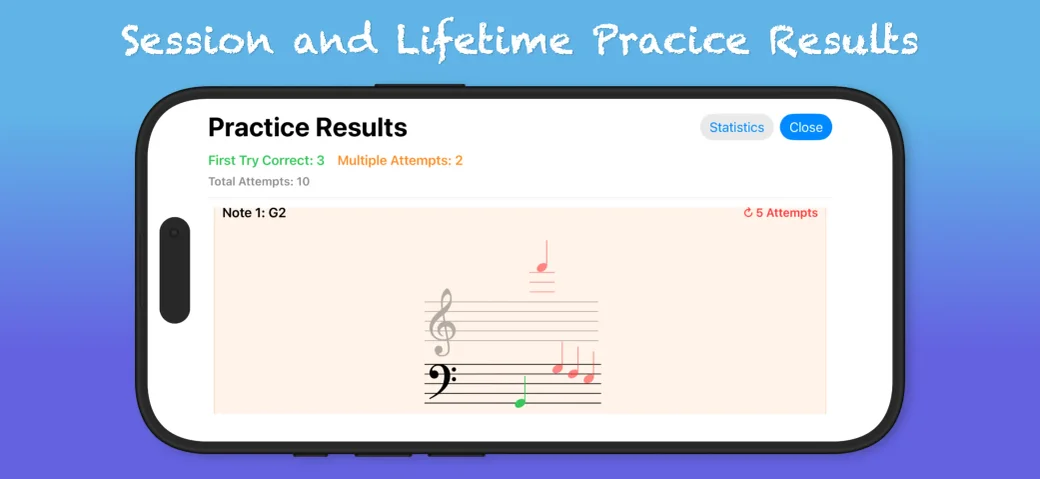
• Session and lifetime practice statistics
• Clean, distraction-free design
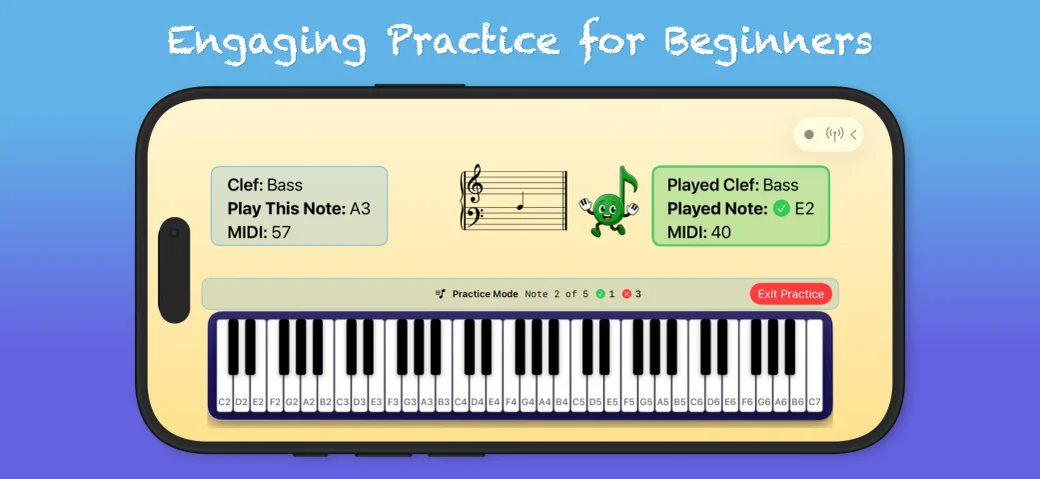
• Fun and focused practice mode for daily learning
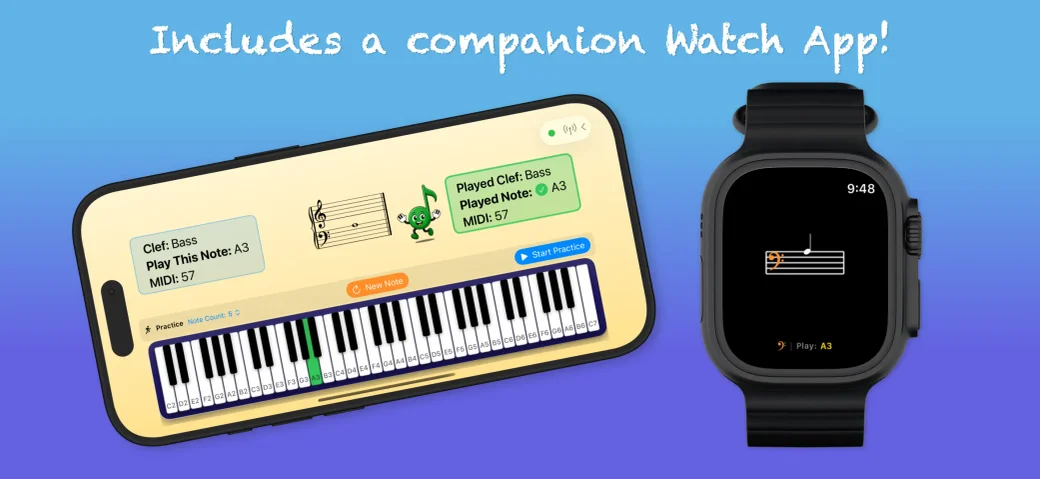
• Companion Apple Watch for extra feedback (Haptic Support!)
Perfect for:
• Piano beginners
• Music students
• Piano teachers
• Classroom instruction
• Sight-reading practice
• Adult learners
• Kids learning piano fundamentals
Why Learn A Note?
Learning piano notes doesn’t need to be complicated. Learn A Note focuses on one important skill: recognizing notes on the staff and finding them on the keyboard. This builds a strong foundation for reading music and playing confidently.
Whether you’re practicing at home or teaching students in a lesson, Learn A Note makes note learning simple, visual, and effective. Each exercise presents a random note on the staff. Play the matching key on the on-screen keyboard or on a real MIDI keyboard to see if you’re correct. Learn at your own pace with customizable practice options and clear progress tracking.
How it works
1. Pick your mode: Free play or structured practice with a set number of notes.
2. See a target note on the staff (treble or bass), then play it on your MIDI keyboard or the on‑screen piano.
3. Get instant feedback—correct or try again—then move to the next note.
**DETAILED STATISTICS**
• Track first-try accuracy
• Identify challenging notes
• View session history
• Monitor long-term progress
• Analyze common mistakes
• Enjoy using your iPad, iPad
• Apple Watch companion (iPhone only)
• See the current target note and clef at a glance.
• Feel correct/incorrect feedback via gentle haptics.
• Great for focused practice sessions without looking at your phone.
What’s new
Version 1.3.1 · May 28, 2026
Fixed an issue where the new note had a slight delay in rendering during free play mode.
App privacy
What Charles Condron declares on the App Store about how this app handles data.
-
Data not collected
The developer does not collect any data from this app.
Privacy practices may vary, for example with the features you use or your age.
Information
- Seller
- Charles Condron
- Category
- Music
- Version
- 1.3.1
- Updated
- May 28, 2026
- Released
- Feb 26, 2026
- Size
- 142.9 MB
- Requires
- iOS 18.6 or later
- Age rating
- 4+
- Price
- $1.99
- Languages
- English, Arabic, Bulgarian, Croatian, Czech, Danish, Dutch, Finnish, French, German, Greek, Hebrew + 24 more
- Copyright
- © CBEApps, LLC
You might also like
-
 Swybrid Picking Guitar SchoolGuitar trainer by Fonexsis
-
 Bass Clef MasterSight Reading on the Fretboard
-
 pianissimo: pro practiceSimple Practice Log & Timer
-
 PrivateMusicStudio2Private Music Lesson Organizer
-
 Practis: Music PracticeDiary, score reader & planner
-
 Learn Your KeysLook, Learn, Listen!
-
 WMWC Campus RadioRadio & Music, DJ Chat & more
-
 Tempo MagicChange Pace of your Music
-
 Guitar Scales & Chords PowerGuitar Chords, Scales & Tuner
-
 TempsoMusic