Learn Computer Fundamental
Learn Computer fundamentals
Designed for iPhone, iPad, iPod touch
$2.99
- Age rating9+
- CategoryEducation
- DeveloperMuhammad Umair
- LanguagesEnglish
- Size77.4 MB
Links to the official App Store page
Download.org hosts no file of Learn Computer Fundamental. The button opens its official App Store page, published by Muhammad Umair. Listing last checked on Nov 17, 2026.
Screenshots


About
**Learn Computer Fundamentals – Build Your Computer Knowledge Step by Step**
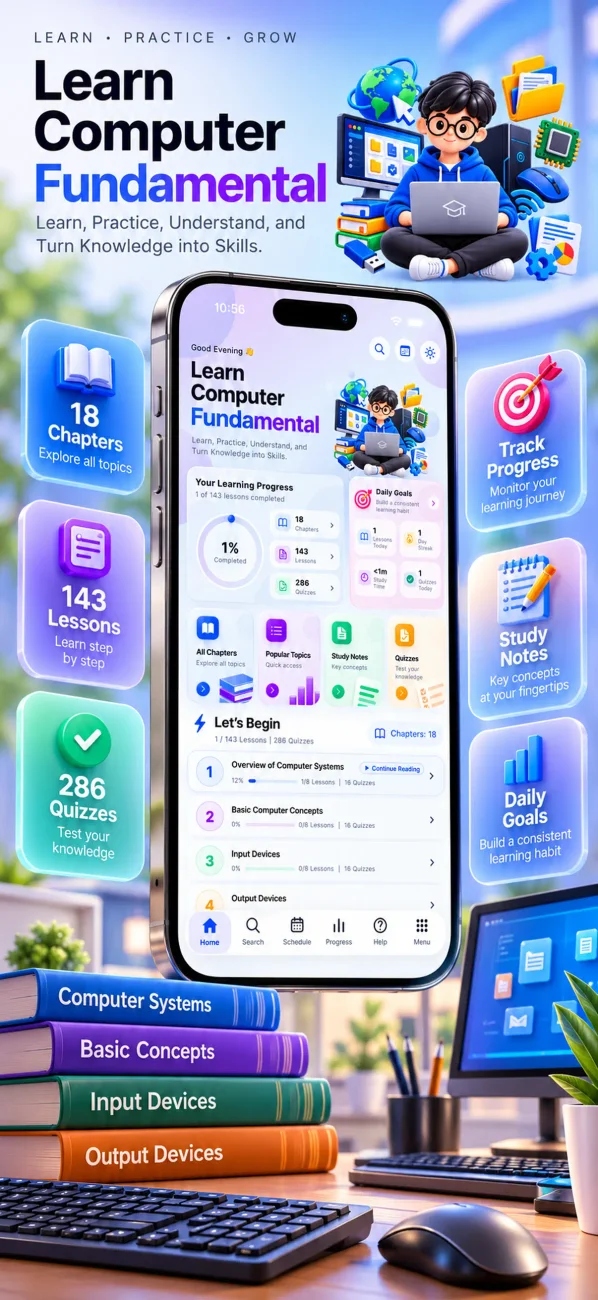
Explore the fundamentals of computers with structured lessons, interactive quizzes, and practical learning tools. Learn Computer Fundamentals is an educational app designed to help you understand essential computer concepts, explore important topics, and organize your learning journey.
Whether you are beginning with basic computer concepts or reviewing your existing knowledge, the app provides an organized way to read lessons, practice questions, and track your progress.
**EXPLORE COMPUTER FUNDAMENTALS**
Discover educational content covering essential computer topics, including:
- Overview of Computer Systems
- Basic Computer Concepts
- History and Evolution of Computers
- Generations of Computers
- Types of Computers
- Components of a Computer System
- Input Devices
- Output Devices
- Storage Devices
Explore lessons organized into chapters and learn computer concepts at your own pace.
**STRUCTURED LESSONS**
Follow a clear learning path with organized chapters and lessons.
- Browse computer fundamentals chapters
- Read lessons covering individual topics
- Continue previously started lessons
- View lesson completion progress
- Access lessons through organized categories
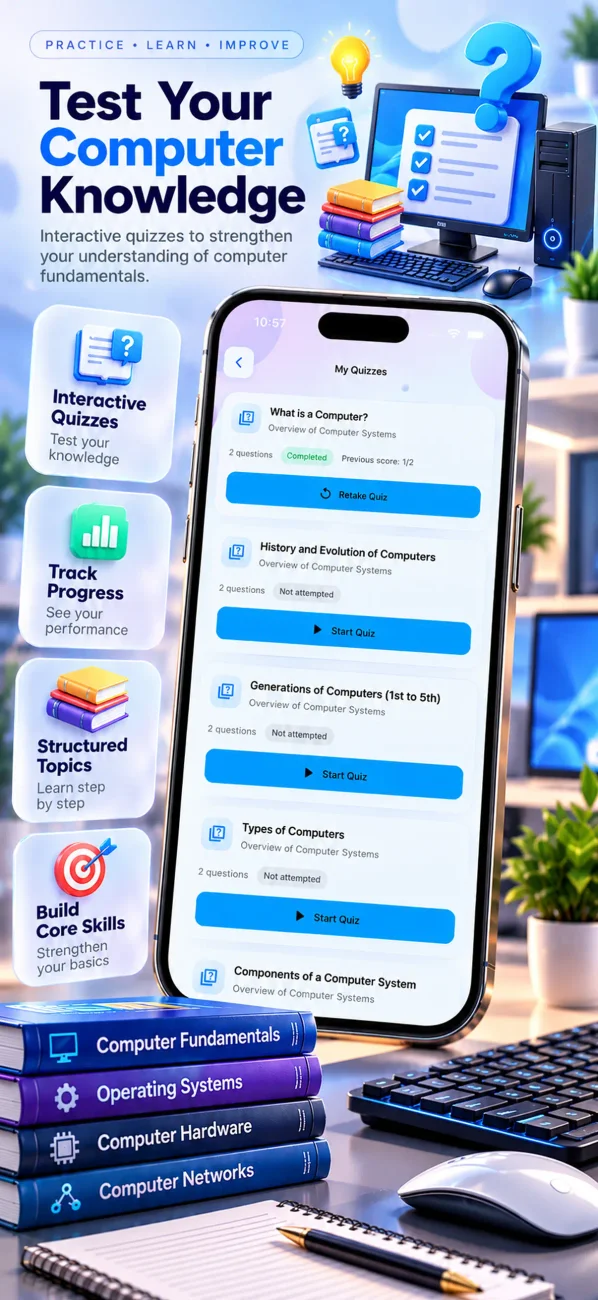
**INTERACTIVE COMPUTER QUIZZES**
Practice your understanding with quizzes based on computer fundamentals topics.
- Answer topic-based quiz questions
- Start quizzes for individual lessons
- Review completed quiz scores
- Retake previously completed quizzes
- Identify quizzes you have not attempted
Use quizzes to review what you have learned and strengthen your understanding of computer systems.
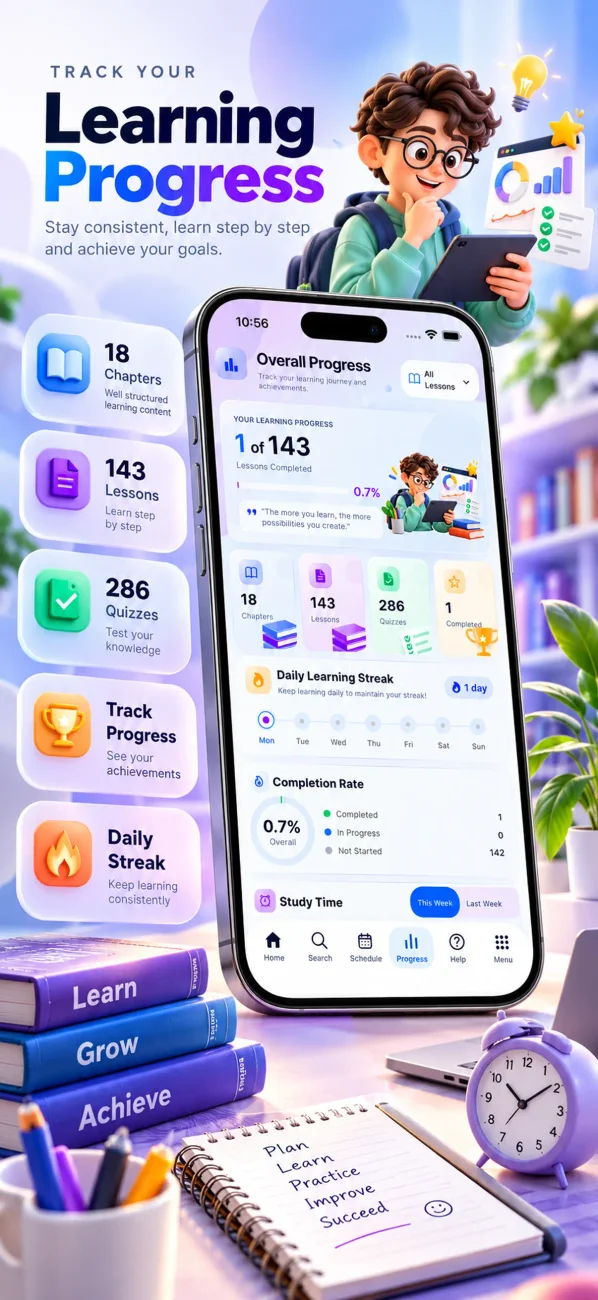
**TRACK YOUR LEARNING PROGRESS**
Stay informed about your learning activity with a dedicated progress dashboard.
- View completed lessons
- Monitor overall completion percentage
- Track chapter and quiz statistics
- Review your daily learning streak
- Check your study time
- Follow your learning achievements
**SEARCH LESSONS AND TOPICS**
Find educational content through the built-in search feature.
- Search lessons and categories
- Explore popular topics
- Browse computer-related subjects
- Access recent searches
- Discover practical examples
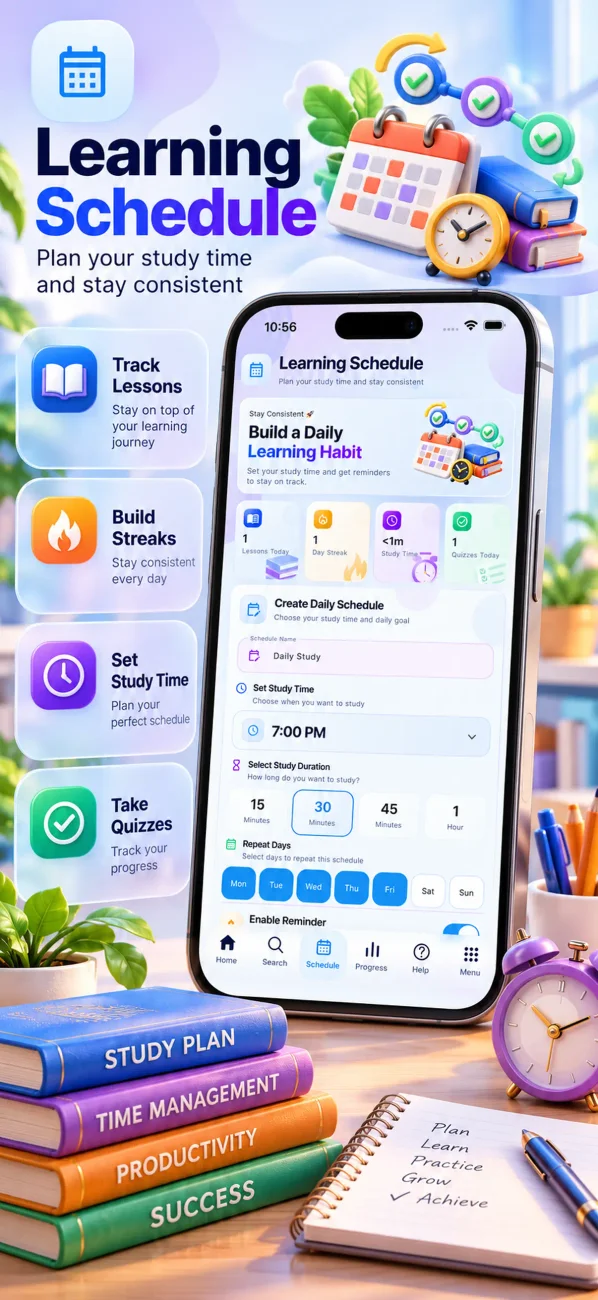
**CREATE A LEARNING SCHEDULE**
Organize your study routine with personalized learning preferences.
- Set your preferred study time
- Choose a daily study duration
- Select repeat days
- Configure learning reminders
- Follow daily learning goals
**TAKE NOTES AND SAVE LESSONS**
Keep important learning material accessible while studying.
- Write and manage study notes
- Bookmark lessons
- Revisit saved learning content
- Review important computer concepts
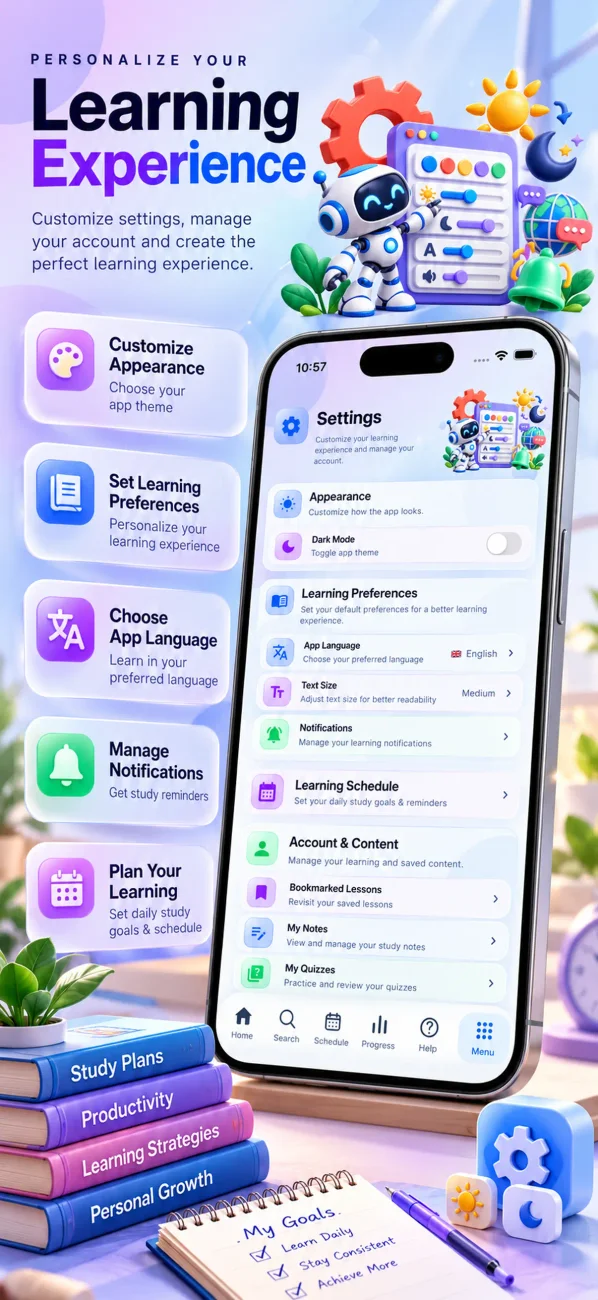
**PERSONALIZE YOUR LEARNING EXPERIENCE**
Adjust the app to suit your reading and learning preferences.
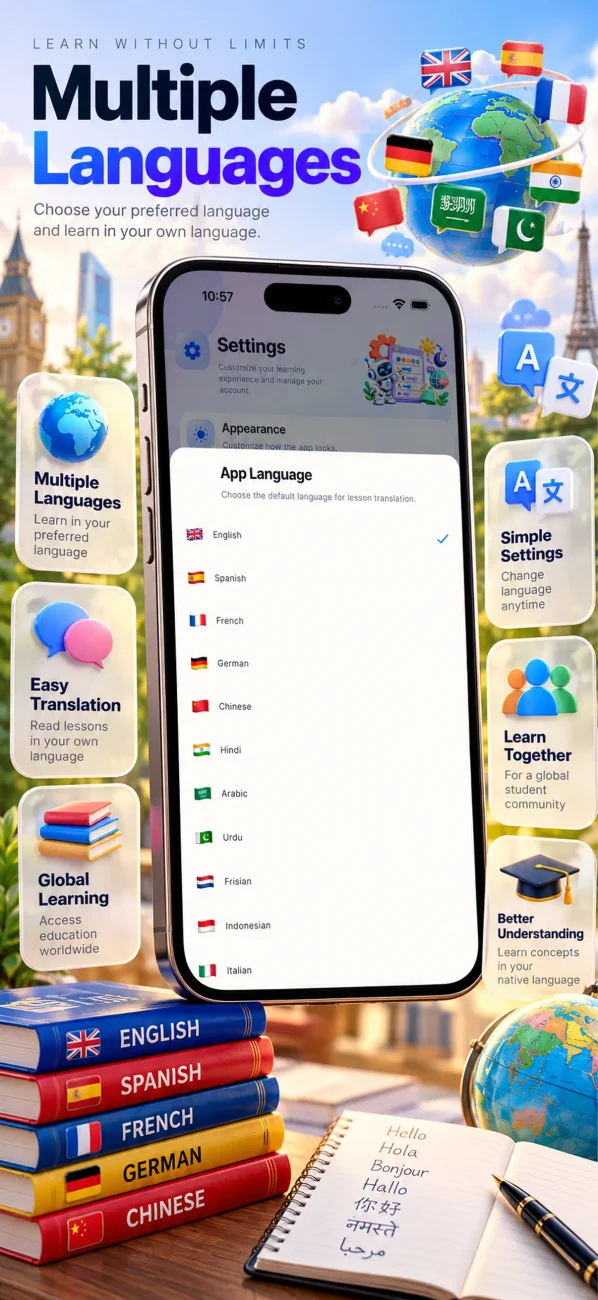
- Choose your preferred app language
- Adjust text size
- Change appearance settings
- Use dark mode
- Manage learning notifications
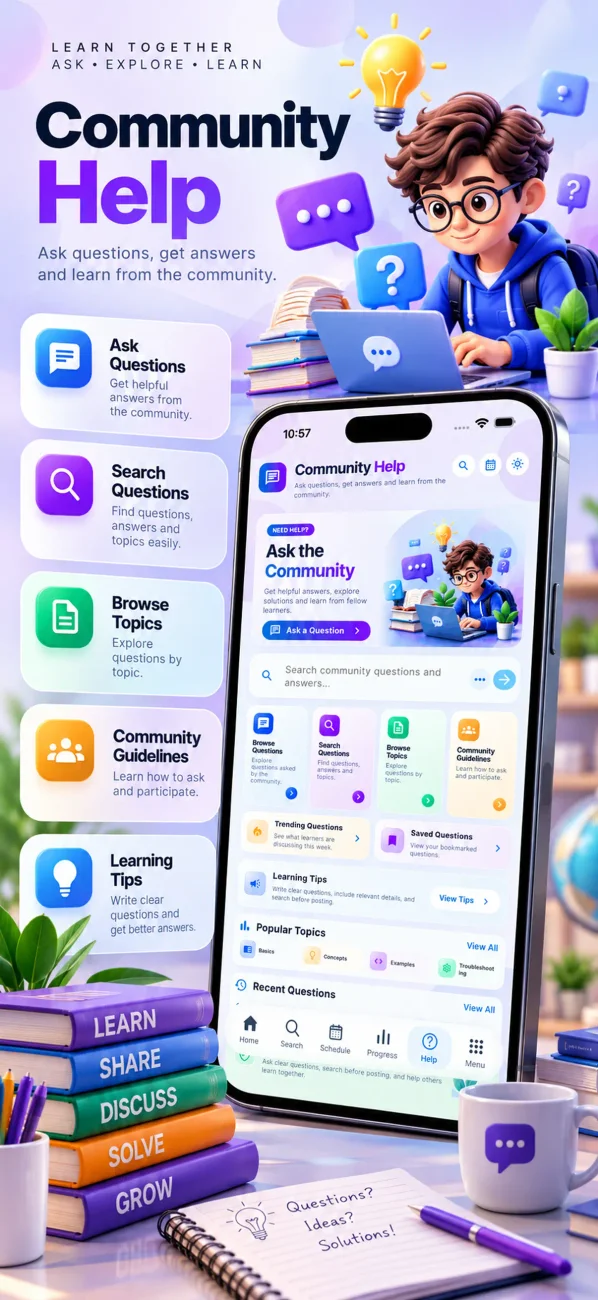
**COMMUNITY HELP**
Explore the Community Help section to ask questions, search discussions, browse topics, and discover learning tips.
**START LEARNING COMPUTER FUNDAMENTALS**
Build your understanding of computer systems through organized lessons, quizzes, notes, and progress tracking.
Download Learn Computer Fundamentals and explore computer education at your own pace.
What’s new
Version 1.4 · Oct 28, 2026
New User Interface
Fixed Bugs
Added New Features
App privacy
What Muhammad Umair declares on the App Store about how this app handles data.
-
Data not collected
The developer does not collect any data from this app.
Privacy practices may vary, for example with the features you use or your age.
Information
- Seller
- Muhammad Umair
- Category
- Education
- Version
- 1.4
- Updated
- Oct 28, 2026
- Released
- Jul 11, 2023
- Size
- 77.4 MB
- Requires
- iOS 15.6 or later
- Age rating
- 9+
- Price
- $2.99
- Languages
- English
- Copyright
- © Muhammad Umair
You might also like
-
 DeAlgo CoachAlgorithms for breakfast.
-
 Electromagnetic Forces- EMFEducation
-
 Dictionary of Difficult Wordslook up difficult words
-
 Learn Cybersecurity + ToolsLearn & Master Cybersecurity
-
 BitBitCSComputer Science, 20x Faster!
-
 FlashLearn ITIT Cert Study & Practice Quiz
-
 Learn Business Management ProBusiness Management Full Guide
-
 CSITINFO@HAND
-
 Business Degreeand Professional Study Guide
-
 Learn Basic Computer - OfflineBasic Computer For Beginners