Learn How to Draw Tutorials
Step by step drawing lessons
Designed for iPhone, iPad, iPod touch
Free · In-app purchases
- Age rating4+
- CategoryGraphics & Design
- DeveloperLidwien Veugen
- LanguagesEnglish+ 2 more
- Size121.4 MB
Links to the official App Store page
Download.org hosts no file of Learn How to Draw Tutorials. The button opens its official App Store page, published by Lidwien Veugen. Listing last checked on Nov 26, 2026.
Screenshots

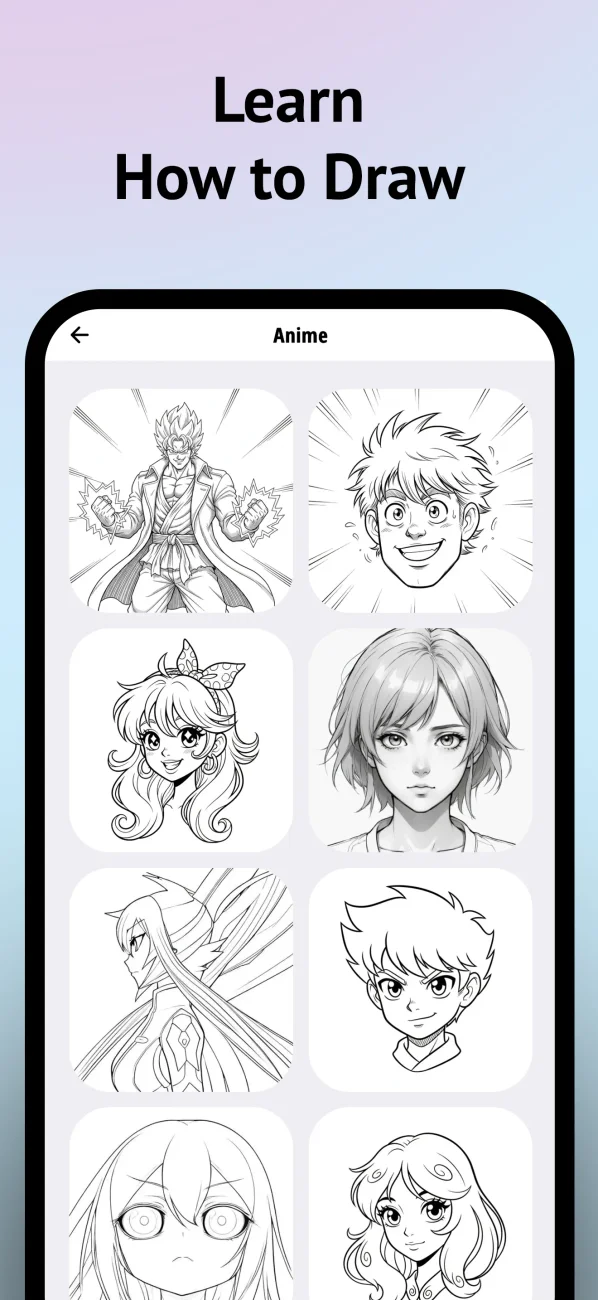
About
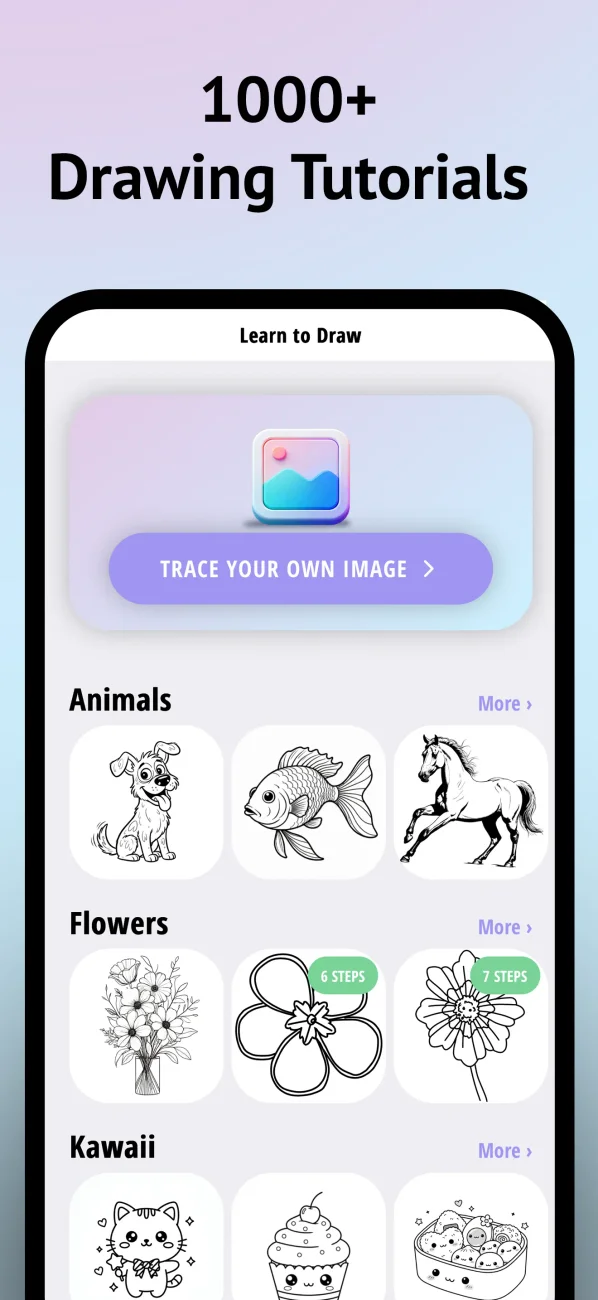
Learn to draw with step-by-step tutorials, animated lessons, and an AR tracing viewer. Explore categories from animals to fashion to master your drawing skills or trace your own photos, perfect for beginners or anyone wanting to improve.
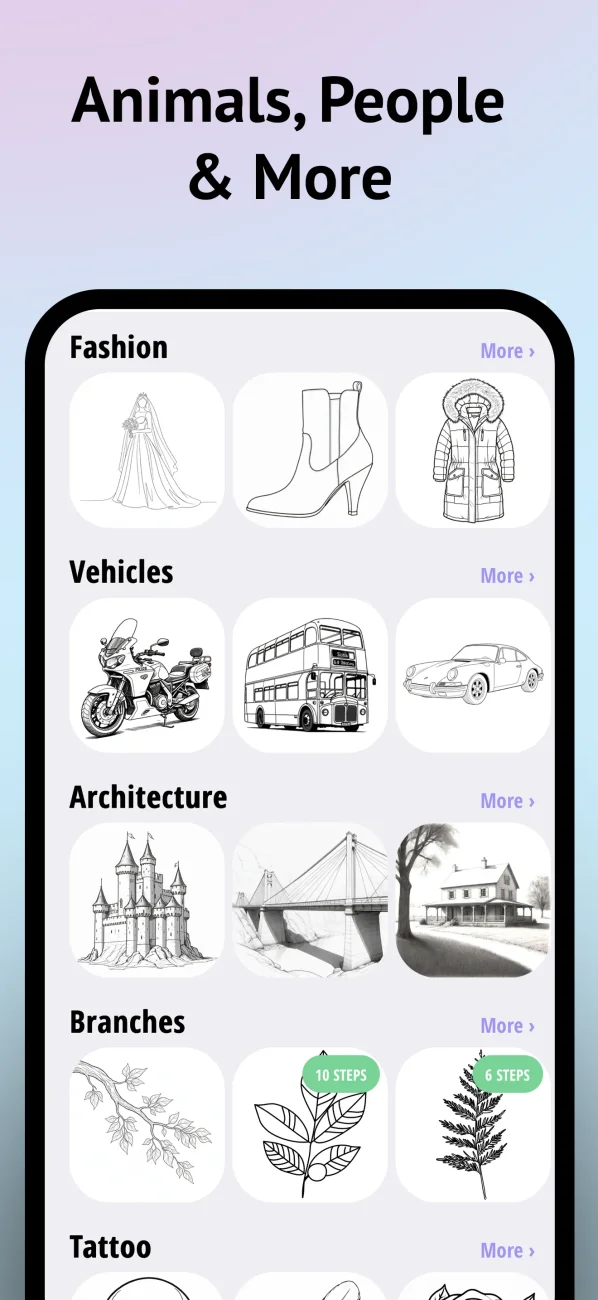
Explore and practice drawing:
- Animals – from cats and dogs to wild creatures
- Flowers & Nature – plants, leaves, and cacti
- People & Anatomy – portraits, figures, and anatomy references
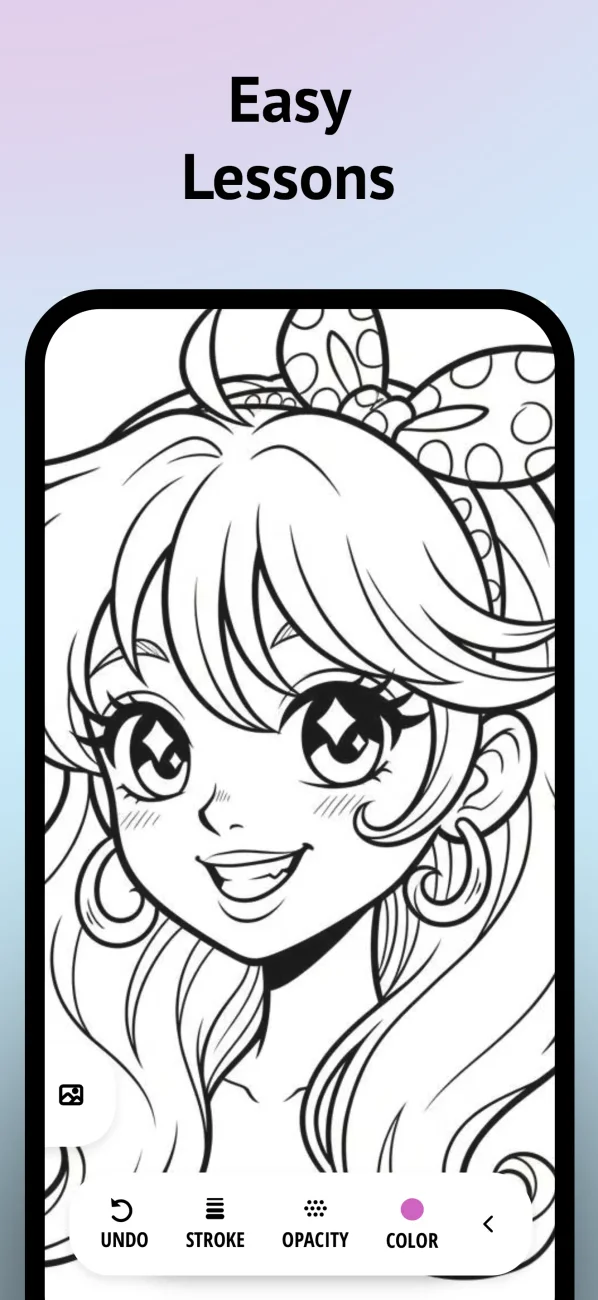
- Kawaii & Anime – cute and stylized characters
- Vehicles & Architecture – cars, planes, buildings, and perspective guides
- Fashion & Tattoos – clothing, designs, and creative ideas
- Branches & Leaves – nature details for realistic drawing
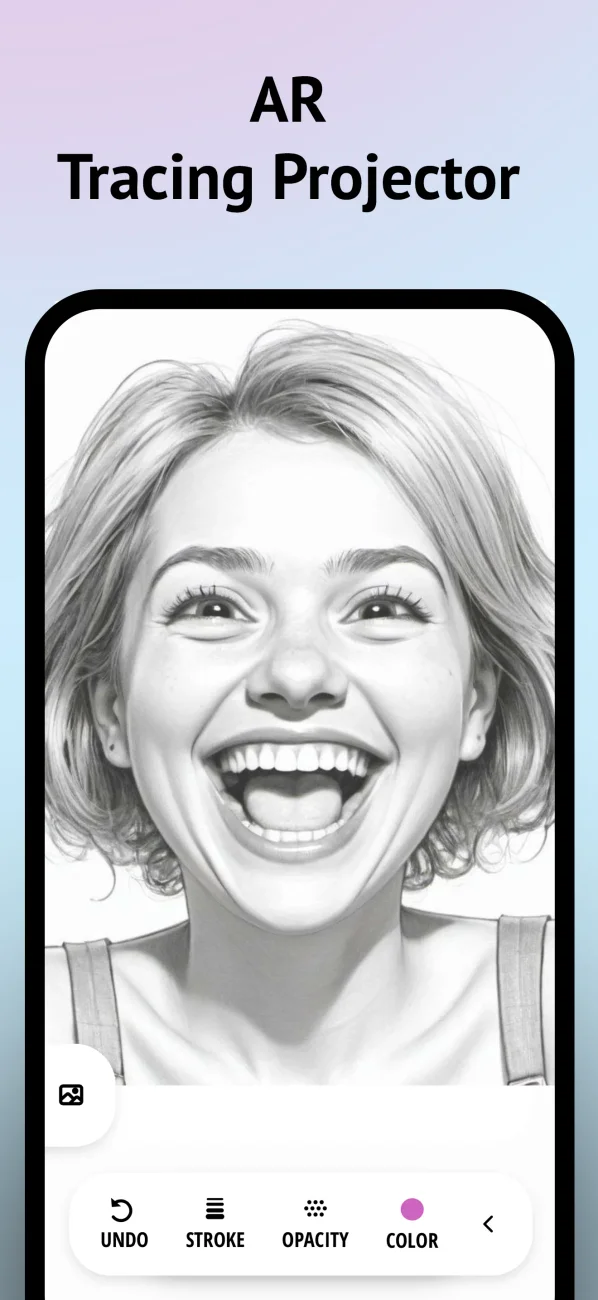
- Your Own Photos – trace any photo from your device or camera for personalized practice
- Favorites – save your favorite drawings and tutorials for quick access
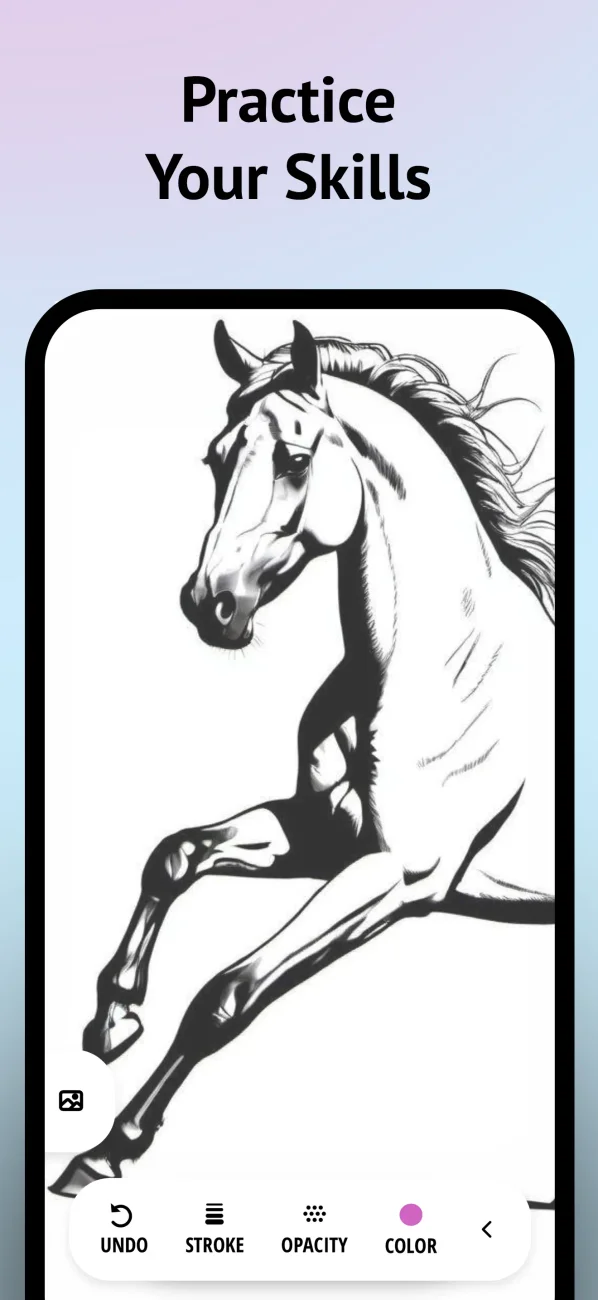
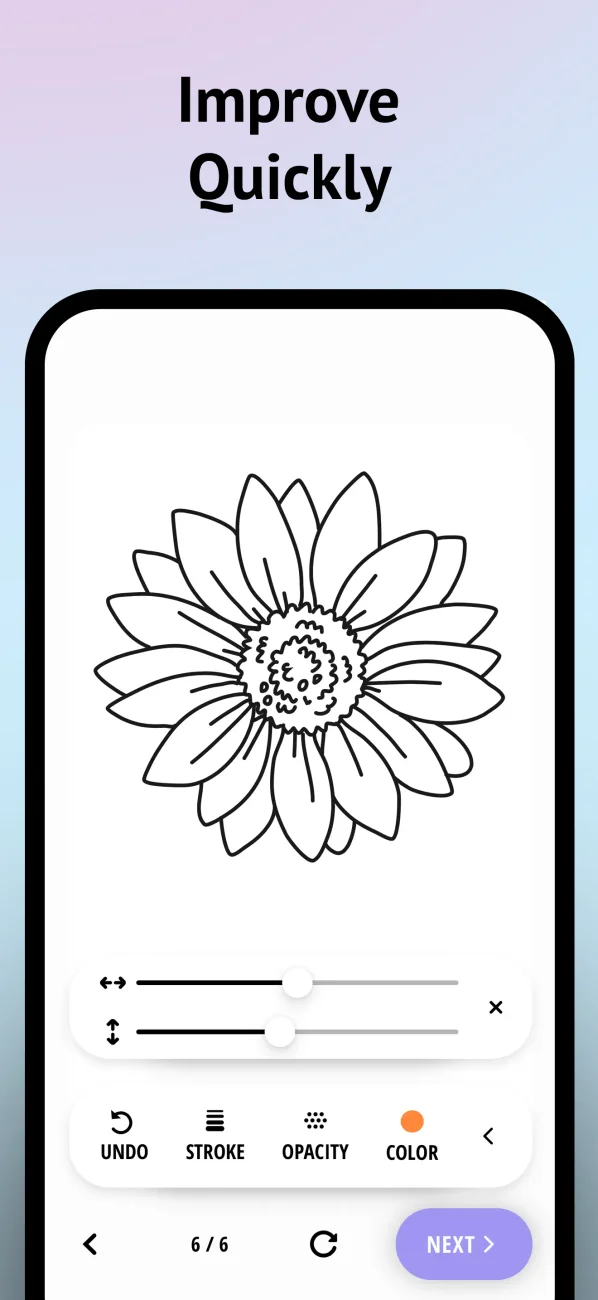
Choose between animated step-by-step tutorials or static examples. Use the AR viewer to trace on real paper, improving your precision and learning faster. Each category contains curated examples, helping you practice specific styles or subjects.
- AR Tracing Mode: place your device above your paper and trace live using the AR viewer. Improve your hand-eye coordination and quickly learn proportions by overlaying the lines in real space.
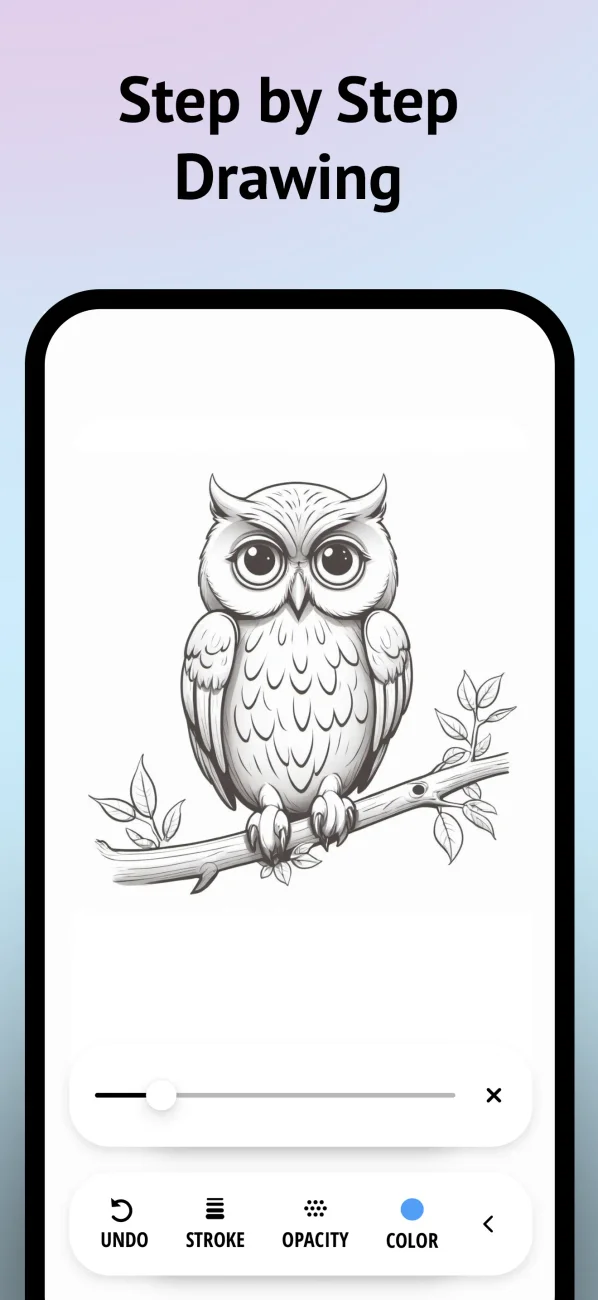
- Step-by-Step Drawing: animated lessons break complex drawings into simple steps, making it easy to follow along and learn fundamental techniques.
Whether you’re just starting out or looking to improve your skills, this app gives you all the tools you need to learn, practice, and master drawing. Perfect for artists of all ages!
For questions please contact support [@] wienelware.nl
EULA: https://www.wienelware.nl/apps/terms-drawing.html
What’s new
Version 6.6 · Nov 25, 2026
- New autumn-themed drawing references to inspire you
- Added an eraser tool to easily fix mistakes
- Now also available in French, Italian, and Portuguese
App privacy
What Lidwien Veugen declares on the App Store about how this app handles data.
-
Data used to track you
May be used to track you across apps and websites owned by other companies.
- Location
- Identifiers
- Usage data
- Diagnostics
-
Data linked to you
May be collected and linked to your identity.
- Location
- Identifiers
- Usage data
- Diagnostics
-
Data not linked to you
May be collected but is not linked to your identity.
- Diagnostics
Privacy practices may vary, for example with the features you use or your age.
Information
- Seller
- Lidwien Veugen
- Category
- Graphics & Design
- Version
- 6.6
- Updated
- Nov 25, 2026
- Released
- Nov 17, 2022
- Size
- 121.4 MB
- Requires
- iOS 15.0 or later
- Age rating
- 4+
- Price
- Free
- In-app purchases
- Yes
- Languages
- English, Dutch, German
- Copyright
- © 2022 Wienelware
You might also like
-
 Drawing Vibe: Learn to drawHow to draw painting art games
-
 ShadowDraw: Learn How to DrawEasy Drawing App for Beginners
-
 DrawBuddy - How to DrawLearn Drawing Lessons
-
 AR Drawing: Draw Human BodyFigure Drawing,Anatomy & Anime
-
 Drawing Pad -Easy Sketch, Draw, Digital Art
-
 How To Draw Anime ⋆Draw Anime Step-by-Step
-
 Learn Drawing Offline: ArtifyMaster the art of drawing
-
 Artmate: Drawing TogetherLearn to draw with friends
-
 Trace DrawingLearn to draw