Learn HTML & CSS: Web Design
Web Development & Coding Tutor
Designed for iPhone, iPad
$2.99
- Age rating9+
- CategoryEducation
- DeveloperShahbaz Khan
- LanguagesEnglish
- Size188.0 MB
Links to the official App Store page
Download.org hosts no file of Learn HTML & CSS: Web Design. The button opens its official App Store page, published by Shahbaz Khan. Listing last checked on Nov 23, 2026.
Screenshots



About
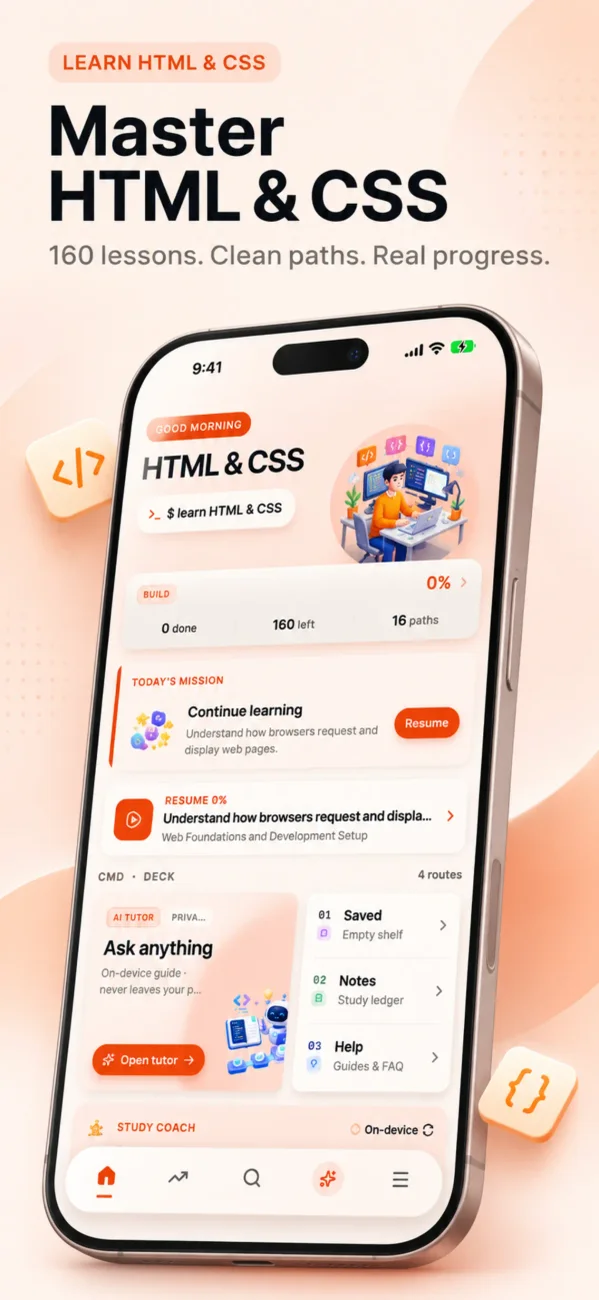
Learn HTML and CSS, the languages behind every website. Go from your very first tag to semantic HTML5, Flexbox, CSS Grid, responsive design, animations, Tailwind CSS, Bootstrap and Sass with 316 structured lessons, an AI coding tutor, quizzes, coding challenges, cheat sheets and hands-on projects.
Every site you visit is built with HTML for structure and CSS for style. They are the first step to a career in web design and frontend development, and to your own portfolio or business website.
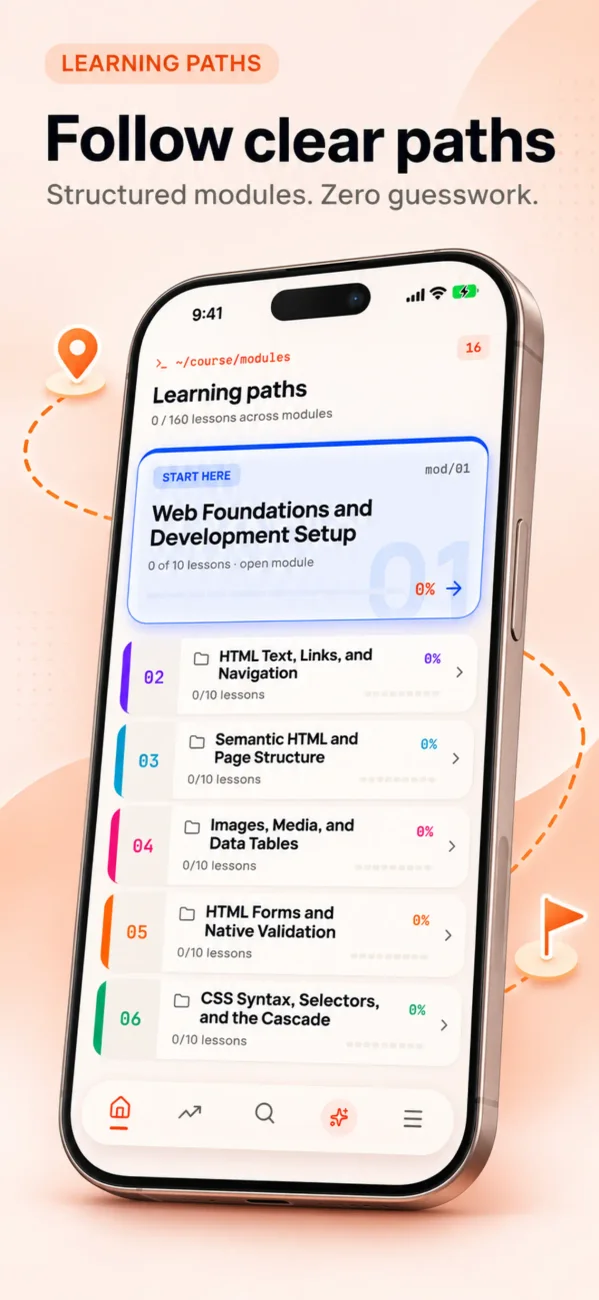
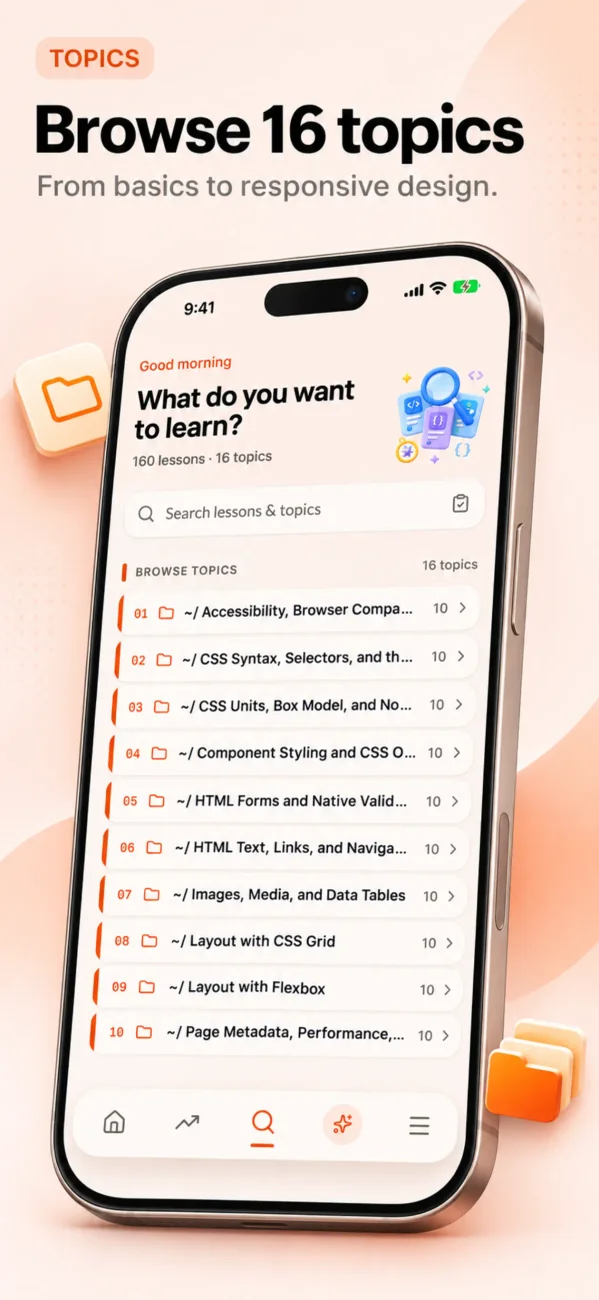
CORE HTML & CSS COURSE: 160 LESSONS IN 16 CHAPTERS
• Web foundations: how browsers work and dev setup
• HTML text, headings, links and navigation
• Semantic HTML5 and page structure
• Images, video, media and data tables
• HTML forms and native validation
• CSS syntax, selectors, specificity and the cascade
• CSS units, the box model and normal flow
• Typography, color, backgrounds and visual styling
• Positioning, z-index, layering and scrolling
• Layout with Flexbox
• Layout with CSS Grid
• Responsive design, media queries and container queries
• Component styling and CSS organization
• Transforms, transitions and keyframe animation
• Accessibility, browser compatibility and testing
• Metadata, performance, deployment and a capstone website
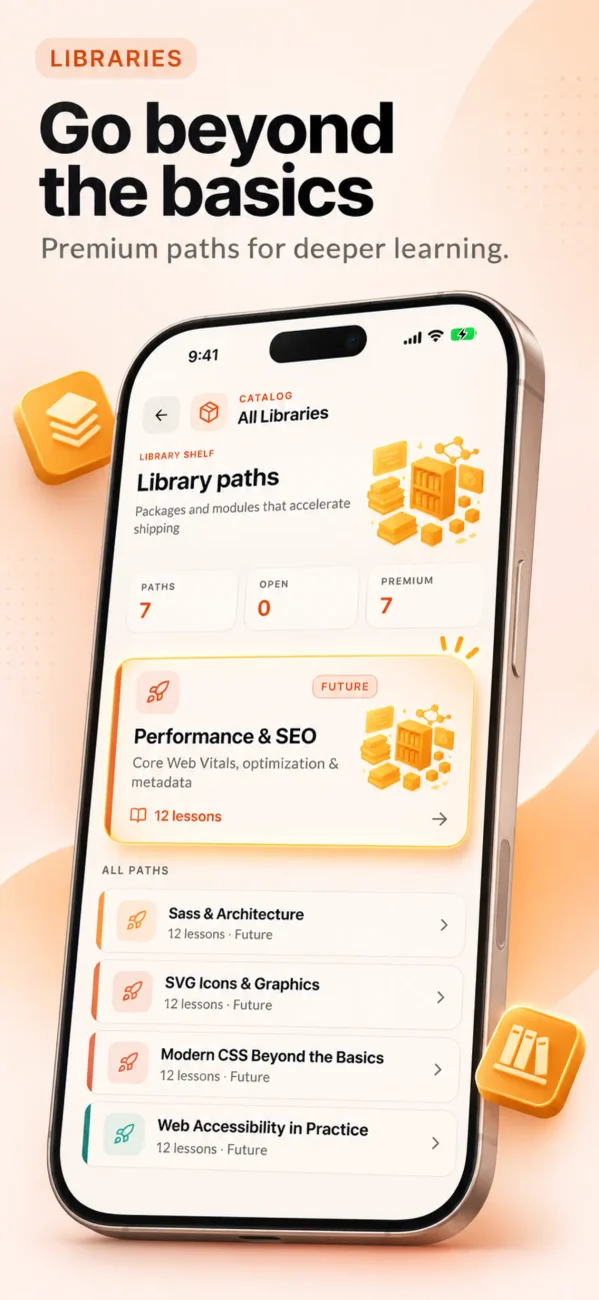
13 PRO TRACKS: 156 ADVANCED LESSONS
• CSS Frameworks: Bootstrap, Tailwind CSS and Bulma layouts, utilities and components
• Sass & CSS Architecture: SCSS, @use, mixins, maps, BEM and cascade layers
• Modern CSS: :has(), :where(), @scope, Subgrid, Anchor Positioning, oklch(), color-mix(), scroll-driven animations and View Transitions
• JavaScript for HTML & CSS: DOM selection, events, forms, classList, dialog, Popover API and dark mode toggles
• Web Components: templates, custom elements, slots, Shadow DOM, :host and ::part
• Web Accessibility: semantic HTML, ARIA, keyboard navigation, focus and inclusive design
• Performance & Technical SEO: srcset, lazy loading, WOFF2 fonts, Core Web Vitals, meta tags, sitemaps, canonical URLs, Open Graph and structured data
• SVG Icons & Web Graphics: viewBox, paths, sprites, styling and animation
• UI Design for Frontend Developers: spacing, visual hierarchy, type scales, color roles and design-to-code
• Design Systems: design tokens, component patterns and documentation
• Browser DevTools: inspect the DOM, trace CSS, debug Flexbox and Grid, fix overflow and read the network waterfall
• HTML Email & Print: email-safe tables, inline styles, dark mode, @media print and @page
• Git & Deployment: repositories, branches, merge conflicts, static hosting, link checks and rollbacks
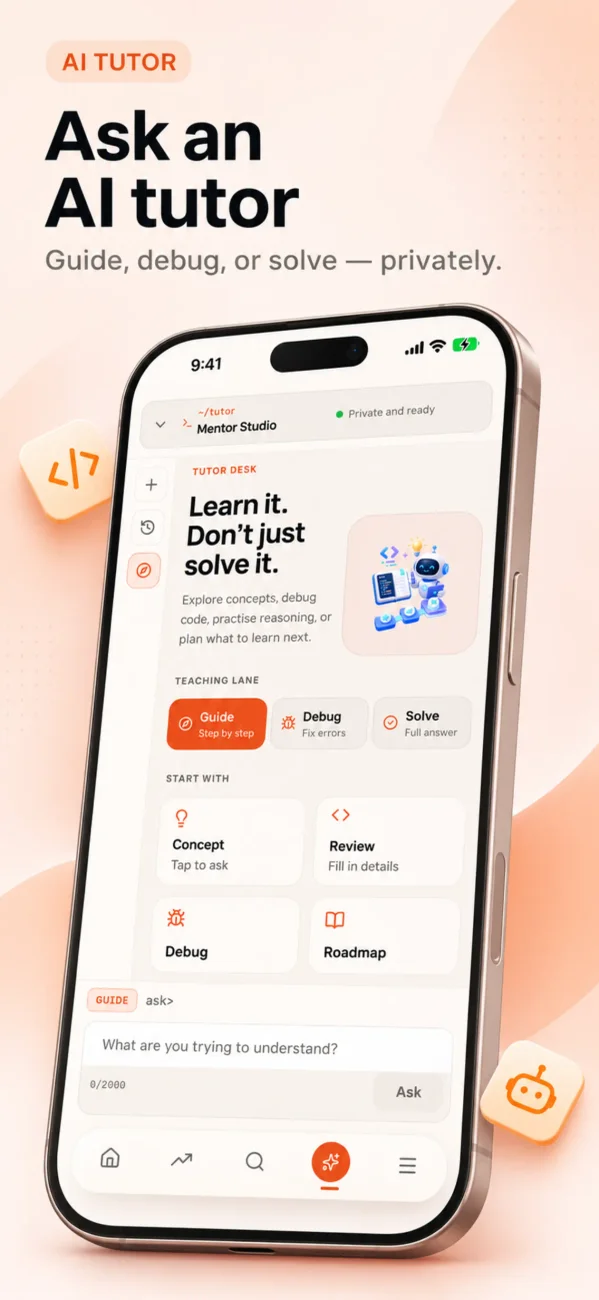
AI CODING TUTOR
Stuck? Ask in plain English: "Flexbox or Grid for this layout?" or "Why is my div not centered?" Get clear explanations, code examples and fixes at your level.
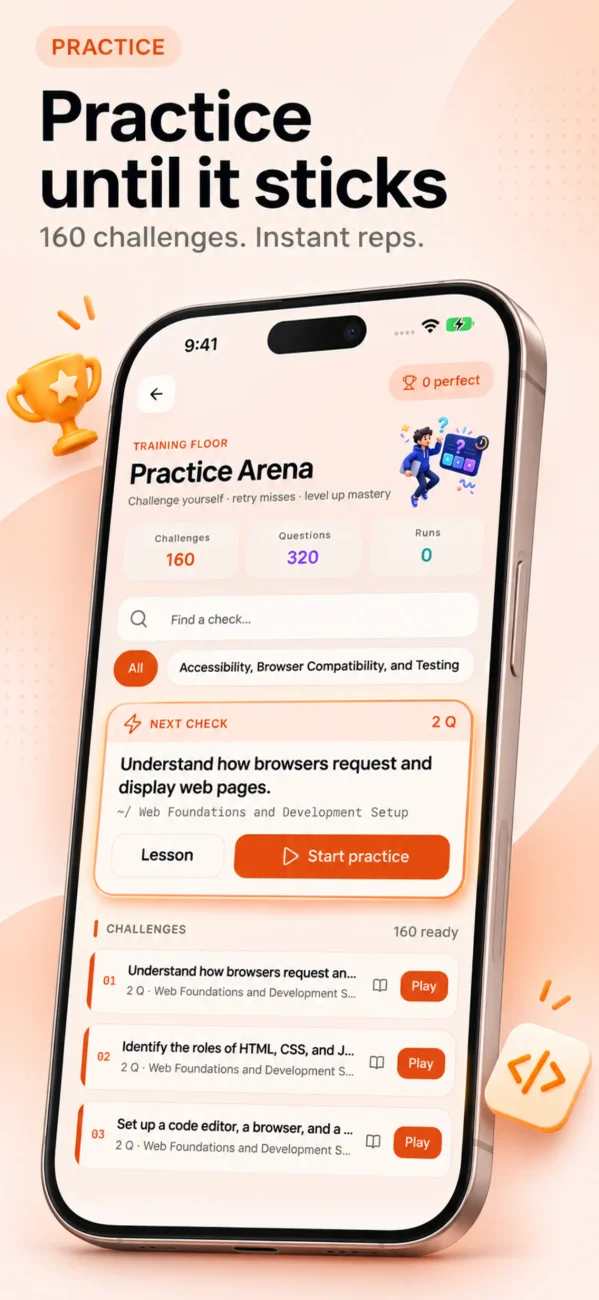
PRACTICE THAT MAKES IT STICK
• A quiz after lessons to check what you learned
• Quiz Hub and Quiz Arena
• 100 HTML & CSS coding challenges
• Hands-on projects to build real web pages
• Interview Mode for frontend developer questions
• Spaced review before you forget
• 100 daily HTML & CSS tips
TOOLS FOR SERIOUS LEARNERS
• Code playground for JavaScript, Python and Bash
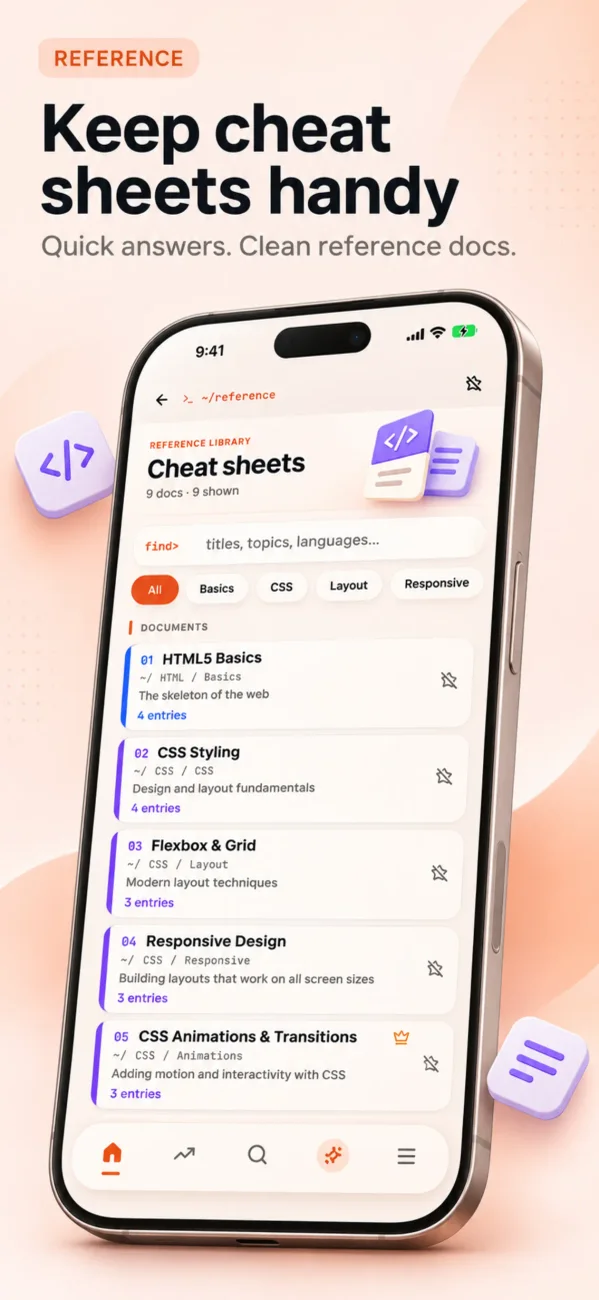
• Cheat sheets: HTML, CSS, layout, responsive design, CSS animations, performance, accessibility, DevTools and common mistakes
• Syntax-highlighted code, copy with one tap
• Notes and a code snippet library
• Bookmarks and smart search
• Translate lessons into your language
• Light and dark themes
TRACK YOUR PROGRESS
• Progress dashboard by chapter
• Daily streaks and study goals
• Time and learning statistics
WHO IT IS FOR
• Complete beginners learning to code
• Students and self-taught web developers
• Designers and marketers building their own pages
• Developers refreshing HTML5 and CSS3
• Anyone preparing for a frontend job interview
Lessons live on your device, so you can study offline. The AI tutor and code playground need an internet connection.
Write your first web page today and build responsive, accessible websites you are proud of.
What’s new
Version 4.0.0 · Nov 19, 2026
- Bug Fixes
App privacy
What Shahbaz Khan declares on the App Store about how this app handles data.
-
Data not collected
The developer does not collect any data from this app.
Privacy practices may vary, for example with the features you use or your age.
Information
- Seller
- Shahbaz Khan
- Category
- Education
- Version
- 4.0.0
- Updated
- Nov 19, 2026
- Released
- Feb 4, 2021
- Size
- 188.0 MB
- Requires
- iOS 17 or later
- Age rating
- 9+
- Price
- $2.99
- Languages
- English
- Copyright
- © Shahbaz Khan
You might also like
-
 Learn Java Programming GuideBe a Java Developer.
-
 DataLeaRnMaster R Programming
-
 Art Style TrainerLearn to recognize art styles
-
 PyPlot LabMaster Python Visualization
-
 Learn Code Html Css JavascriptBe a complete Programmer
-
 Python Data Structures ProLearn DSA in Python
-
 Learn AI Prompt EngineeringMastering Prompt Engineering
-
 Web Development BootcampLearn Web Development
-
 Learn Korean Handwriting !Education
-
 SQL Programming ProLearn SQL Fast & Easy