Learn MySQL Database | SQLPad
Learn MySQL Tutorials guide
Designed for iPhone, iPad, iPod touch
$2.99
- Age rating9+
- CategoryEducation
- DeveloperMuhammad Umair
- LanguagesEnglish
- Size74.5 MB
Links to the official App Store page
Download.org hosts no file of Learn MySQL Database | SQLPad. The button opens its official App Store page, published by Muhammad Umair. Listing last checked on Nov 17, 2026.
Screenshots



About
Learn MySQL step by step with structured lessons, interactive quizzes, coding practice, and progress tracking. Build your understanding of databases, explore essential MySQL concepts, and develop your knowledge through an organized learning experience.
Learn MySQL is designed to help you study database concepts at your own pace. Whether you're exploring MySQL for the first time or reviewing important topics, the app brings lessons, quizzes, learning tools, and study resources together in one place.
LEARN MYSQL WITH STRUCTURED CHAPTERS
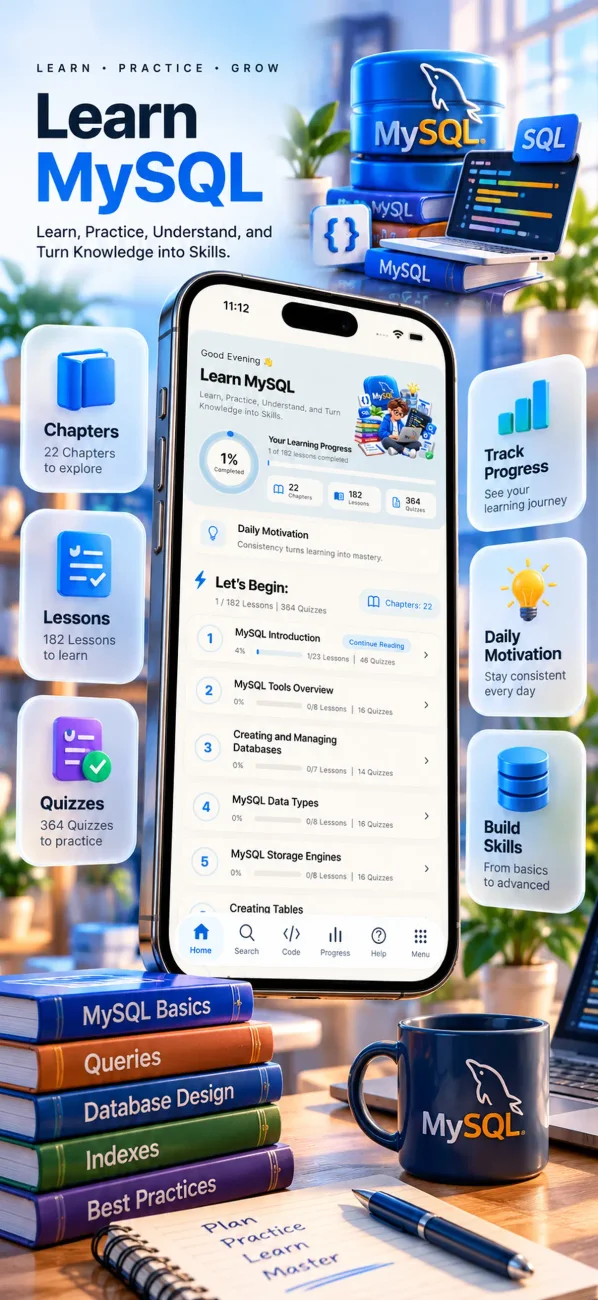
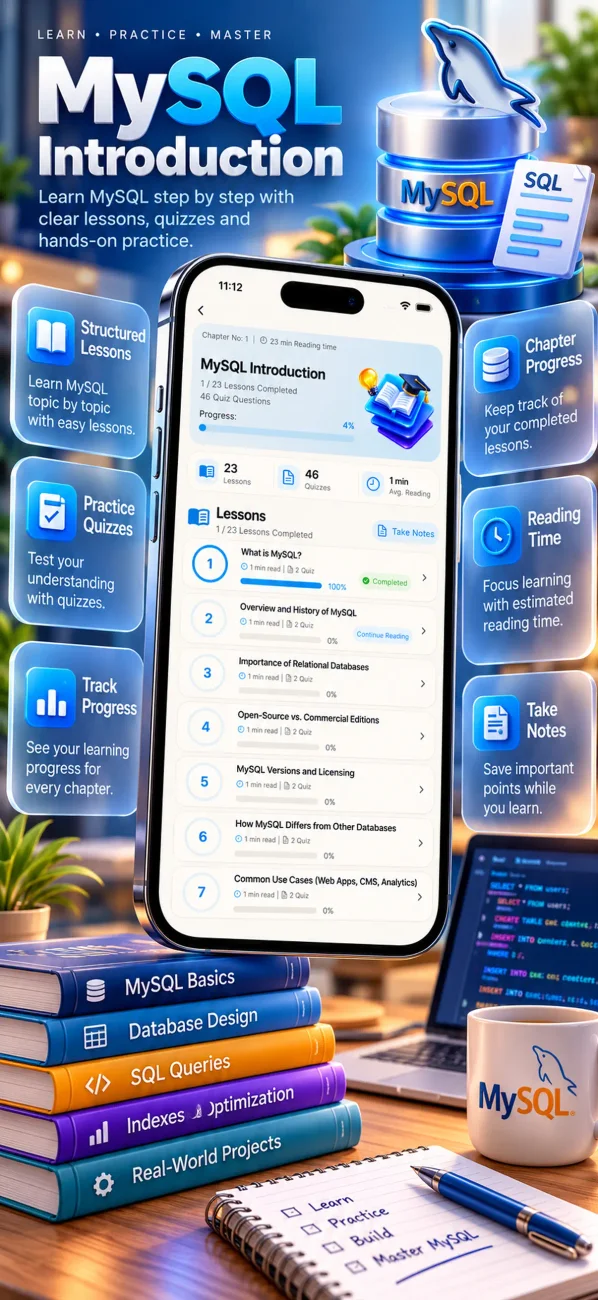
Explore 22 chapters containing 182 lessons and 364 quizzes. Follow a clear learning path, study individual topics, and track your progress as you complete lessons.
Explore topics including:
• MySQL Introduction
• MySQL Tools Overview
• Creating and Managing Databases
• MySQL Data Types
• MySQL Storage Engines
• Creating Tables
• MySQL Workbench
• Updating Data
• Selecting Data
• Joins Overview
Each chapter provides organized learning material to help you understand MySQL concepts one topic at a time.
PRACTICE WITH QUIZZES
Reinforce your learning with quizzes connected to your lessons.
• Access 364 quizzes across the course
• Review your understanding of lesson topics
• Practice as you move through chapters
• Follow your lesson completion progress
Quizzes provide an additional way to engage with the material you study.
EXPLORE THE CODE EDITOR
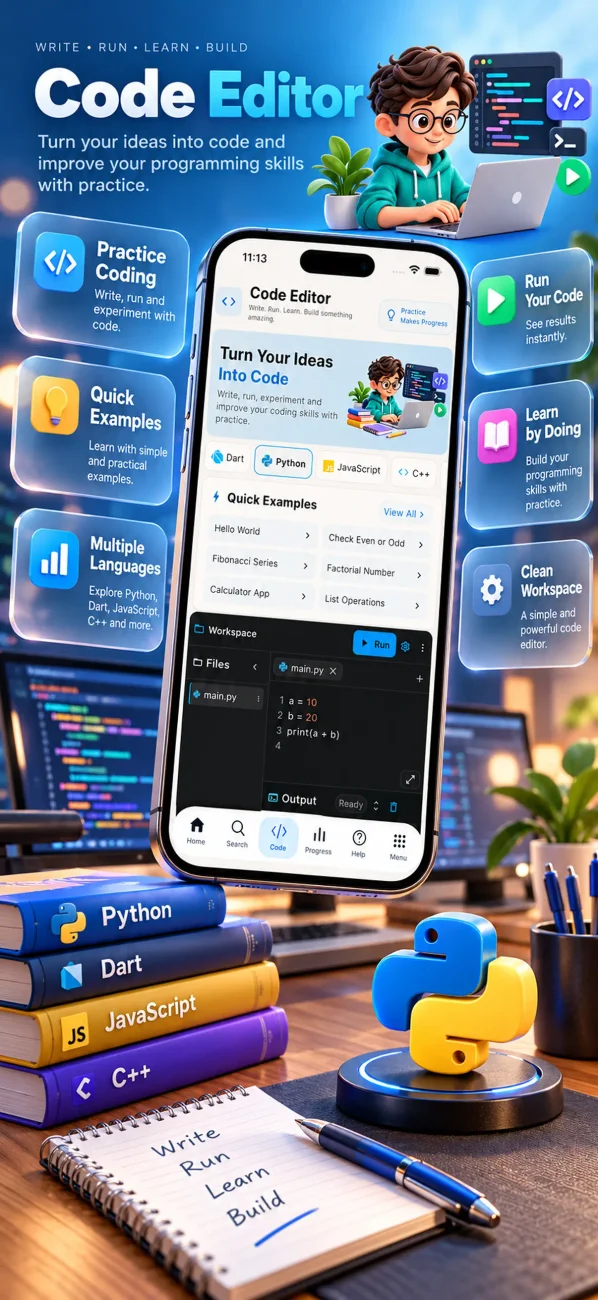
Use the integrated Code Editor to explore programming examples and practice coding.
• Write and run code
• Explore quick coding examples
• Work with a dedicated editor workspace
• View code output
• Explore supported programming languages
The editor provides a practical learning space alongside your MySQL lessons.
TRACK YOUR LEARNING PROGRESS
Stay informed about your learning journey with a dedicated progress dashboard.
• View completed lessons
• Monitor chapter progress
• Check your overall completion rate
• Follow your daily learning streak
• Review lesson and quiz totals
• See your learning achievements
Progress indicators help you understand what you've completed and what remains.
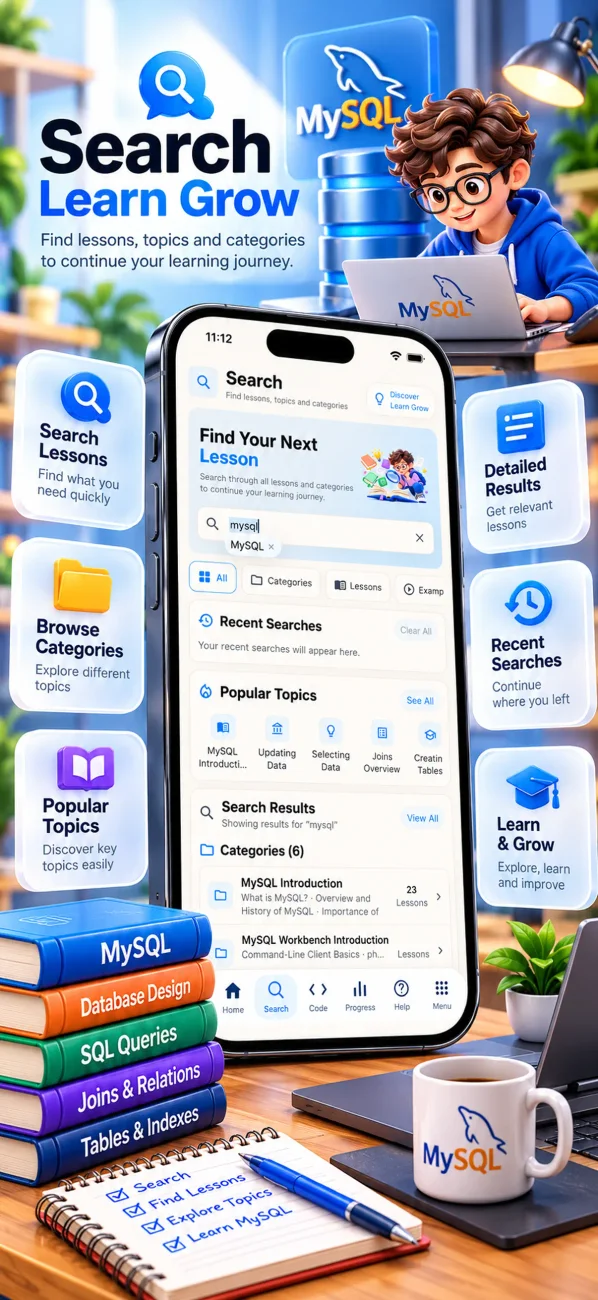
FIND LESSONS WITH SEARCH
Quickly discover learning material using the built-in search tools.
• Search for lessons and topics
• Browse learning categories
• Explore popular topics
• View relevant search results
• Access MySQL learning material
Find the information you need without manually browsing every chapter.
CREATE A DAILY LEARNING SCHEDULE
Build a consistent study routine with customizable learning schedules.
• Choose your preferred study time
• Select a 15, 30, or 45-minute session, or one hour
• Choose repeat days
• Enable study reminders
• Save your learning schedule
Organize your learning around your daily routine and receive reminders at your selected time.
SAVE NOTES AND BOOKMARKS
Keep useful learning material organized while you study.
• Take notes during lessons
• Access your saved notes
• Bookmark lessons for later
• Revisit important learning content
Return to topics and information whenever you need them.
EXPLORE COMMUNITY HELP
Access the Community Help section to explore questions, answers, and shared solutions.
• Browse popular questions
• Explore programming topics
• Search community questions
• Discover answers and explanations
• Learn from shared knowledge
Use community resources as an additional way to explore questions while learning.
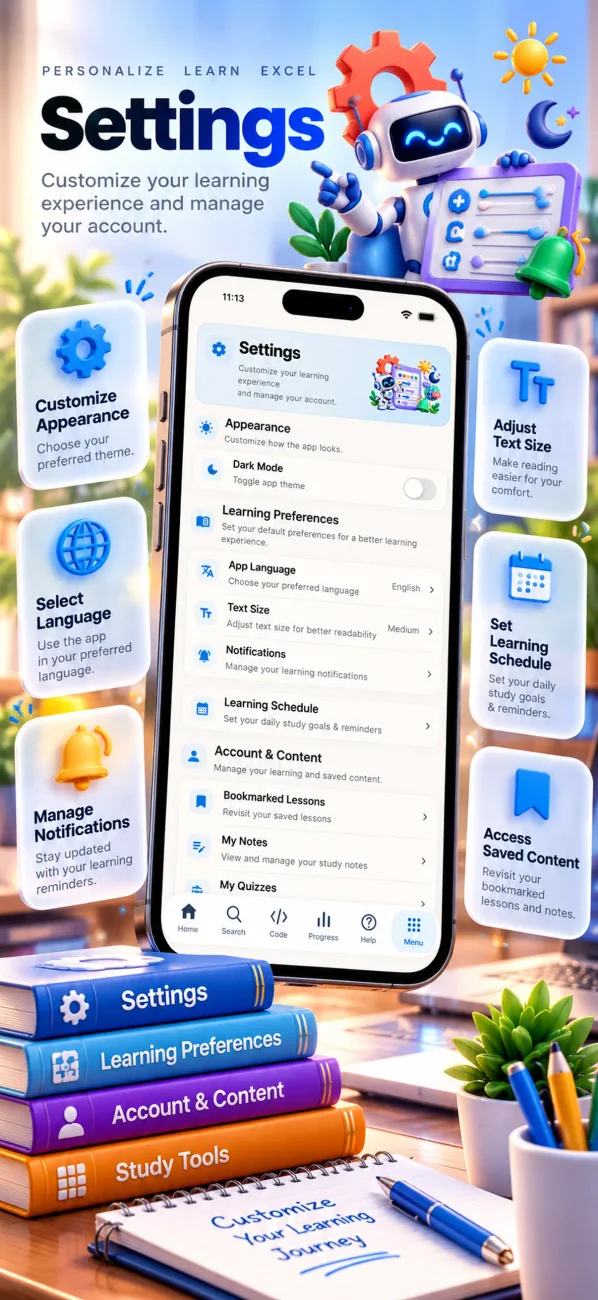
PERSONALIZE YOUR EXPERIENCE
Adjust your learning environment using the available app settings.
• Choose your preferred appearance
• Switch between light and dark mode
• Adjust text size
• Manage learning notifications
• Access your notes and bookmarked lessons
• Manage learning preferences
Make your study experience more comfortable and organized.
LEARN, PRACTICE, AND TRACK YOUR PROGRESS
What’s new
Version 1.1.1 · Nov 1, 2026
Fixed Bugs
App privacy
What Muhammad Umair declares on the App Store about how this app handles data.
-
Data not collected
The developer does not collect any data from this app.
Privacy practices may vary, for example with the features you use or your age.
Information
- Seller
- Muhammad Umair
- Category
- Education
- Version
- 1.1.1
- Updated
- Nov 1, 2026
- Released
- Nov 2, 2025
- Size
- 74.5 MB
- Requires
- iOS 15.6 or later
- Age rating
- 9+
- Price
- $2.99
- Languages
- English
- Copyright
- © Muhammad Umair
You might also like
-
 Learn OOP Programming OfflineObject Oriented Programming
-
 Learn Python 3 ProgrammingPython Programming Complete
-
 ANDRAXConsulting & Training GmbH
-
 Java Compiler(Pro)Run Java Programs without ads
-
 Learn Python: Coding for AllMaster Python Coding with AI
-
 Learn Java : EasyCoderLearn java programming easily
-
 Theory Test - Teorimester.noPass Guarantee, Practice Drive
-
 Kör - Get your Drivers LicenseBook lessons, practice theory
-
 Jedona - Compiler for JavaCompile Java Programs
-
 Learn Python Coding OfflineLearn Python 3 with Compiler