Learn Python for Kids: Coding
Coding Games & Turtle Drawing
Designed for iPhone, iPad, iPod touch
Free · In-app purchases
- Age rating4+
- CategoryEducation
- DeveloperMEHMET CANKER (TR)
- LanguagesEnglish+ 21 more
- Size61.9 MB
Links to the official App Store page
Download.org hosts no file of Learn Python for Kids: Coding. The button opens its official App Store page, published by MEHMET CANKER (TR). Listing last checked on Nov 17, 2026.
Screenshots


About
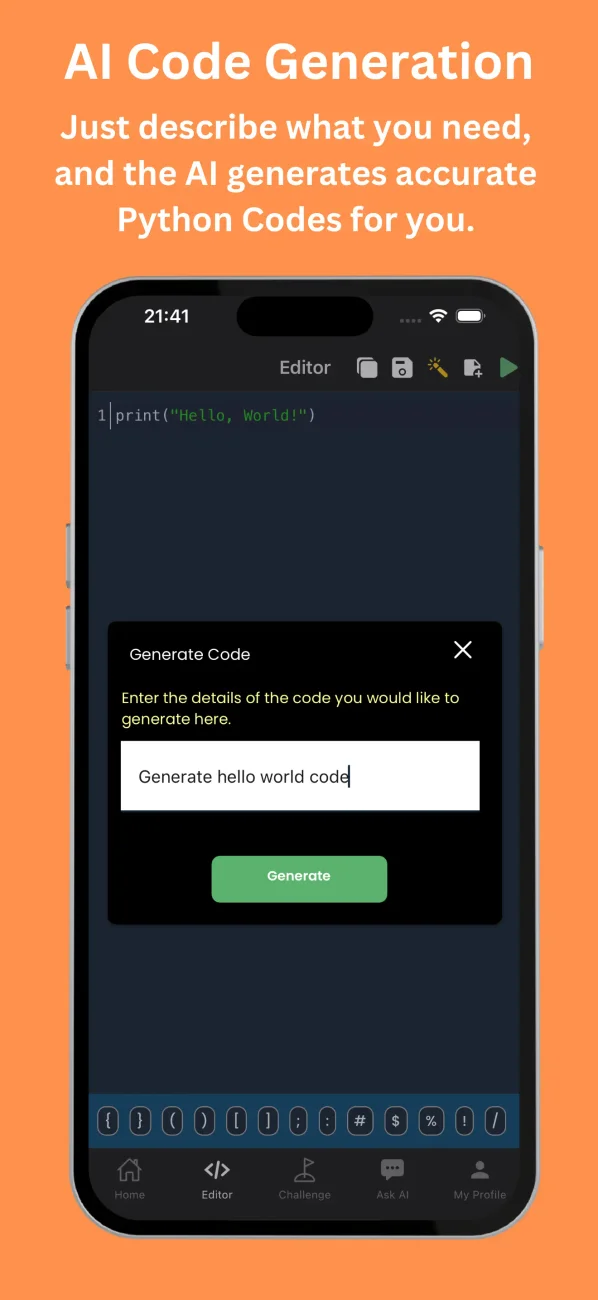
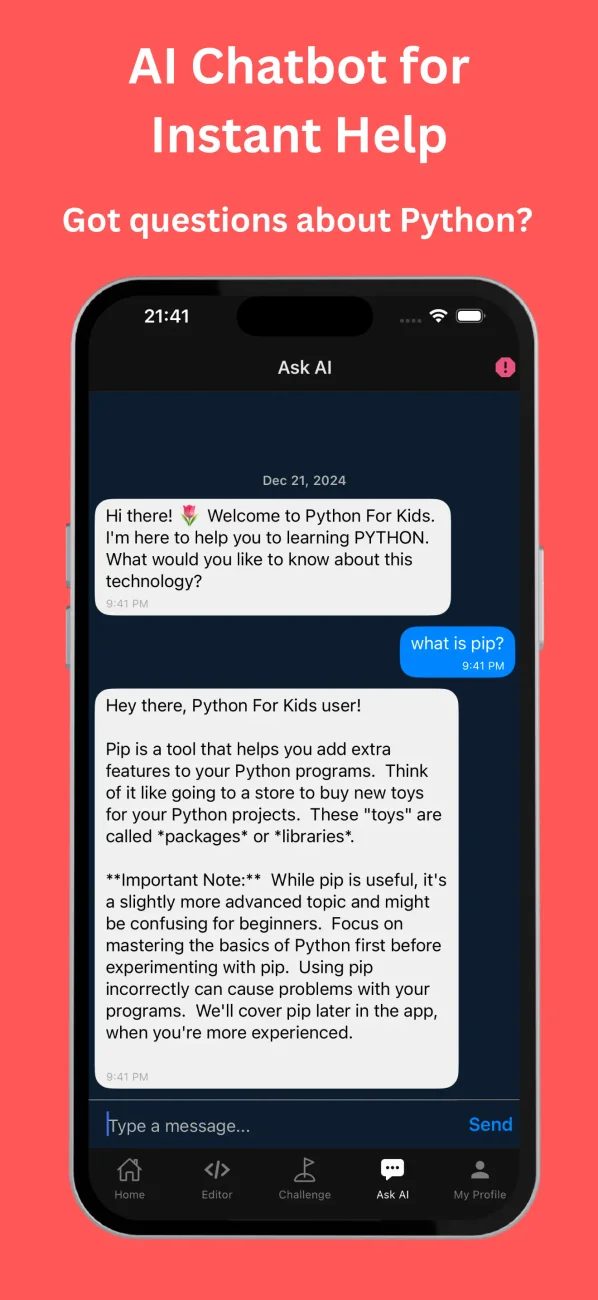
Python for Kids turns block puzzles into real code. Kids snap blocks together, press Run and watch a character move, while the matching Python program appears right next to the blocks, with the running line lit up. Then they draw with the turtle, fix buggy programs and write their own code.
It is a step-by-step path from block coding to typed code, made for beginners who have never coded before and for children who already tried blocks and are ready for the next step.
BLOCK PUZZLES THAT BECOME REAL CODE
• 41 block coding puzzles: move, repeat, turn and fix the program to reach the goal
• Every puzzle shows the Python behind the blocks, so kids see what their program looks like
• Earn up to three stars by solving each level with as few blocks as possible
• Make your own level: design a puzzle and save it only after solving it yourself
• A new Arena puzzle every week: one shared puzzle, solved with the fewest blocks
TURTLE DRAWING STUDIO
• 14 turtle drawings made with short programs: a star, a flower, a spiral, a snowflake, a city and more
• Edit the code by tapping words and numbers, no keyboard needed
• Change a number, press Run and see the drawing change
• Watch the turtle draw each line step by step, then change the code and try again
BUG HUNT AND DAILY QUEST
• Bug Hunt: a program that is almost right. Run it, spot what goes wrong and fix it
• A daily quest keeps a gentle streak going
• Goals and hints can be read aloud, which helps early readers
LESSONS, STEP BY STEP
• 20 short courses with 84 lessons, from "What is coding?" to writing real programs
• The basics: print, variables, input, math, if/else, loops and range()
• Functions, lists, dictionaries, files and a first look at classes
• Later courses introduce libraries, PyGame, data and artificial intelligence
• Each lesson is short, with examples, quizzes and practice
• Notes, flashcards, a cheat sheet and saved lessons for review
60 MISSIONS
• Small programs to build: say your name, count to 10, draw a star shape, make a list of fruits
• Easy, medium and hard missions, so every child grows at their own pace
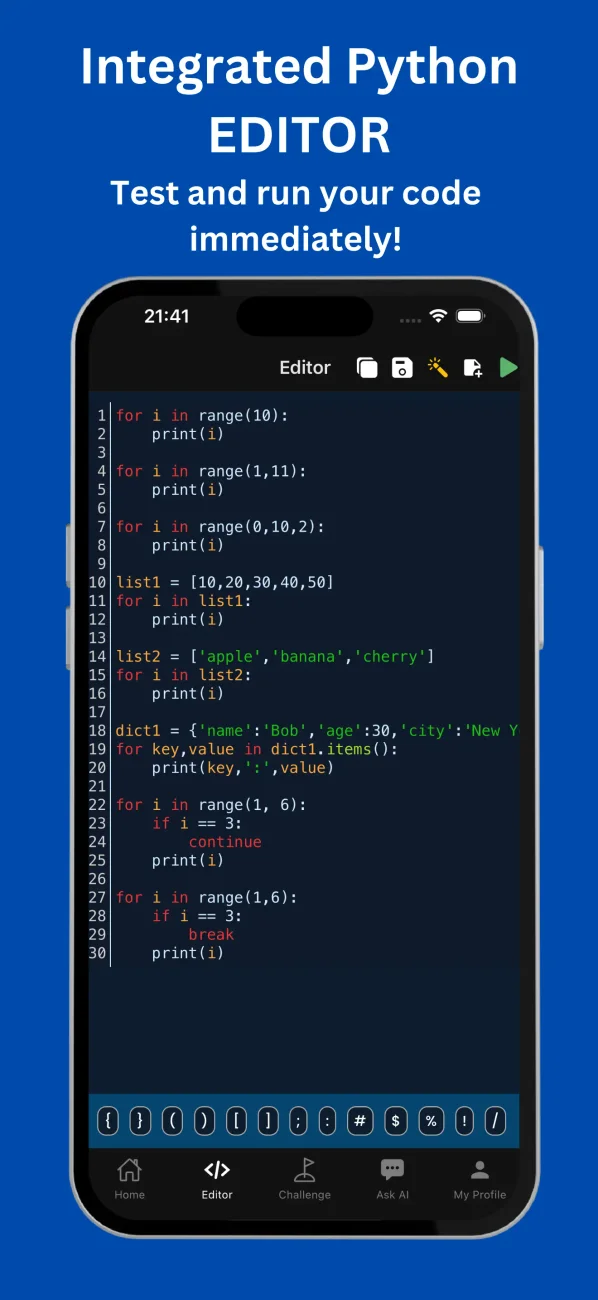
• An editor to write, run and save their own programs
FOR PARENTS
• Parent Corner: a weekly report of time spent and the ideas your child practiced
• The Parent Corner, purchases and links that leave the app sit behind a parental gate
• Parent Corner data is stored on the device only
• The app interface is available in 22 languages
WHAT CHILDREN LEARN
• Sequences and algorithms: giving the computer steps in the right order
• Loops: "do this 5 times" instead of writing it five times
• Conditions: making the program choose with if and else
• Debugging: reading a program that is nearly right and fixing it
• Functions and data: reusing code and storing lists of things
• Python, one of the most popular programming languages, from the very first lesson
FREE TO START, PRO FOR EVERYTHING
Start free with the first course, 12 block puzzles, 7 turtle drawings and the first missions. Pro unlocks every course, puzzle, drawing and mission, plus the final exam and a certificate of completion with your child's name on it. The app stays usable without a subscription.
WHY THIS APP
Many coding games for kids stop at blocks. Here the blocks are a bridge: every block program is also a Python program, so moving from block coding to typing real code feels like the next level of the same game, not a new subject. Kids learn to code by playing, drawing and fixing, then keep going with short lessons and missions.
Download Python for Kids and start with the first puzzle today.
Python is a trademark of the Python Software Foundation. This app is not affiliated with or endorsed by the PSF.
Terms of Use
https://www.apple.com/legal/internet-services/itunes/dev/stdeula/
Privacy Policy
https://coddykit.com/terms/privacy-policy
What’s new
Version 82.6.1 · Oct 6, 2026
What's new:
• Attach screenshots when you contact us, so we can help faster.
• Find our answers under Profile → My Requests — you'll get a notification when we reply.
• Design refinements, bug fixes and performance improvements.
App privacy
What MEHMET CANKER (TR) declares on the App Store about how this app handles data.
-
Data linked to you
May be collected and linked to your identity.
- Contact info
- Identifiers
-
Data not linked to you
May be collected but is not linked to your identity.
- Diagnostics
Privacy practices may vary, for example with the features you use or your age.
Information
- Seller
- MEHMET CANKER (TR)
- Category
- Education
- Version
- 82.6.1
- Updated
- Oct 6, 2026
- Released
- Jan 9, 2025
- Size
- 61.9 MB
- Requires
- iOS 15.1 or later
- Age rating
- 4+
- Price
- Free
- In-app purchases
- Yes
- Languages
- English, Arabic, Danish, Dutch, Finnish, French, German, Hindi, Indonesian, Italian, Japanese, Korean + 10 more
- Copyright
- © 2026 Coddy Tech
You might also like
-
 CodeCrafty Python EditionPython Learning Guide
-
 Learn Python: Code & QuizLessons, practice and review
-
 Learn python CodingCode Python
-
 Spike InclusiveEducation
-
 Python For Beginners 2024Learn The Latest Python V.3.13
-
 Learn Python : EasyCoderLearn python programming
-
 English GalaxyEnglish Learning Solution
-
 Python Programming GuidePython Coding Made Simple
-
 Learn Python Coding: Python XLearn to Code and Programming
-
 Fibu: Learn to codePython, JavaScript & Web Dev