
Learn Rust Coding Tutorials
Coding Lessons & Quizzes
Designed for iPhone, iPad, iPod touch
$2.99
- Age rating9+
- CategoryEducation
- DeveloperMuhammad Umair
- LanguagesEnglish
- Size72.5 MB
Links to the official App Store page
Download.org hosts no file of Learn Rust Coding Tutorials. The button opens its official App Store page, published by Muhammad Umair. Listing last checked on Nov 17, 2026.
Screenshots



About
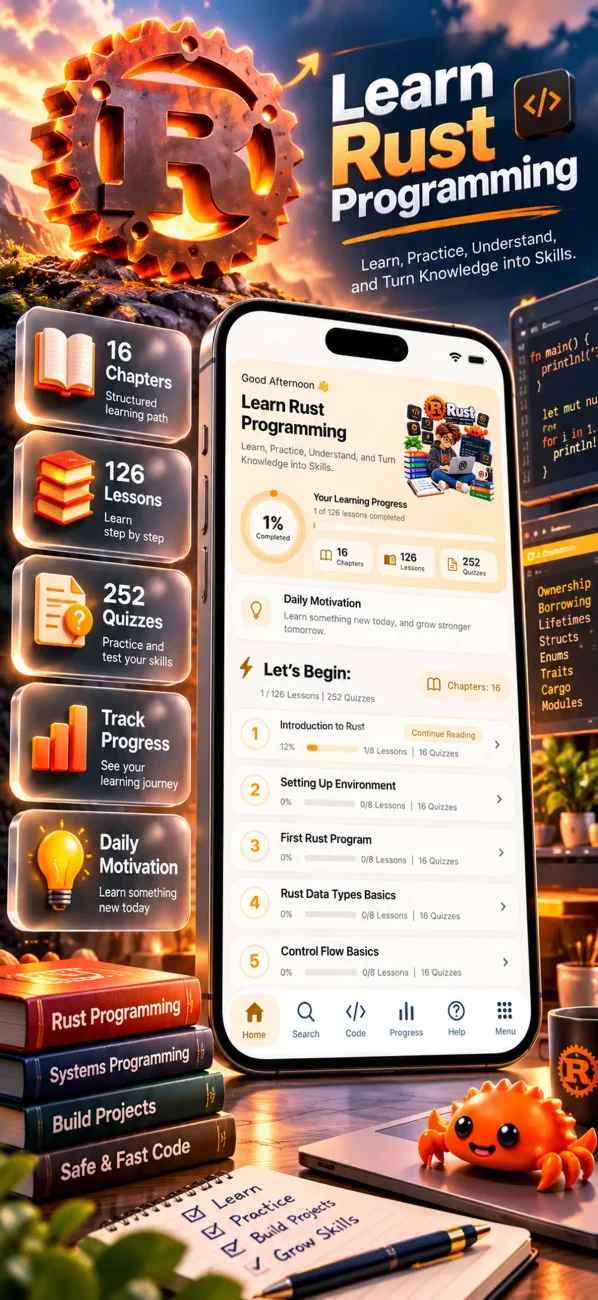
Learn Rust Programming is a structured learning app designed to help you explore Rust coding, understand essential programming concepts, practice with quizzes, and track your learning progress. Whether you are starting with Rust basics or exploring ownership, borrowing, and systems programming concepts, the app provides an organized way to develop your knowledge.
With 16 chapters, 126 lessons, and 252 quizzes, Learn Rust Programming brings together educational content, coding practice, progress tracking, and study tools in one learning experience.
LEARN RUST STEP BY STEP
Explore a structured Rust programming course with lessons covering introductory topics and more detailed programming concepts.
Visible course topics include:
• Introduction to Rust
• Setting Up Environment
• First Rust Program
• Rust Data Types Basics
• Control Flow Basics
• Rust Syntax
• Ownership and Borrowing
• Lifetimes
• Strings in Rust
• Structs in Rust
• Variables in Rust
• Error Handling
• Concurrency
• Cargo and Modules
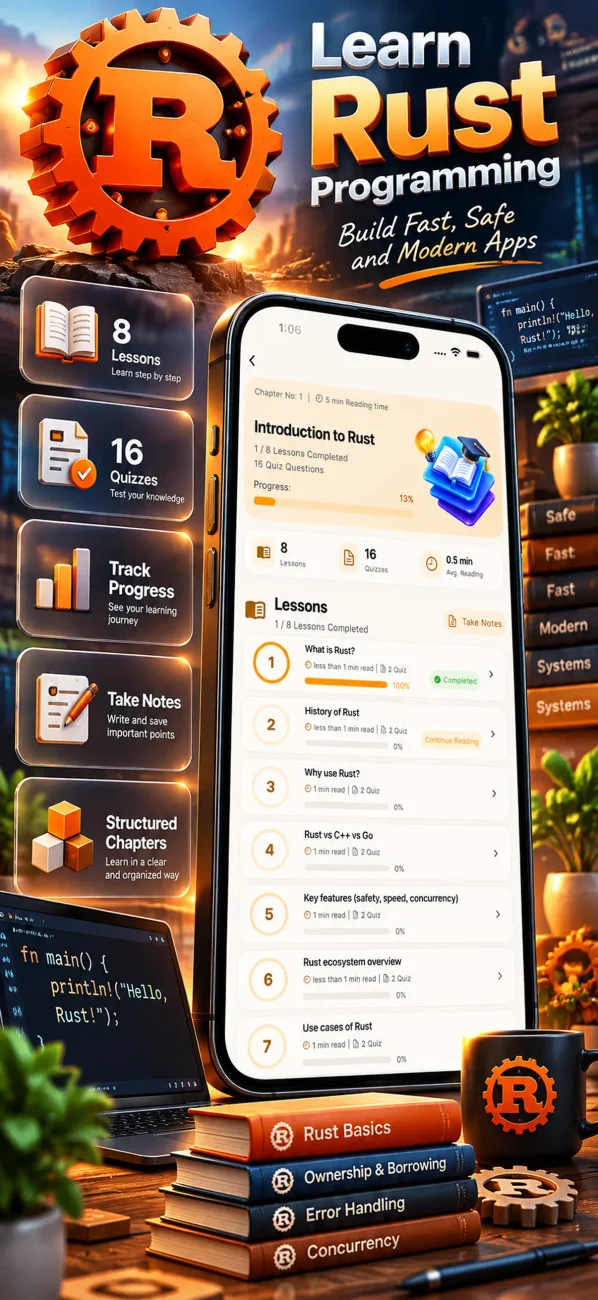
Each chapter organizes its lessons into a clear learning path, helping you follow topics at your own pace.
126 LESSONS AND 252 QUIZZES
Study Rust programming through 126 organized lessons across 16 chapters.
Reinforce your understanding with 252 quiz questions designed to complement the learning material.
View lesson completion, quiz information, reading estimates, and chapter progress as you move through the course.
PRACTICE WITH THE CODE EDITOR
Explore programming concepts using the integrated code editor.
The editor includes a coding workspace, example programs, a Run option, and an output section.
Visible coding tools include:
• Code editing workspace
• Quick programming examples
• File navigation
• Run controls
• Output display
• Multiple programming language options
Use the coding workspace to experiment with programming examples and support your learning through practice.
TRACK YOUR LEARNING PROGRESS
Follow your educational journey through the dedicated progress dashboard.
Monitor completed lessons, overall completion percentage, chapter statistics, and learning activity.
Progress features include:
• Overall learning progress
• Completed lesson tracking
• Chapter and lesson statistics
• Quiz statistics
• Daily learning streak
• Completion rate
• Learning activity overview
Stay informed about your progress and see which lessons are completed, in progress, or not yet started.
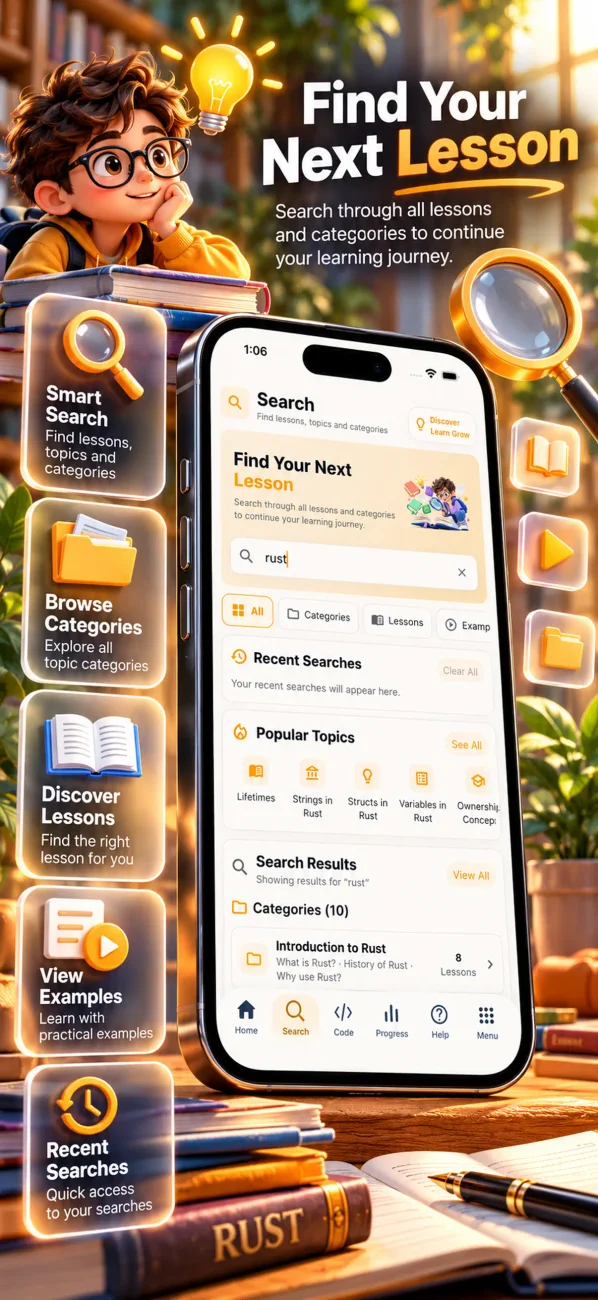
SEARCH LESSONS AND TOPICS
Find learning material using the built-in search feature.
Explore course categories, discover lessons, browse popular topics, and access recent searches.
Search tools help you navigate the course and find relevant Rust programming content.
COMMUNITY HELP AND ANSWERS
Explore programming questions and community answers through the Community Help section.
Browse popular questions, search for answers, and discover shared solutions related to programming topics.
Use community resources to support your learning and explore different programming questions.
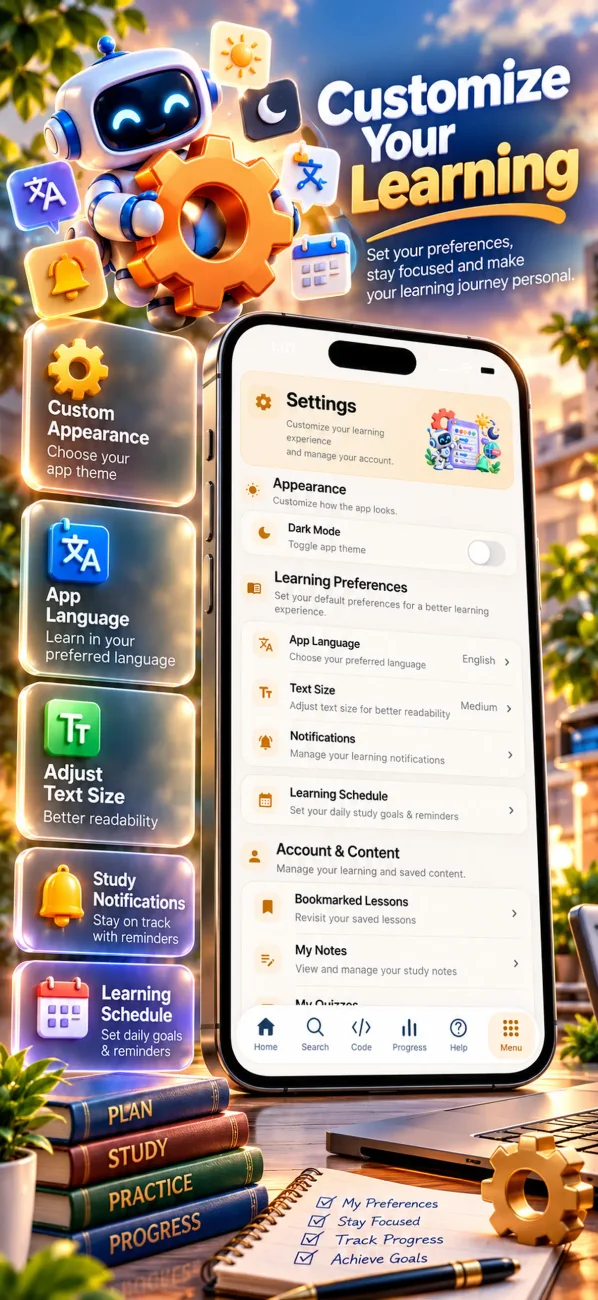
PERSONALIZE YOUR LEARNING EXPERIENCE
Adjust your learning environment with available settings and study preferences.
Personalization features include:
• Light and dark appearance options
• App language preferences
• Adjustable text size
• Learning notifications
• Daily learning schedule
• Bookmarked lessons
• Personal study notes
Create a learning experience that fits your reading preferences and daily routine.
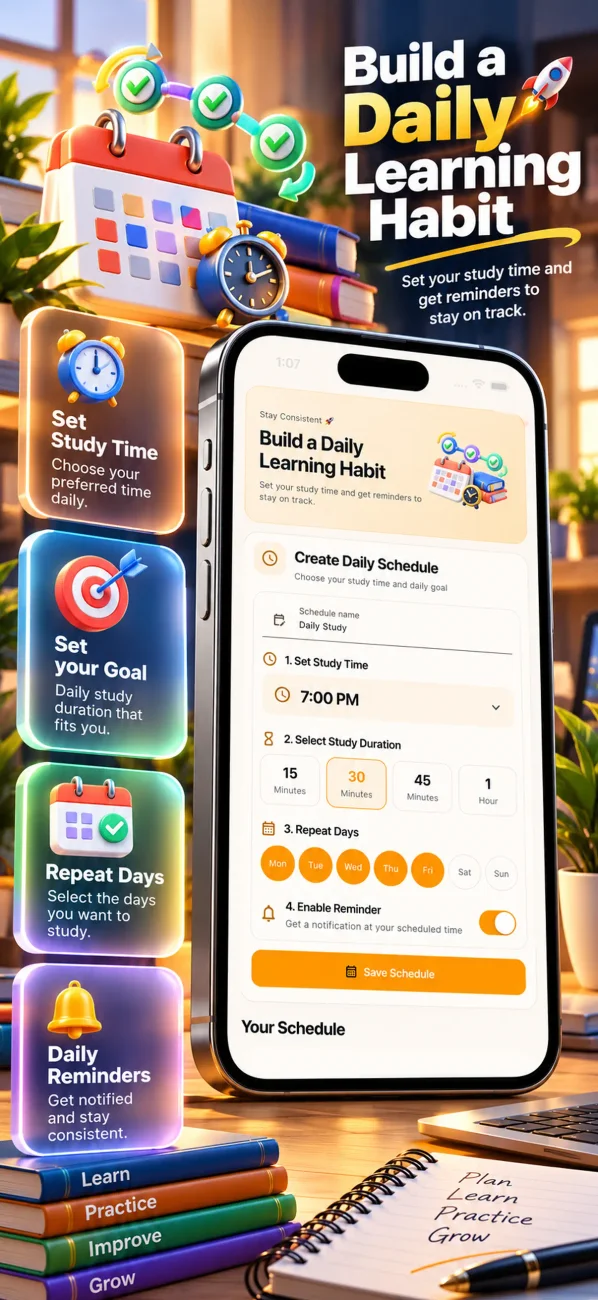
BUILD A DAILY LEARNING HABIT
Create a study schedule by choosing your preferred study time, session duration, and repeat days.
Enable learning reminders to help maintain a consistent study routine.
The daily learning streak feature also lets you follow your study consistency.
SAVE NOTES AND BOOKMARK LESSONS
Keep useful information organized with personal notes and bookmarked lessons.
Return to saved learning material and review important concepts whenever needed.
What’s new
Version 1.1 · Oct 24, 2026
New User Interface
Fixed Bugs
Added new Features
App privacy
What Muhammad Umair declares on the App Store about how this app handles data.
-
Data not collected
The developer does not collect any data from this app.
Privacy practices may vary, for example with the features you use or your age.
Information
- Seller
- Muhammad Umair
- Category
- Education
- Version
- 1.1
- Updated
- Oct 24, 2026
- Released
- Nov 17, 2025
- Size
- 72.5 MB
- Requires
- iOS 15.6 or later
- Age rating
- 9+
- Price
- $2.99
- Languages
- English
- Copyright
- © Muhammad Umair
You might also like
-
 Learn Rust: Programming CourseRust Language Tutorial & Quiz
-
 Astrophysics IReference
-
 WriteAcademyWrite more, one day at a time
-
 Learn Dart: Code & FlutterMaster Dart Coding from Zero
-
 Learn Shell Scripting ProShell and Bash Tutorial
-
 Learn Rust Programming OfflineBecome a Rust Programmer
-
 Learn Python: Coding for AllMaster Python Coding with AI
-
 Financebro: Learn IB & TradingM&A, Sales & Trading, AM
-
 Forma: Learn RustLearn Rust Programming
-
 Learn Rust - OnePercentRust Programming Simplified