
Learn Wireshark
Packet Capture & Network Guide
Designed for iPhone, iPad
Free · In-app purchases
- Age rating17+
- CategoryEducation
- DeveloperAkshay Bhasme
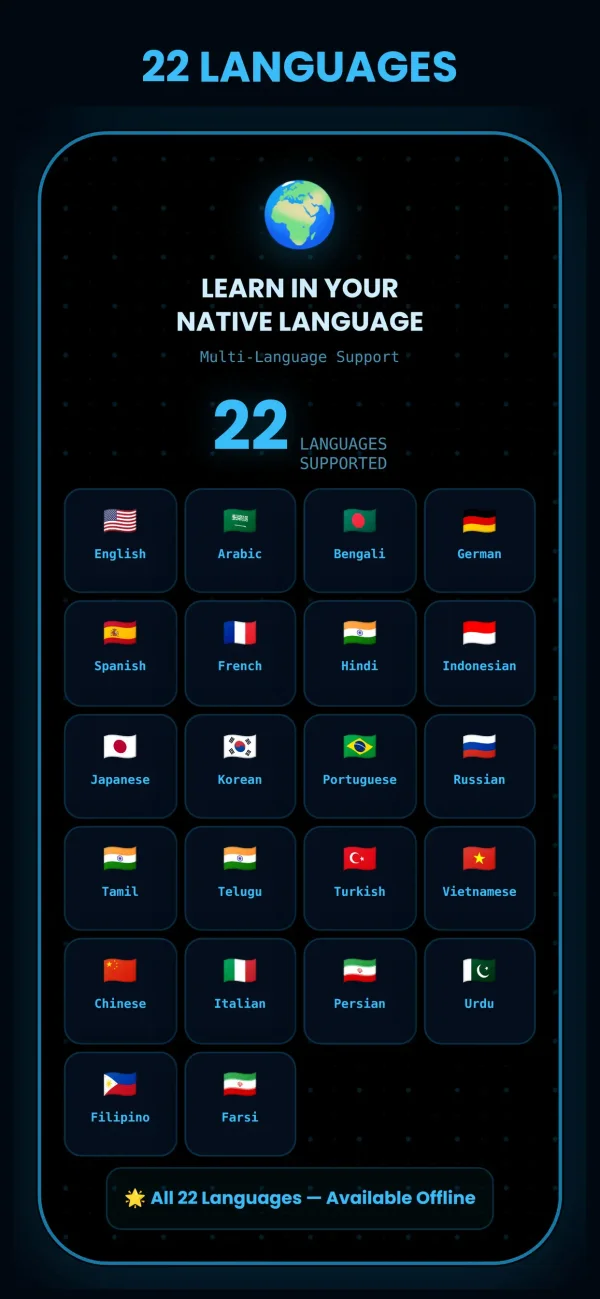
- LanguagesEnglish+ 20 more
- Size164.8 MB
Links to the official App Store page
Download.org hosts no file of Learn Wireshark. The button opens its official App Store page, published by Akshay Bhasme. Listing last checked on Nov 12, 2026.
Screenshots
About
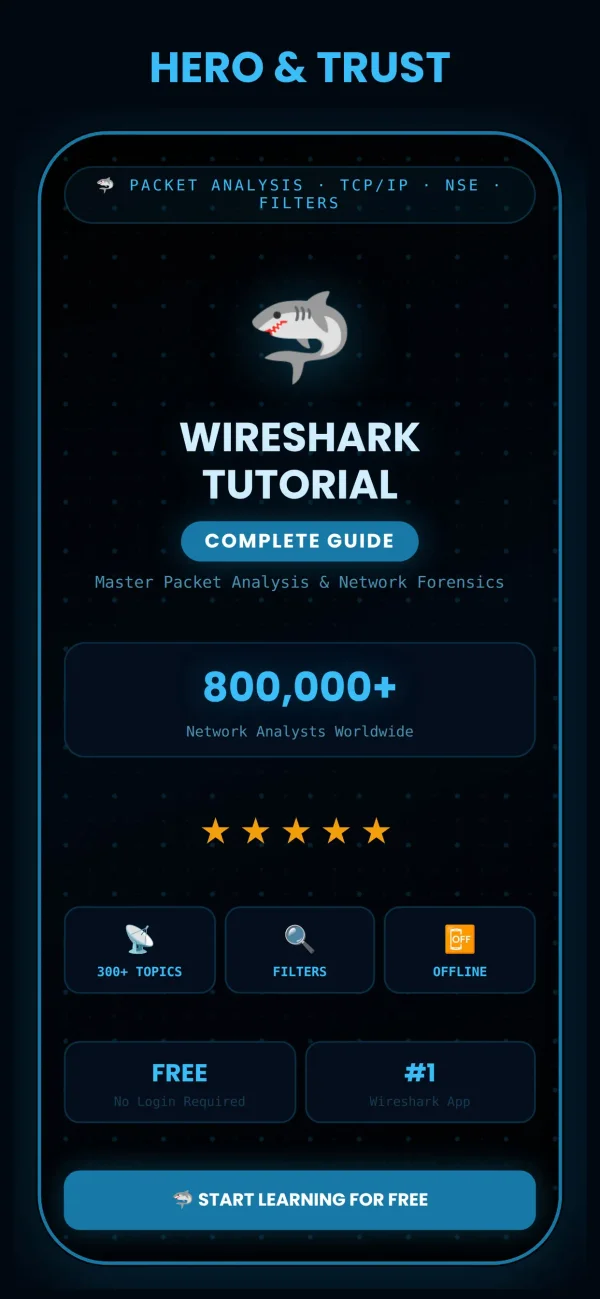
Learn Wireshark is the ultimate network analysis tutorial app for mastering Wireshark, the world's most widely used packet analyzer. Whether you are a cybersecurity beginner or an experienced network engineer, this app covers packet capture, traffic analysis, and troubleshooting — all in one place.
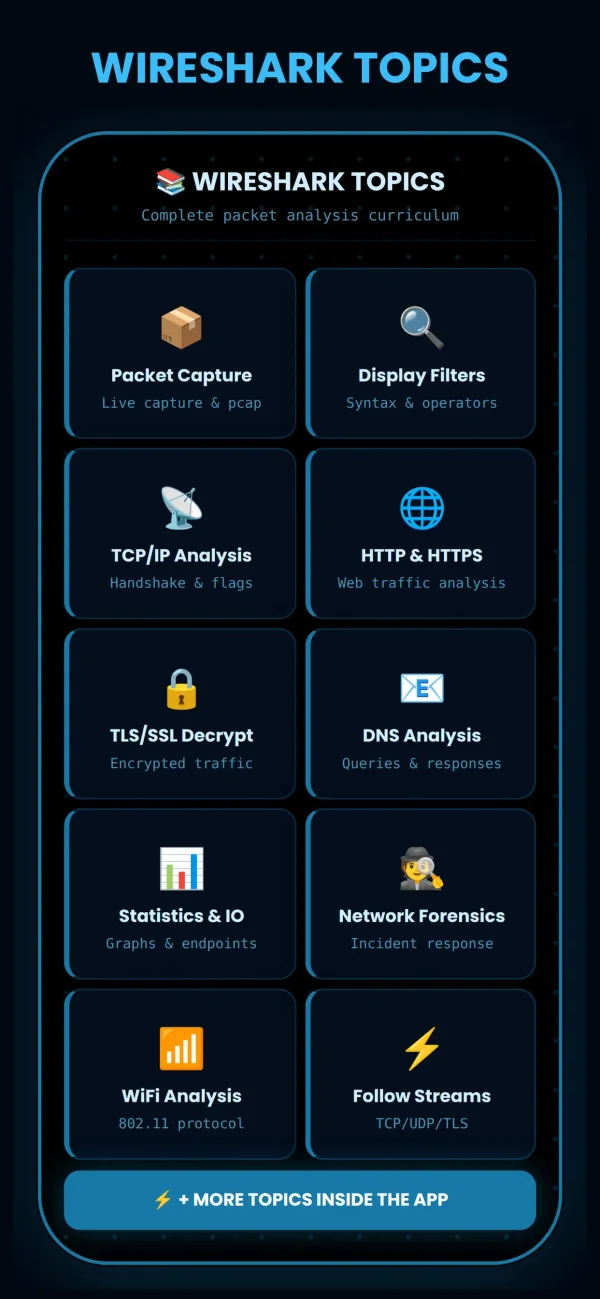
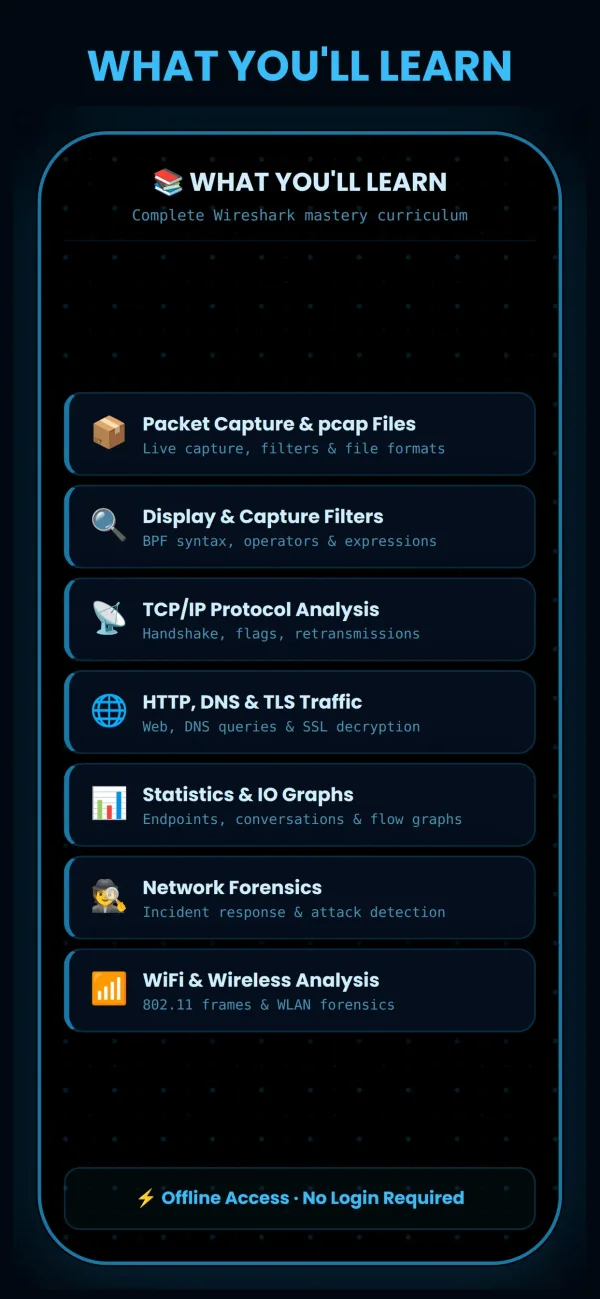
Explore 50+ modules covering Wireshark basics, filters, capture techniques, protocol analysis, VoIP troubleshooting, and security incident analysis. Every topic includes clear explanations so you understand not just how, but when and why to apply each feature.
MASTER WIRESHARK FROM BEGINNER TO ADVANCED
Introduction and Setup — Learn what Wireshark is, install it, and understand the interface including toolbar, packet list, details panel, and hex dump.
Protocols — Understand the top 10 network protocols and why protocol knowledge is essential for effective packet analysis.
Capturing Traffic — Master packet capture. Start captures, select interfaces, apply capture filters, and save packets in multiple formats.
FILTERING AND ANALYSIS
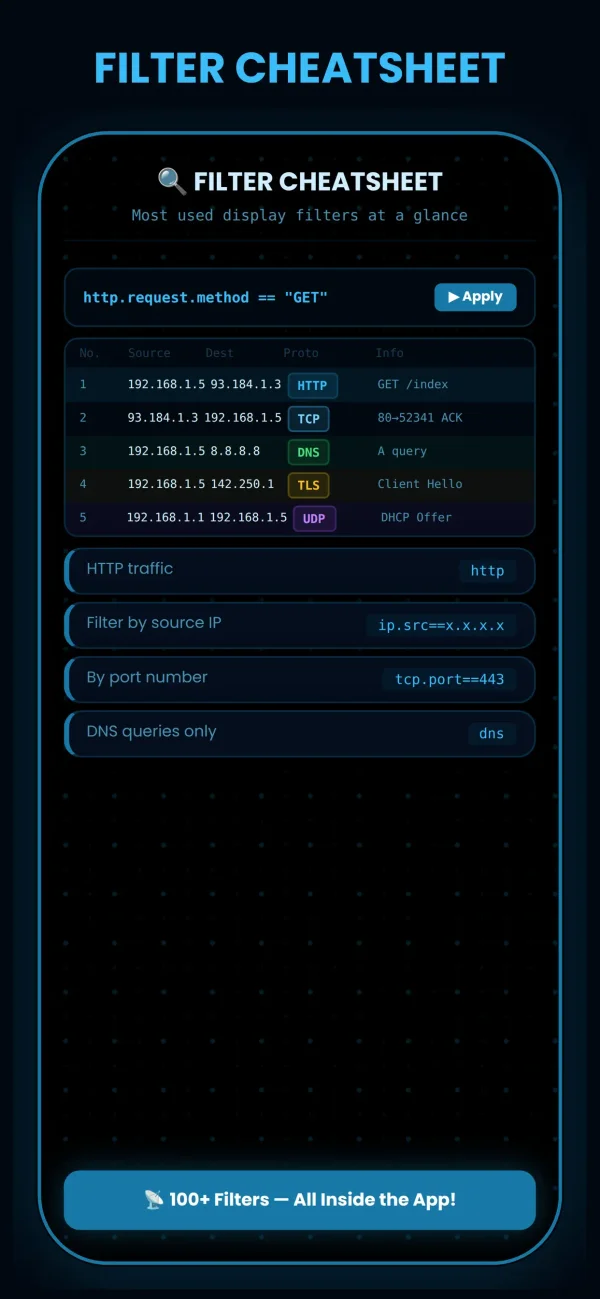
Display Filters — Master the most powerful Wireshark skill. Learn filter syntax, logical operators, and the top filters professionals use to isolate traffic instantly.
Capture Filters — Understand BPF syntax to capture only relevant traffic, reducing file sizes and focusing analysis.
Statistical Analysis — Explore statistics and graphing. Analyze conversations, endpoints, protocol hierarchies, and IO graphs to visualize network behavior.
PROTOCOL-SPECIFIC TRAFFIC ANALYSIS
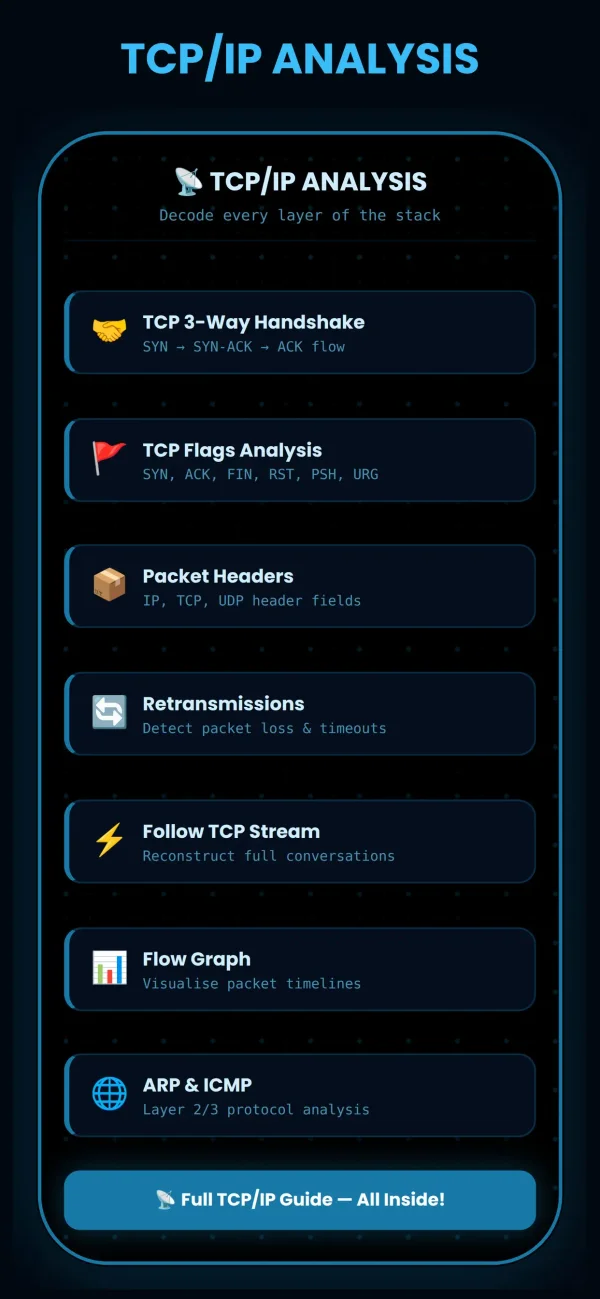
ARP, DHCP, and DNS — Analyze address resolution, IP assignment, and name resolution. Spot ARP spoofing, DHCP starvation, and DNS poisoning.
HTTP and Web Traffic — Inspect requests, responses, headers, and payloads. Identify security issues in web communications.
TLS and SSL — Analyze encrypted traffic. Learn certificate inspection, handshake analysis, and TLS troubleshooting.
FTP and Email — Examine file transfers and email protocols including SMTP, POP3, and IMAP.
Database and Application — Analyze database queries and application-layer traffic for performance and security.
VoIP Analysis — Analyze call flows, quality, SIP signaling, RTP streams, and VoIP security with dedicated tools.
IoT, Mobile, and Streaming — Analyze IoT device traffic, mobile networks, and streaming media protocols.
Virtualized Traffic — Packet analysis in VMs, containers, and cloud architectures.
SECURITY AND TROUBLESHOOTING
Security Incidents — Detect and investigate incidents. Analyze scans, suspicious patterns, and intrusions using Wireshark.
Bandwidth and Latency — Identify bottlenecks, high-latency connections, and bandwidth consumption issues.
Traffic Patterns — Recognize normal vs abnormal behavior with baseline techniques for monitoring.
ADVANCED WIRESHARK
Profiles and Configuration — Create custom profiles with personalized columns, filters, and color rules.
Plugins and Extensions — Extend Wireshark with plugins for enhanced analysis.
Command Line — Master tshark for automated, scriptable packet analysis without the GUI.
Tips and Tricks — Expert techniques for faster, more efficient daily analysis.
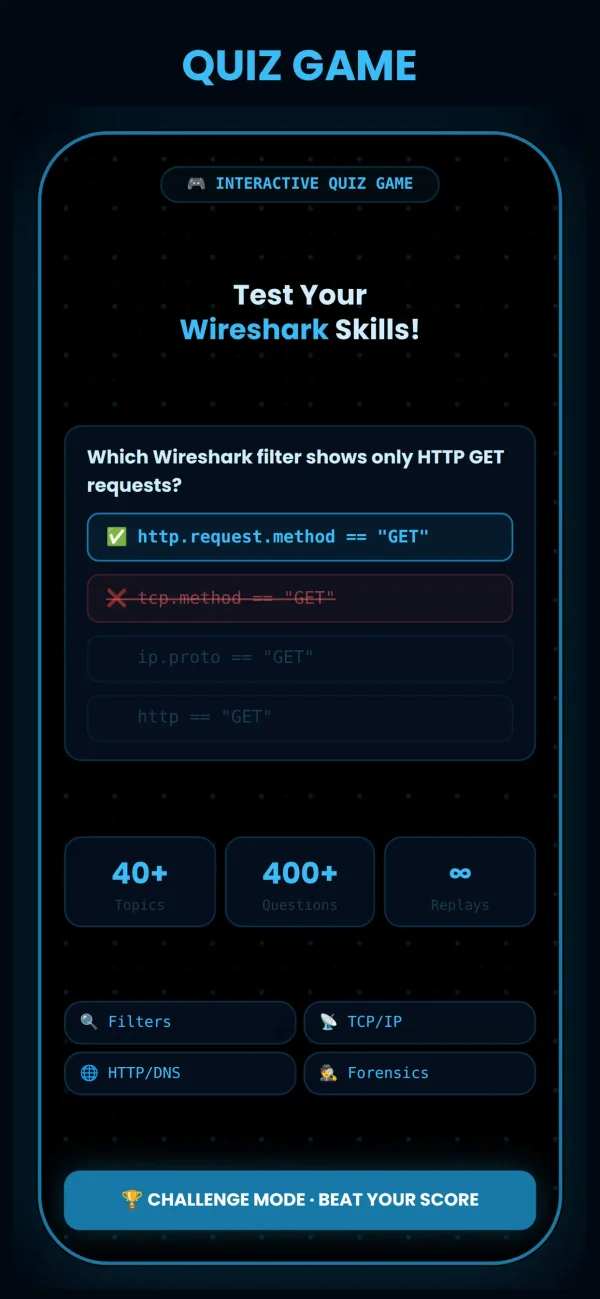
QUIZ GAME TO TEST YOUR KNOWLEDGE
Test your understanding of filters, protocols, and analysis through interactive questions. Track scores and reinforce learning.
FEATURES FOR NETWORK LEARNERS
50+ structured modules. Full offline access. Multi-language support. Dark mode. Search and filter topics. Clean interface. Regular updates.
BUILT FOR EVERY NETWORK PROFESSIONAL
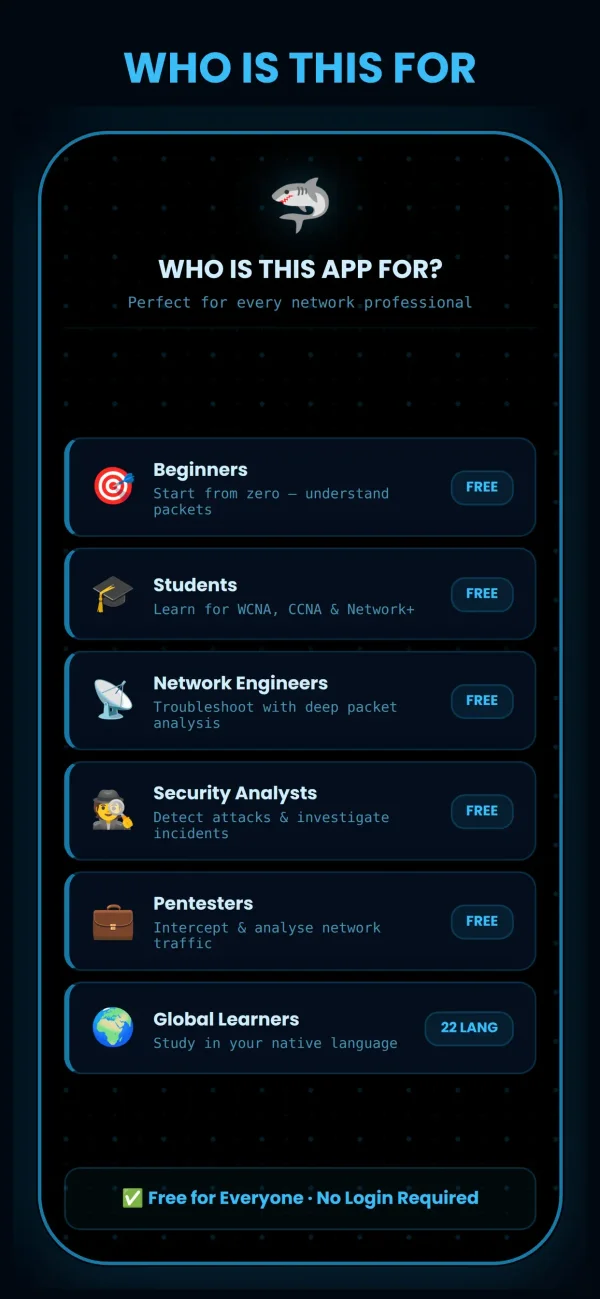
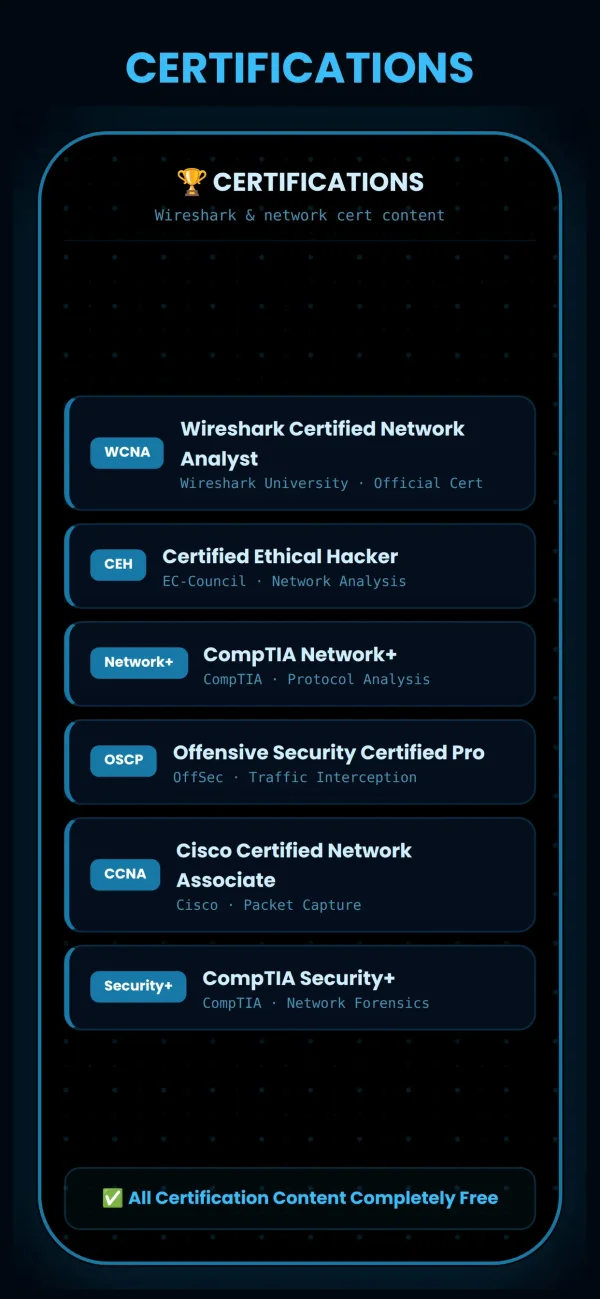
Cybersecurity students and researchers. Network engineers troubleshooting infrastructure. IT professionals monitoring networks. Security analysts investigating incidents. Anyone preparing for CompTIA Network+, Security+, or CCNA.
Download Learn Wireshark and start in minutes. With 50+ topics, protocol analysis guides, quizzes, and a complete learning path — master packet analysis today.
Start capturing. Start analyzing. Start mastering Wireshark.
What’s new
Version 12.0 · Nov 5, 2026
- 27 new trending and important topics on Wireshark, packet analysis and network security
- Learn Wireshark in multiple languages for a better global experience
- New interactive quiz game to test your network analysis skills
- Visual images and diagrams that make protocols and packet capture easy to understand
- All new modern and professional design with smoother navigation
- Dark mode for comfortable learning day or night
- Ad free experience for Premium users
- Faster performance, better stability and bug fixes
Thanks for learning with us. If you enjoy the app, please leave a review.
App privacy
What Akshay Bhasme declares on the App Store about how this app handles data.
-
Data not collected
The developer does not collect any data from this app.
Privacy practices may vary, for example with the features you use or your age.
Information
- Seller
- Akshay Bhasme
- Category
- Education
- Version
- 12.0
- Updated
- Nov 5, 2026
- Released
- Jul 22, 2024
- Size
- 164.8 MB
- Requires
- iOS 17.2 or later
- Age rating
- 17+
- Price
- Free
- In-app purchases
- Yes
- Languages
- English, Arabic, Bengali, Filipino, French, German, Hindi, Indonesian, Italian, Japanese, Korean, Persian + 9 more
- Copyright
- © Akshay Bhasme
You might also like
-
 Hack With Kali Linux: AI GuideEthical Hacking Kali Linux AI
-
 Learn Linux Step by StepLinux Tutorial with Quizzes
-
 Ethical Hacking University AppTotal Ethical Hacking Courses
-
 Linux BasicsLearn Linux in a gameful way
-
 Learn Hacking with Kali LinuxMaster Cyber Security Basics
-
 Mastering Ethical HackingImprove your Ethical Hacking
-
 CCNA 200-301 Exam Prep - 2026Cisco Practice Tests & Quiz
-
 Cyber Security For BeginnersMaster Cyber Security Skills
-
 CompTIA Network+ Exam TrainingN10-009 Exam Prep & Practice