
- Age rating4+
- CategoryEducation
- DeveloperLearning Fundamentals, Inc.
- LanguagesEnglish
- Size65.7 MB
Links to the official App Store page
Download.org hosts no file of Learning Sight Words. The button opens its official App Store page, published by Learning Fundamentals, Inc. Listing last checked on Nov 15, 2026.
Screenshots
About
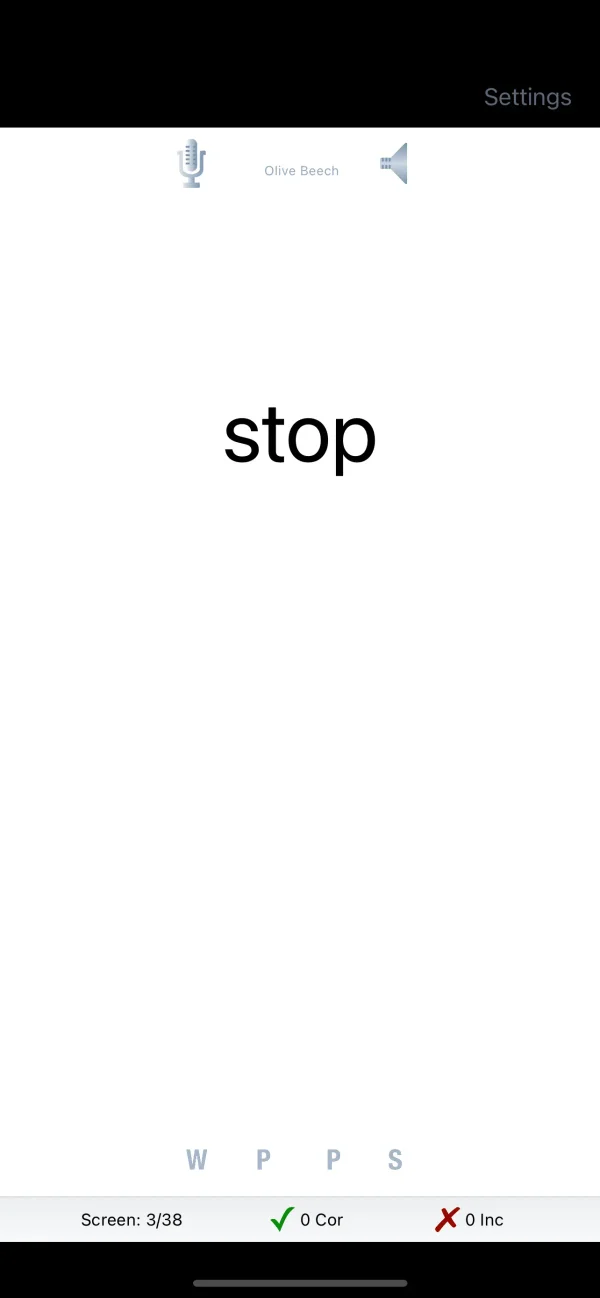
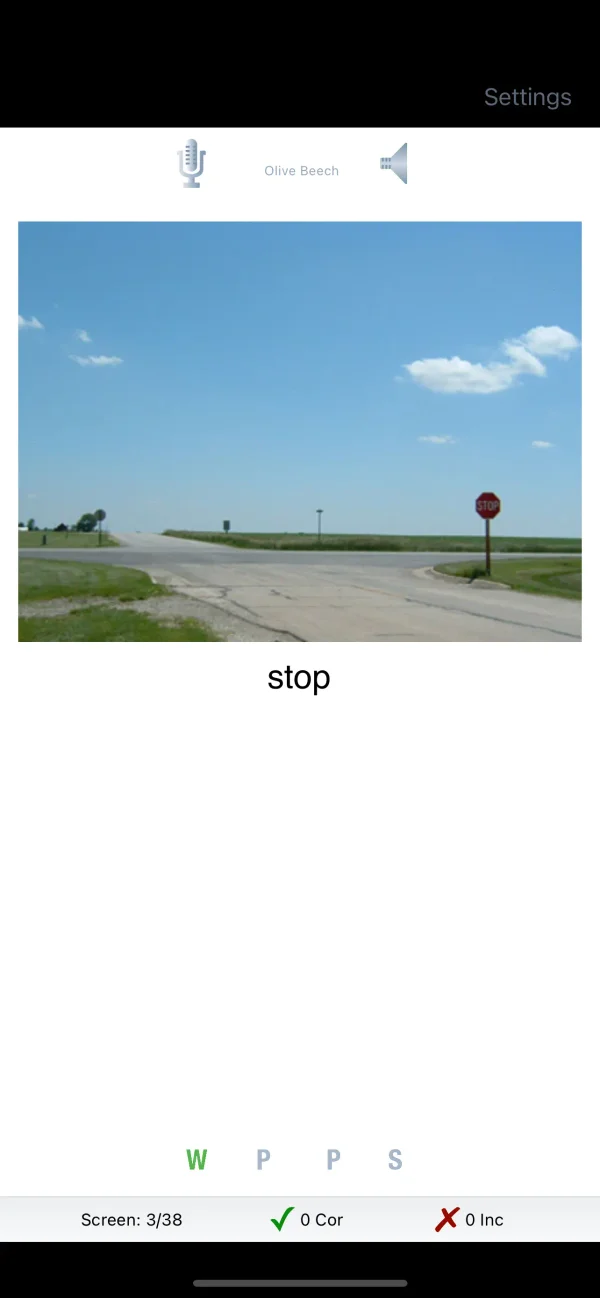
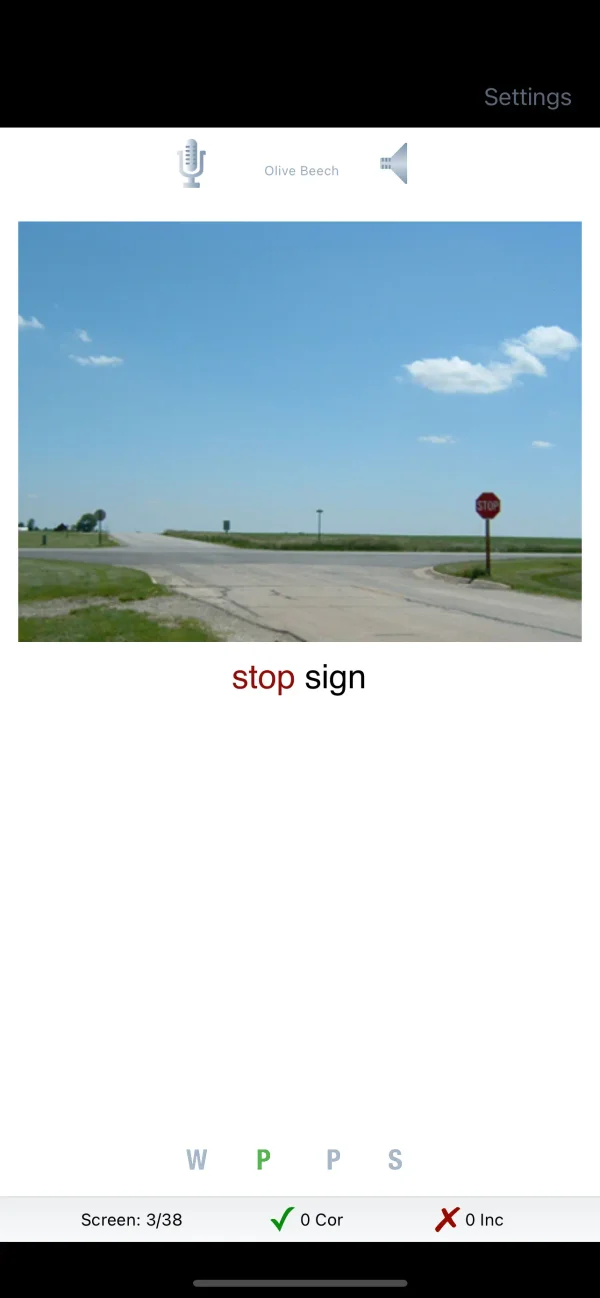
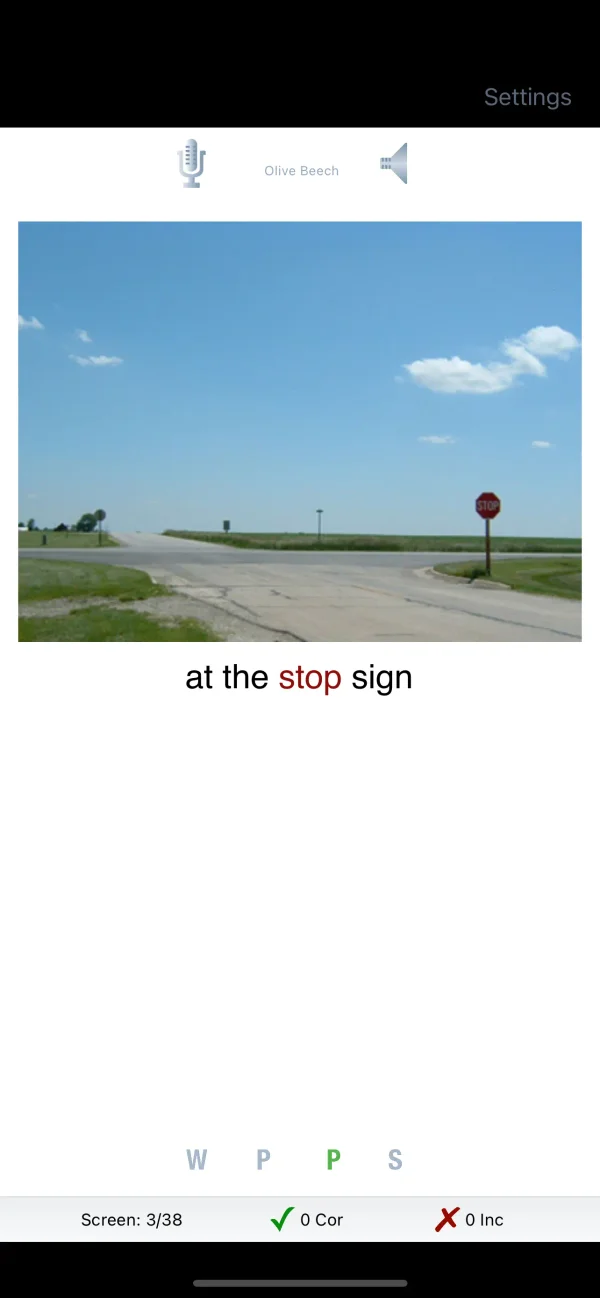
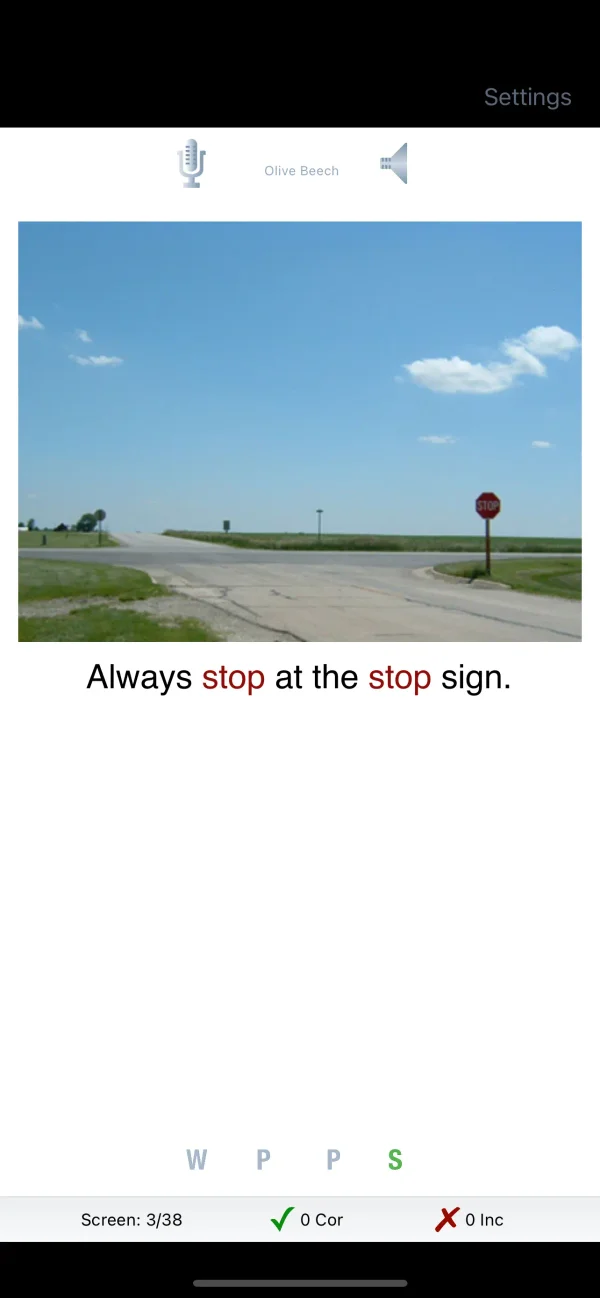
Studies have shown that good readers look at some words and automatically decode them. The Sight Words app lets beginning readers get a head start on learning these words. It helps older students who are struggling with reading master the sight words. There are 208 words organized by level of difficulty–Pre-Primer, Primer, Grade 1, Grade 2, and Grade 3. The colorful photos provide a visual cue for the word. The phrases and sentences help the student visualize the word in context.
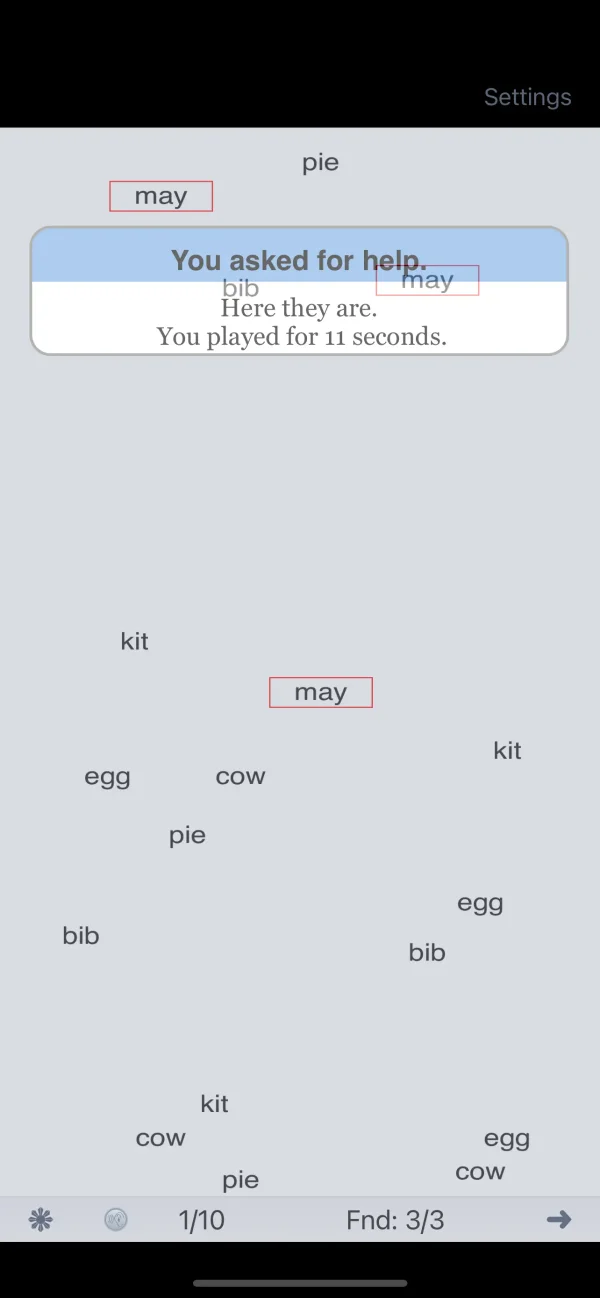
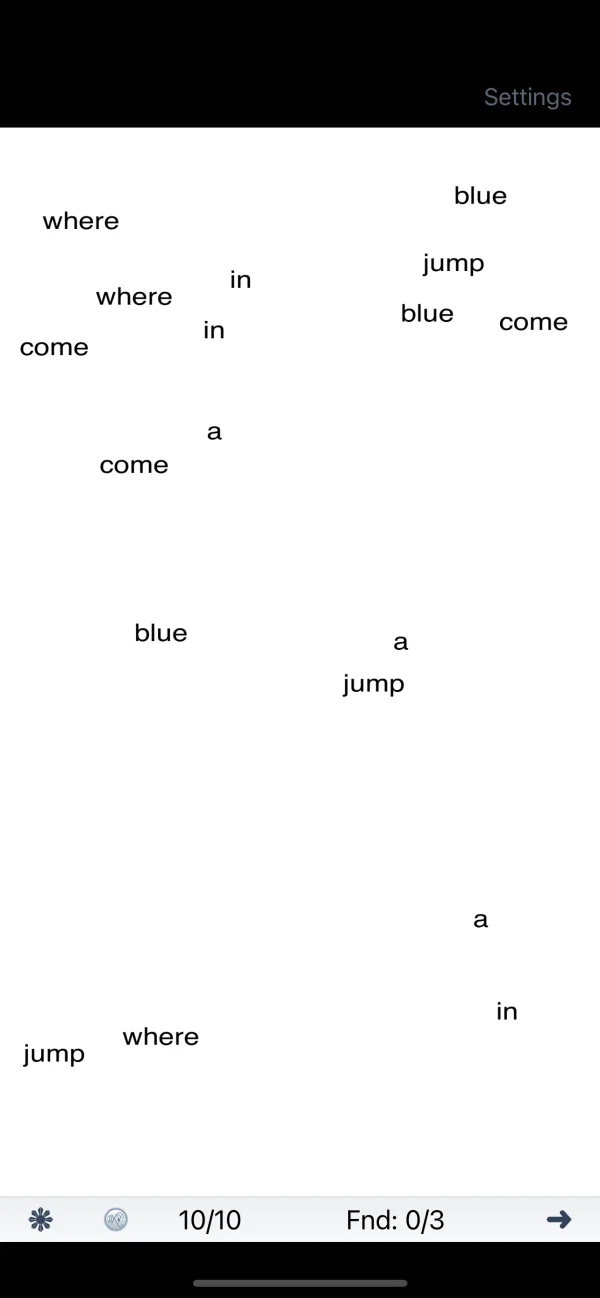
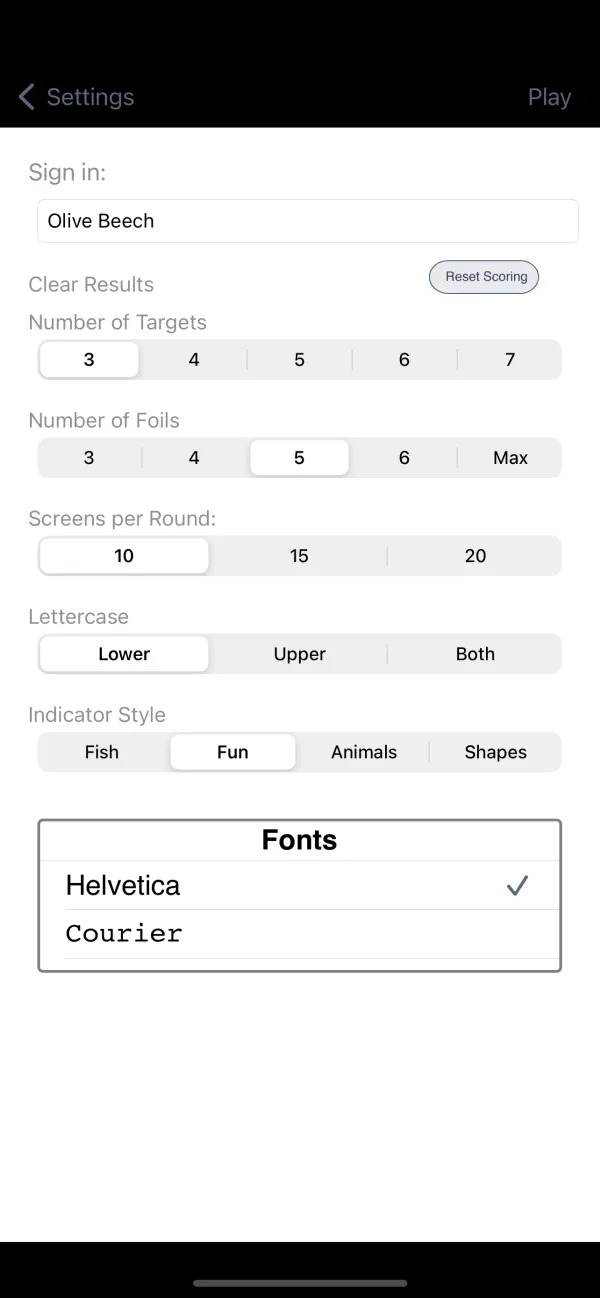
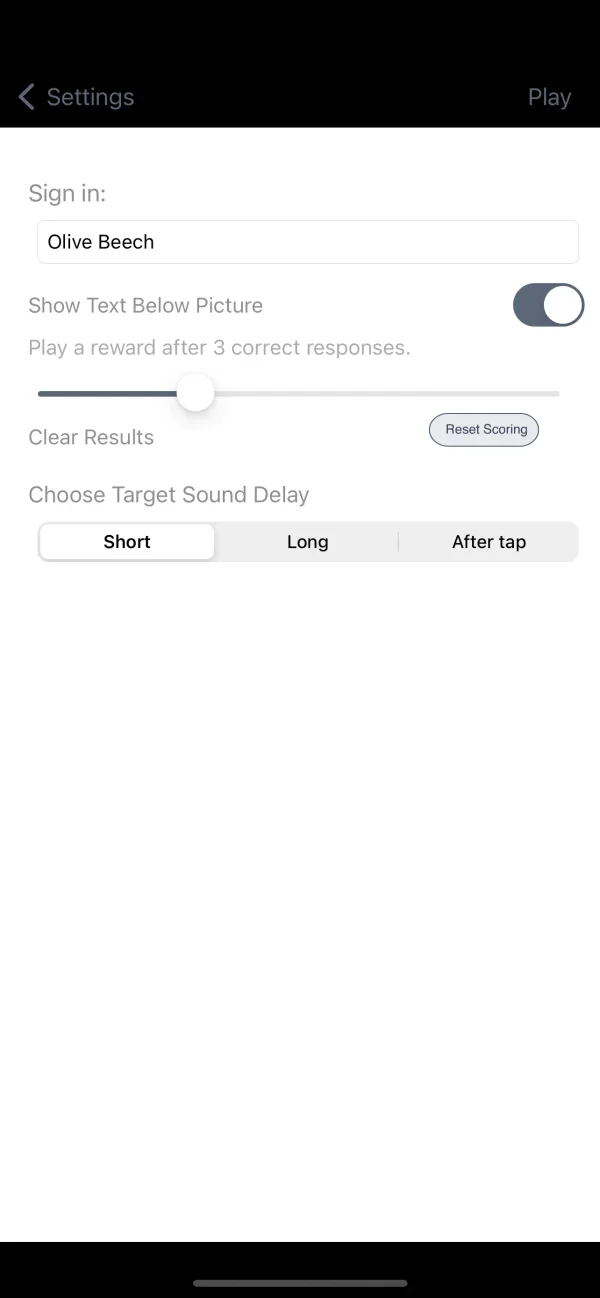
Once the student is familiar with the words, use the Settings button to switch to the Practice mode. The app will display each of the words along with foils. The default is to find three targets in a field of fifteen foils. Both the number of targets and the number of foils can be changed in the Options.
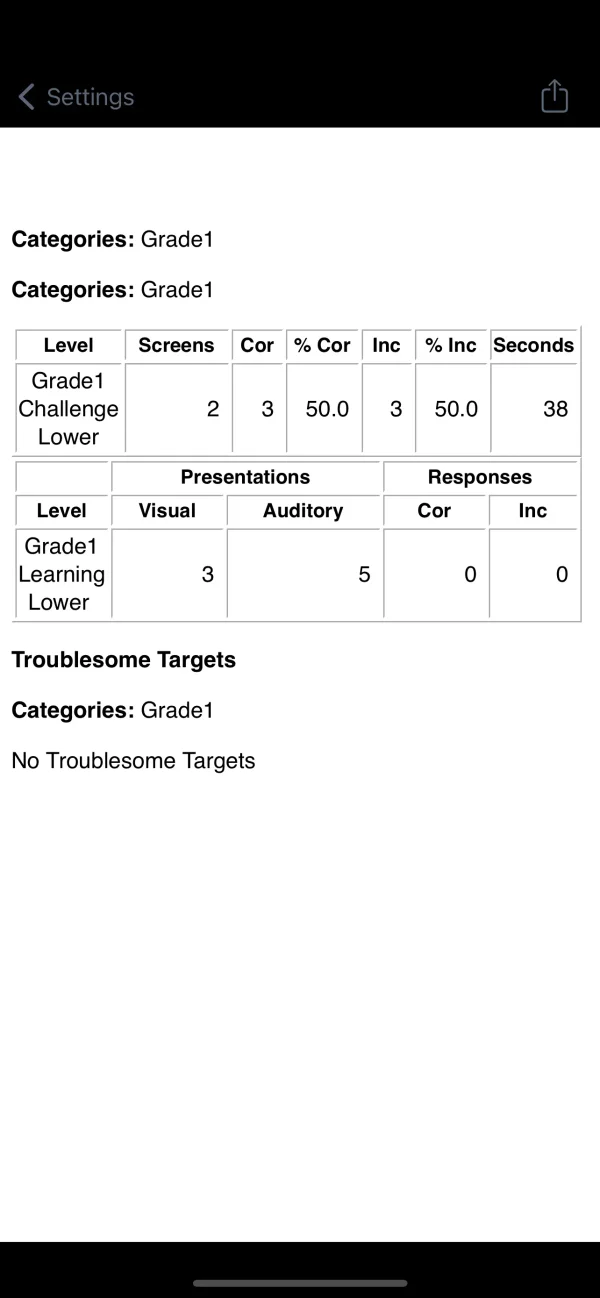
When the student is doing well in the Practice level, tap the Settings button to look at the options for the Challenge level. The Challenge level has foils that are not necessarily familiar to the student. The default is to find three targets in a field of fifteen foils. At first the foils are words that (usually) have no letters in common with the target word. If the student finds all of the targets in less than 20 seconds per screen with few mistakes, the app automatically changes the foils to words that look more like the target. When all of the target words have been practiced, the app moves the student to the next level of difficulty—all words start with a capital letter. When all the words have been viewed, the app again moves to a more difficult level—words randomly starting with a capital or lowercase letter.
Appropriate for neurotypical children ages K-3rd grade, and children or adults having difficulty reading due to problems with with Auditory Processing, Auditory Conceptualization, Central Auditory Processing Disorders (CAPD), TBI, or Stroke.
This app is based on the Sight Words DVD from LocuTour.
What’s new
Version 2.0.7 · Jun 17, 2025
Updated for new devices.
App privacy
What Learning Fundamentals, Inc. declares on the App Store about how this app handles data.
-
Data not collected
The developer does not collect any data from this app.
Privacy practices may vary, for example with the features you use or your age.
Information
- Seller
- Learning Fundamentals, Inc.
- Category
- Education
- Version
- 2.0.7
- Updated
- Jun 17, 2025
- Released
- Sep 18, 2012
- Size
- 65.7 MB
- Requires
- iOS 9.0 or later
- Age rating
- 4+
- Price
- $1.99
- Languages
- English
- Copyright
- © 2012-2022 Learning Fundamentals, Inc.
You might also like
-
 Reading Skills 4AEducation
-
 ABC MAGIC PHONICS 2 DeluxeDeluxe Version for Schools
-
 My Custom Sight WordsReading & Spelling Practice
-
 ICON Marketing GroupEducation
-
 GoTalk® StartCommunication App
-
 PixWriter LiteEducation
-
 Chillees: Calm Tools for KidsMeditations for Big Feelings
-
 Learn Numbers in EnglishSpelling Numbers in English
-
 Kinetic NeuroscienceEducation
-
 Choiceworks CalendarEducation