
LearnScroll: Study Shorts
Turn PDFs into study videos
Designed for iPhone
Free · In-app purchases
- Age rating4+
- CategoryEducation
- DeveloperCan Dizdar
- LanguagesEnglish
- Size43.0 MB
Links to the official App Store page
Download.org hosts no file of LearnScroll: Study Shorts. The button opens its official App Store page, published by Can Dizdar. Listing last checked on Nov 14, 2026.
Screenshots

About
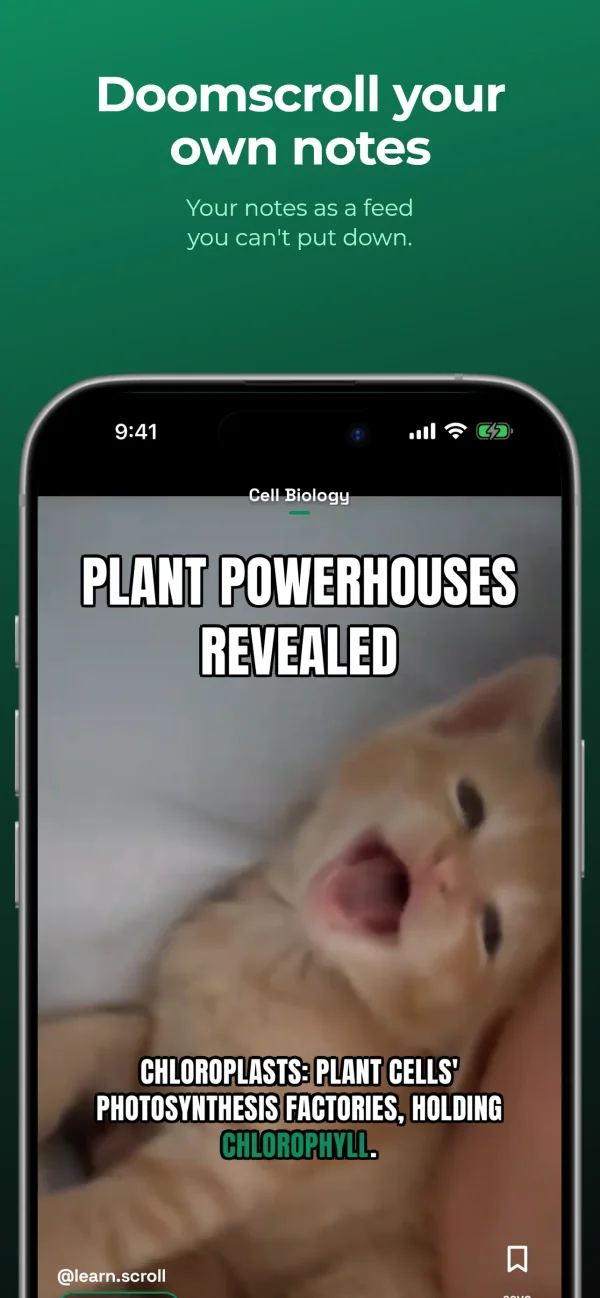
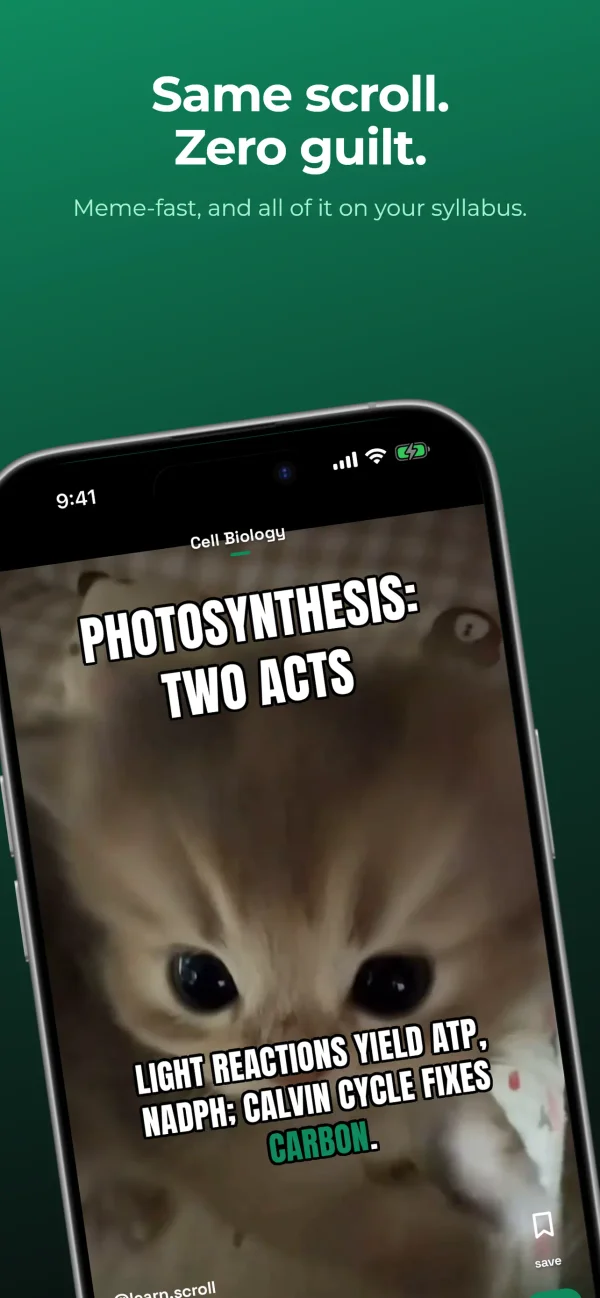
LearnScroll turns any PDF, lecture slides, Word doc or photo of your notes into TikTok-style study videos. You swipe through short vertical videos made from your own material, quick quizzes check what stuck, and spaced repetition brings back what you're about to forget.
You were going to study. You ended up on TikTok. Again. LearnScroll points that habit at your notes instead: same scroll, same dopamine, except everything in the feed is what's on your exam.
HOW IT WORKS
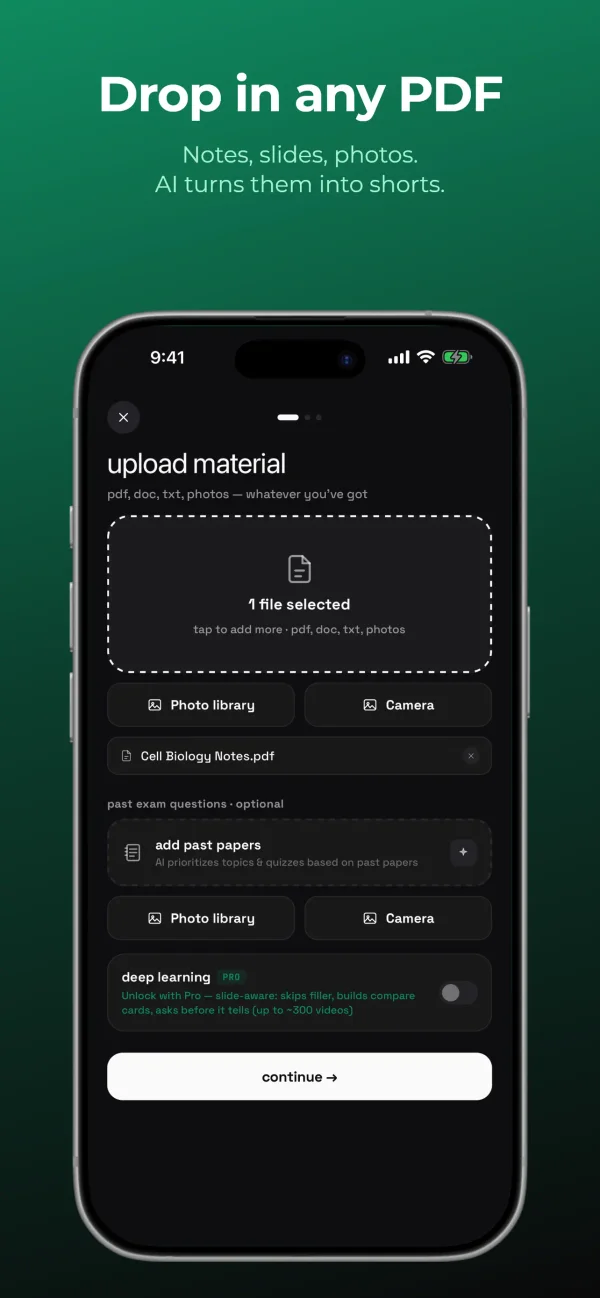
1. Upload a PDF, PowerPoint (.pptx), Word (.docx) or text file, snap a photo of your notes, or just type a topic.
2. AI turns it into a feed of short study videos, usually in 1 to 3 minutes. You get a notification when it's ready.
3. Scroll. Every 10 videos a quick quiz checks what you remember.
WHAT YOU CAN TURN INTO VIDEOS
• Lecture slides and class notes
• Textbook chapters and study guides
• Research papers, articles and reading lists
• Handwritten notes (take a photo)
• Any topic you type in, even without a file
WHY IT'S DIFFERENT
• It replaces the scrolling you already do, instead of asking for more willpower.
• The feed is made from YOUR material, not a generic summary.
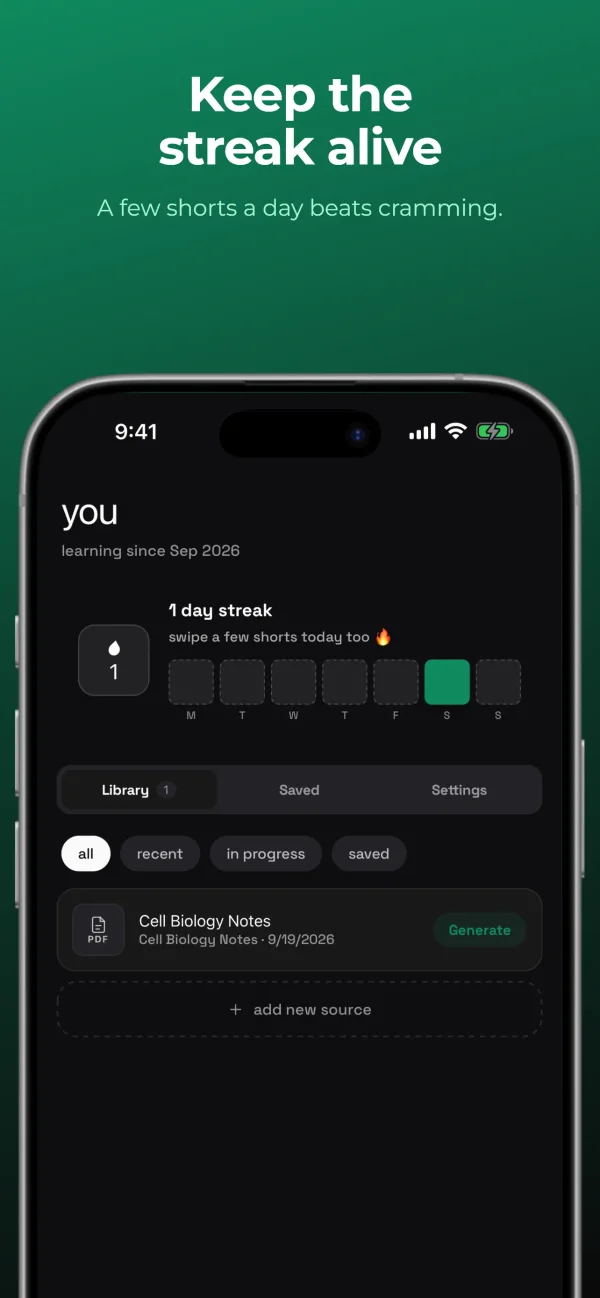
• Spaced repetition runs in the background. Old videos come back right before you forget them. Nothing to schedule.
• Quick quizzes every few minutes turn passive watching into active recall.
• Videos in English or Turkish, detected from your material.
• No ads. We don't sell your data.
PERFECT FOR
• Students who doomscroll instead of studying
• Exam crammers with 200 pages and 2 days
• People with ADHD who can't sit with a textbook but can scroll for hours
• Adults who want their feed to teach them something
LEARNSCROLL PRO
Try LearnScroll Pro free for 3 days on the yearly plan, cancel anytime. Turning your material into videos needs LearnScroll Pro, a monthly or yearly subscription. Pro gives you up to 12 uploads a month and up to 160 videos per upload with deep learning mode, plus spaced repetition and quizzes. No ads, ever.
Subscriptions renew automatically unless cancelled at least 24 hours before the end of the current period. Manage or cancel anytime in your App Store account settings.
Stop feeling guilty about the algorithm. Point it at your own notes instead.
Terms of Use (EULA): https://www.apple.com/legal/internet-services/itunes/dev/stdeula/
Privacy Policy: https://candizdar.github.io/learnscroll-legal/privacy.html
What’s new
Version 1.2.11 · Nov 13, 2026
Big PDFs no longer get stuck while your cards are made: files over 20 MB now get a clear message right away. Clearer error messages and small fixes.
App privacy
What Can Dizdar declares on the App Store about how this app handles data.
-
Data linked to you
May be collected and linked to your identity.
- Purchases
- Contact info
- Identifiers
- Usage data
Privacy practices may vary, for example with the features you use or your age.
Information
- Seller
- Can Dizdar
- Category
- Education
- Version
- 1.2.11
- Updated
- Nov 13, 2026
- Released
- Jul 2, 2026
- Size
- 43.0 MB
- Requires
- iOS 16.4 or later
- Age rating
- 4+
- Price
- Free
- In-app purchases
- Yes
- Languages
- English
- Copyright
- © 2026 Can Dizdar
You might also like
-
 AceMate: Scroll to StudyTurn Notes Into Study Videos
-
 Brainjuice: Scroll to StudyShort-form Video Courses
-
 WikiScroll: Scroll & LearnDiscover, Swipe, Learn
-
 Recess: Study, Then ScrollBlock apps until you study
-
 ScrollToStudy: AI Study TutorFlashcards, Quizzes & Notes
-
 Hivemind: Study by ScrollingAI Social Media for Learning
-
 Studley: AI Study TutorAI flashcards, notes & quizzes
-
 StudyFetch: AI TutorTrusted AI, Better Grades
-
 Gizmo: AI TutorAI flashcards & quizzes
-
 Knowt: AI Flashcards & NotesAI Summarizers + Exam Prep