- Age rating4+
- CategoryEducation
- DeveloperMATTHEW ALAN SCHWEIGER
- LanguagesEnglish
- Size33.0 MB
Links to the official App Store page
Download.org hosts no file of Lectio: Latin App. The button opens its official App Store page, published by MATTHEW ALAN SCHWEIGER. Listing last checked on Nov 27, 2026.
Screenshots
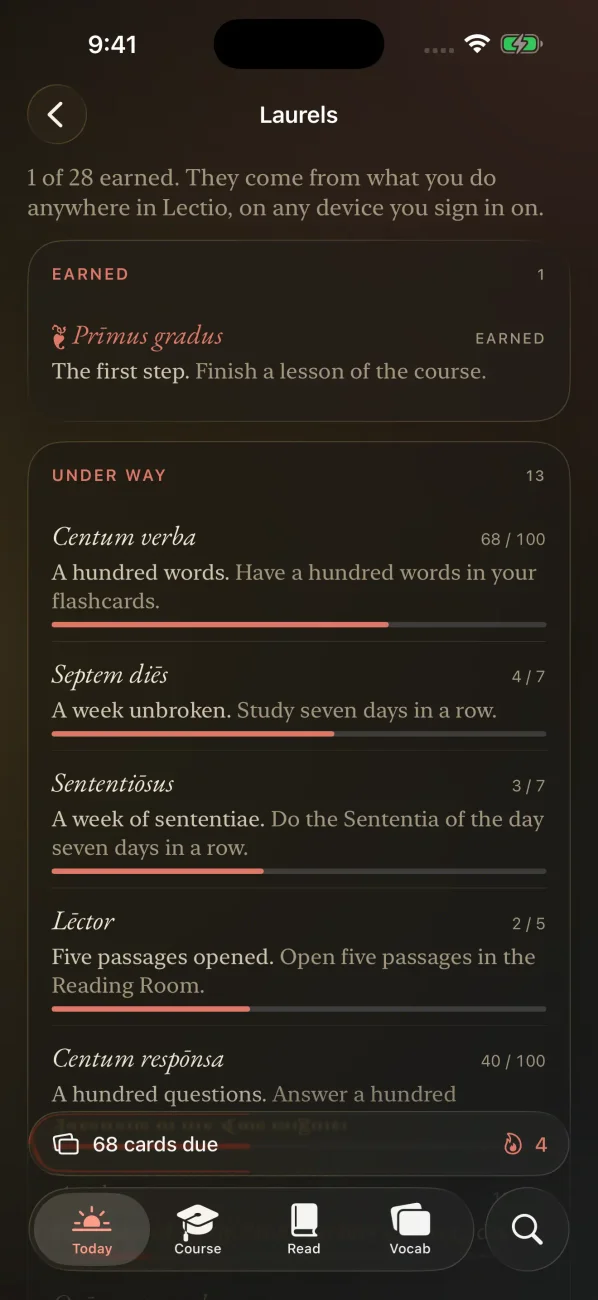
About
Lectio takes you from your first Latin word to the AP® Latin exam: short lessons that find your level, every passage of Vergil and Pliny with each word glossed, and flashcards that come back just before you forget.
START WHERE YOU ARE
• A quick level check places you in the course, so you skip what you already know.
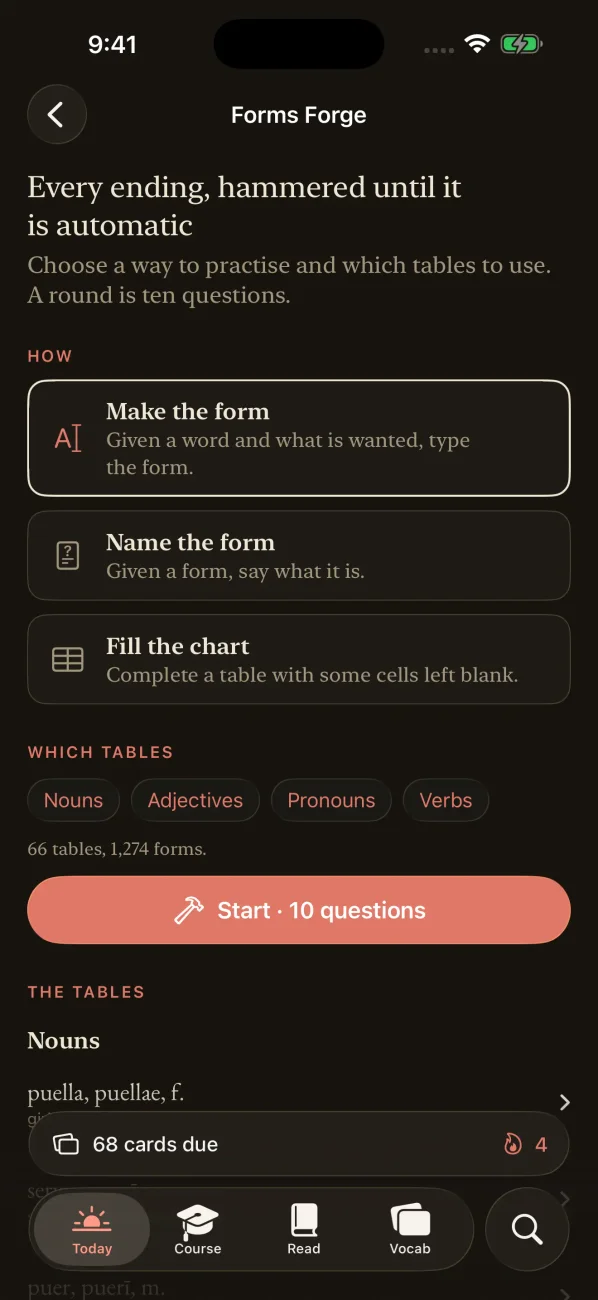
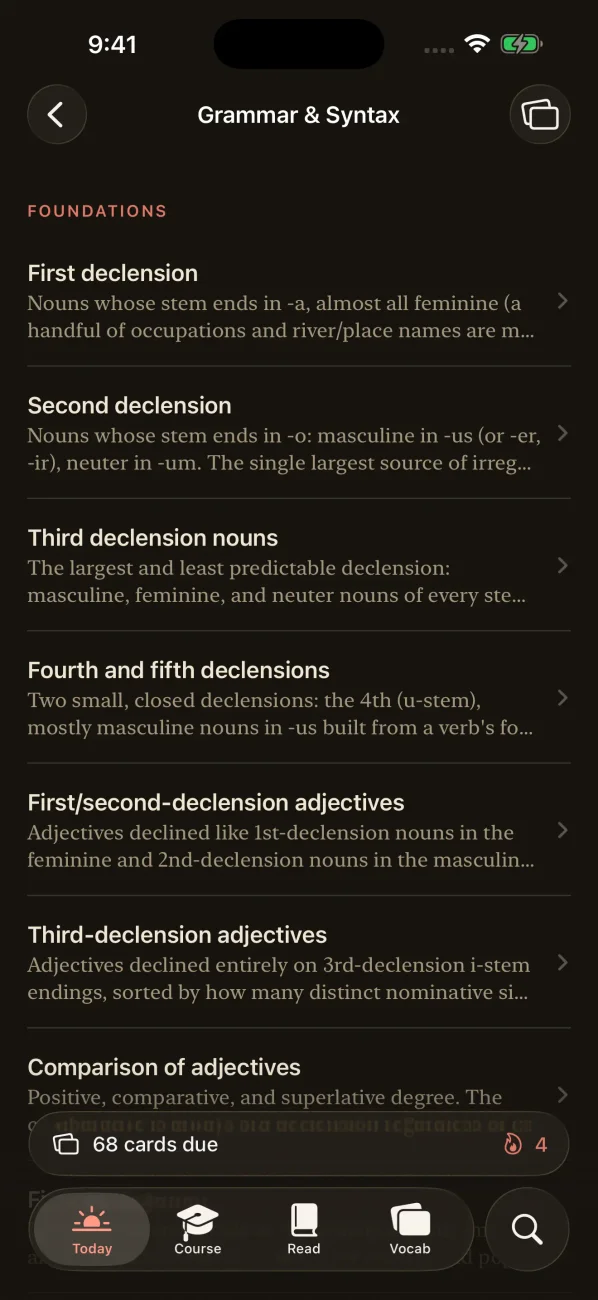
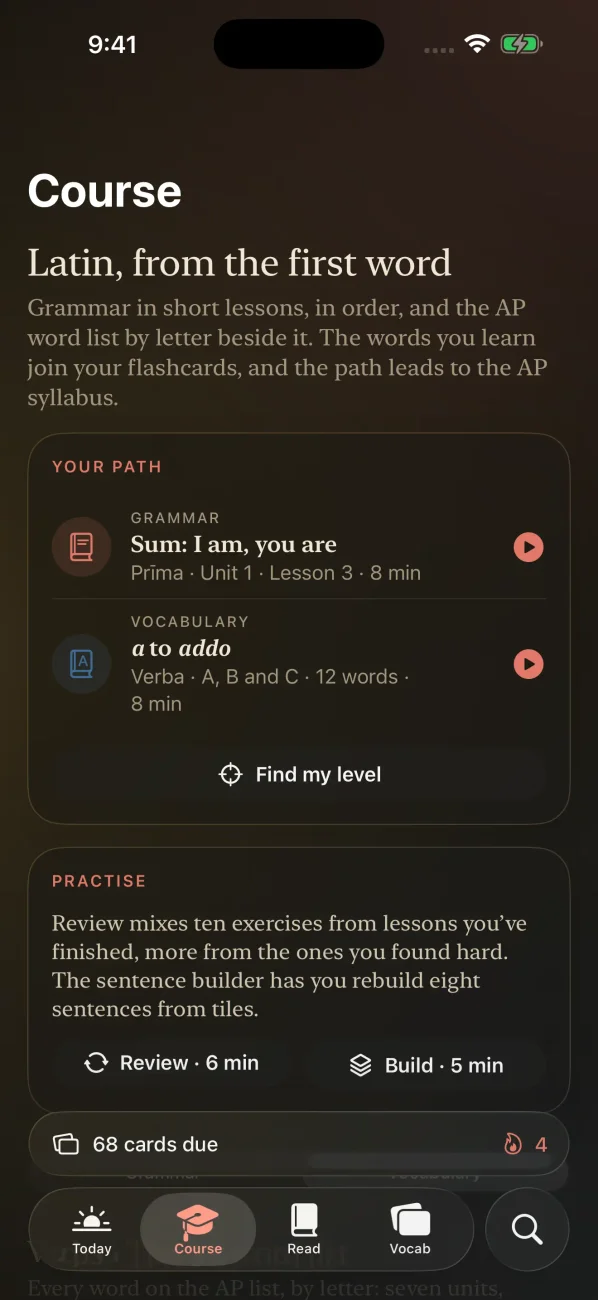
• A step-by-step course from the first declension to the Aeneid, in short lessons with instant feedback.
• A vocabulary track that works through the AP® Latin word list letter by letter, with a test for each part that lets you skip the words you already know.
READ THE REAL TEXTS
• Every required passage of Vergil's Aeneid and Pliny's Letters, and more, with a glossary on every word.
• Highlight in four manuscript colors, add notes, flag hard lines, and read cold with the glossary off, the way the exam gives you the Latin.
• Ask about any line: a parse, a construction, the scansion.
REMEMBER WHAT YOU LEARN
• Spaced-repetition flashcards: each word returns just before you'd forget it.
• Words you look up while reading join your deck automatically.
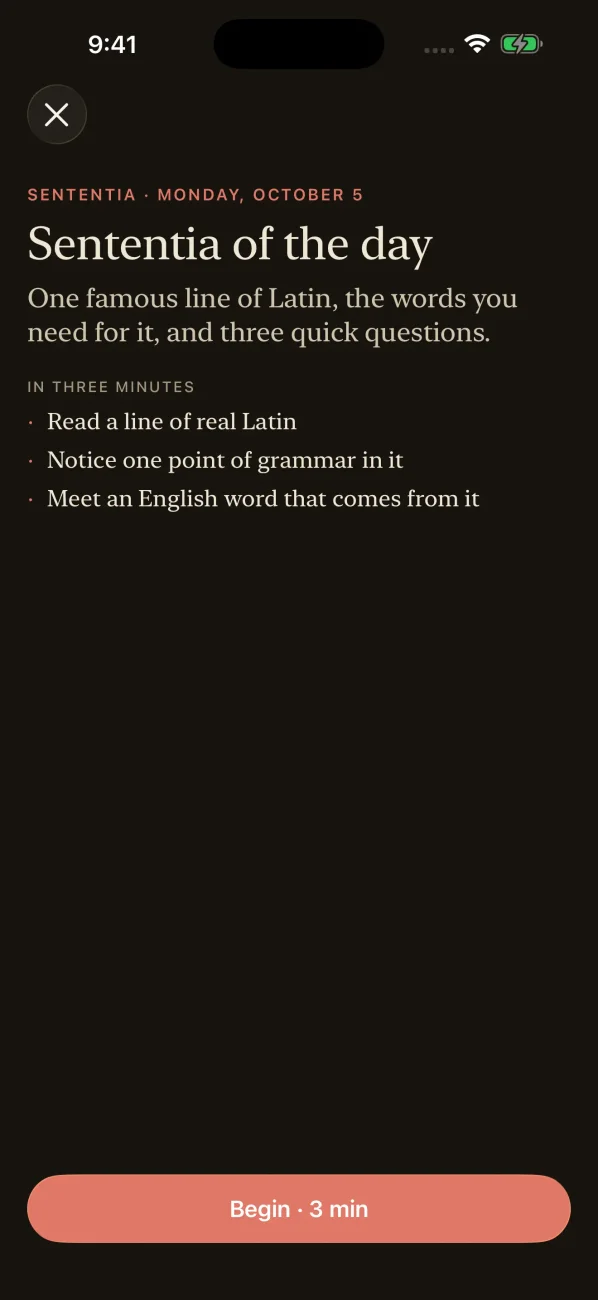
• A timed speed round, English derivatives, and a new line of Latin every day.
• Review on Apple Watch, and see what's due at a glance with Home Screen and Lock Screen widgets.
PREPARE FOR EXAM DAY
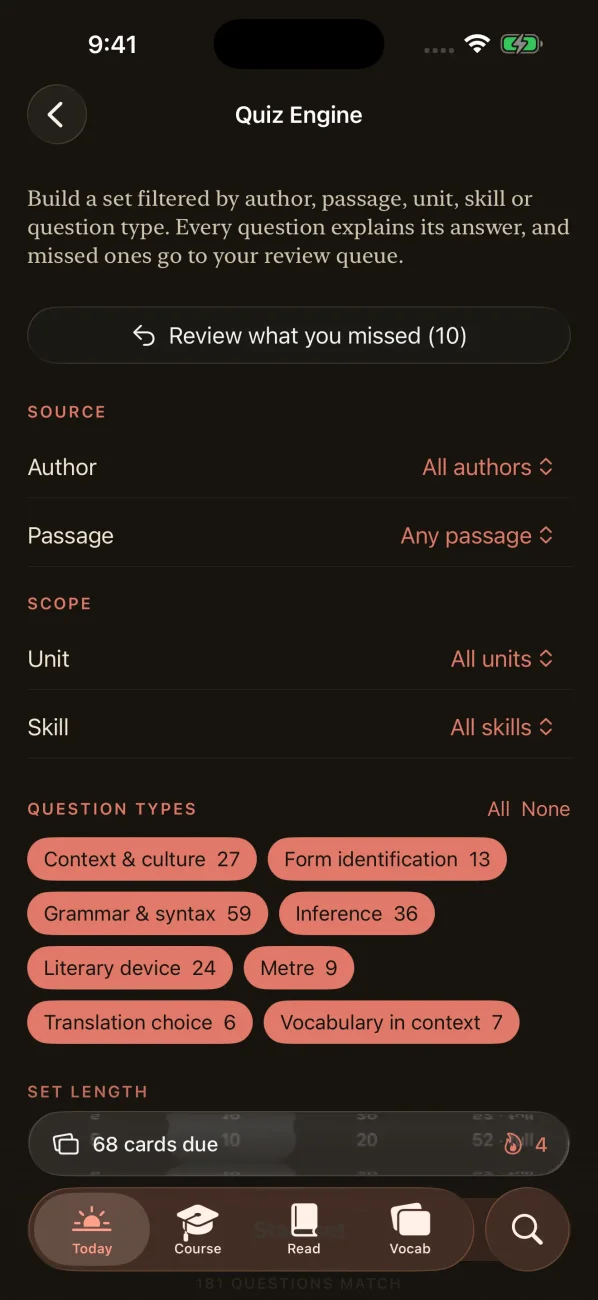
• A quiz engine in the exam's style. Filter by author, passage, skill or question type; every answer is explained, and misses come back for review.
• Literal translation drills scored in the exam's own segments.
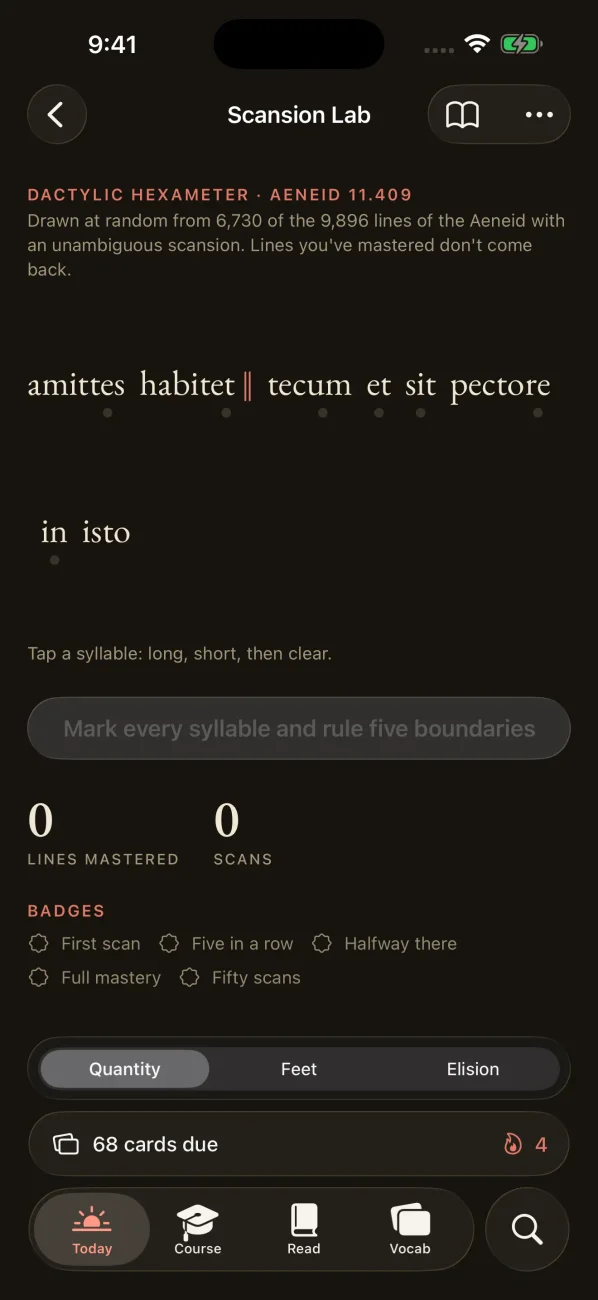
• Timed sight reading, a Scansion Lab with 6,500 lines of the Aeneid, and a workshop for all five free-response question types.
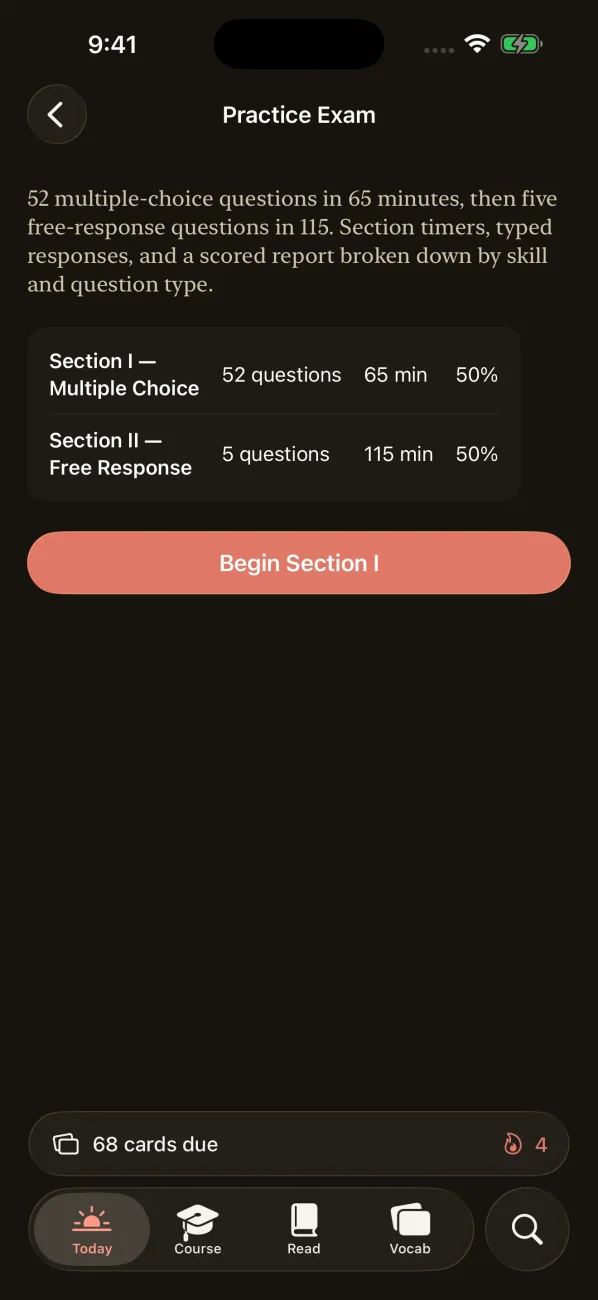
• Full-length practice exams, and a study plan counted back from exam day.
STUDY TOGETHER
• Sign in to sync with the Lectio website, so study on your laptop and your phone counts as one.
• Join your teacher's classroom with a code to see assignments and the class leaderboard.
No account is needed to study, and there are no ads, no tracking and no purchases. AI feedback is optional, asks before it sends anything, and is always labeled. Every Latin text comes from a public-domain edition.
AP® is a trademark registered by the College Board, which is not affiliated with, and does not endorse, this product.
What’s new
Version 1.2.1 · Nov 27, 2026
Import any Latin into the Reading Room. Scan a page with the camera, choose a photo, or paste the text, and every word comes glossed: from Lectio's dictionary first and, if you allow AI, by AI for the words it doesn't have. Then read it, mark it up and print it like any passage. The page is read on your device, and the photo isn't sent anywhere.
Your scans. The Scansion Lab now keeps every line you check. Open Your scans to see each one again: your marks coloured right and wrong beside the correct scansion, with its feet and caesurae, and a sentence on each mistake. It also shows where your points go (syllables, feet or elisions), and you can scan any line again from there.
Vocabulary by handbook page. Choose a page of the AP vocabulary list in the Course and Exam Description (CED) and study every word on it.
A true cold read. A cold read now hides your highlights, notes and sentence marks as well as the glossary, so the page looks like the exam's. Nothing is deleted, and it all comes back when you end the cold read.
At home on iPhone Duo:
• Open it out and every section is in a sidebar, as on iPad.
• Turn on the English and a passage reads like a facing-page edition, the Latin on the left and the English on the right.
• Tap a word and its definition opens as the right-hand page, beside the line you're reading, not over it.
• Fold or unfold and you stay on the same passage, at the same line.
App privacy
What MATTHEW ALAN SCHWEIGER declares on the App Store about how this app handles data.
-
Data not collected
The developer does not collect any data from this app.
Privacy practices may vary, for example with the features you use or your age.
Information
- Seller
- MATTHEW ALAN SCHWEIGER
- Category
- Education
- Version
- 1.2.1
- Updated
- Nov 27, 2026
- Released
- Oct 15, 2026
- Size
- 33.0 MB
- Requires
- iOS 17.0 or later
- Age rating
- 4+
- Price
- Free
- Languages
- English
- Copyright
- © 2026 Norvo Designs
You might also like
-
 Ditionatio: Latin TutorTranslate & understand Latin
-
 LatinLearnRead real Latin, step by step
-
 Verbum: Church LatinLearn the Latin of the Church
-
 Declinatio: Latin GrammarLearn Latin, Read the Aeneid
-
 Classica LatinMaster Latin Actively
-
 Doceo: Learn LatinBuild Latin Skills
-
 Lingua SacraLearn Ecclesiastical Latin
-
 Latin English Dictionary100,000 Words!
-
 Credo: Catholic Latin LearningA Catholic experience in Latin
-
 Cattus: Learn LatinLearn Latin with Cattus