Ledger Clip
Receipts and screenshots,file
Designed for iPhone, iPad
Free · In-app purchases
- Age rating4+
- CategoryUtilities
- Developer瑞丰 宫
- LanguagesEnglish+ 4 more
- Size4.1 MB
Links to the official App Store page
Download.org hosts no file of Ledger Clip. The button opens its official App Store page, published by 瑞丰 宫. Listing last checked on Nov 19, 2026.
Screenshots
About
Ledger Clip is a lightweight bookkeeping app for individuals, small business owners, contractors, project managers, freelancers, families, and reimbursement scenarios.
It is built for people who want to keep their accounts clear without using complicated accounting software. Record income and expenses, attach receipts and contracts, organize project files, and export reports when you need to reconcile, submit, or archive your records.
Key Features:
Fast Bookkeeping
Record income, expenses, transfers, and reimbursements. Each entry can include amount, category, contact, purpose, invoice status, notes, custom fields, and attachments.
Voice Entry
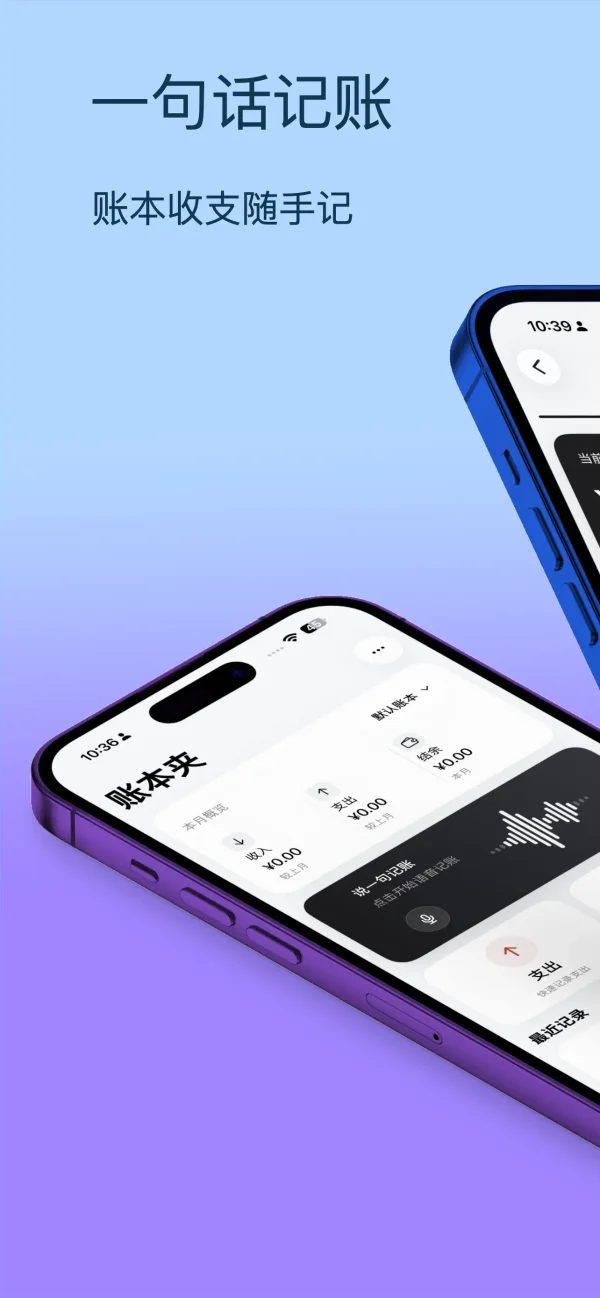
When typing is inconvenient, speak one sentence to create a draft entry. Ledger Clip can help identify the amount, type, category, contact, and invoice status, and you can edit everything before saving.
Multiple Ledgers
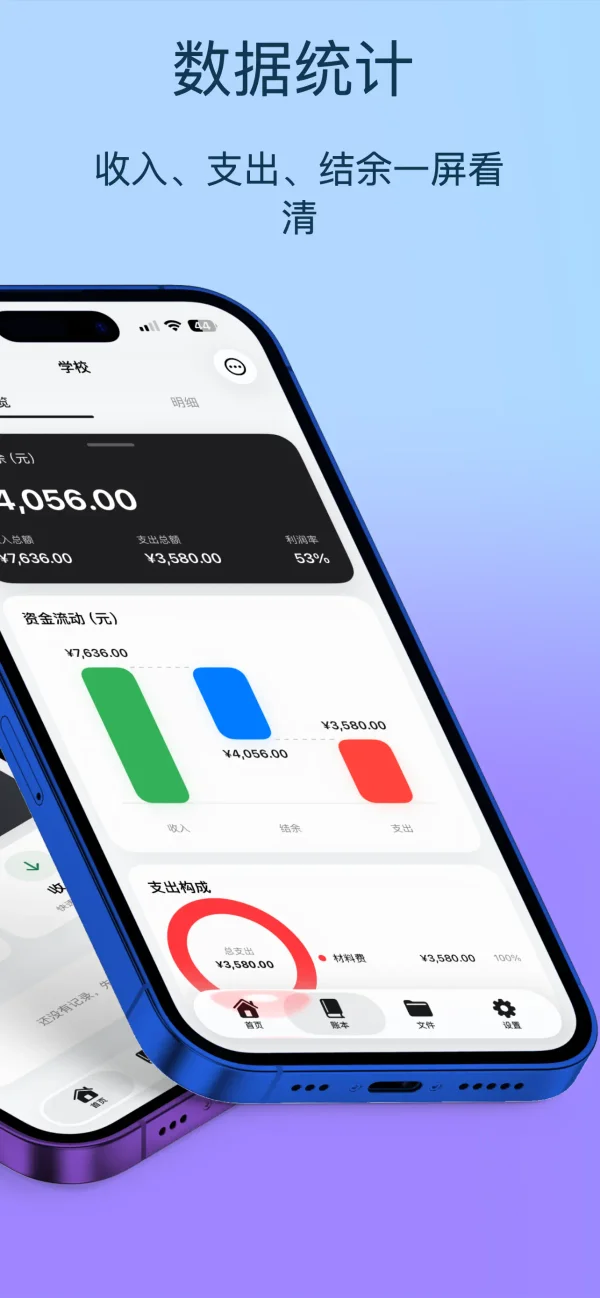
Create separate ledgers for projects, job sites, clients, stores, family accounts, or daily business. Each ledger shows total income, total expenses, current balance, profit rate, and detailed records.
Clear Statistics
View cash flow, expense breakdowns, income and expense trends, file counts, and transaction details to understand where the money came from and where it went.
File Library
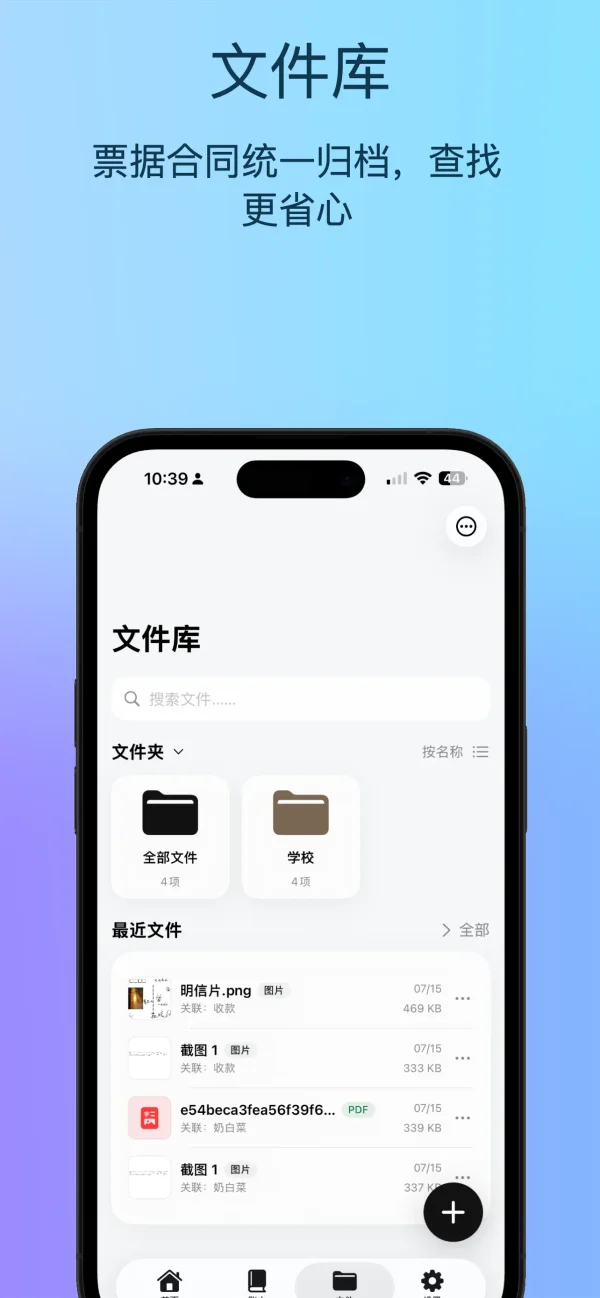
Store invoices, receipts, contracts, screenshots, PDFs, Excel files, Word documents, and other important files in one place. Files can also be linked to specific entries, so every record can keep its proof together.
Import and Scan
Upload files, save photos, scan documents with the camera, or import files shared from other apps such as WeChat.
Export Reports
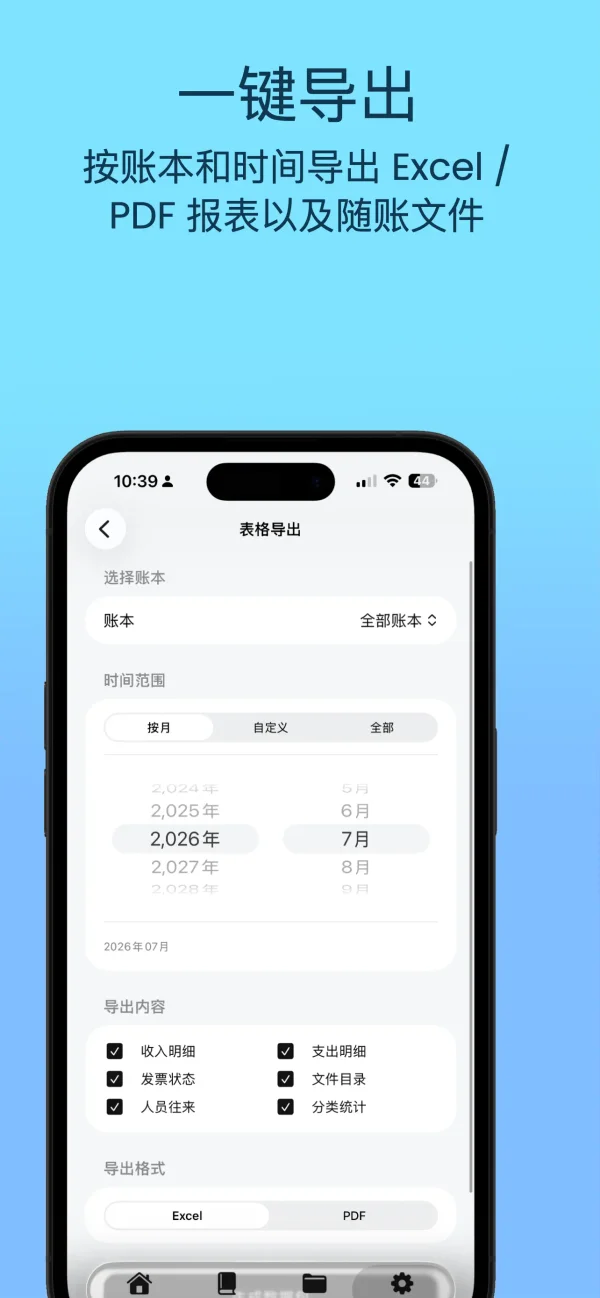
Export data packages by ledger and date range. Reports can include income details, expense details, invoice status, file catalog, people summary, and category statistics. Exported packages can include both tables and related attachments.
Custom Fields
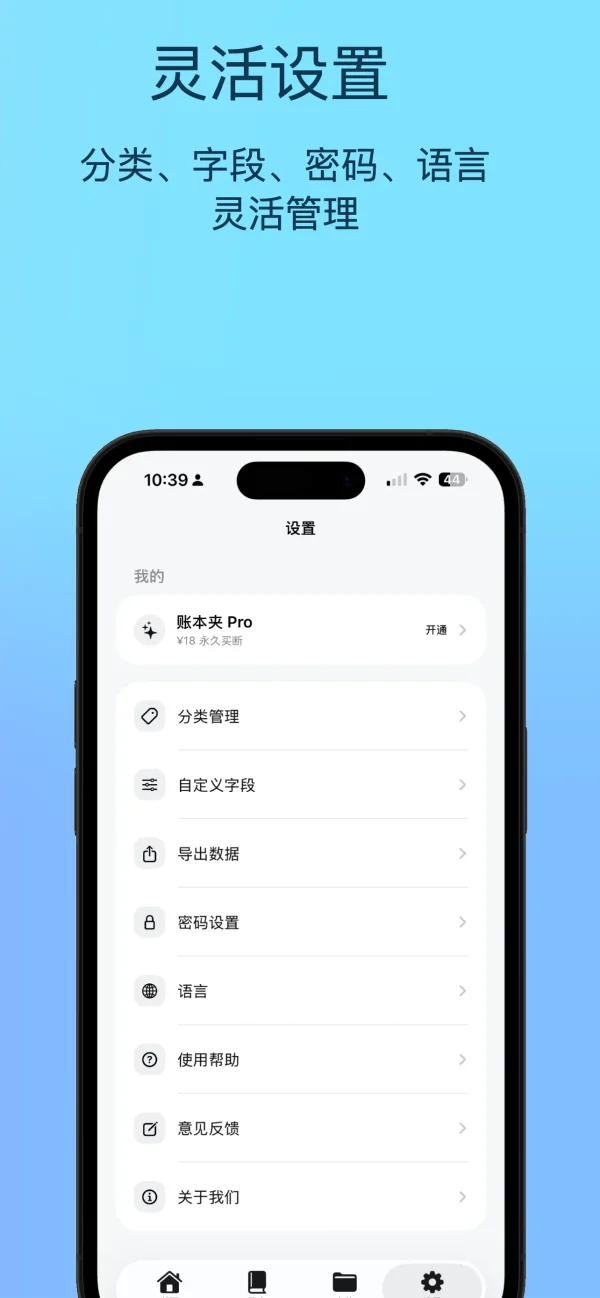
Add fields that match your workflow, such as payment method, project number, payee, vehicle plate, requester, or any other information you need to track.
Local-First Privacy
Ledger Clip focuses on local data storage and does not actively upload your ledgers, vouchers, or files. You can also set a local passcode to protect your records.
Ledger Clip is useful for job site bookkeeping, project accounting, small business records, contractor expenses, material costs, labor payments, family budgets, reimbursements, invoice tracking, receipt management, and report export.
Record the transaction, keep the proof, and export the report when it is time to settle.
App privacy
What 瑞丰 宫 declares on the App Store about how this app handles data.
-
Data not collected
The developer does not collect any data from this app.
Privacy practices may vary, for example with the features you use or your age.
Information
- Seller
- 瑞丰 宫
- Category
- Utilities
- Version
- 1.1
- Updated
- Jul 26, 2026
- Released
- Jul 26, 2026
- Size
- 4.1 MB
- Requires
- iOS 17.0 or later
- Age rating
- 4+
- Price
- Free
- In-app purchases
- Yes
- Languages
- English, German, Japanese, Korean, Simplified Chinese
- Copyright
- © 2026 Ledger Clip. All rights reserved.