Leemi: Light Meter & Camera
Film Looks & AI Photo Editor
Designed for iPhone, iPad
Free · In-app purchases
- Age rating17+
- CategoryGraphics & Design
- DeveloperJingjing Li
- LanguagesEnglish+ 7 more
- Size27.4 MB
Links to the official App Store page
Download.org hosts no file of Leemi: Light Meter & Camera. The button opens its official App Store page, published by Jingjing Li. Listing last checked on Nov 18, 2026.
Screenshots
About
Tell Leemi what you're about to shoot, and it helps you get the shot.
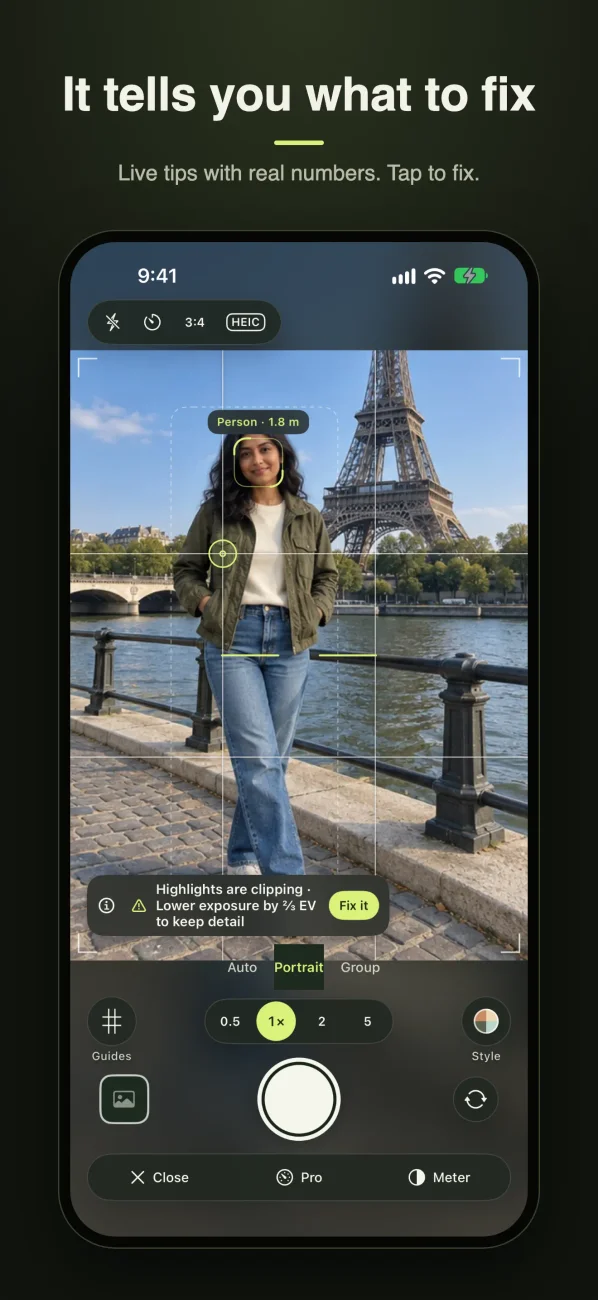
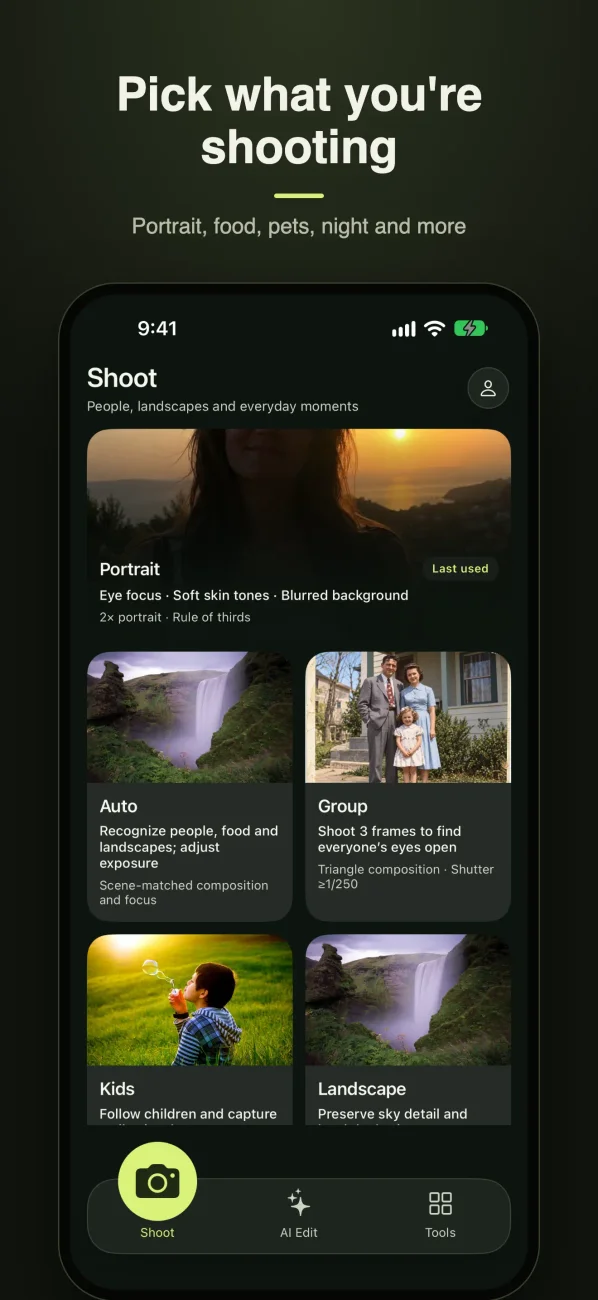
Pick portrait, group, landscape, food, pets, night or just auto. While you frame, Leemi watches the scene and tells you what's wrong in plain numbers, like "highlights are clipping, lower exposure by 2/3 stop". Tap once and it fixes it. Composition guides and a level keep horizons straight, and you can switch between 0.5x, 1x, 2x and 5x lenses.
When you want full control, it's there. Set ISO, shutter, white balance and focus yourself, and save HEIC, JPEG or RAW. Apply a style as you shoot, or use the original camera with no style at all.
A LIGHT METER FOR REAL CAMERAS
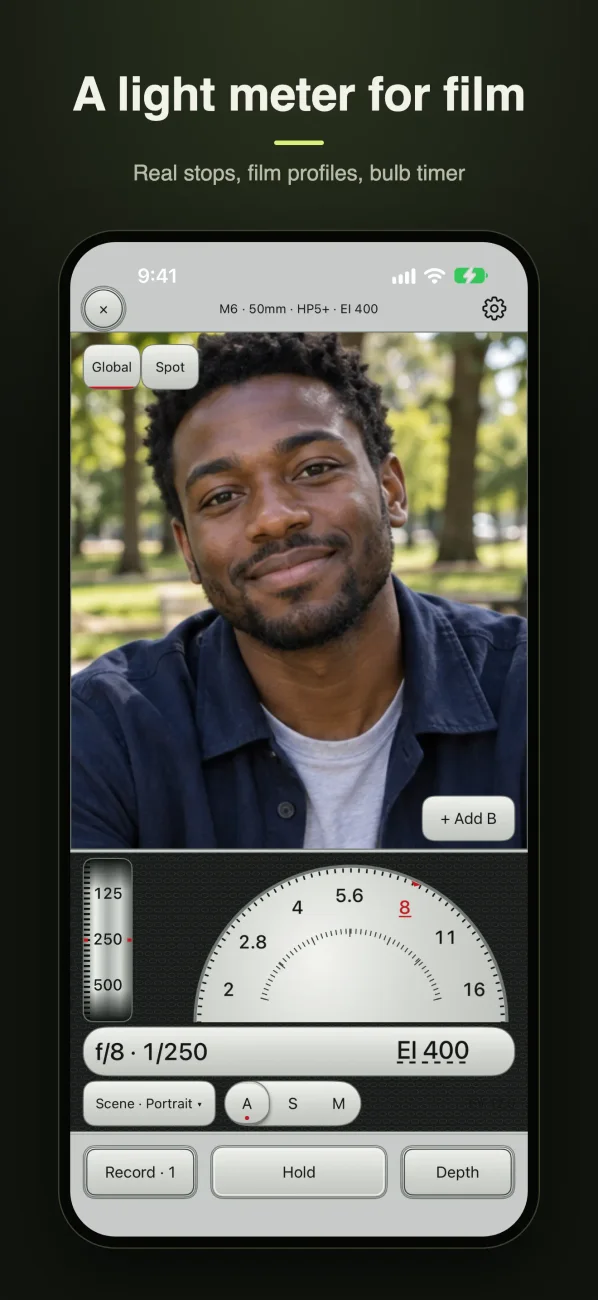
Shooting film or a manual lens? Point your phone at the scene and read the exposure in real shutter and aperture stops. Choose aperture or shutter priority or full manual, spot or average metering, and take two readings to compare shadows and highlights. Presets cover portraits, sports, handheld night, tripod night and snow. Save your camera, lens and film, and Leemi corrects long exposures for film reciprocity and times bulb shots for you. ND filters, calibration, a shot log and a depth-of-field calculator are included. Pick a dial face you like, and switch to a night-red theme in the dark.
A SOFT LIGHT FROM YOUR SCREEN
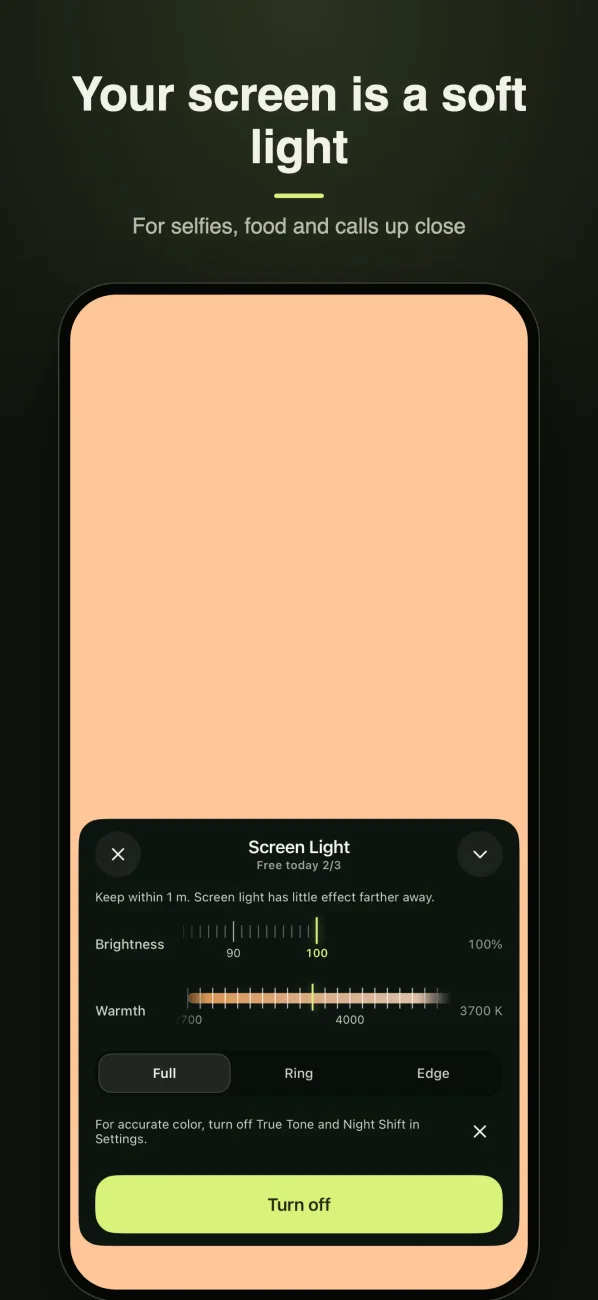
Turn your iPhone or iPad screen into a fill light for selfies, food, small products and video calls. Set brightness and warmth from 2700 K to 6500 K, and choose a full, ring or edge shape. It works best within about one metre.
A FILM DARKROOM
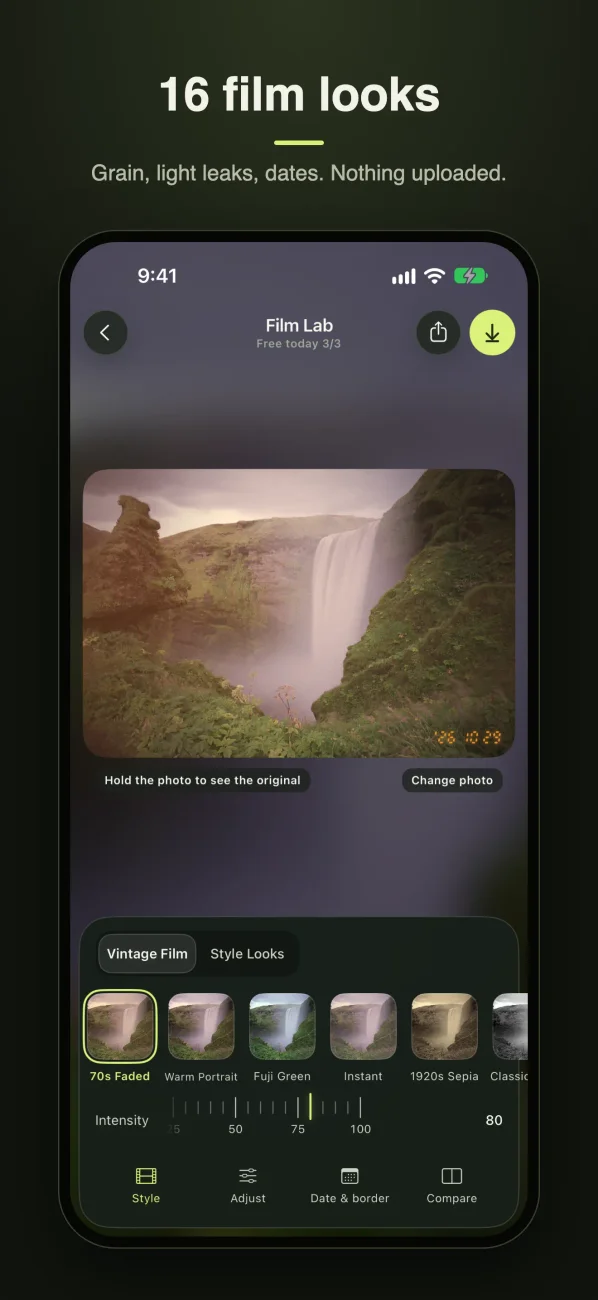
Give any photo a film look: faded 70s, warm portrait, green-leaning film, instant, 1920s and more. Add grain, light leaks, a date stamp or a border. It all runs on your phone, and nothing is uploaded.
AI EDITS FOR THE PHOTOS THAT MATTER
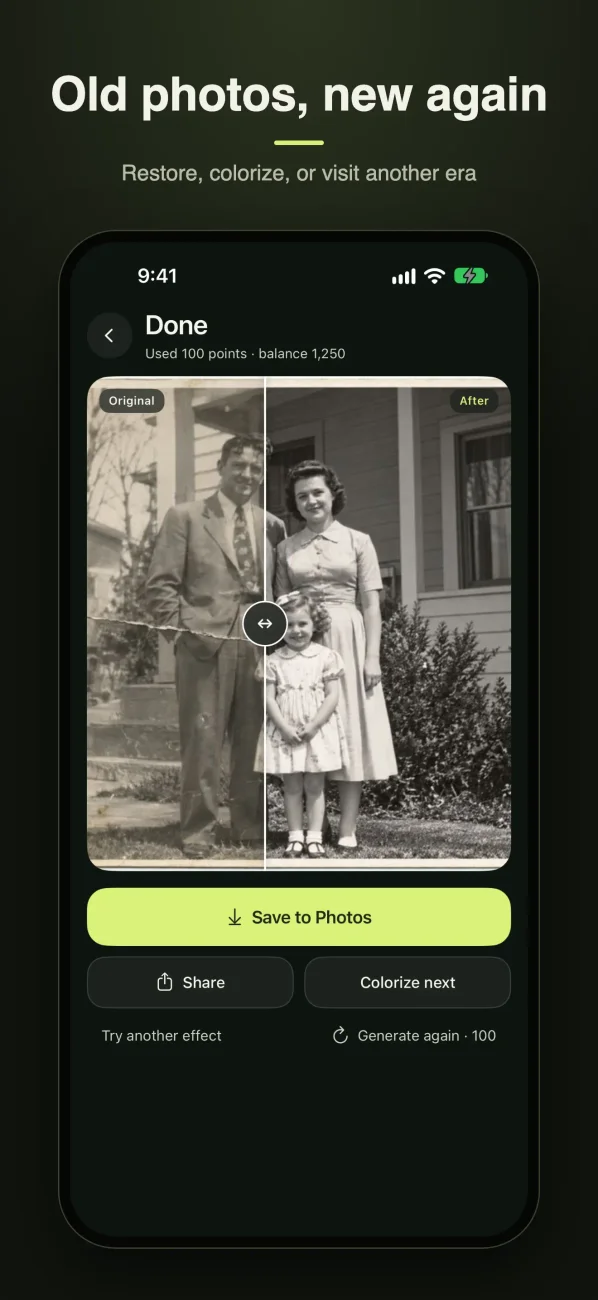
Restore an old family photo, add colour to black and white, bring back faded prints, sharpen a blurry shot or brighten a dark one. Remove strangers from a holiday photo. Make an ID photo, swap a background, add snow or blossoms, or replace a grey sky.
When you restore an old photo, you can add up to four reference photos: other pictures of the same person, or another copy of the same print. Then choose how it comes out: keep the original look, clear black and white, period colours or true colour.
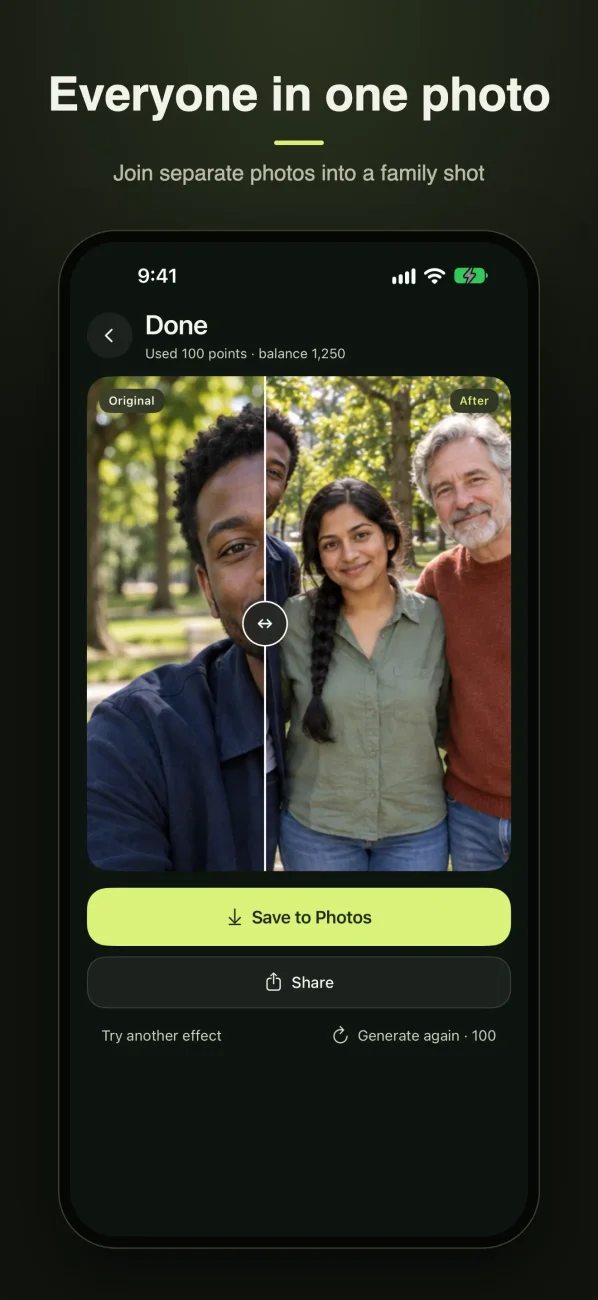
Some of it is just for fun. Put yourself in another era, from medieval to the future, and choose the place and the role. Combine separate photos into one family group shot when not everyone could be there. Stand next to your younger self, pose with your pet, or try on an outfit.
Preview a draft first for a few points, then make the final in 4K. AI editing needs an account and uses points bought in the app.
EVERYDAY PHOTO TOOLS
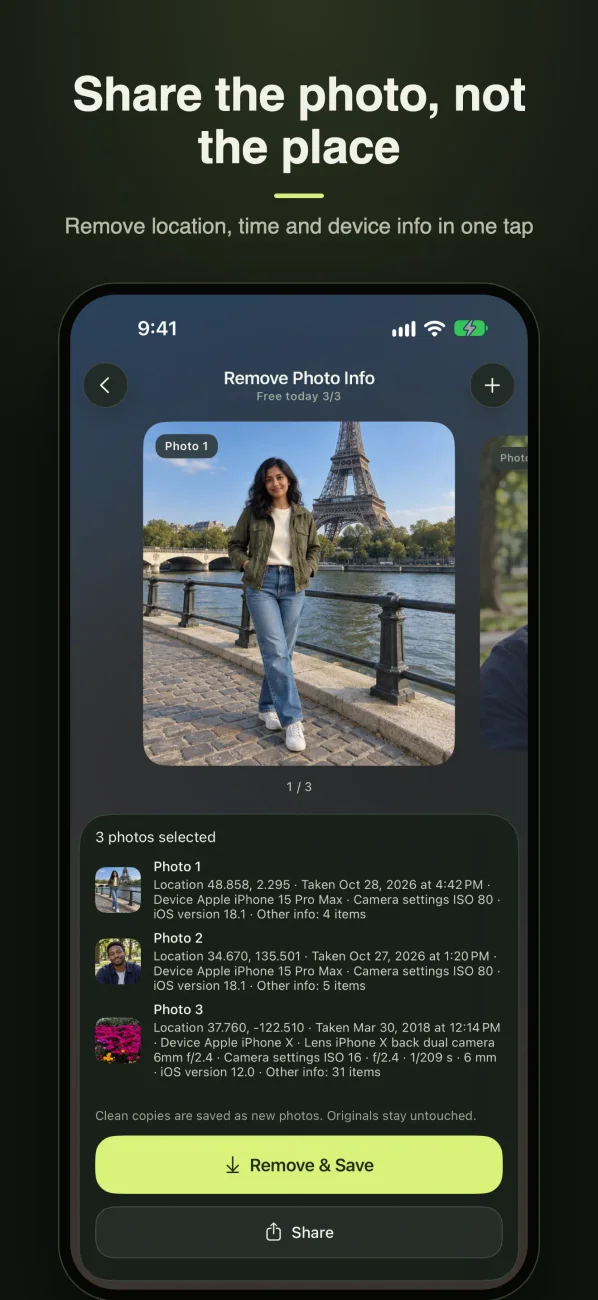
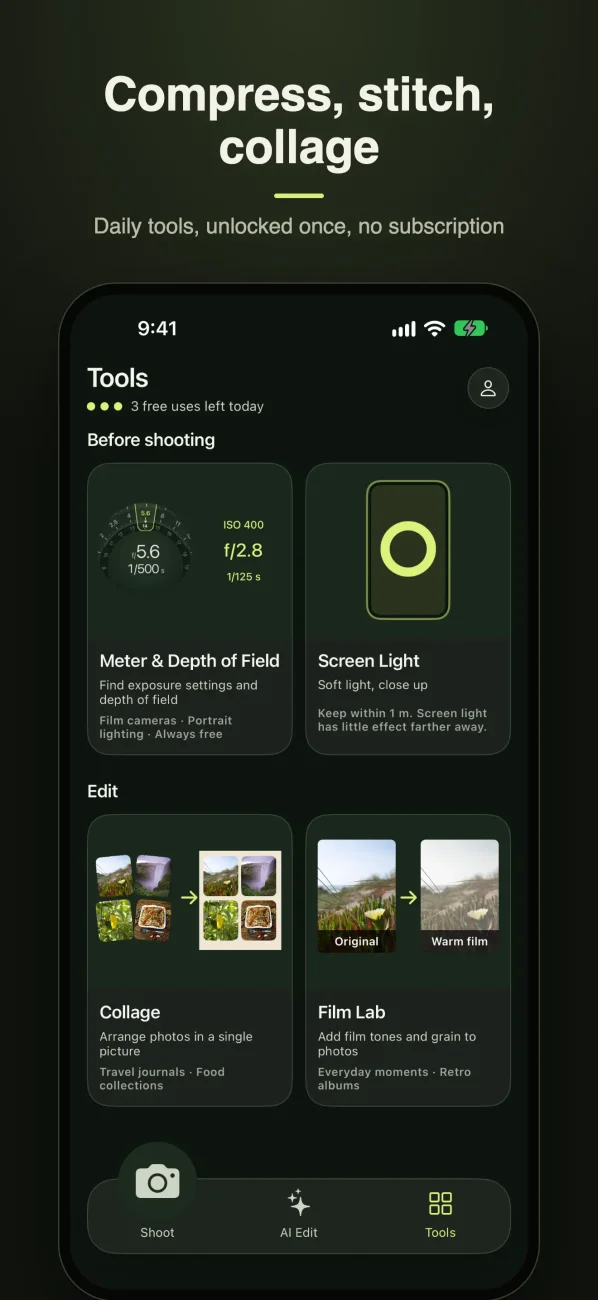
Shrink photos to a target size and convert between JPEG, HEIC and PNG. Before you share, clear the location, time and device info from up to 30 photos at once. Leemi saves clean copies on your phone and leaves the originals as they are. Stitch long screenshots, resize to any ratio, split an image into a grid, or make a collage.
The tools have three free uses a day. One purchase removes the limit for good. It is not a subscription.
Leemi is available in 8 languages: English, French, German, Japanese, Korean, Simplified Chinese, Spanish and Traditional Chinese. It was called Kaka Camera before version 2.0. Sign up with a username or Sign in with Apple. Email is optional.
What’s new
Version 2.0.0 · Nov 3, 2026
Kaka Camera is now Leemi, rebuilt from scratch as a photo and camera app.
- Camera that asks what you're shooting and gives live, one-tap fixes
- Light meter with film and lens profiles, reciprocity and bulb timer
- New screen fill light for close-up selfies, food and video calls
- Film darkroom with 16 film looks
- 28 AI edits, including old photo restoration and era travel
- Old photo restore takes up to four reference photos, and you pick the result: original look, clear black and white, period colours or true colour
- Compress, convert, stitch, resize, grid and collage tools
- New: Clear Photo Info removes location, time and device info from up to 30 photos before you share
- Now in 8 languages, adding French, German, Spanish, Korean and Traditional Chinese
App privacy
What Jingjing Li declares on the App Store about how this app handles data.
-
Data linked to you
May be collected and linked to your identity.
- Purchases
- Contact info
- User content
- Identifiers
Privacy practices may vary, for example with the features you use or your age.
Information
- Seller
- Jingjing Li
- Category
- Graphics & Design
- Version
- 2.0.0
- Updated
- Nov 3, 2026
- Released
- Dec 24, 2025
- Size
- 27.4 MB
- Requires
- iOS 17.0 or later
- Age rating
- 17+
- Price
- Free
- In-app purchases
- Yes
- Languages
- English, French, German, Japanese, Korean, Simplified Chinese, Spanish, Traditional Chinese
- Copyright
- © 2026 Safafish
You might also like
-
 MuseToon- Your Ideas as ComicsYour Ideas as Comics via AI
-
 Blatantly AiUnapologetically Artificial
-
 Sorify: AI Video GeneratorCreate videos with AI easily.
-
 Sketch To AppSketch to Live App Instantly
-
 SlipNotes: Couple Widget NotesSend love to their home screen
-
 AI Photo Generator: Viral ArtAI Image Creator, Photo editor
-
 Face Swap: AI Image GeneratorFace Tune, Makeup & SwapX
-
 Glare AI: Video Generator AppPhoto Dance & Fashion Filter
-
 PicPlus-Add Text to Pic, VideoCreate Quotes Art & Design
-
 Funi AI: Image GeneratorPhoto enhance & generator