Left: Widgets for Time Left
Countdown, Habits, Streaks
Designed for iPhone
Free · In-app purchases
- Age rating4+
- CategoryProductivity
- DeveloperCntxt Limited
- LanguagesEnglish+ 30 more
- Size246.3 MB
Links to the official App Store page
Download.org hosts no file of Left: Widgets for Time Left. The button opens its official App Store page, published by Cntxt Limited. Listing last checked on Nov 26, 2026.
Screenshots
About
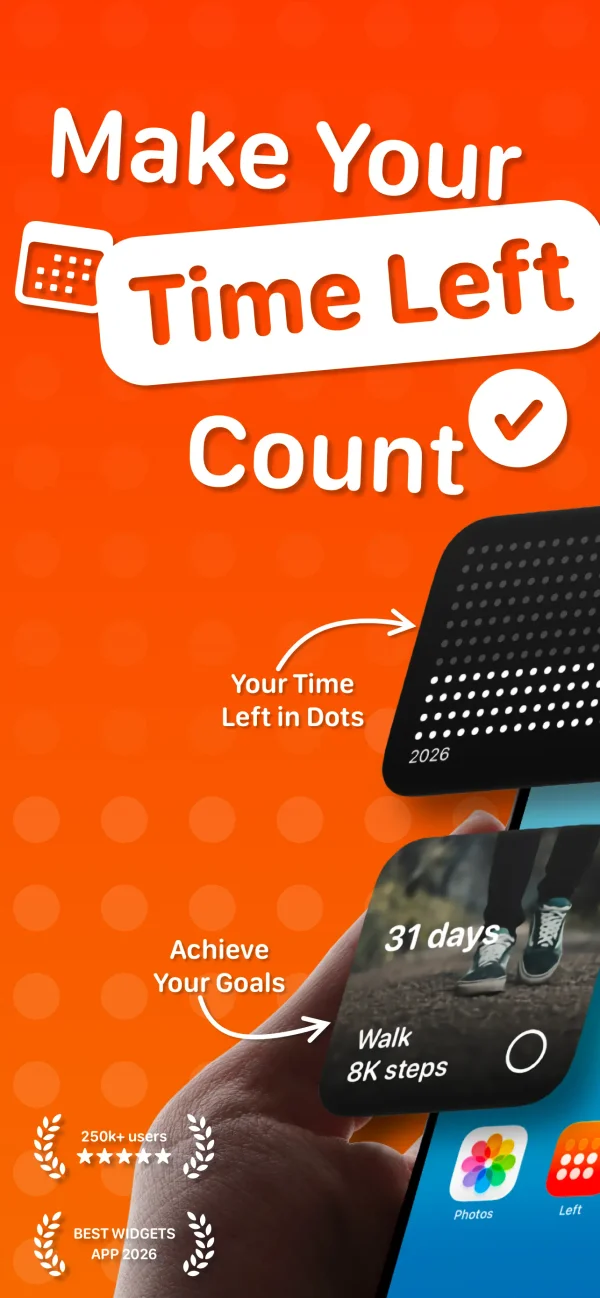
Left is a time-awareness app built on one idea: your time is limited, and seeing it changes how you use it. Left turns time into something you can see, then helps you act on it with habits, streaks, countdowns, and a planner for your day.
TIME LEFT
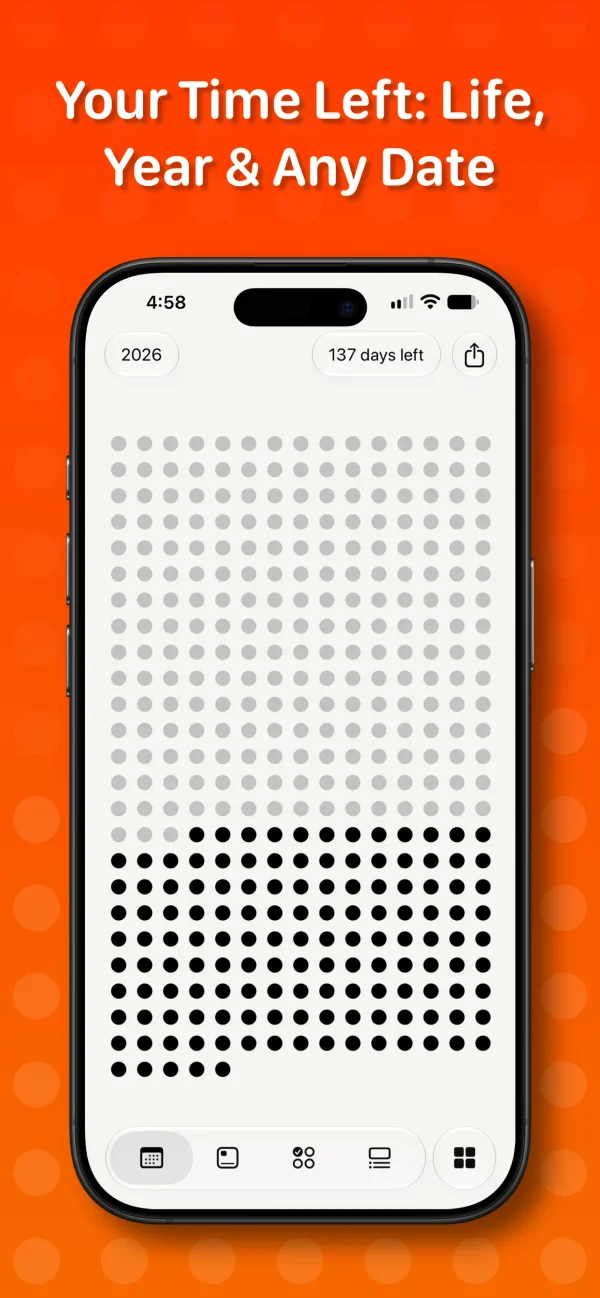
See where you are in the year, month, week, day, hour, and your life. Each unit is a symbol; the past dims, what remains stays in view. Your life in weeks, year progress, and life progress, made tangible. Choose dots, symbols, colors, and layouts. A quiet, honest way to face limited time without it becoming morbid.
HABITS, STREAKS & AIMS
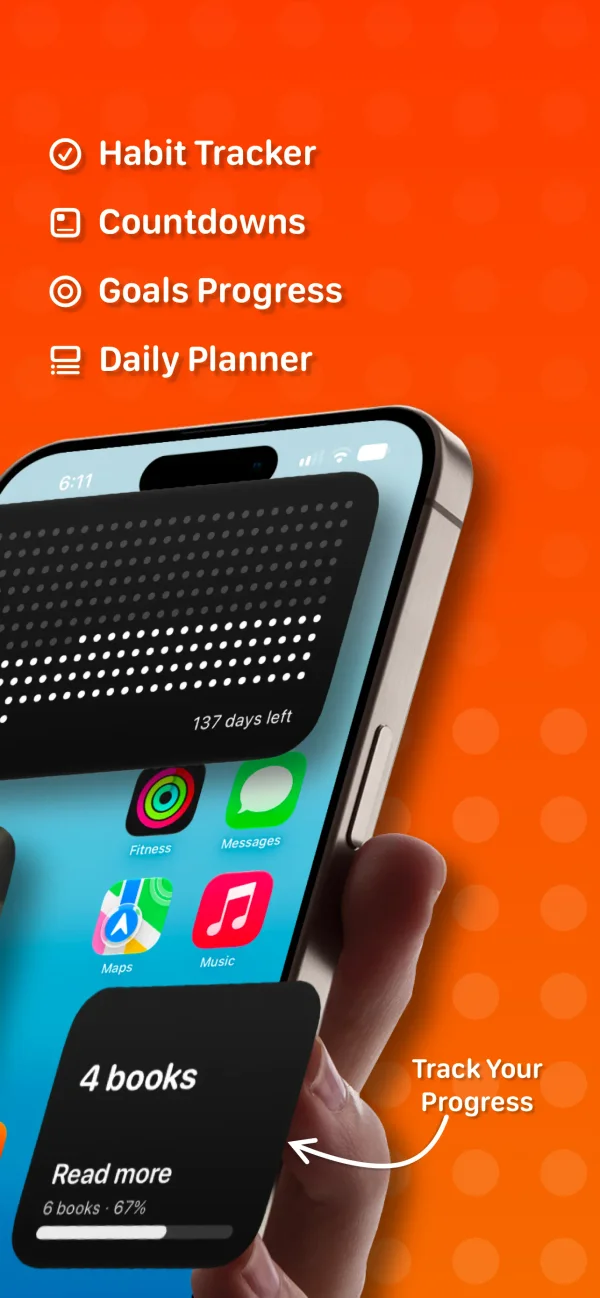
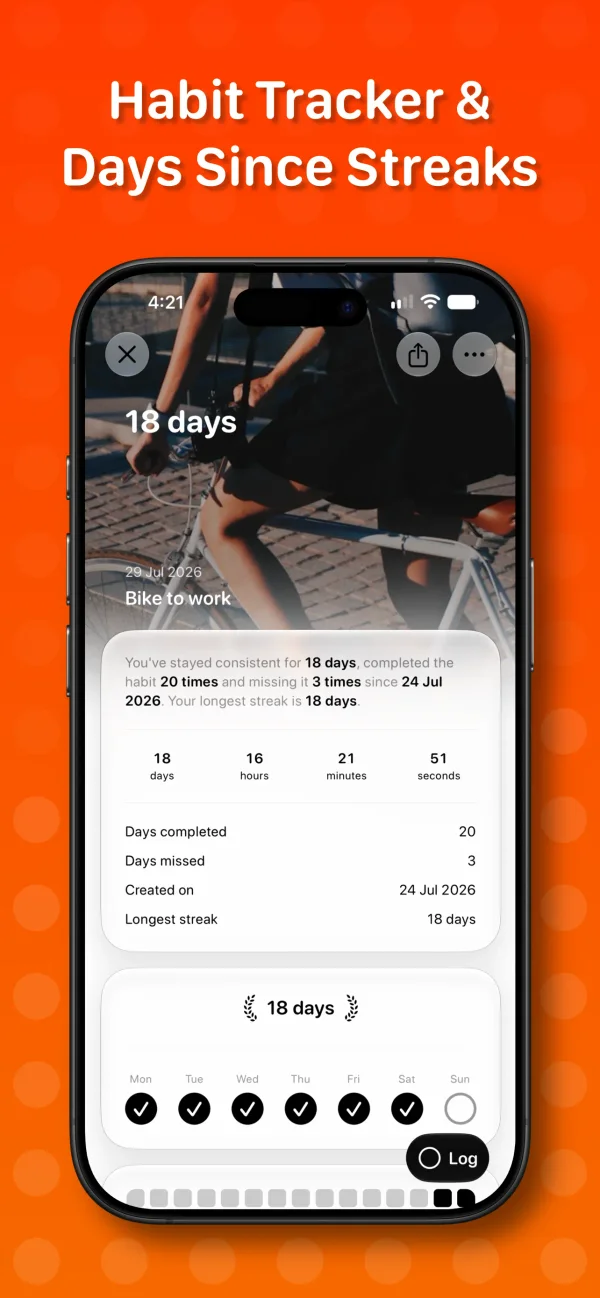
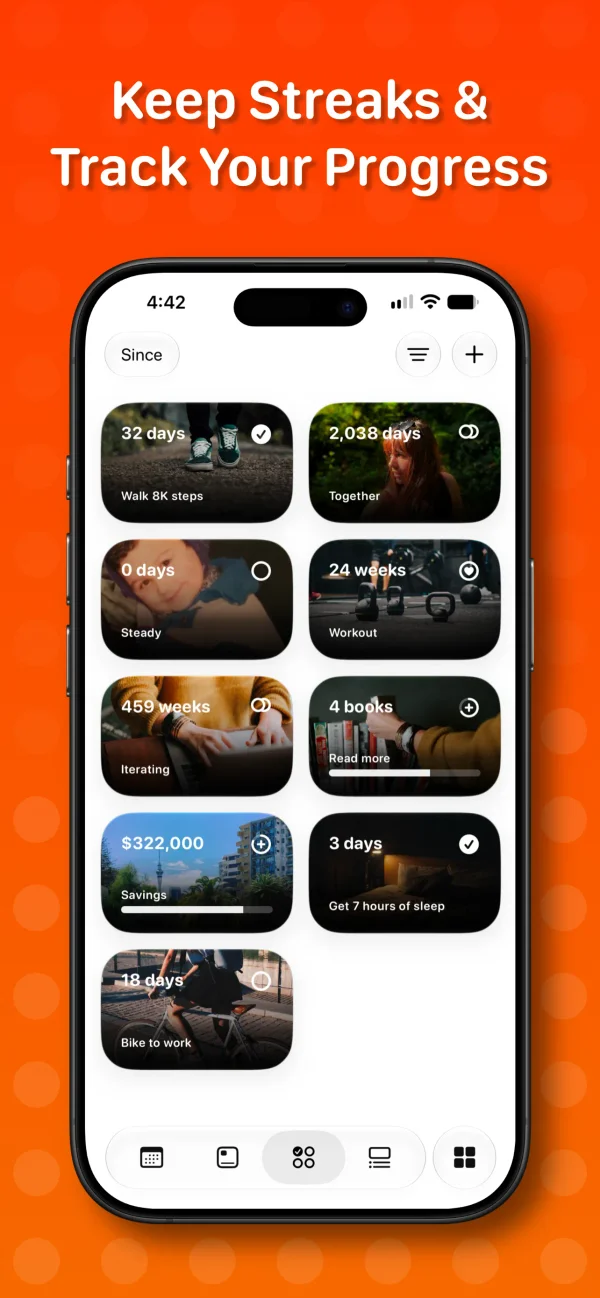
Left is a habit tracker for the person you are trying to become. Build habits on any schedule: daily, several times a day, weekly, monthly, or custom. Track streaks and protect them, count the days since anything that matters, and set reminders so nothing slips. And you don't have to do it alone: share a habit or streak with a friend, keep each other accountable, and send kudos, cheers, and encouragement when it counts. With aims, you have a flexible goal tracker for anything you can count, helping you build up or cut down. Stay on track and see your progress every day.
AHEAD - COUNTDOWNS & DATES
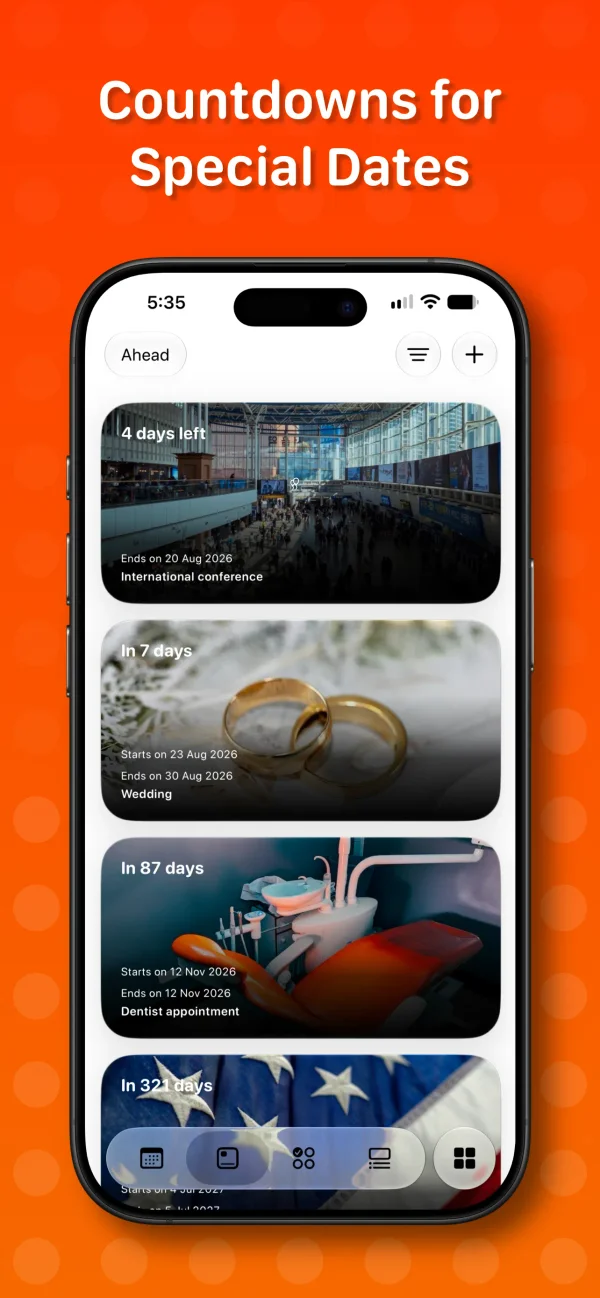
Add the dates that pull you forward: trips, birthdays, holidays, anniversaries, weddings, deadlines, retirement, and personal milestones. Count down to each one, import from Apple Calendar, and track both the days until and the days since. New: every Ahead date now has its own to-do list, so you can plan the small tasks that make the date happen and check them off as it approaches. Share an Ahead date with a friend, follow it side by side, comment, and add to-dos together on joint dates.
PLANNER
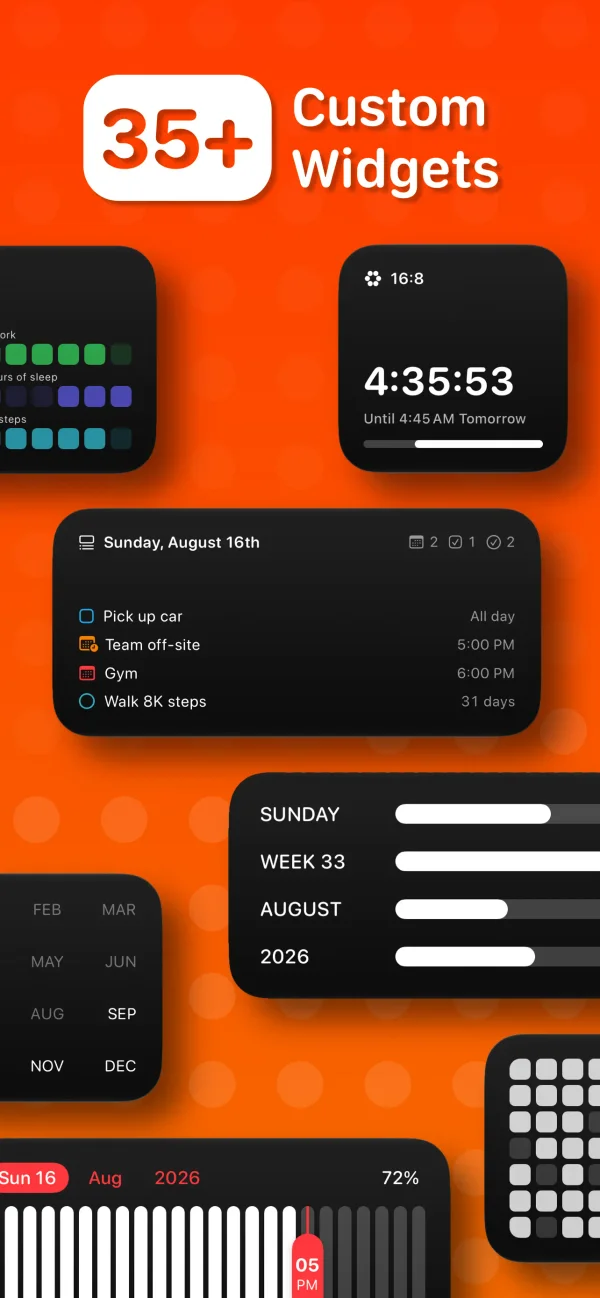
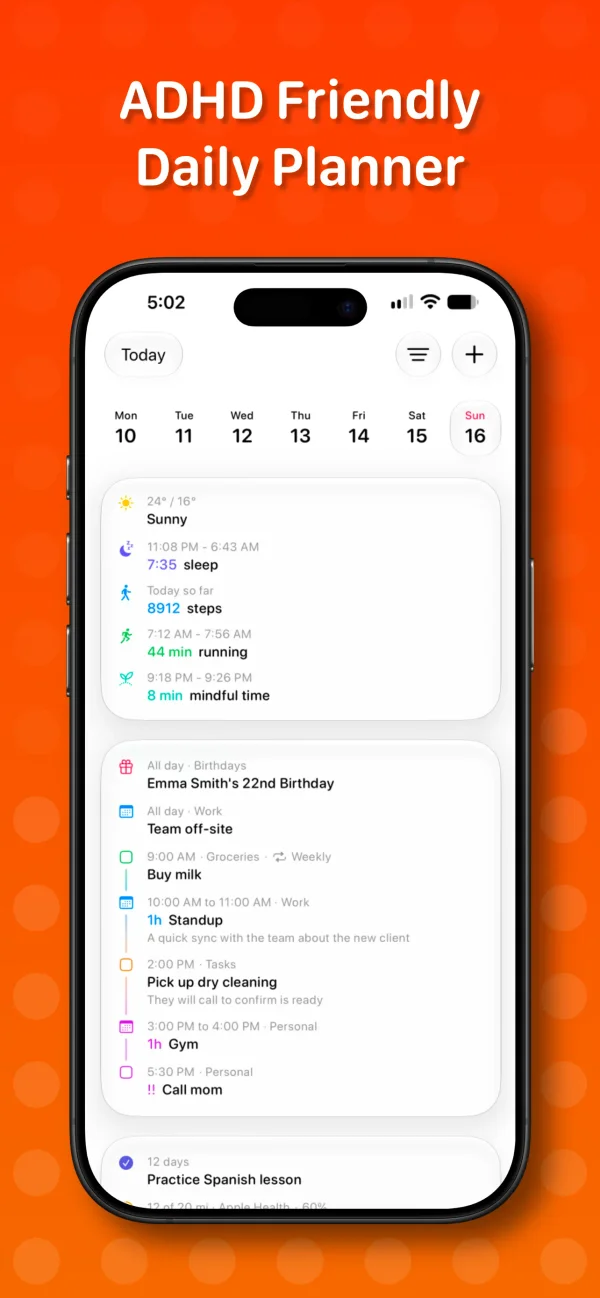
Planner pulls everything that matters into one beautiful, time-first view: your habits, streaks, Ahead dates, Apple Calendar events, Apple Reminders, weather, sleep, and workouts, together at last. Not another calendar, but a clear, calm picture of what the day is actually asking of you. Because everything lives in one place instead of five apps, Planner is a quiet ally for ADHD minds: see the whole day at a glance and miss nothing. Two new widgets come with it: a Planner widget and a Calendar widget for your Home Screen.
POMODORO FOCUS
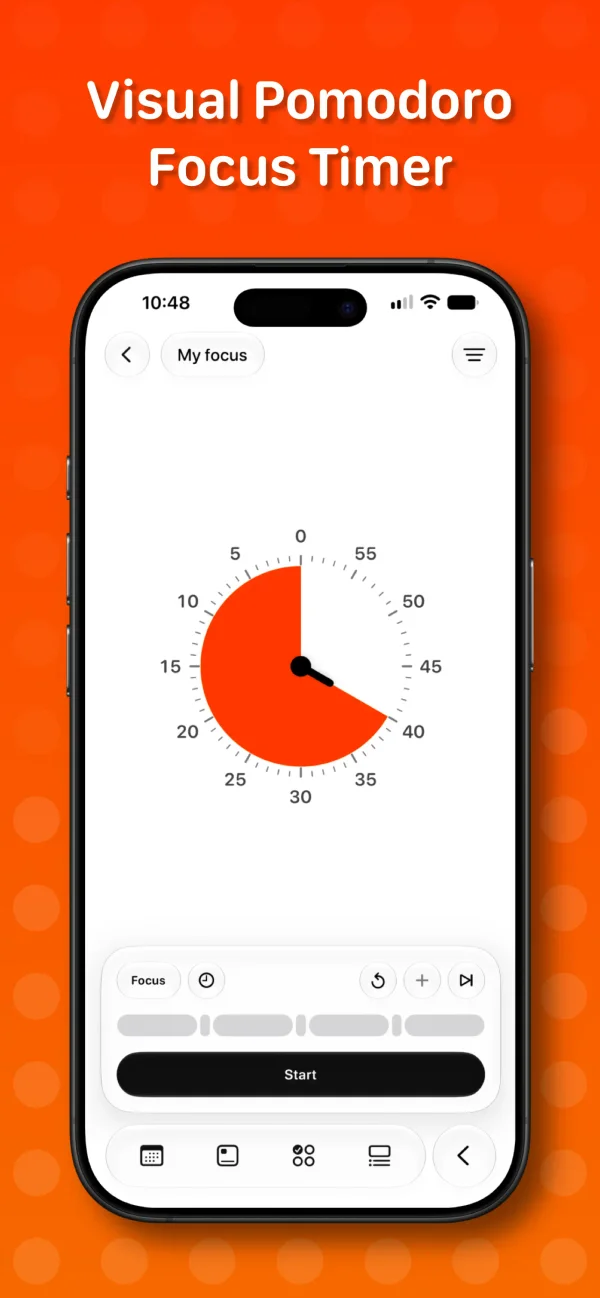
A calm Pomodoro timer inside Left. Choose your focus and break lengths and one of four timer styles, start a session in a tap, and follow it live from your Lock Screen, widgets and the Dynamic Island. Your focus history is all there too.
FASTING TOOL
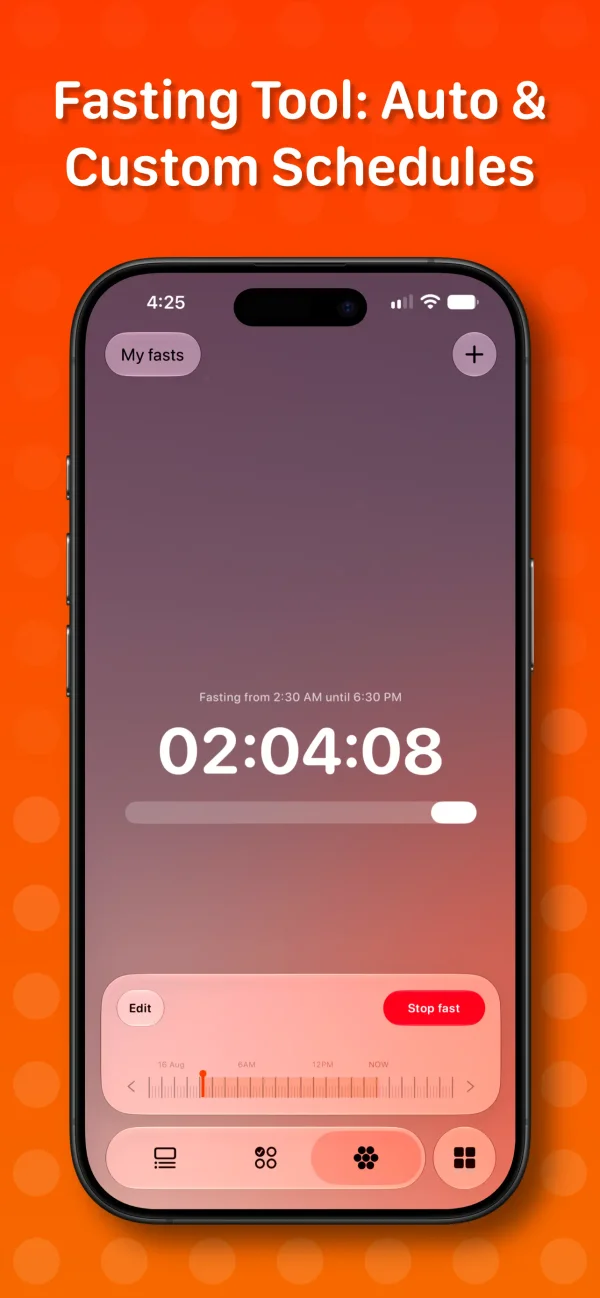
A simple yet beautiful fasting tool inside Left. Pick a fasting window, start it in a tap, and follow every fast live from your Lock Screen, widgets and the Dynamic Island. Your history and stats are all there too.
WHY LEFT
Other apps give you habits without design, or aesthetics without depth. Left combines both: the widget range, the design quality, and the full set of time tools, in one app made with restraint and taste.
Left requires a Premium plan to use its features. Choose a weekly, yearly plan or a one-time lifetime purchase to unlock everything.
Terms: https://www.apple.com/legal/internet-services/itunes/dev/stdeula/
What’s new
Version 2026.11.2 · Nov 26, 2026
POMODORO FOCUS
A calm Pomodoro timer inside Left. Choose your focus and break lengths and one of four timer styles, start a session in a tap, and follow it live from your Lock Screen, widgets and the Dynamic Island. Your focus history is all there too.
READY FOR IPHONE DUO
Left is ready for iPhone Duo from day one. It works on both screens, and when you open it up, Left uses the large inner screen to show more at once, with your lists and details side by side.
READY FOR IOS 27
Left is ready for iOS 27, with a first Siri AI integration, new Live Activities, extra large portrait widgets for your Home Screen, and more.
ALL-NEW PLANNER
Your whole day in one beautiful, time-first view: habits, streaks, Ahead dates, calendar events, reminders, weather, sleep, and workouts, together at last. Switch easily between List, Week, Month and Timeline views to see your day the way you like. One calm place to plan your day, and if you have ADHD, one place means nothing gets lost across apps. Two new widgets come with it: a Planner widget and a Calendar widget for your Home Screen.
FASTING TOOL
A simple (and beautiful) fasting tool to track your fasts with custom modes, sunrise to sunset, overnight and more options. Fasting includes notifications, widgets and an optional Live Activity to help you keep track of each session.
FASTER AND MORE POLISHED
Lots of polish and small improvements across the app to make Left faster, smoother and better every day.
Thank you for using Left. Your time is limited: see it, plan it, and make the most of it.
App privacy
What Cntxt Limited declares on the App Store about how this app handles data.
-
Data linked to you
May be collected and linked to your identity.
- Purchases
Privacy practices may vary, for example with the features you use or your age.
Information
- Seller
- Cntxt Limited
- Category
- Productivity
- Version
- 2026.11.2
- Updated
- Nov 26, 2026
- Released
- Jan 13, 2025
- Size
- 246.3 MB
- Requires
- iOS 26.0 or later
- Age rating
- 4+
- Price
- Free
- In-app purchases
- Yes
- Languages
- English, Arabic, Catalan, Croatian, Czech, Danish, Dutch, Finnish, French, German, Hindi, Hungarian + 19 more
- Copyright
- © 2026 Cntxt Labs
You might also like
-
 Time Left • Be PresentCountdown, Stoic, Lifetime
-
 SyncTasksTo-do list, syncs with Notion
-
 Easlo ExperimentsExperiment Your Way
-
 mymind – Extend your mindNever forget anything anymore.
-
 Raycast: Keyboard, AI and moreProductivity on the go
-
 Joi: Daily Planner & OrganizerTo Do List, Habit Tracker adhd
-
 Did I Do? - ADHD & OCD HelpDaily Task Tracker
-
 Habit Tracker - HabitKitStreaks & Accountability
-
 Superlist: To Do List & NotesAI Meetings, Tasks & Reminders
-
 Weekstack: Weekly PlannerTo-do List, Stacked