LegacyApp: Digital Inheritance
Secure Notes & Encrypted Vault
Designed for iPhone, iPod touch
Free
- Age rating9+
- CategoryProductivity
- DeveloperLegacyApp P.S.A.
- LanguagesEnglish
- Size45.2 MB
Links to the official App Store page
Download.org hosts no file of LegacyApp: Digital Inheritance. The button opens its official App Store page, published by LegacyApp P.S.A. Listing last checked on Nov 15, 2026.
Screenshots




About
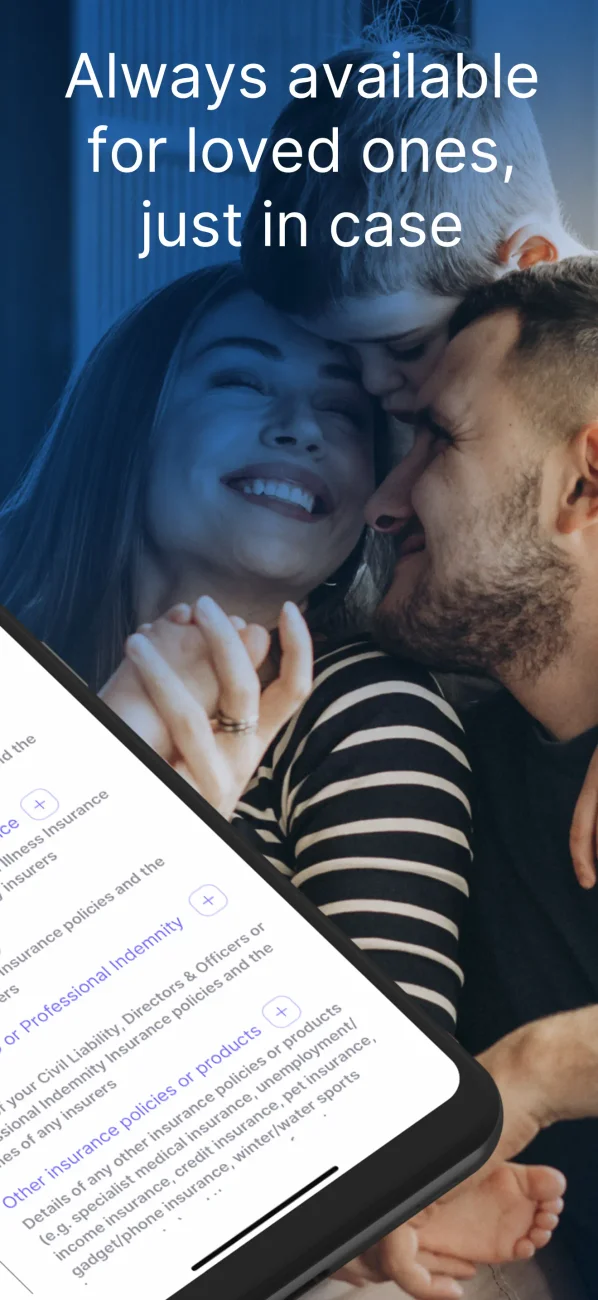
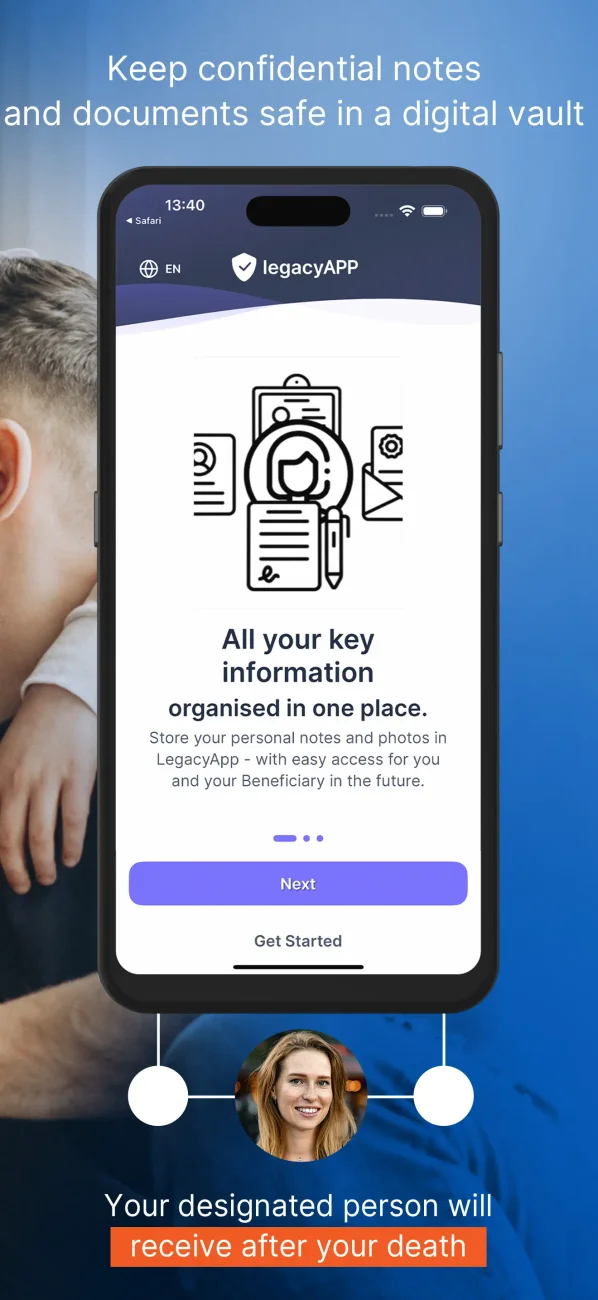
All the important things in your life, in one place on your phone: bank and investment accounts, insurance policies, documents, passwords and instructions. You find what you need in seconds. And if something happens to you, one person you choose gets it.
EVERY DAY
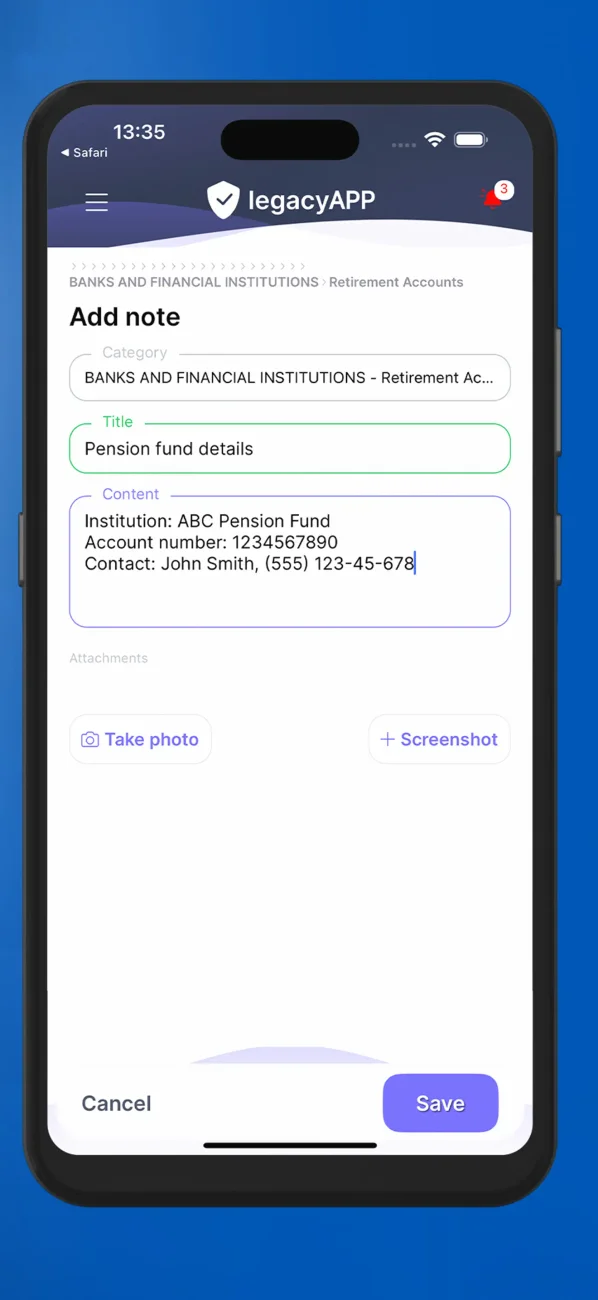
• Notes in ready-made categories: banks, insurance, property, vehicles, email and online accounts, family matters and more
• Photos of documents, taken with the camera or added from your gallery
• Search: type "life insurance" and the note is there
• Where things are: the safe code, the green folder, the spare keys
• Tips inside the app on documents, passwords and planning ahead
FOR YOUR FAMILY, WHEN THE TIME COMES
• Your Recipient: one person you choose, reached by email
• Trusted Friends: people who confirm that something has happened. They can't see your notes.
LegacyApp asks "Are you OK?" every day, every 7 days or every 14 days, as you choose. Going away? Vacation Mode pauses the questions for 15 or 30 days.
If you stop answering, we ask your Trusted Friends. When one of them confirms that something has happened, the handover starts. 12 hours later your Recipient gets an email and reads your notes in their own free LegacyApp, after entering your Encryption key.
PRIVACY
• Your notes stay on your phone. Their content never reaches our servers.
• Your backup goes to your own Google Drive, always encrypted with AES-256.
• You sign in with a link sent to your email. No password to remember.
• The app is locked with a PIN and Face ID or Touch ID.
Moving from an older version? You can still restore your previous iCloud backup.
What’s new
Version 1.94 · Oct 31, 2026
What's new in LegacyApp:
- a new look and a simpler home screen
- easier setup of your Recipient and Trusted Friends
- tips inside the app
- new backups are saved to Google Drive, and you can still restore an older iCloud backup
- check that you still remember your backup Encryption Key
- fixes and better stability
App privacy
What LegacyApp P.S.A. declares on the App Store about how this app handles data.
-
Data used to track you
May be used to track you across apps and websites owned by other companies.
- Usage data
-
Data not linked to you
May be collected but is not linked to your identity.
- Contact info
- Identifiers
- Usage data
- Diagnostics
Privacy practices may vary, for example with the features you use or your age.
Information
- Seller
- LegacyApp P.S.A.
- Category
- Productivity
- Version
- 1.94
- Updated
- Oct 31, 2026
- Released
- Oct 7, 2024
- Size
- 45.2 MB
- Requires
- iOS 15.5 or later
- Age rating
- 9+
- Price
- Free
- Languages
- English
- Copyright
- © 2026 LegacyApp P.S.A.
You might also like
-
 LegacyPathProductivity
-
 TerminowoTrack expiry dates with ease
-
 Mimi – Voice AssistantSpeaks English, Polish & more
-
 mInstytucjaProductivity
-
 After MeLegacy Vault for Your Family
-
 ComUnity – Twoja OrganizacjaProductivity
-
 SafeNotesProductivity
-
 CV Tracker - Career AssistantTrack your career with AI
-
 Battery ConnectProductivity
-
 CyberTarcza GoMobile Cybersecurity by Orange