LegendPass Multi Biometric App
Face UnLock,Gestures,PalmPrint
Designed for iPhone, iPad
Free · In-app purchases
- Age rating4+
- CategoryProductivity
- DeveloperGAMMA PASS LLC
- LanguagesEnglish
- Size146.4 MB
Links to the official App Store page
Download.org hosts no file of LegendPass Multi Biometric App. The button opens its official App Store page, published by GAMMA PASS LLC. Listing last checked on Nov 23, 2026.
Screenshots

About
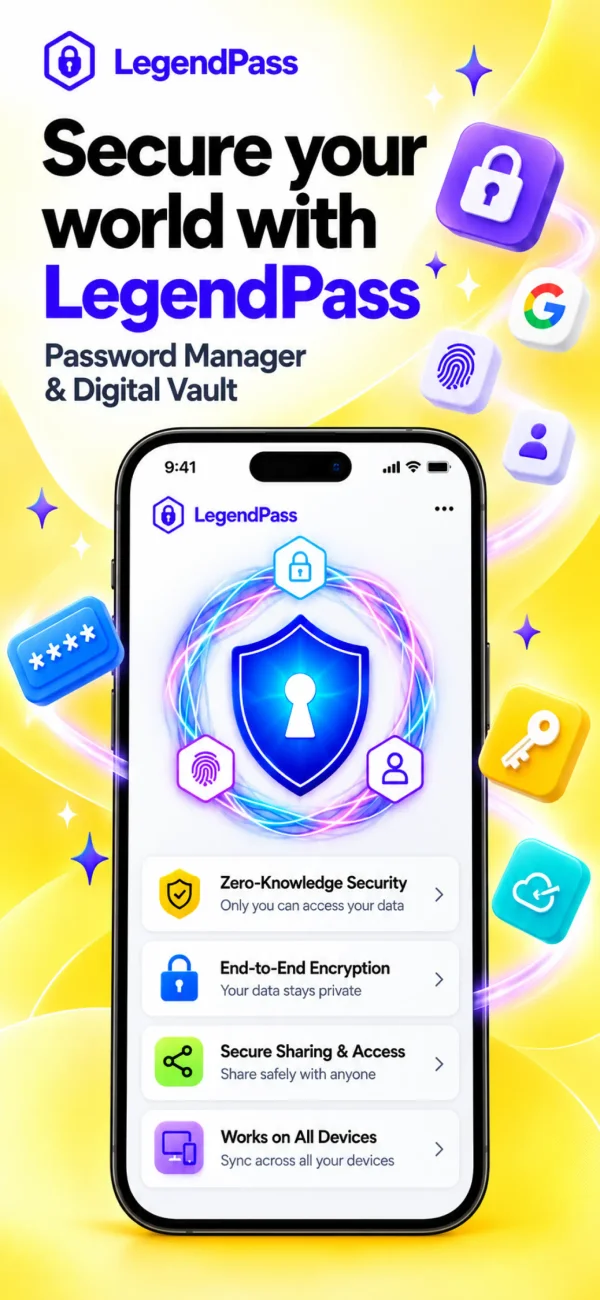
LegendPass offers the only quadratic biometrics & gesture blazing fast interactive login.Passkey and login manager built to protect your passwords and digital identity. Use autofill to fill passwords faster, manage autofill passwords across apps and websites, and keep password storage organized in one secure password vault.
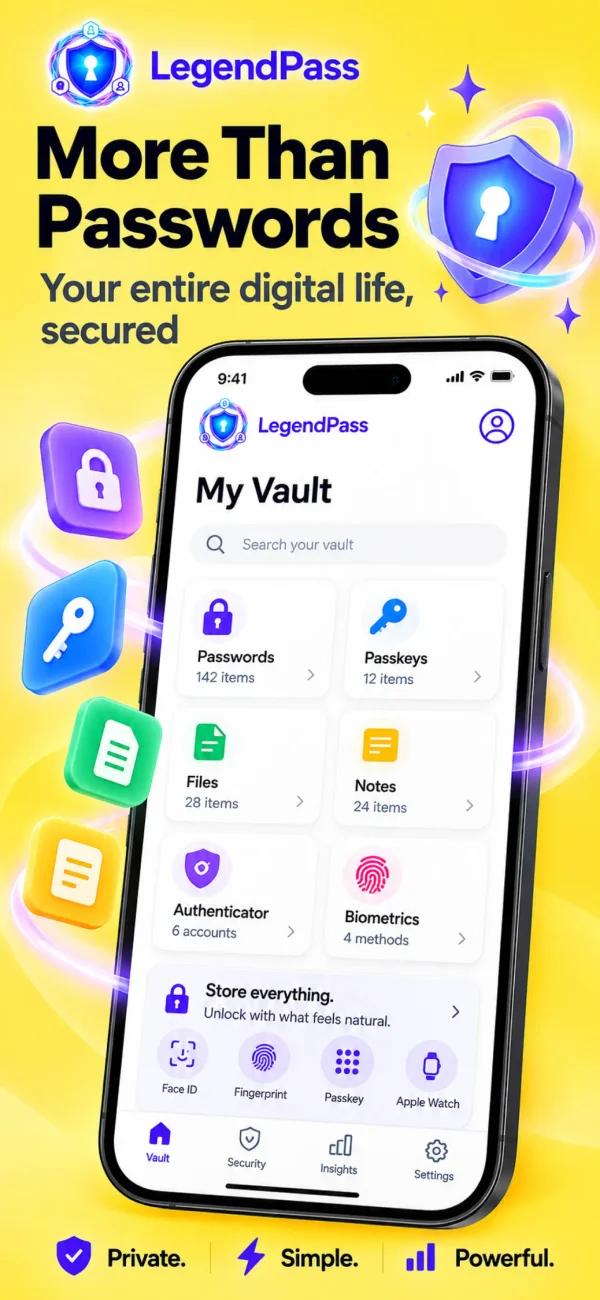
LegendPass combines password management, password storage, passkeys, autofill, secure notes, password generation, 2FA and biometric authentication in one encrypted vault.
KEY FEATURES
• PASSWORD MANAGER & PASSWORD VAULT
Store passwords, usernames, login credentials, credit cards, bank accounts, Wi-Fi information and URLs in a secure password vault. LegendPass provides secure password storage for important accounts.
• AUTOFILL PASSWORDS
Use password autofill to fill usernames and passwords on websites, browsers and mobile apps. Save new passwords, update credentials and manage autofill passwords from your password manager.
• PASSKEY & LOGIN MANAGER
Store and manage passkeys with passwords and login credentials. Use LegendPass as a modern login manager for online accounts and simplify secure sign-in with passkey technology.
• BIOMETRIC SECURITY
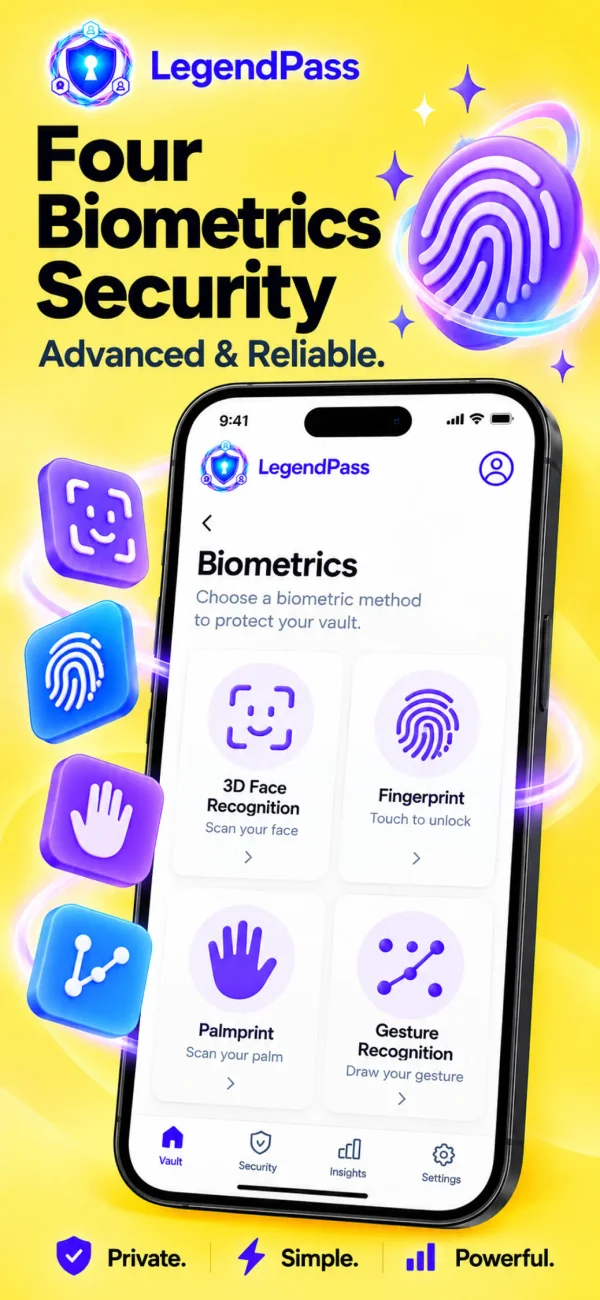
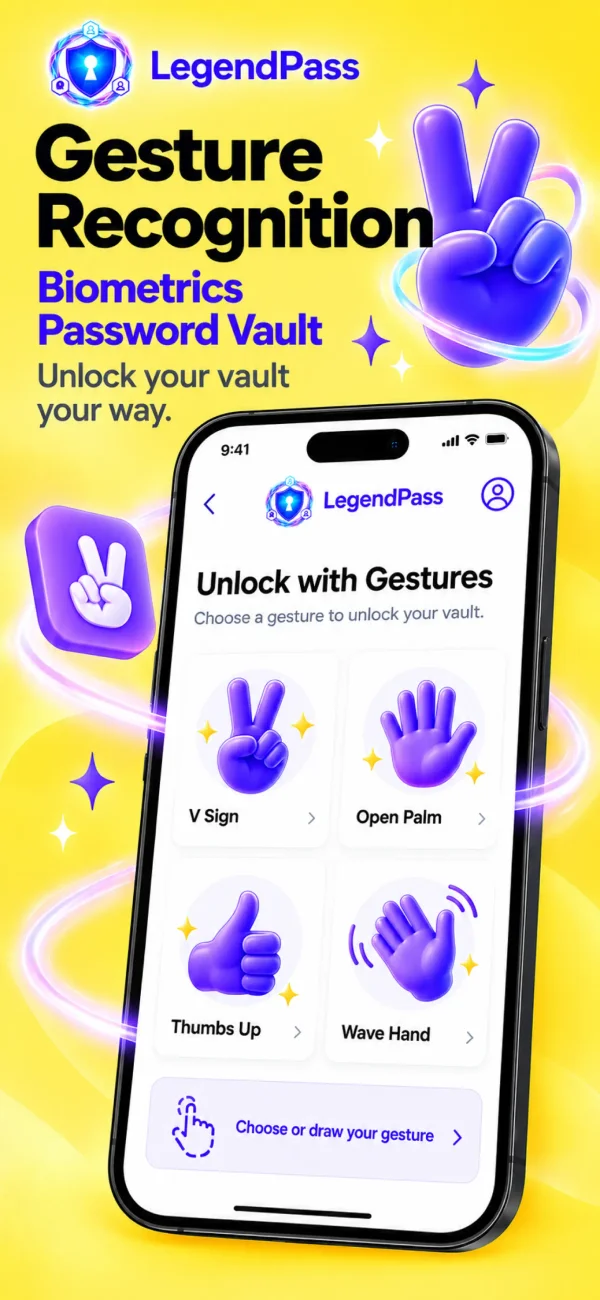
Protect your password vault with face recognition, fingerprint, palmprint, hand geometry and custom gesture authentication. Use biometric authentication to access secure password storage.
• PASSWORD GENERATOR
Create strong, random passwords and replace weak or reused passwords. Save generated passwords directly to your password manager for convenient password storage.
• PASSKEYS & 2FA
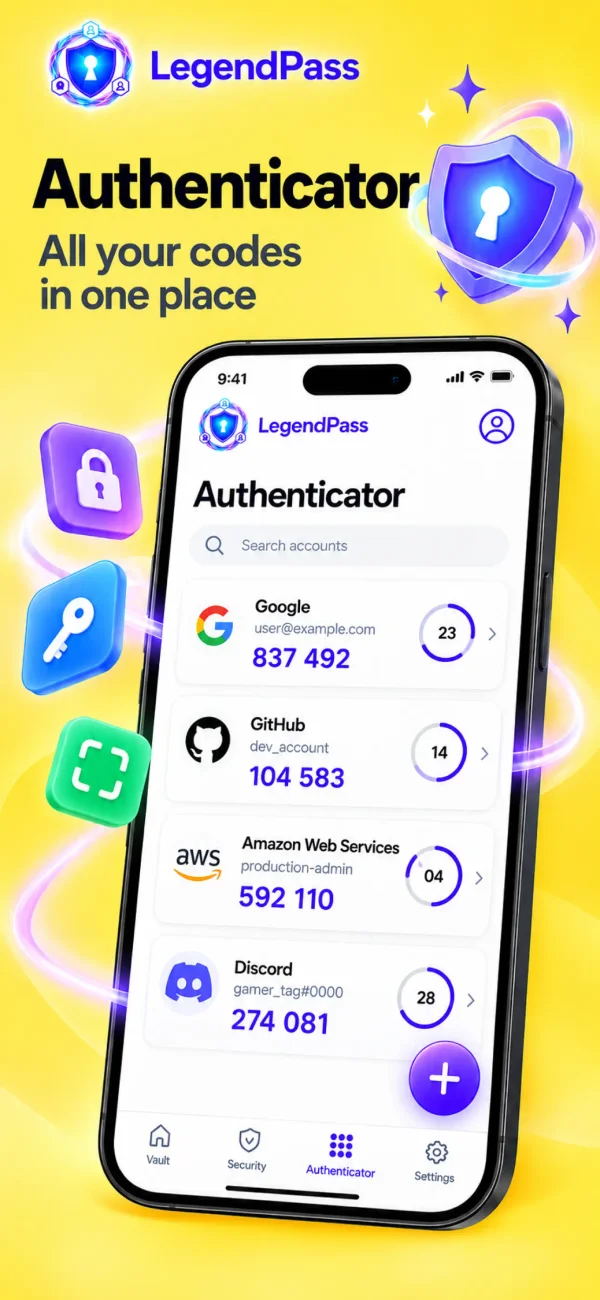
Use passkey-based login and built-in TOTP codes for two-factor authentication. Keep passwords, passkeys and authentication codes together in your secure vault.
• SECURE NOTES
Store private notes, confidential information and important details in encrypted secure notes alongside passwords and login credentials.
• ENCRYPTED PASSWORD STORAGE
LegendPass uses AES-256-CBC encryption with HMAC-SHA256 integrity verification to protect stored information and password storage.
• CLOUD SYNC
Synchronize your encrypted password vault and secure notes across supported iOS devices. Keep your password manager available across devices.
• BROWSER AUTOFILL
Use browser add-ons to import credentials, save passwords and autofill login forms. Autofill makes everyday logins faster.
• SIGN IN WITH APPLE
Set up your LegendPass account in seconds with Sign in with Apple.
• MEDIA & DOCUMENT VAULT
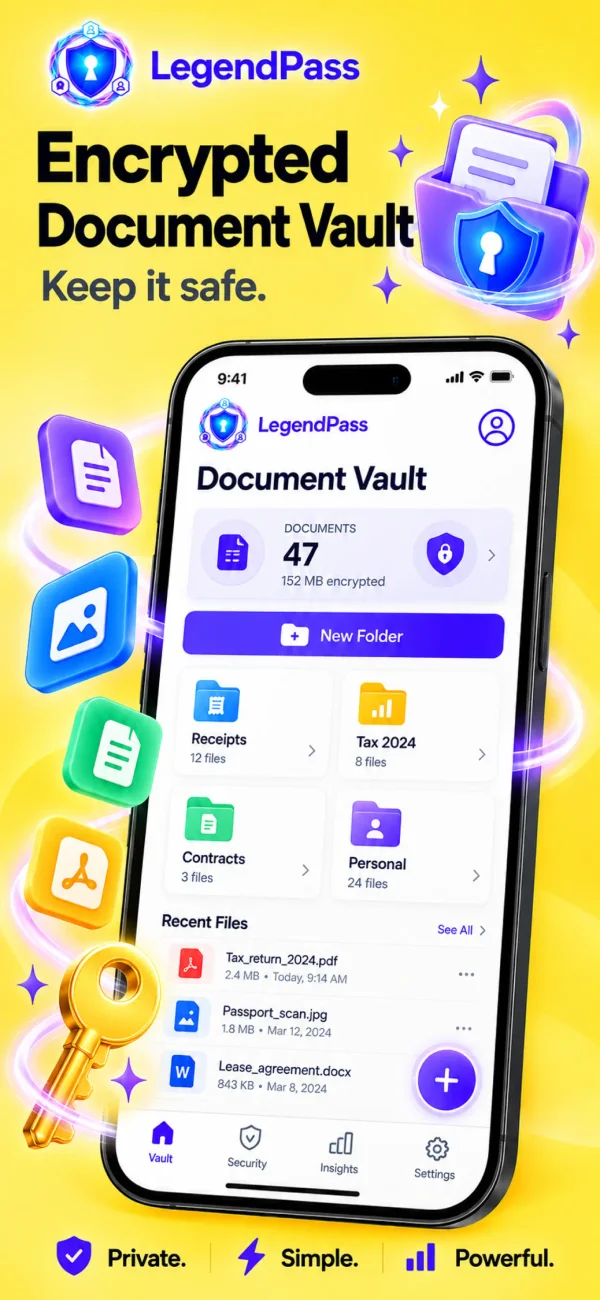
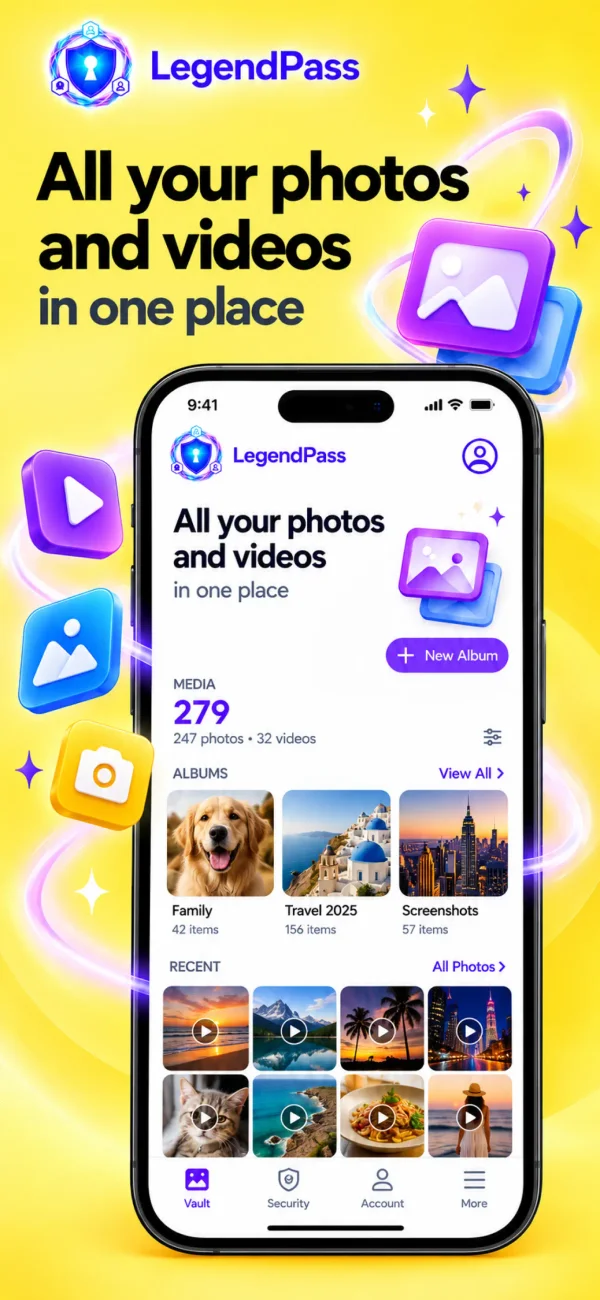
Protect photos, videos and other files inside an encrypted vault.
PRIVACY & SECURITY
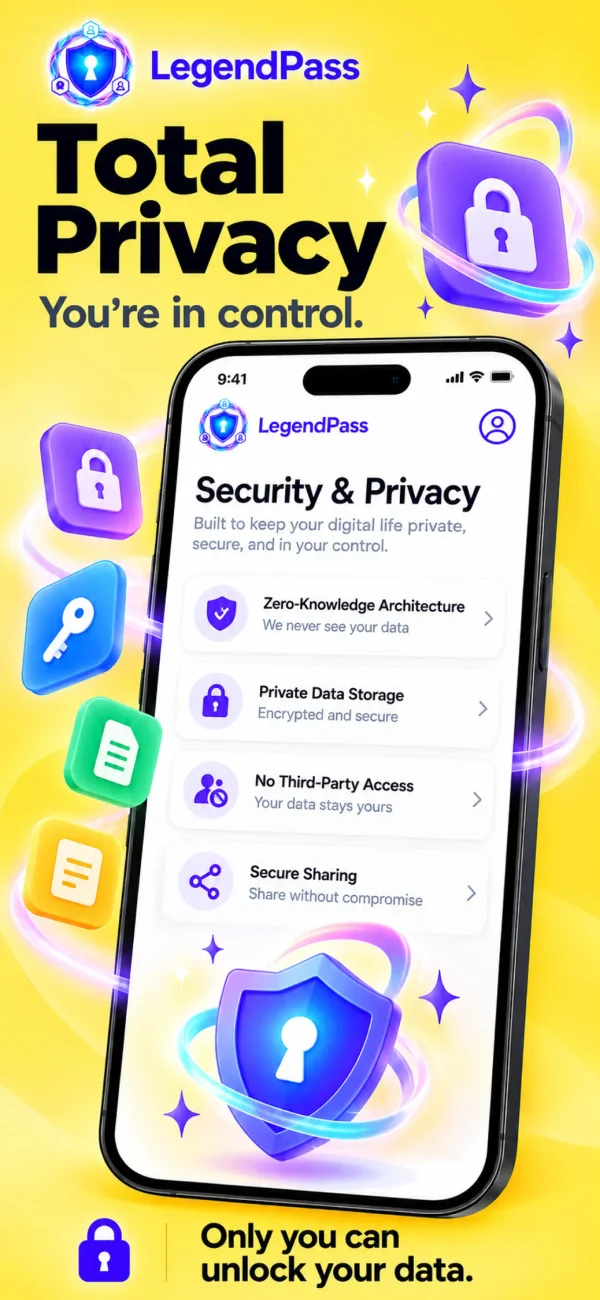
Your passwords and notes are encrypted before leaving your device. LegendPass does not sell, share or monetize your personal data.
Biometric processing is designed to take place on your device. Biometric information is not uploaded to the cloud. Cloud synchronization transfers encrypted data rather than storing sensitive information as plaintext.
LegendPass combines password management, password storage, passkeys, autofill, secure notes, password generation, 2FA and biometric authentication in one encrypted vault.
KEY FEATURES
• PASSWORD MANAGER & PASSWORD VAULT
Store passwords, usernames, login credentials, credit cards, bank accounts, Wi-Fi information and URLs in a secure password vault. LegendPass provides secure password storage for important accounts.
• AUTOFILL PASSWORDS
Use password autofill to fill usernames and passwords on websites, browsers and mobile apps. Save new passwords, update credentials and manage autofill passwords from your password manager.
• PASSKEY & LOGIN MANAGER
Store and manage passkeys with passwords and login credentials. Use LegendPass as a modern login manager for online accounts and simplify secure sign-in with passkey technology.
Terms of Use: https://www.apple.com/legal/internet-services/itunes/dev/stdeula
Privacy Policy: https://legendpassword.com/privacy
What’s new
Version 1.1.2 · Nov 17, 2026
-BUG FIX-
App privacy
What GAMMA PASS LLC declares on the App Store about how this app handles data.
-
Data linked to you
May be collected and linked to your identity.
- Contact info
Privacy practices may vary, for example with the features you use or your age.
Information
- Seller
- Gamma Pass LLC
- Category
- Productivity
- Version
- 1.1.2
- Updated
- Nov 17, 2026
- Released
- Mar 4, 2026
- Size
- 146.4 MB
- Requires
- iOS 16.6 or later
- Age rating
- 4+
- Price
- Free
- In-app purchases
- Yes
- Languages
- English
- Copyright
- © 2026 GAMMAPASS LLC
You might also like
-
 EyeMed - ADHD SolverEyeMed ∙ ADHD, Focus Tracker
-
 FacsxProductivity
-
 KumaTomoChild development buddy
-
 ARGUS-i PLUSFast,secure facial recognition
-
 Look Straight - Face ControlHead, Eye, & Mouth Automation
-
 PalmXProductivity
-
 Facephi FingerprintProductivity
-
 TruePomo: Pomodoro Focus TimerADHD Study & Work Auto Pause
-
 Shopping list: Nom LandRecipe organiser. Meal planner
-
 SolveAce AI - Homework HelperStudy Companion & Math AI