Lens: PDF Scanner & Editor
Scan Documents, MS Office Lens
Designed for iPhone
Free · In-app purchases
- Age rating4+
- CategoryUtilities
- DeveloperMykhailo Valeichuk
- LanguagesEnglish+ 28 more
- Size31.2 MB
Links to the official App Store page
Download.org hosts no file of Lens: PDF Scanner & Editor. The button opens its official App Store page, published by Mykhailo Valeichuk. Listing last checked on Nov 13, 2026.
Screenshots


About
PDF Lens Editor: The All-in-One PDF Solution
Transform the way you work with PDF files. Our app gives you everything you need to read, edit, convert, and organize your documents - all in one powerful, easy-to-use app. Whether you’re managing work files, study materials, or personal forms, this toolkit makes your PDF workflow fast, flexible, and secure.
Comprehensive File Management
Access every essential PDF tool in one place. Merge, split, compress, rotate, convert, unlock, and watermark your documents in seconds.
Intuitive PDF Editor
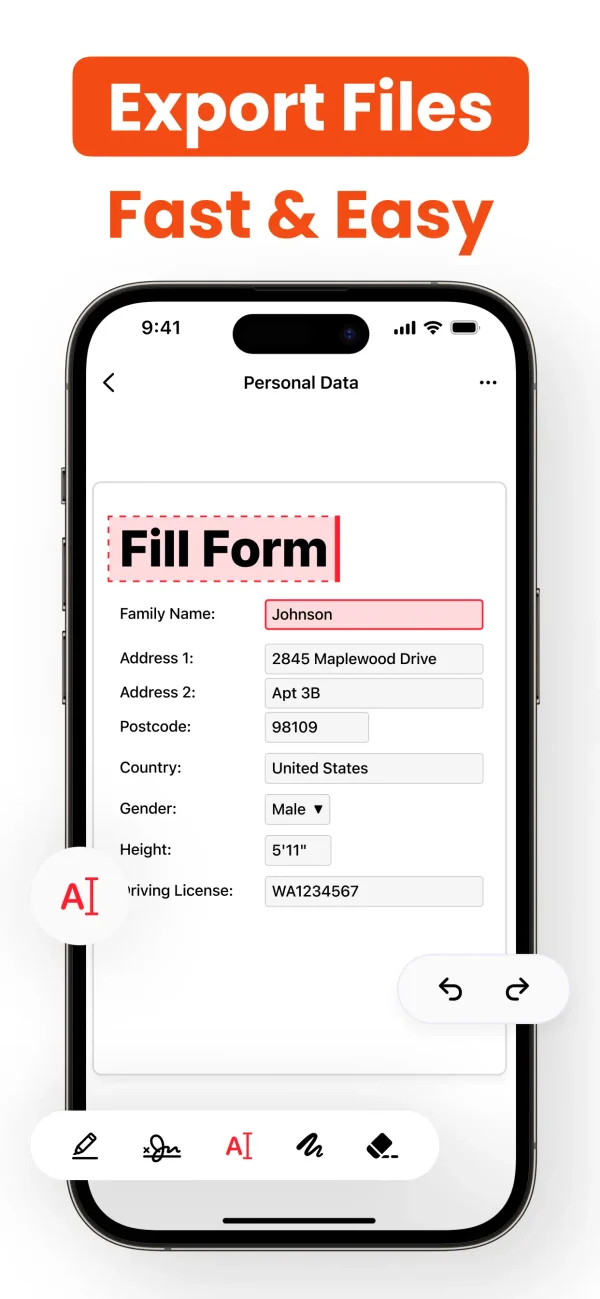
Add or modify text, shapes, and highlights directly on your PDFs. Insert comments, notes, or drawings to bring your ideas to life. Whether you’re reviewing business contracts, school notes, or creative projects, editing is simple and secure.
Efficient Document Organization
Manage your files like a pro - create folders, rename files, and arrange your library neatly. Use bookmarks and quick search to jump straight to what you need.
Advanced Productivity Features
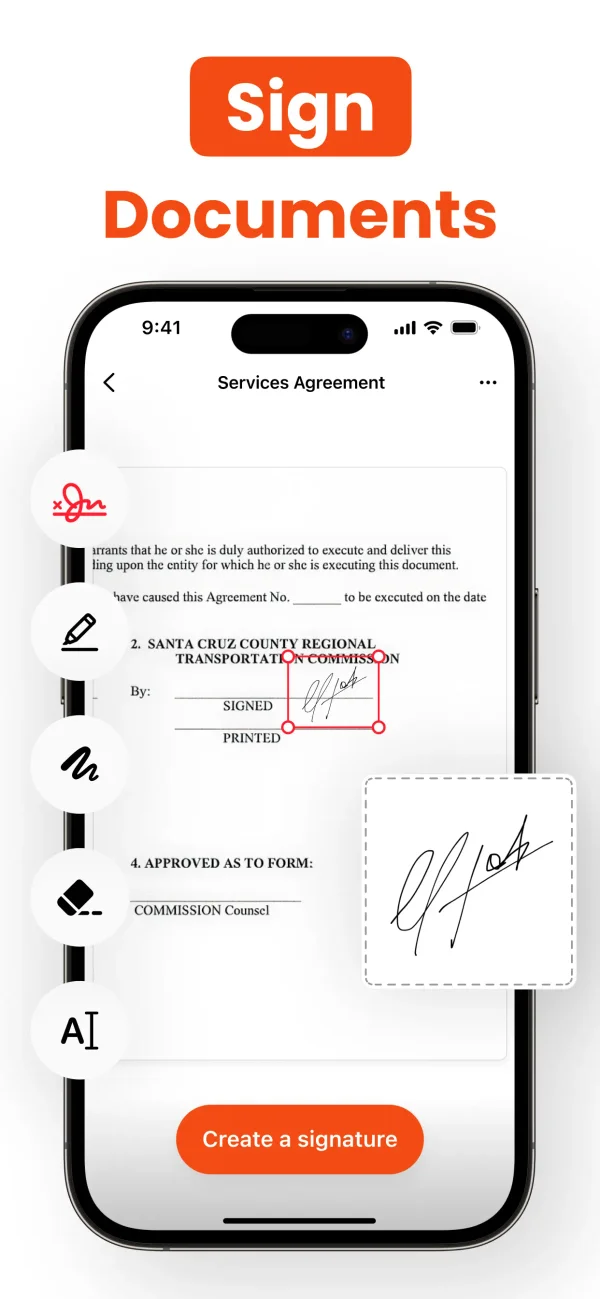
• Fill and sign PDF forms digitally
• Add secure electronic signatures
• Protect files with encryption and passwords
• Create professional resumes or invoices directly in the app
Merge multiple PDFs, split large files, or compress for easy sharing - all with just a few taps.
Experience a smarter, faster way to work with documents.
Download Our App today and unlock the full potential of your PDF files!
Subscription Terms & Details
Enjoy unlimited access to all premium features, including a 3-day trial.
Payment is charged to your iTunes account upon confirmation of purchase.
Your plan renews automatically unless auto-renew is disabled at least 24 hours before renewal.
Manage or cancel your subscription anytime from your Account Settings.
Privacy Policy - https://docs.google.com/document/d/1qDAM_UXFff9j0r3mR6Emu38c1YGXiCl0hCHrBJ4eddo/edit?tab=t.0
Terms Of Use - https://docs.google.com/document/d/1qDAM_UXFff9j0r3mR6Emu38c1YGXiCl0hCHrBJ4eddo/edit?tab=t.0
What’s new
Version 1.0.1 · Mar 26, 2026
Bug fixes and performance improvements
App privacy
What Mykhailo Valeichuk declares on the App Store about how this app handles data.
-
Data not collected
The developer does not collect any data from this app.
Privacy practices may vary, for example with the features you use or your age.
Information
- Seller
- Mykhailo Valeichuk
- Category
- Utilities
- Version
- 1.0.1
- Updated
- Mar 26, 2026
- Released
- Mar 17, 2026
- Size
- 31.2 MB
- Requires
- iOS 17 or later
- Age rating
- 4+
- Price
- Free
- In-app purchases
- Yes
- Languages
- English, Arabic, Czech, Danish, Dutch, Finnish, French, German, Greek, Hebrew, Hindi, Hungarian + 17 more
- Copyright
- © Mykhailo Valeichuk
You might also like
-
 Coin identifier | Scan ValuePrice Checker - Coins Scanner
-
 Block Spam Call & Fast BlockerStop Robocalls & Scam Shield
-
 ClawMe Personal AssistantKimi AI Model, Smart Agent
-
 Birthday Reminder app: BDay+Countdown, calendar, wishes
-
 Package Tracker – Track ParcelYou Order, Delivery Tracking
-
 FindMyGear: Smart DetectorTrack device. Locator & Finder
-
 Suspicios Camera Detector app.Security Spy Scanner Analyzer
-
 Camera Detector: Bug TrackerDevice Finder & Smart Scanner
-
 IG Followers: My UnfollowersUnfollow Tracker & Report
-
 GlideGear: AI Teleprompter ProVideo recording with a script