LensBridge
Private Photo & Scan Transfer
Designed for iPhone, iPad
Free · In-app purchases
- Age rating4+
- CategoryPhoto & Video
- DeveloperJan Hagen Clausen
- LanguagesEnglish
- Size7.1 MB
Links to the official App Store page
Download.org hosts no file of LensBridge. The button opens its official App Store page, published by Jan Hagen Clausen. Listing last checked on Nov 20, 2026.
Screenshots

About
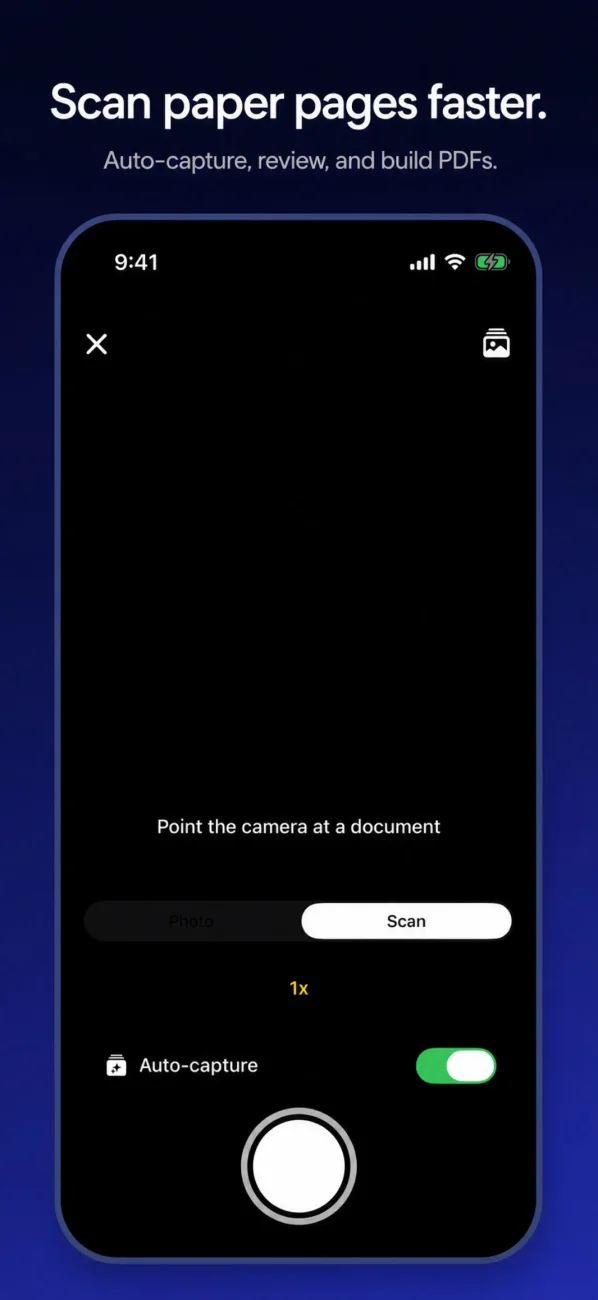
Capture photos, scan paper documents, create PDFs, and send files to a local SMB server from one focused iPhone workflow.
Try LensBridge free with 15 successful image or document uploads. A one-time Full App Unlock removes that limit.
Designed for clinics, practices, offices, and other teams that need a fast way to move camera images and scanned pages into an existing Windows-based file workflow. Use photo capture for clinical images, document scanning for multi-page paper records, and Gallery tools to rename, reorder, crop, rotate, archive, and create PDFs.
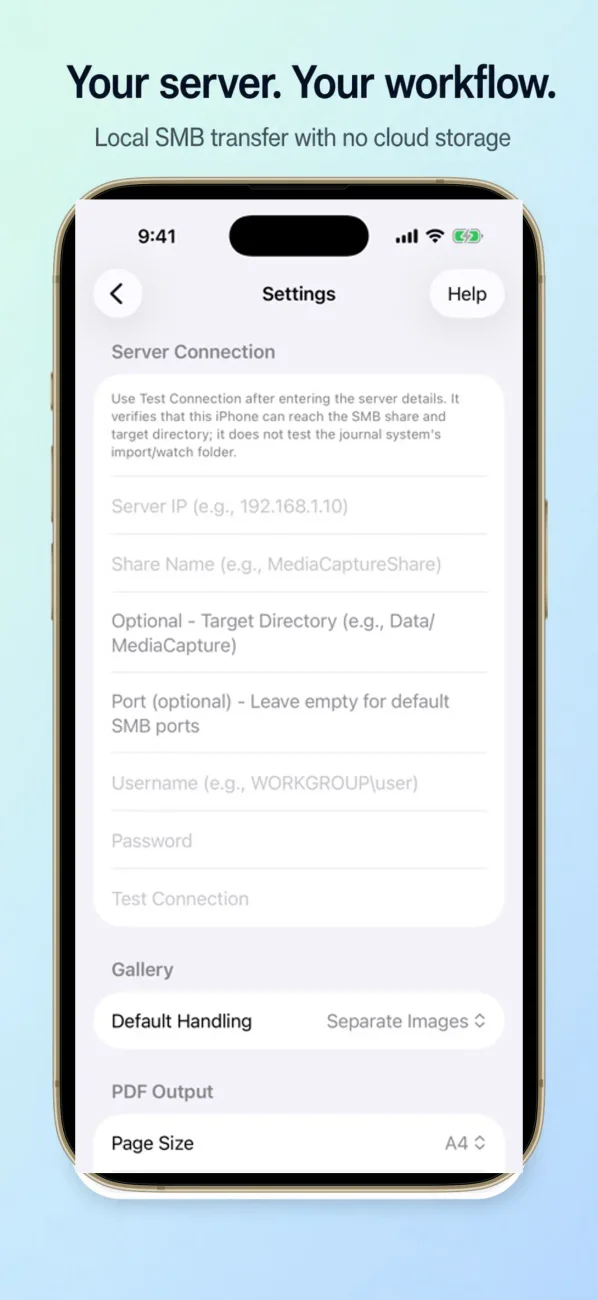
Your files stay on the device until you choose to upload them. Uploads go to the SMB share and target folder you configure on your local network. The SMB password is stored in the iOS Keychain. No cloud storage, analytics, or advertising tracking is included.
Before setup, confirm that your journal or document system can watch a Windows folder and import the file types and filename format you provide. This app transfers files; it does not perform patient lookup, write directly to an EHR, identify patients, diagnose conditions, provide clinical decision support, or guarantee that another system will ingest a file.
Requirements: an iPhone with camera permission for capture and scanning; an SMB server reachable on the same local network; valid server credentials and write access; and a separate journal or document system with a supported import or watch-folder workflow.
What’s new
Version 1.59 · Aug 9, 2026
Adds a Restore Purchases control for Full App Unlock, plus ongoing reliability improvements for scanning, Gallery, PDF, and SMB workflows.
App privacy
What Jan Hagen Clausen declares on the App Store about how this app handles data.
-
Data not collected
The developer does not collect any data from this app.
Privacy practices may vary, for example with the features you use or your age.
Information
- Seller
- Jan Hagen Clausen
- Category
- Photo & Video
- Version
- 1.59
- Updated
- Aug 9, 2026
- Released
- Aug 7, 2026
- Size
- 7.1 MB
- Requires
- iOS 26.0 or later
- Age rating
- 4+
- Price
- Free
- In-app purchases
- Yes
- Languages
- English
- Copyright
- © 2026 Jan H. Clausen
You might also like
-
 CAPTORSecure Content Capture
-
 Video Editor, Face Cam & GIFScreen Recorder & Live Stream
-
 Screen Recording App ◉Game Recorder & Video Editor
-
 Screen Recorder :Recording itRecord video & live stream app
-
 Screen Recorder: Record App.XVideo Cast Recording & Saver
-
 Screen Recorder & Record VideoFace Cam With Live Stream
-
 Video Downloader - HD DownloadVideo Download, Video Saver
-
 Video Downloader - DownloadVideo Saver, Fast Downloader
-
 VideoGet: Downloader & EditorSafe & Secure Offline Protect
-
 Photo Transfer: Send via WiFiShare and sync photos & videos