
- Age rating17+
- CategoryUtilities
- DeveloperMadhavkumar Monpara
- LanguagesEnglish
- Size4.5 MB
Links to the official App Store page
Download.org hosts no file of Lensify. The button opens its official App Store page, published by Madhavkumar Monpara. Listing last checked on Nov 17, 2026.
Screenshots

About
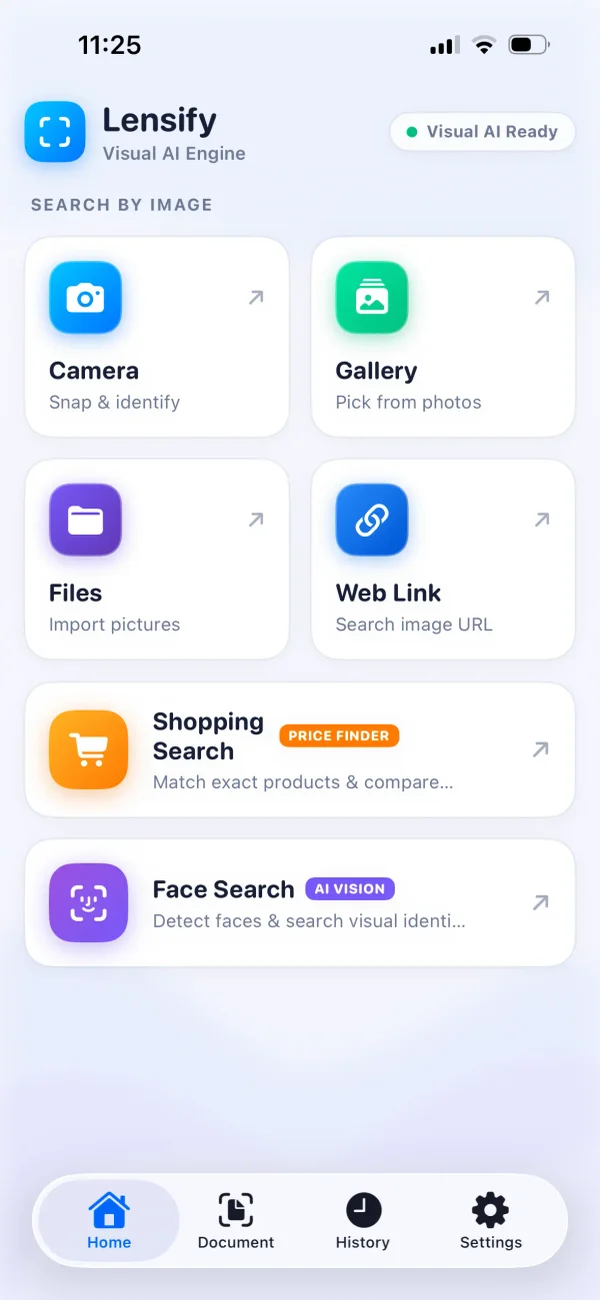
Lensify is an all-in-one visual search, price comparison, and document scanning application designed to give you instant information from any image. Powered by advanced on-device vision intelligence and global search engines, Lensify allows you to search by photo, compare marketplace prices, identify subjects, and extract text from documents in seconds.
Whether you need to find where to buy an item, verify a photo source, extract text from receipts and contracts, or isolate an object in a photo, Lensify delivers fast and accurate results.
MULTI-ENGINE REVERSE IMAGE SEARCH
Search any photo or screenshot across the world leading reverse image search engines in a single interface:
• Google Lens
• Bing Visual Search
• Yandex Images
• TinEye
Switch between engines seamlessly to discover original sources, find higher resolution copies, identify landmarks, search artwork, and uncover duplicate profiles.
DEDICATED SHOPPING AND PRICE FINDER
Find products online and compare deals across major retail platforms. Take a picture of clothing, shoes, home goods, or electronics to compare prices instantly on:
• Amazon
• eBay
• AliExpress
• Walmart
• Google Shopping
Intelligent product recognition detects brand names, models, and product categories to provide exact product matches and help you find the best available prices.
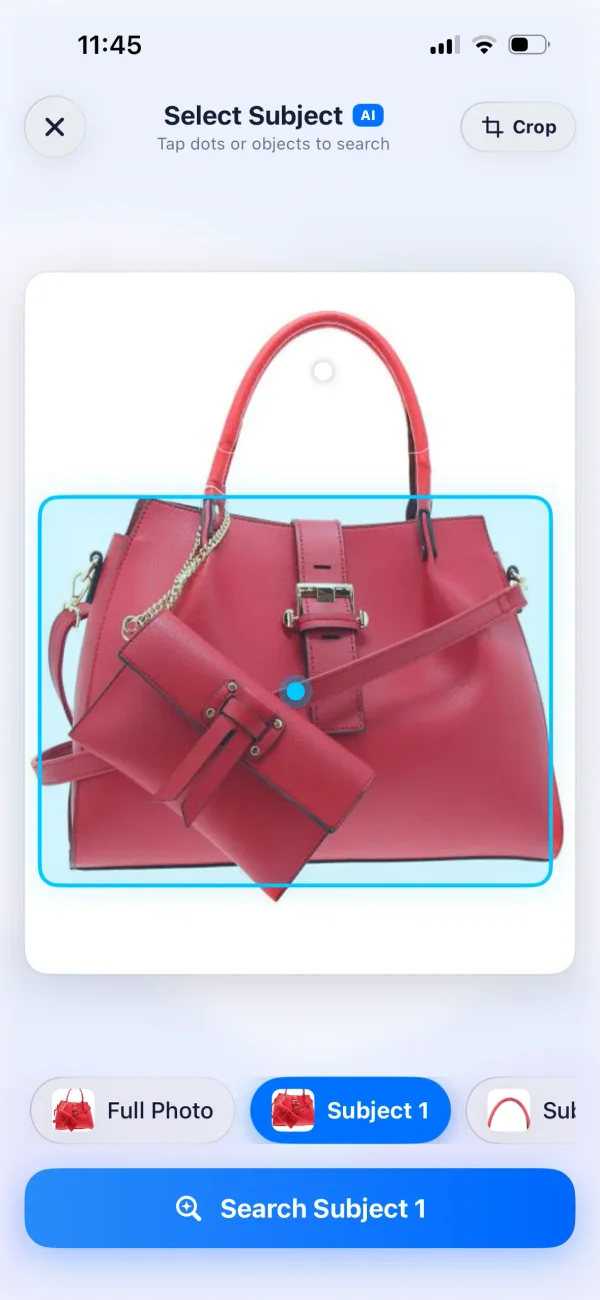
SMART SUBJECT SELECTION AND OBJECT CROPPING
When a photo contains multiple objects, on-device vision intelligence automatically outlines each subject:
• Tap interactive object dots to isolate and search specific items within a crowded photo
• Use manual crop, rotation, and aspect ratio tools for customized search framing
• Search individual items without cropping manually
FACE DETECTION AND MULTI-FACE SELECTION
Search portraits, group photos, and headshots with precision:
• Automatic single-face framing for quick individual searches
• Interactive multi-face picker allows you to select a specific person from a group photo or search the entire image
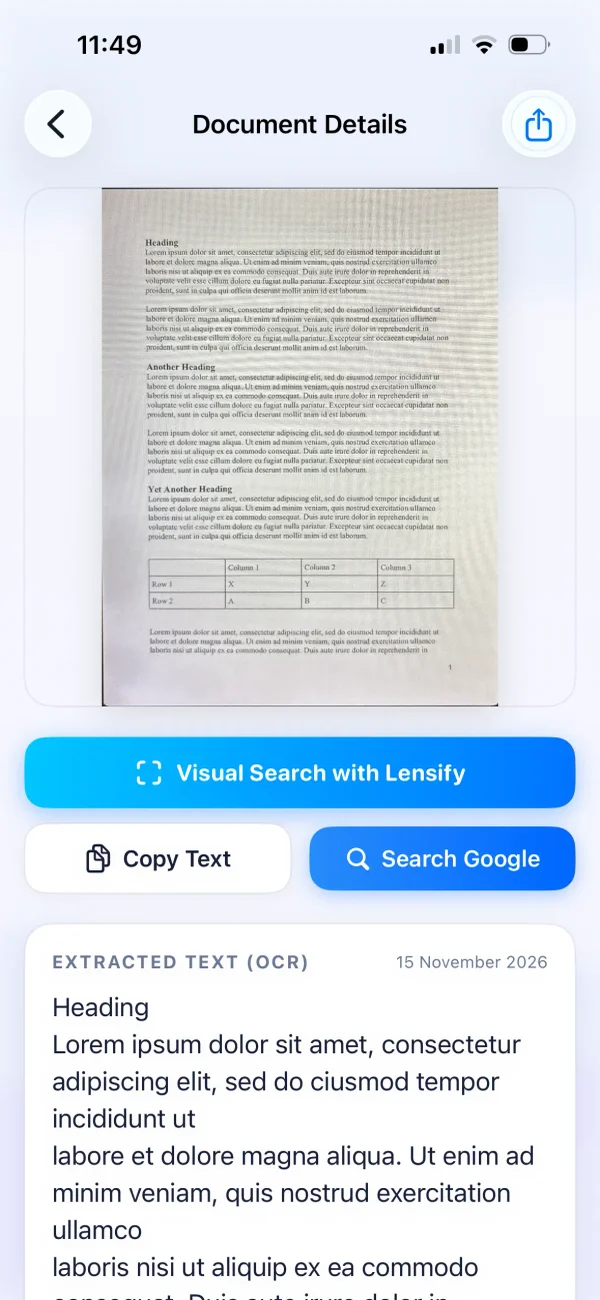
DOCUMENT SCANNER AND OCR TEXT EXTRACTION
Convert documents, receipts, business cards, and notes into digital text:
• Automatic edge detection and perspective correction for clean document scans
• Apple Vision OCR extracts printed and handwritten text accurately
• Copy extracted text directly to your clipboard, share with other apps, or search keywords online
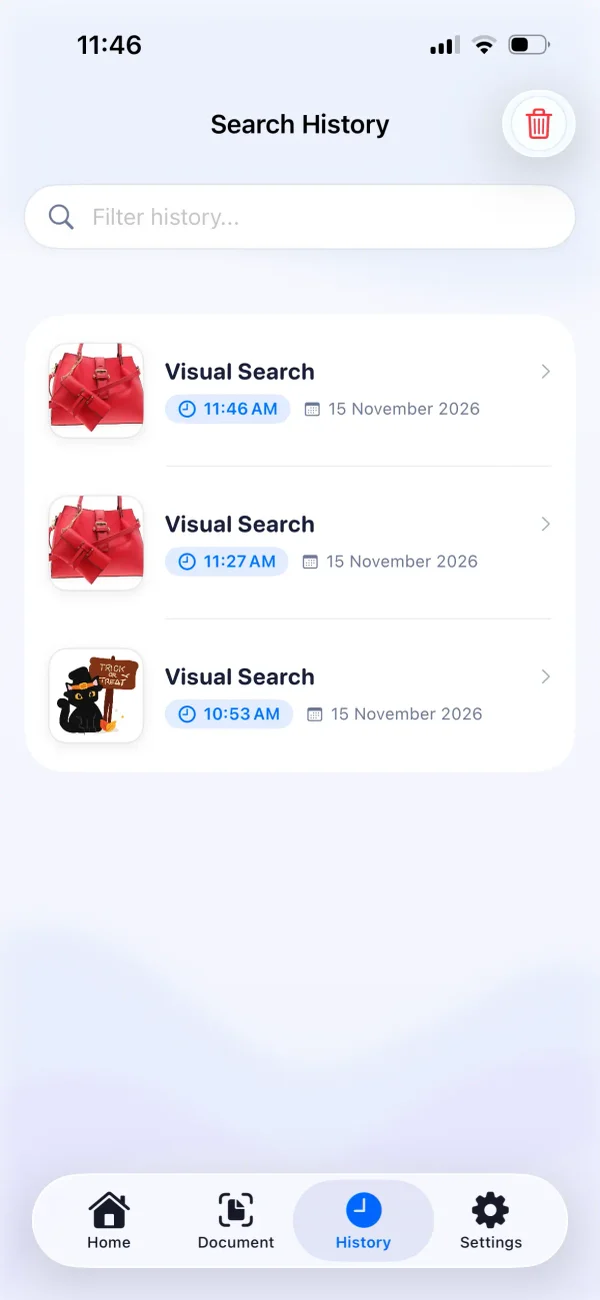
LOCAL PRIVACY AND SEARCH HISTORY
• All search history and scanned documents are stored securely on your local device
• Quick search history lookup to review past queries and documents anytime
• No account registration or login required
• Full support for Light Mode and Dark Mode with native system design
HOW TO USE LENSIFY:
1. Snap a photo with your camera, choose an image from your photo library, or enter an image web URL.
2. Select your desired search mode: Visual Search, Shopping, Face Search, or Document Scanner.
3. Tap on any detected subject to isolate it, or search the complete photo.
4. Review matching results, compare prices, or export extracted text.
Download Lensify to experience fast, accurate visual discovery and document intelligence on your iPhone.
App privacy
What Madhavkumar Monpara declares on the App Store about how this app handles data.
-
Data not collected
The developer does not collect any data from this app.
Privacy practices may vary, for example with the features you use or your age.
Information
- Seller
- Madhavkumar Monpara
- Category
- Utilities
- Version
- 1.0.0
- Updated
- Nov 15, 2026
- Released
- Nov 15, 2026
- Size
- 4.5 MB
- Requires
- iOS 18.0 or later
- Age rating
- 17+
- Price
- Free
- Languages
- English
- Copyright
- © Lensify
You might also like
-
 Vitals: Phone Check-upHeat, battery & hardware tests
-
 Echo: Speed & ConnectivityWhere you connect and how fast
-
 Rename: Batch File RenamerBulk Rename Photos and Files
-
 BarePhoneLive sensor & hardware x-ray
-
 TimeSays - Word ClockStandBy, Widgets & Desk Clock
-
 Overtext: Screen TranslatorRead any app in your language
-
 Ray Scan: PDF Document ScannerSign, Edit, Convert, Translate
-
 WellKept: Your Well On RecordWhen did you test your well?
-
 Brumi : Photo&Storage CleanerFree up iPhone & iCloud space
-
 NoteCard +: Quick NotesMarkdown & Photo Notebook