Lensor: Live Translate
Translate subtitles on screen
Designed for iPhone, Mac
Free · In-app purchases
- Age rating12+
- CategoryUtilities
- DeveloperLucy Goods LLC
- LanguagesEnglish+ 1 more
- Size52.6 MB
Links to the official App Store page
Download.org hosts no file of Lensor: Live Translate. The button opens its official App Store page, published by Lucy Goods LLC. Listing last checked on Nov 25, 2026.
Screenshots

About
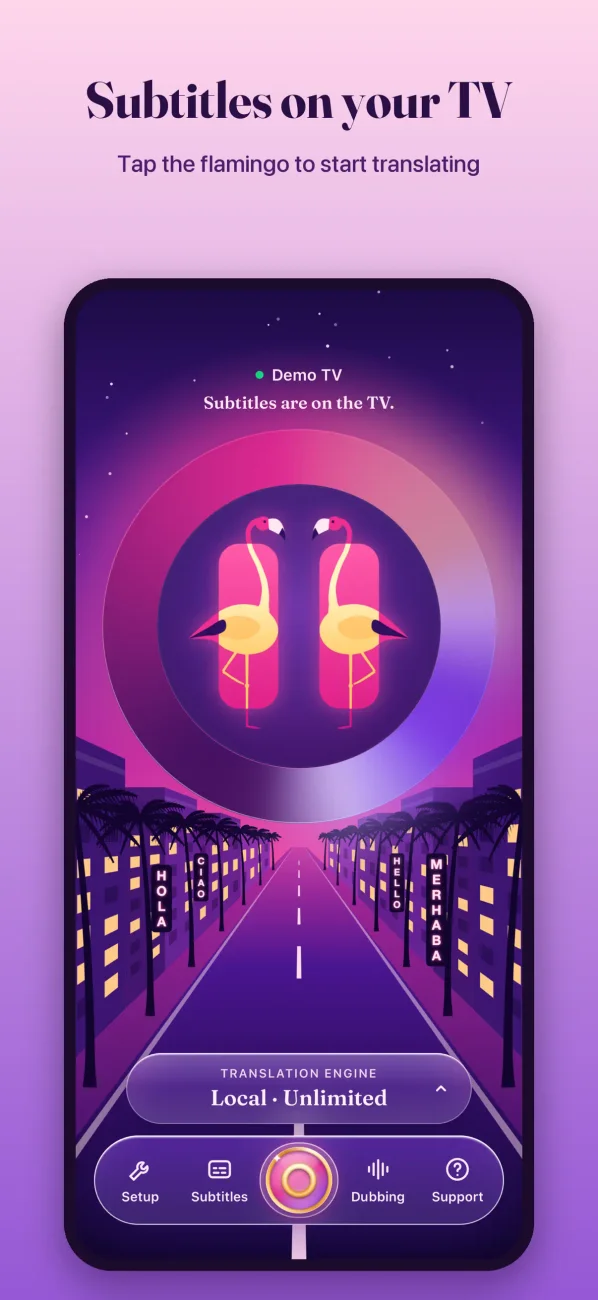
Lensor translates the text in your PlayStation and Xbox games live and shows it as subtitles on your TV.
HOW IT WORKS
• LG TV: open lg.lucygoods.app in the TV's web browser. Android TV: open the Lensor app. Then scan the QR code on the TV with your iPhone.
• Sign in to PlayStation on Sony's own page (Lensor never sees your password) and pair your console on the same Wi-Fi network. Xbox connects through your Microsoft account.
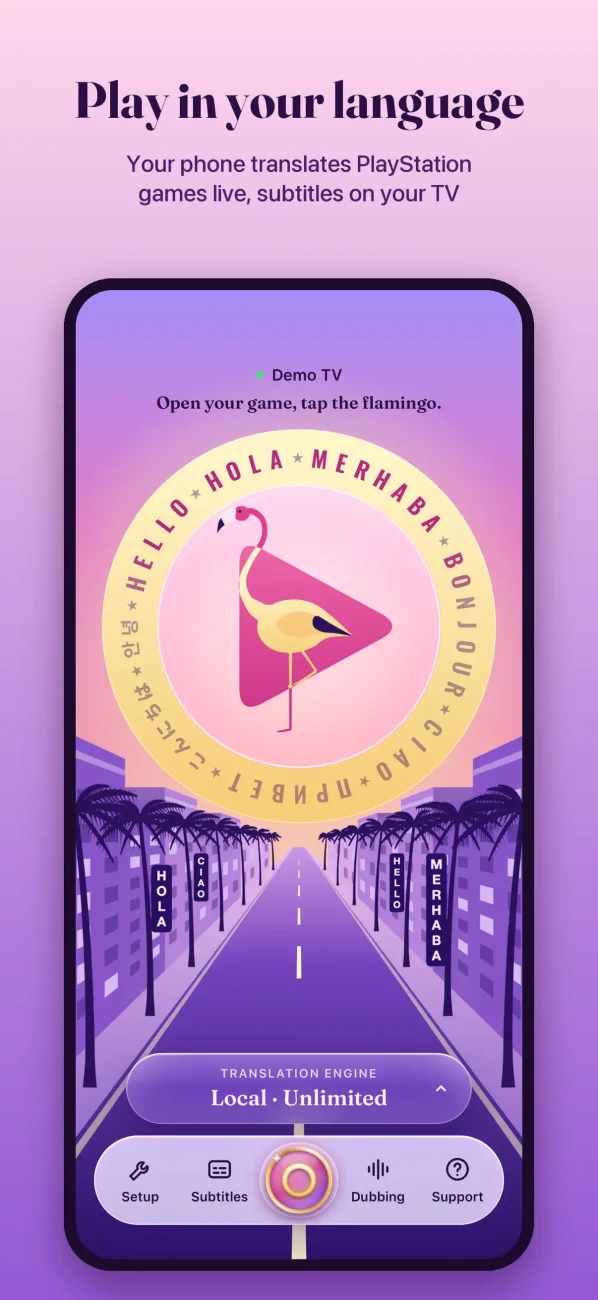
• Tap the flamingo. Lensor reads the game's dialogue, translates it and puts the subtitles on your TV.
FEATURES
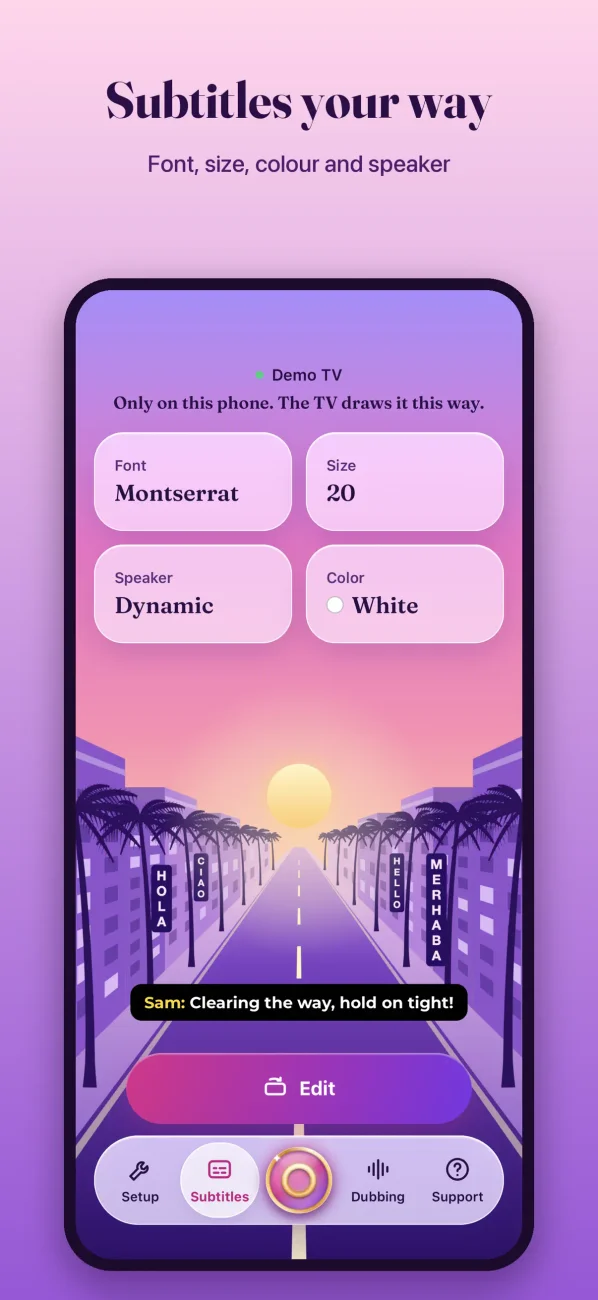
• Subtitles your way: font, size, colour and speaker names.
• On-device translation, unlimited.
• Game sound: with it on, translation keeps running while your phone is locked, and you set the phone's volume.
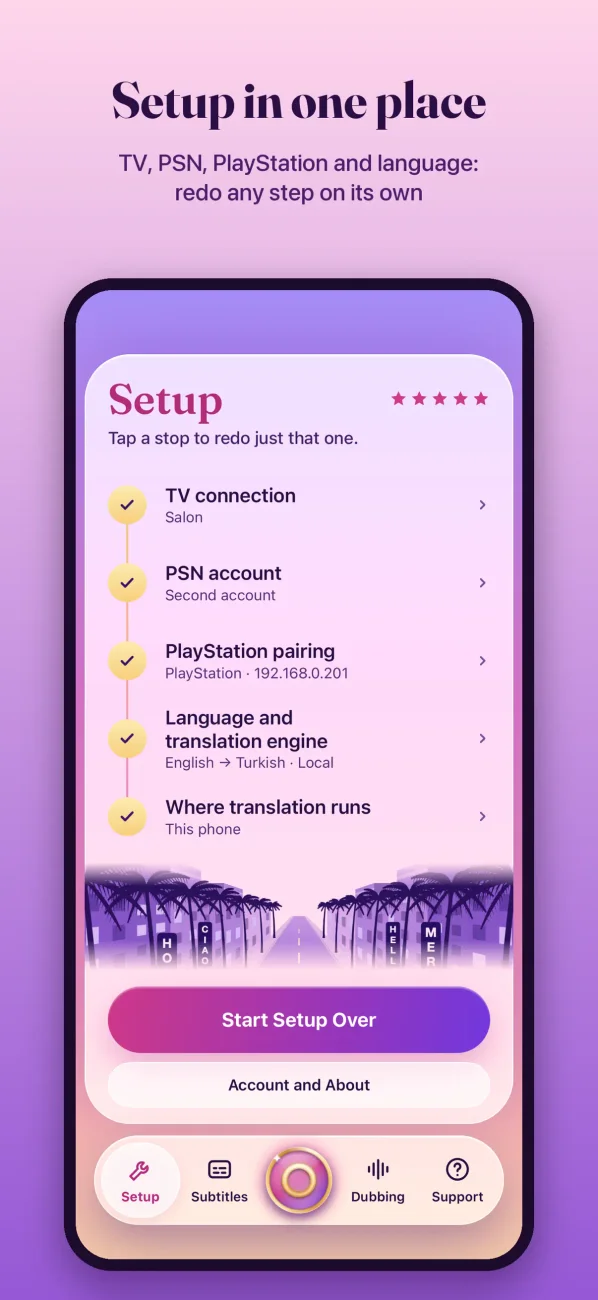
• Setup in one place: redo any step (TV, PSN account, PlayStation pairing, language) on its own.
• Built-in support: describe a problem and attach the phone and TV logs.
Coming soon: dubbing.
MEMBERSHIP
Translating on your iPhone (LG TV) needs a Lensor membership, offered as a monthly or yearly auto-renewing subscription. Payment is charged to your Apple ID when you confirm the purchase. The subscription renews automatically unless it is cancelled at least 24 hours before the end of the current period. You can manage or cancel it in your App Store account settings. On Android TV, Lensor translates on the TV and the membership is bought there.
PRIVACY
• Game frames are processed on your device; they are not recorded or uploaded.
• Everything sent between your phone and your TV is end-to-end encrypted.
• No ads.
REQUIREMENTS
• A PlayStation 5 with Remote Play turned on, or an Xbox, on the same Wi-Fi network as your iPhone.
• An LG TV with its web browser, or an Android TV with the Lensor app.
Terms of Use: https://www.apple.com/legal/internet-services/itunes/dev/stdeula/
Privacy Policy: https://lucygoods.app/privacy
Lensor is an independent app and is not affiliated with Sony Interactive Entertainment, Microsoft or LG Electronics.
App privacy
What Lucy Goods LLC declares on the App Store about how this app handles data.
-
Data linked to you
May be collected and linked to your identity.
- Purchases
- Contact info
- User content
- Identifiers
- Diagnostics
-
Data not linked to you
May be collected but is not linked to your identity.
- Identifiers
- Usage data
Privacy practices may vary, for example with the features you use or your age.
Information
- Seller
- Lucy goods llc
- Category
- Utilities
- Version
- 1.0
- Updated
- Nov 7, 2026
- Released
- Aug 28, 2026
- Size
- 52.6 MB
- Requires
- iOS 18.0 or later
- Age rating
- 12+
- Price
- Free
- In-app purchases
- Yes
- Languages
- English, Turkish
- Copyright
- © 2026 Lucy Goods LLC
You might also like
-
 Dijitransio: Oyun ÇevirisiUtilities
-
 Tercümen: Oyun Altyazı ÇeviriUtilities
-
 Console TranslatorTranslate Game Subtitles
-
 Side Screen: Game TranslatorNo Camera, Offline, Real-Time
-
 Game Caption: Oyun ÇevirisiUtilities
-
 TranslaCat: Game TranslatorTranslate game subtitles
-
 Subtify: All in One TranslatorFor Game, Video, Book and more
-
 Sidescreen: Screen to BrowserShare your screen in a browser
-
 Giris DefterimUtilities
-
 NET365Utilities