LensWorkflow
Photography Business Manager
Designed for iPhone, iPad
Free · In-app purchases
- Age rating4+
- CategoryBusiness
- DeveloperJames Thompson
- LanguagesEnglish
- Size7.8 MB
Links to the official App Store page
Download.org hosts no file of LensWorkflow. The button opens its official App Store page, published by James Thompson. Listing last checked on Nov 22, 2026.
Screenshots


About
LensFlow is a photography business management app built for working photographers.
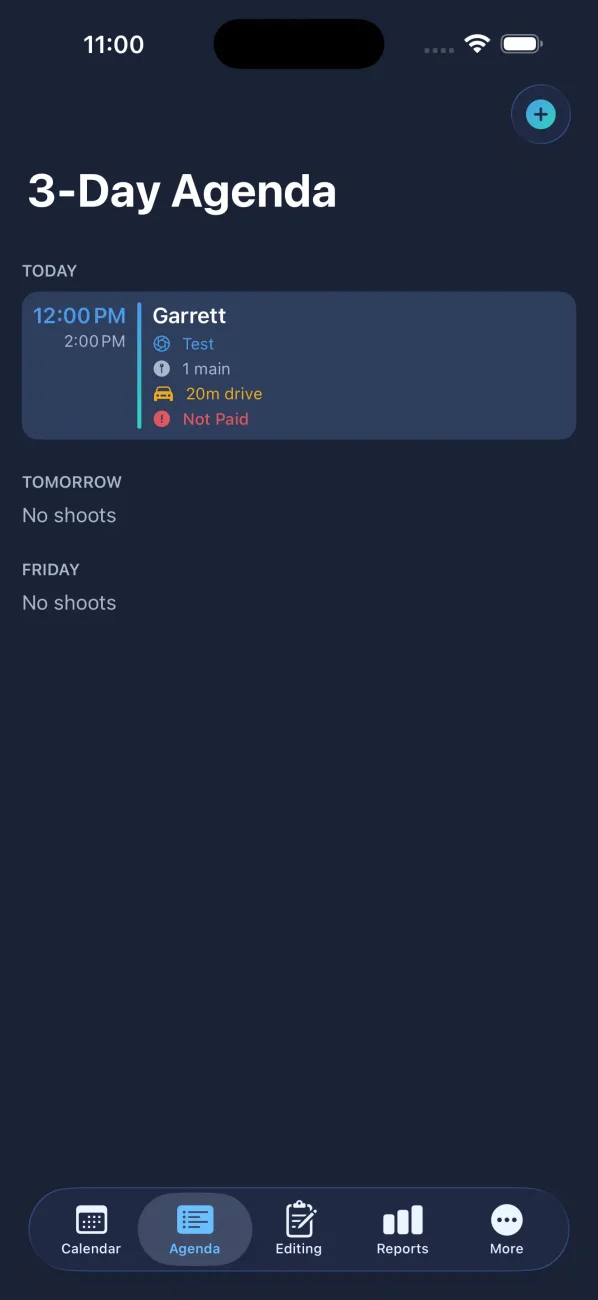
Schedule shoots, track clients, manage your editing queue, and monitor revenue — all in one place.
FEATURES
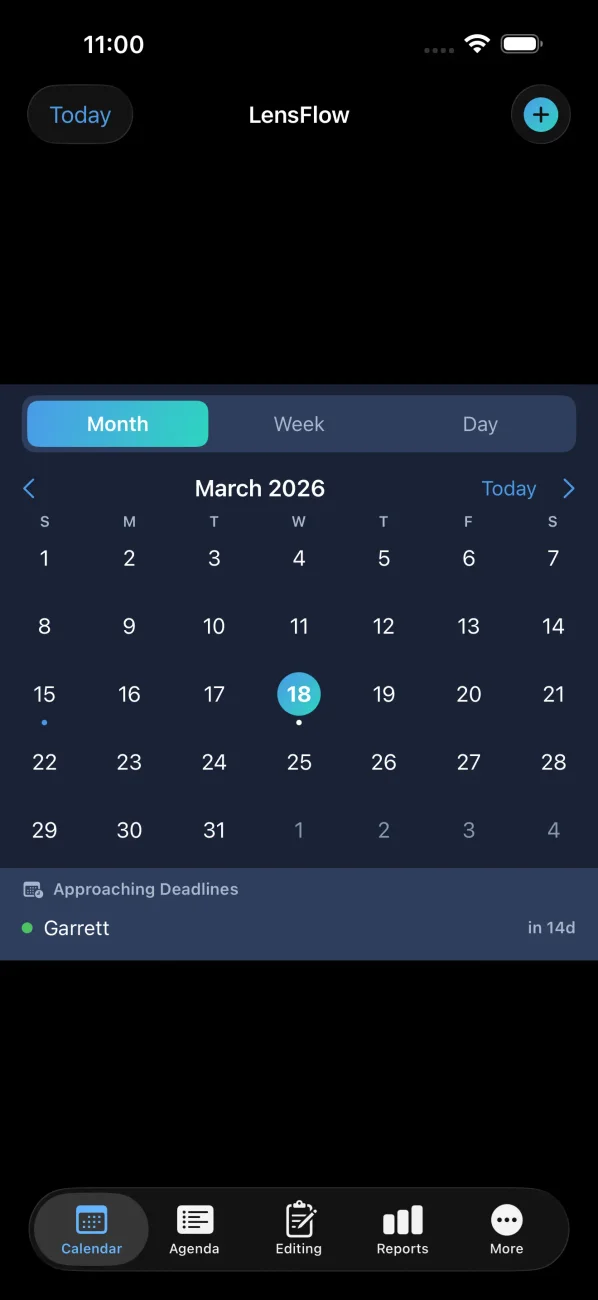
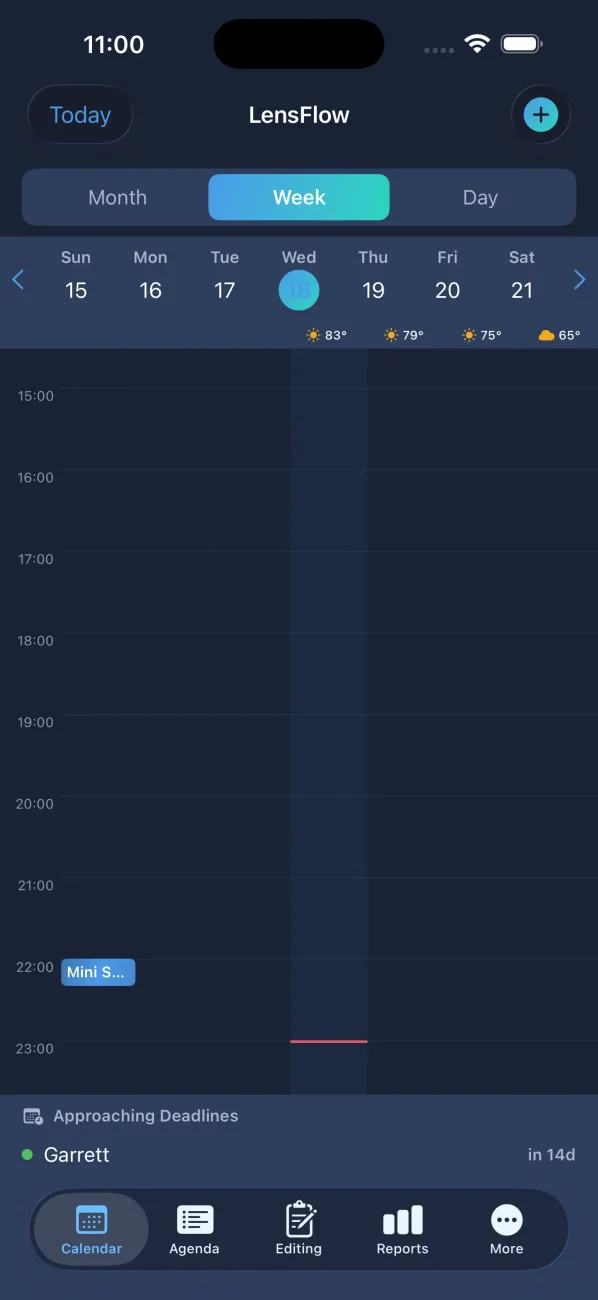
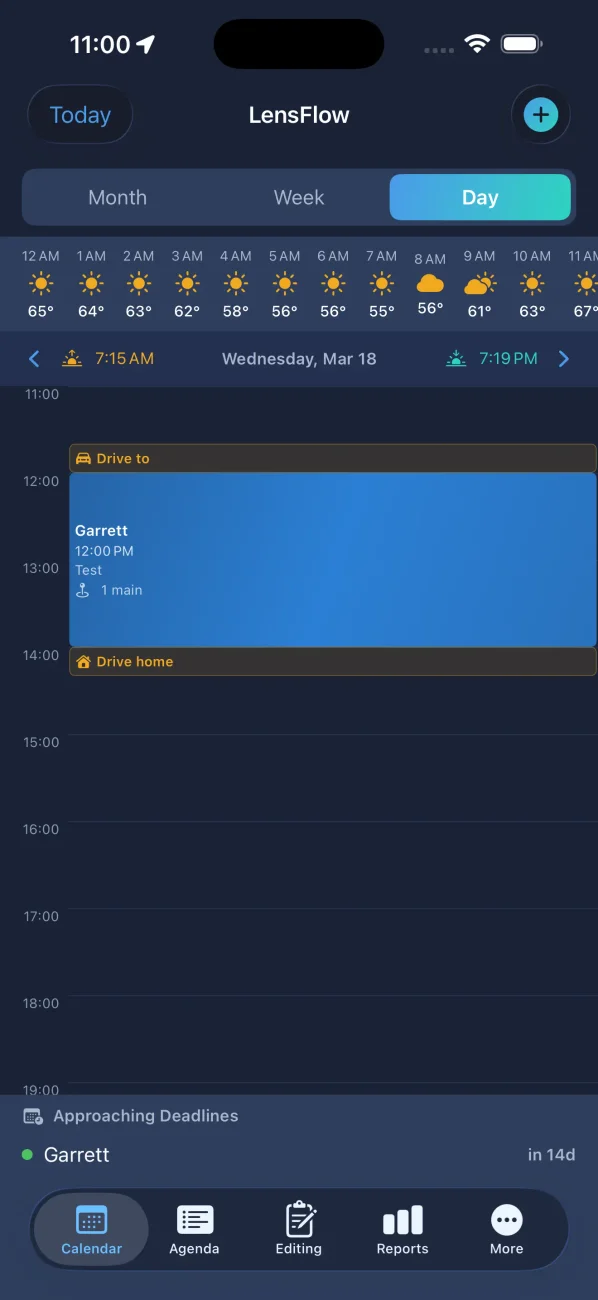
• Calendar & Scheduling — View shoots in day, week, or agenda view. Syncs to Apple Calendar automatically.
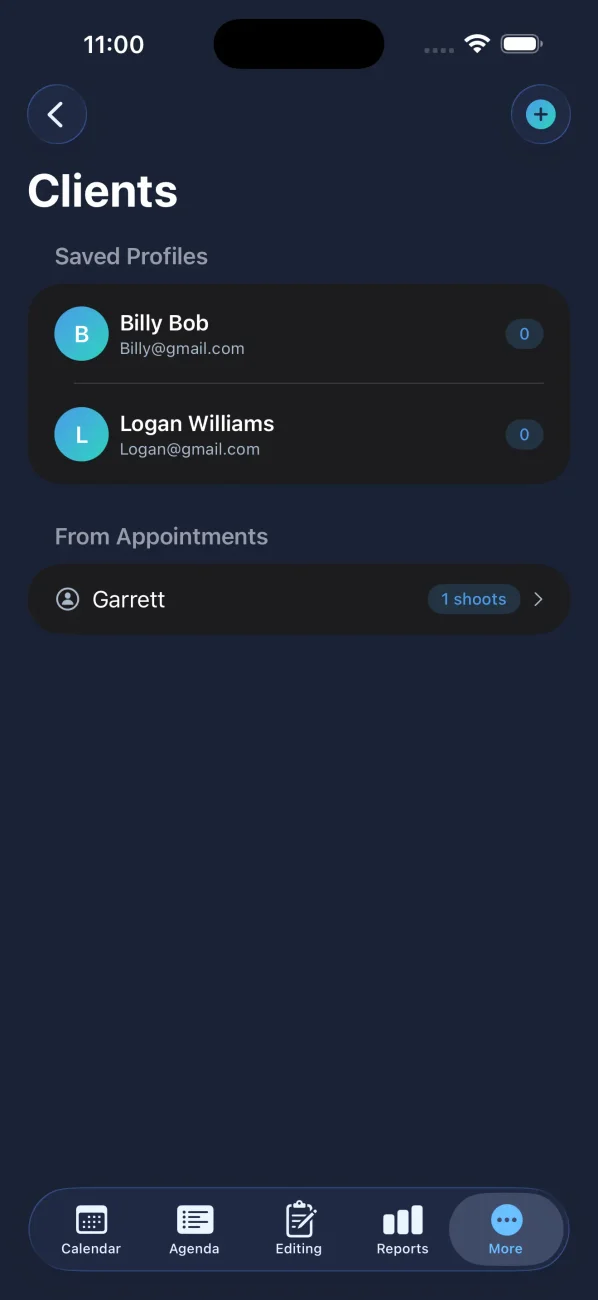
• Client Management — Store client profiles, contact info, and full shoot history.
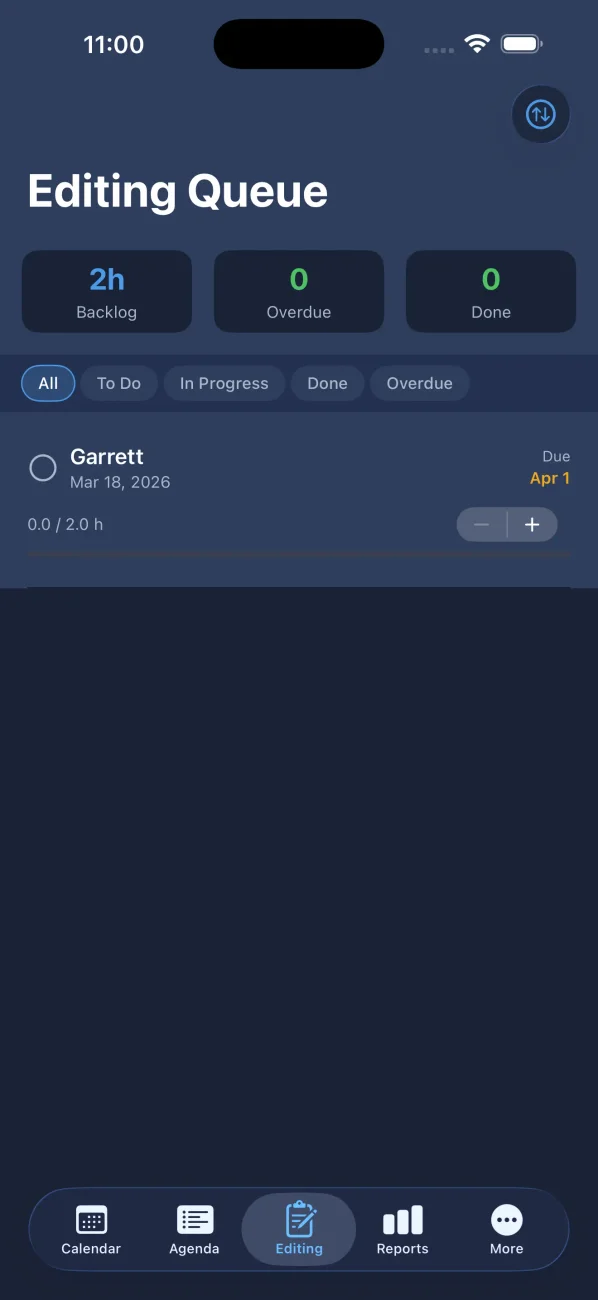
• Editing Queue — Track editing progress and delivery deadlines for every shoot.
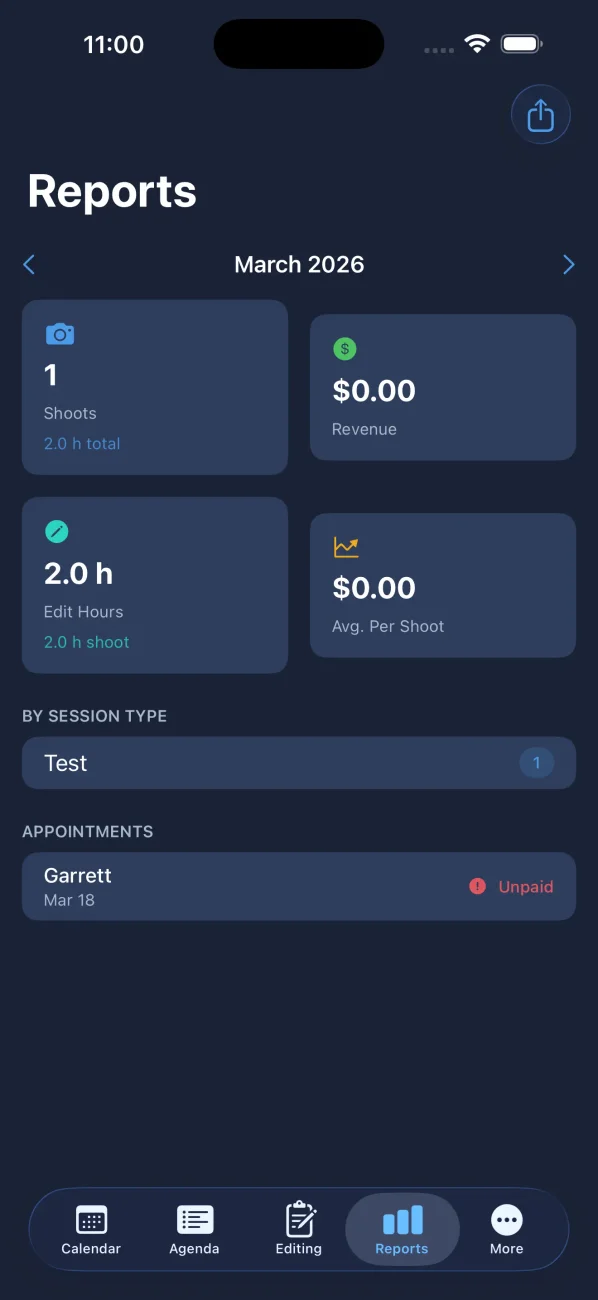
• Revenue Reports — Monthly income summaries broken down by session type.
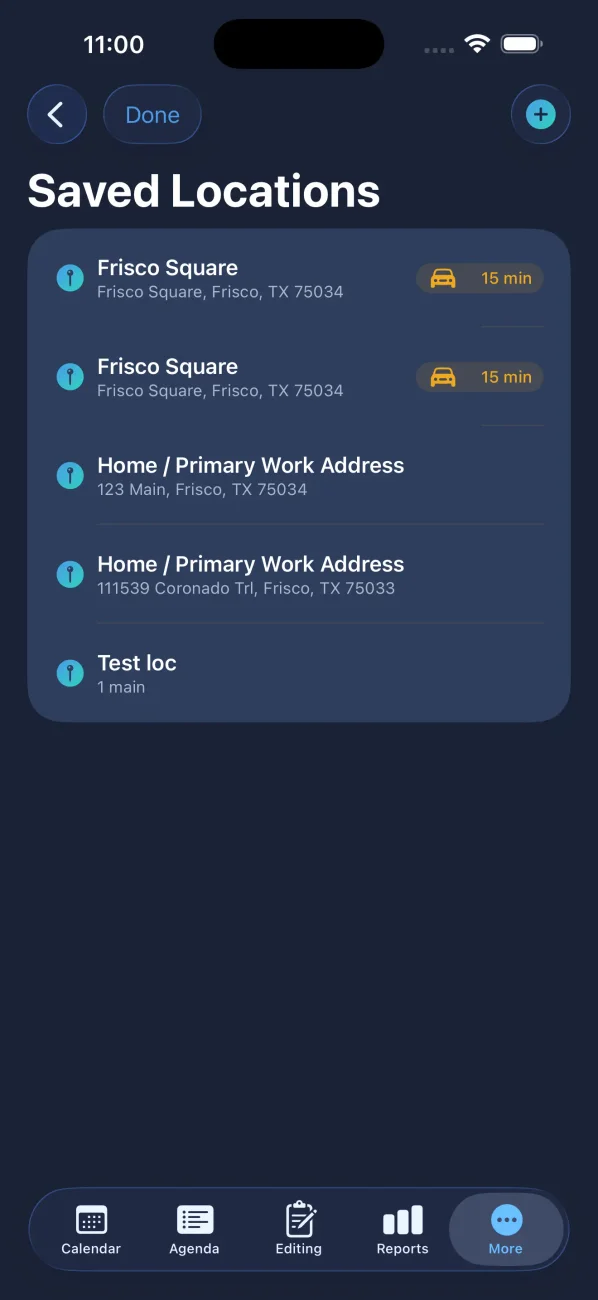
• Drive Time — See how long it takes to get to each shoot location before you leave.
• Weather Alerts — Get rain probability warnings for outdoor shoot days.
• Mini Sessions — Build time-blocked portrait marathon days with automatic slot generation.
• Booking Portal — Share a branded booking page where clients can request sessions directly.
• Multi-Device Sync — Keep your schedule in sync across all your devices via LensFlow Cloud.
SUBSCRIPTION OPTIONS
LensFlow is free to start with up to 5 shoots per month. Upgrade to Pro or Pro+ to unlock more shoots, advanced features, and your client booking portal.
LensFlow Pro — $9.99/month or $89.99/year
LensFlow Pro+ — $19.99/month or $179.99/year
Subscriptions auto-renew unless cancelled. Manage or cancel anytime in Settings > Apple ID > Subscriptions.
What’s new
Version 1.1.0 · Apr 5, 2026
UX enhancements and now photographers can block personal time on calendar.
App privacy
What James Thompson declares on the App Store about how this app handles data.
-
Data linked to you
May be collected and linked to your identity.
- Contact info
- Identifiers
-
Data not linked to you
May be collected but is not linked to your identity.
- Location
- Usage data
Privacy practices may vary, for example with the features you use or your age.
Information
- Seller
- James Thompson
- Category
- Business
- Version
- 1.1.0
- Updated
- Apr 5, 2026
- Released
- Mar 23, 2026
- Size
- 7.8 MB
- Requires
- iOS 17.0 or later
- Age rating
- 4+
- Price
- Free
- In-app purchases
- Yes
- Languages
- English
- Copyright
- © 2026 JET Software Solutions
You might also like
-
 PocketBMClients, projects & finances
-
 Try PosedPhotography studio planner
-
 ShootPlanBusiness
-
 Frame LedgerBusiness hub for photographers
-
 Infinity Photographer's CRMAll in one photographer CRM
-
 ShootCalThe Calendar for Photographers
-
 Viralyze: Auto DM & Creator OSInstagram tools to sell & grow
-
 Photographer Diary, StudioBookStudio Management Software
-
 Book-MeAppointment booking system
-
 CultureWizard MobileBusiness