LetSeeApp
an App for Vision
Designed for iPhone, iPad, iPod touch
Free · In-app purchases
- Age rating4+
- CategoryUtilities
- LanguagesEnglish+ 5 more
- Size97.7 MB
Links to the official App Store page
Download.org hosts no file of LetSeeApp. The button opens its official App Store page, published by . Listing last checked on Nov 12, 2026.
Screenshots
About
LetSee is an app for vision.
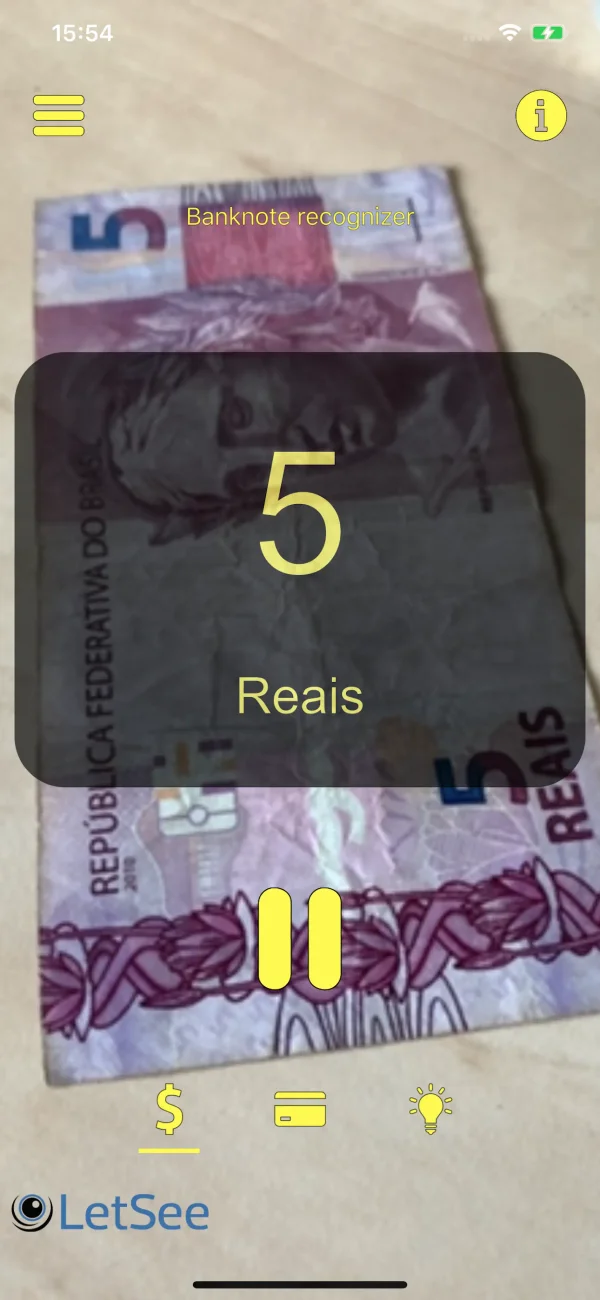
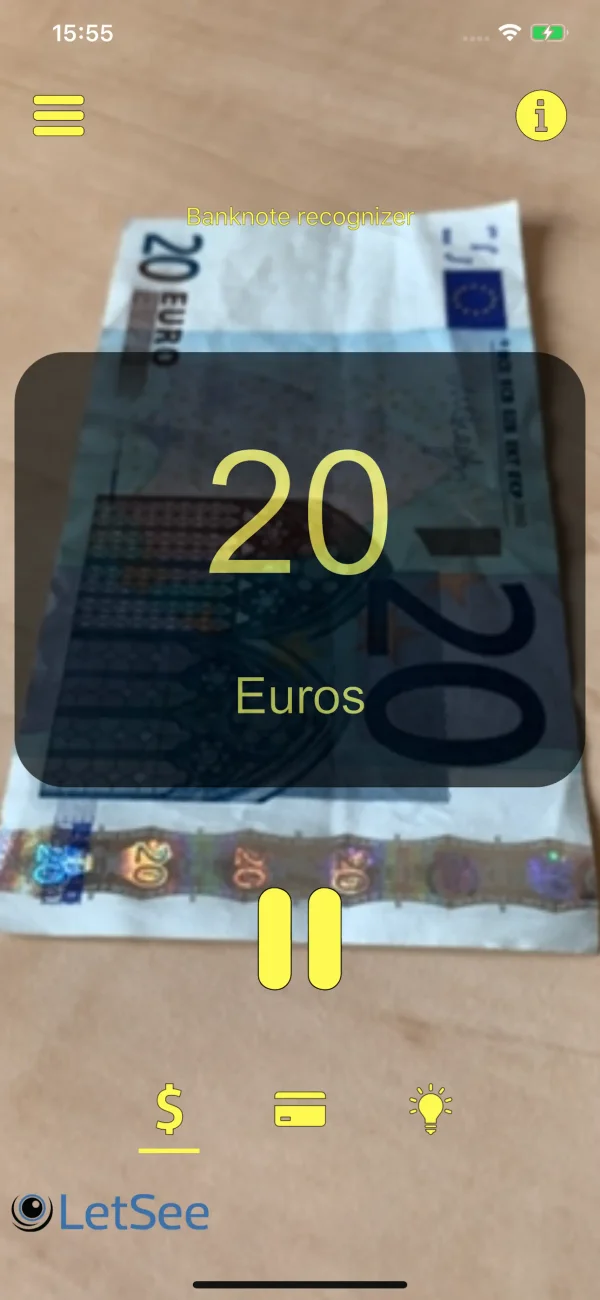
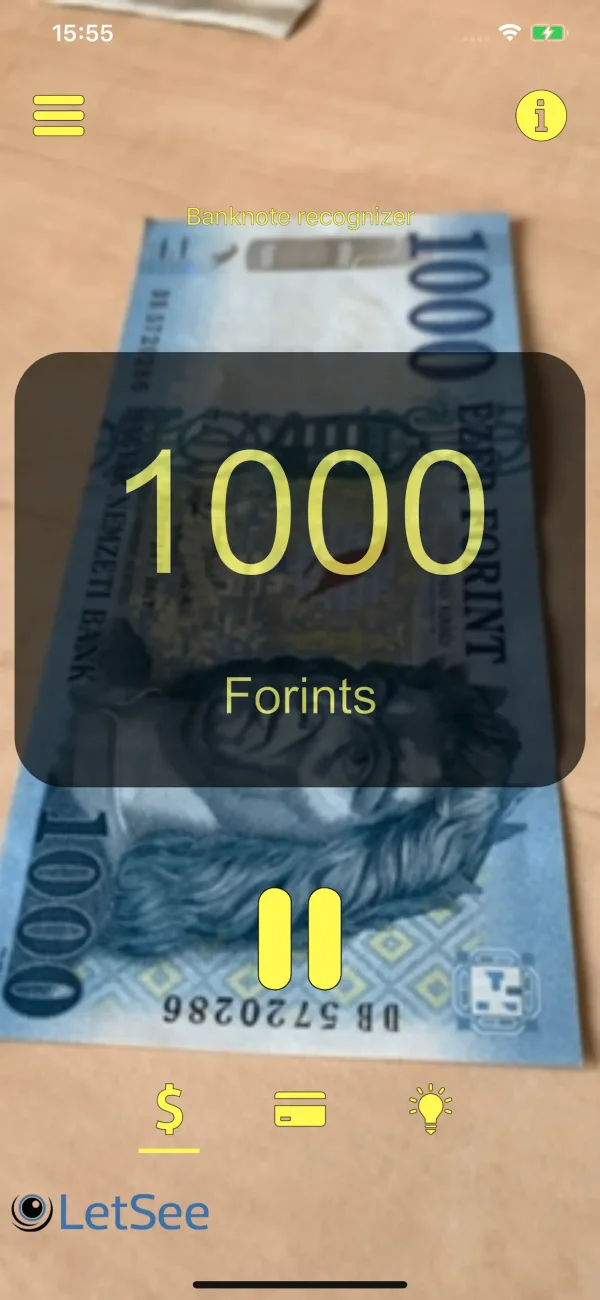
It integrates different visual recognition and detection functions for visually impaired people. The basic operating principle for most functions is super easy: just point the camera towards the target and wait until you hear the result.
To cycle through functions swipe sideways with three fingers or activate the the selected function button (with VoiceOver ON).
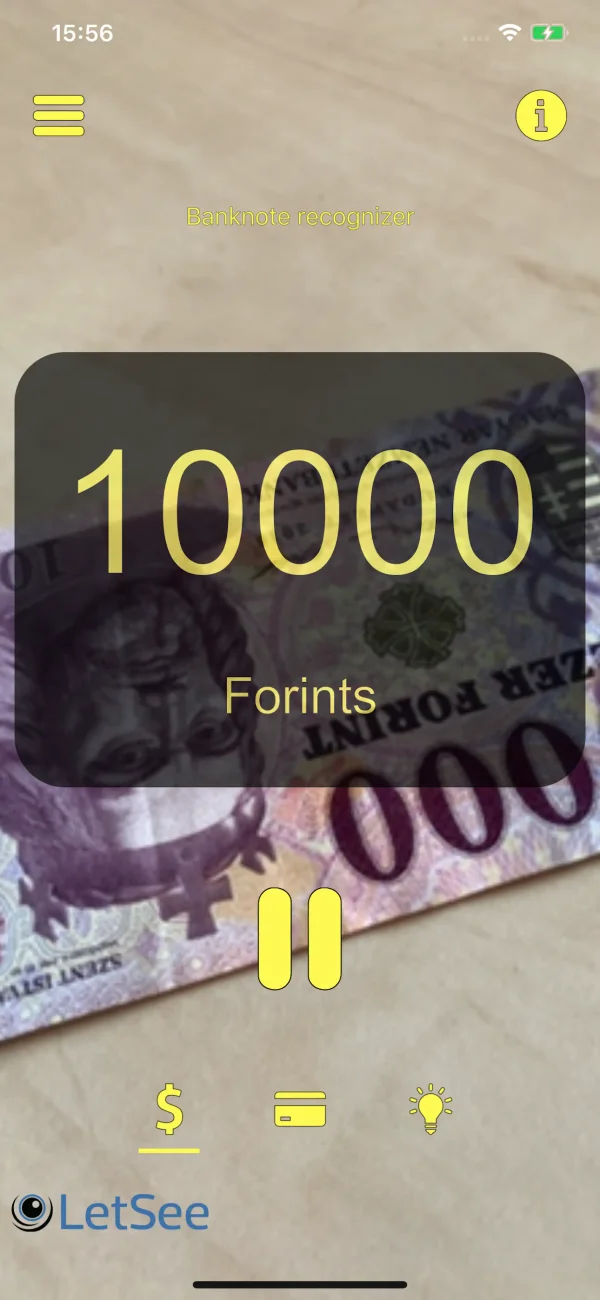
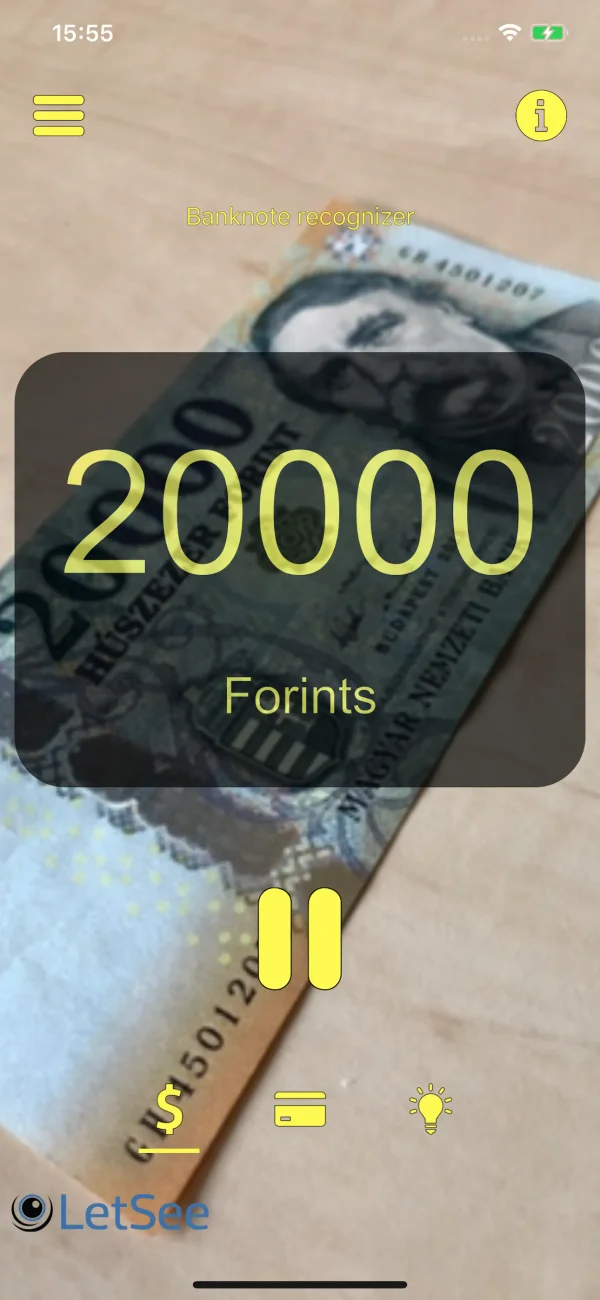
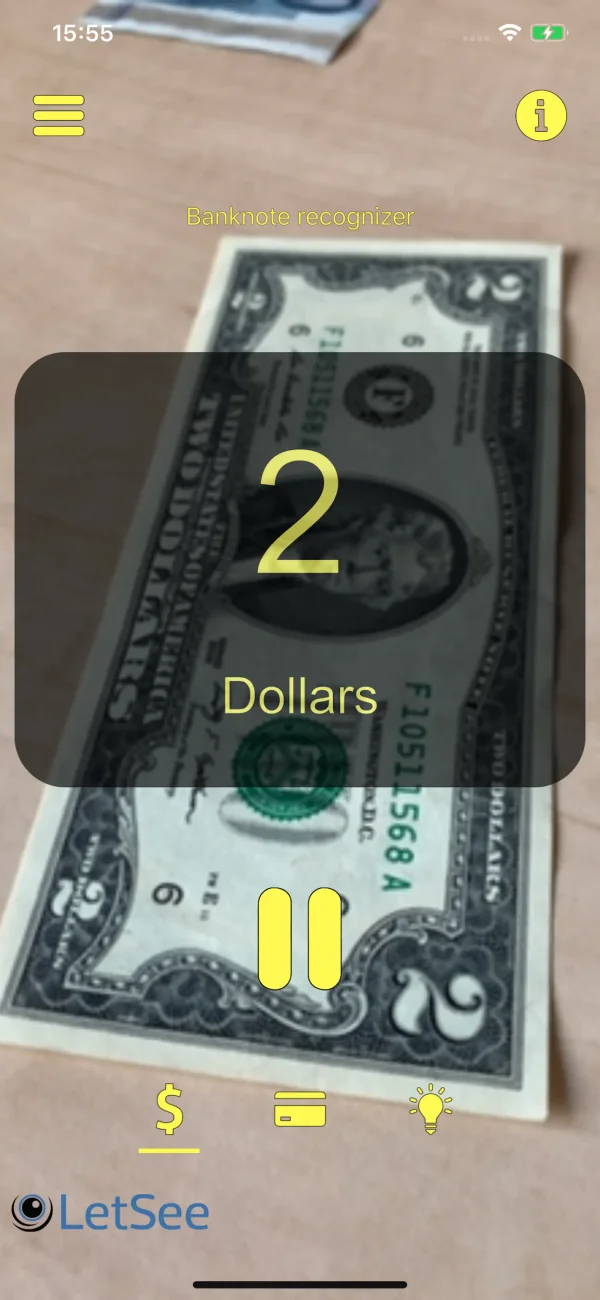
*Money reader*
It recognizes banknotes of several currencies:
AFRICA: South African rand
ASIA: Chinese yuan, Indian rupee, Japanese yen, Saudi riyal, South Korean won, Thai baht
EUROPE: Belarusian ruble, British pound, Czech crown, Euro, Hungarian forint, Polish złoty, Romanian leu, Russian ruble, Serbian dinar, Swiss franc, Turkish lira, Ukrainian hryvnia
NORTH AMERICA: Canadian dollar, Mexican peso, US dollar
OCEANIA: Australian dollar, New Zealand dollar
SOUTH AMERICA: Argentine peso, Brazilian real, Chilean peso, Colombian peso, Peruvian sol
It has a menu option to disable the recognition of unused currencies, which increases the recognition speed and reduces energy consumption.
*Plastic card recognizer*
You have to register your own cards through the menu. Thereafter it works the same way as the money reader does. Card images are not stored and no sensitive information is saved, only the general design of the card is recognized.
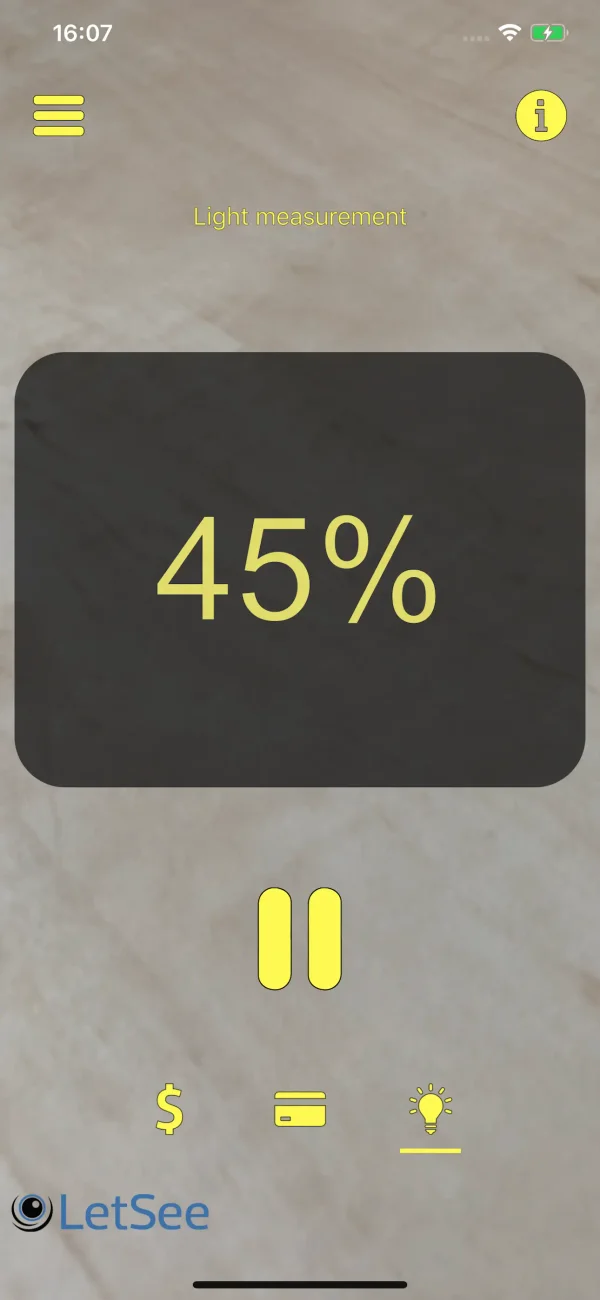
*Light measurement tool*
This is not a recognizer function. Instead it measures the light level to let you find light sources, such as spotlights, screens, or even windows. The stronger the light the higher the pitch of the tone you hear. You may also get a percentage value by tapping the screen. Different sound scales can be selected in the menu. On iPhone light measurement is based on your back camera.
You might need some practice first. We advise you to place the camera of your smartphone onto the object you want to recognize and slowly start pulling it upwards. Once you reach a proper distance the recognition result will be announced. It can also be helpful to slightly and slowly tilt, pan, and turn your device.
Use this app at your own risk. Keep in mind that even at 99.9% accuracy machines can still make mistakes. It might make sense to wait for a few announcements for each object.
Your data is yours. Although we use your camera to recognize banknotes and cards from your surroundings, we do not collect or send these images anywhere. Processing is also done locally on your smartphone, thus for regular use no internet connection or data roaming is needed.
We are constantly working on improving our services and introducing more features. If you have any questions, feedback or feature request, please email us at info@letseeapp.com
What’s new
Version 6.3.5 · May 15, 2026
Version: 6.3.5
- Bug fixes
App privacy
What declares on the App Store about how this app handles data.
-
Data not collected
The developer does not collect any data from this app.
Privacy practices may vary, for example with the features you use or your age.
Information
- Seller
- Jedlik Innovacio Korlatolt Felelossegu Tarsasag
- Category
- Utilities
- Version
- 6.3.5
- Updated
- May 15, 2026
- Released
- Nov 15, 2016
- Size
- 97.7 MB
- Requires
- iOS 12.0 or later
- Age rating
- 4+
- Price
- Free
- In-app purchases
- Yes
- Languages
- English, French, German, Hungarian, Russian, Spanish
- Copyright
- © 2026 Jedlik Innovation LLC
You might also like
-
 Seeing Assistant HomeUtilities
-
 VisionAI: visual assistanceDescribe your world
-
 Sullivan+A visual-aid app based on AI
-
 Cash Reader Blind Money ReaderWorld Currency Bill Identifier
-
 RightHear - Blind AssistantFor Blind & Visually Impaired
-
 HelpUSee – Help You SeeHelp for blind & low vision
-
 LisNavAudio-first awareness
-
 EyeNoteUtilities
-
 OOrionYour visual assistant
-
 NaviLensUtilities