
- Age rating4+
- CategoryUtilities
- DeveloperWuFeng Chiang
- LanguagesTraditional Chinese+ 1 more
- Size6.3 MB
Links to the official App Store page
Download.org hosts no file of LetzQR. The button opens its official App Store page, published by WuFeng Chiang. Listing last checked on Nov 17, 2026.
Screenshots


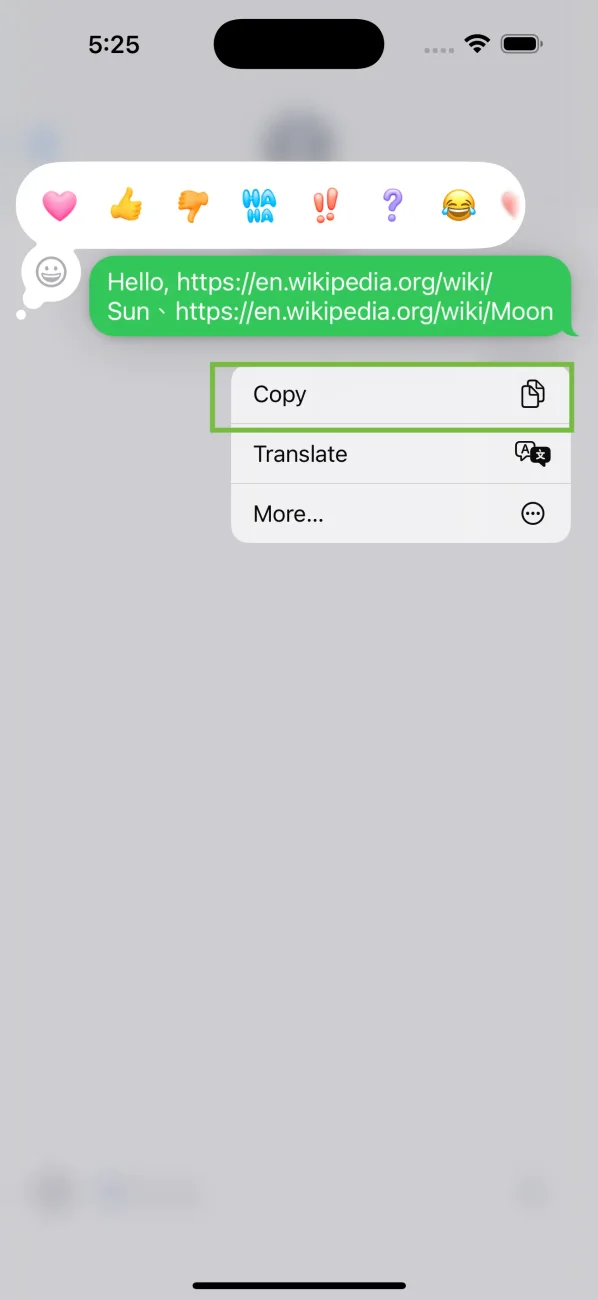

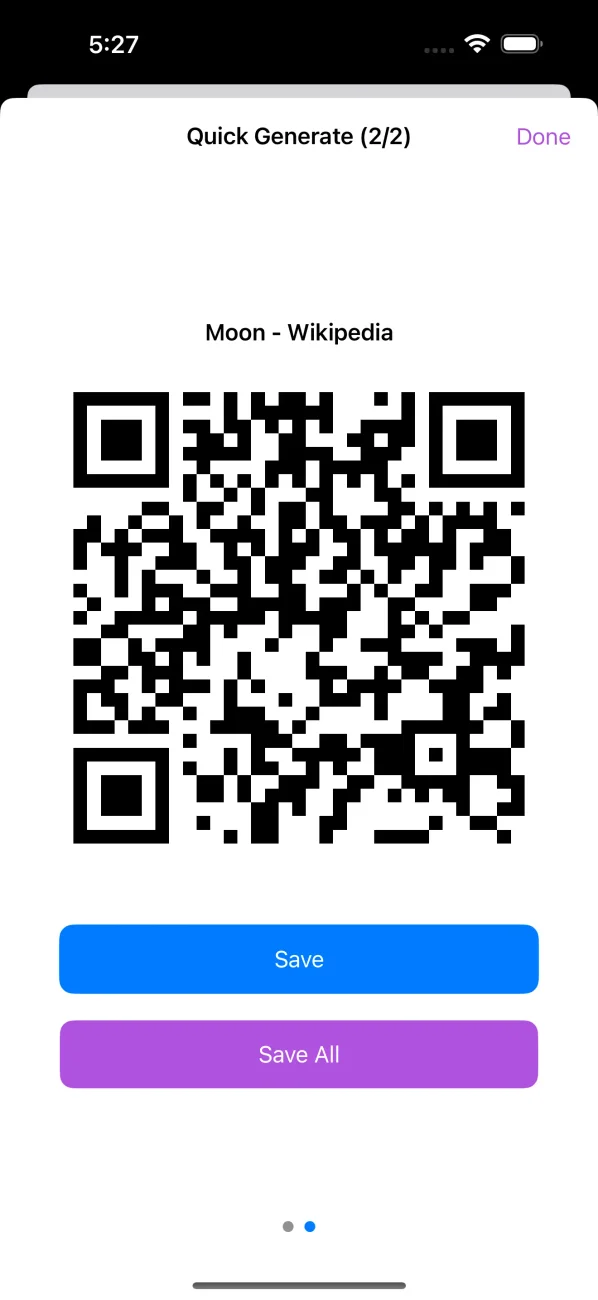
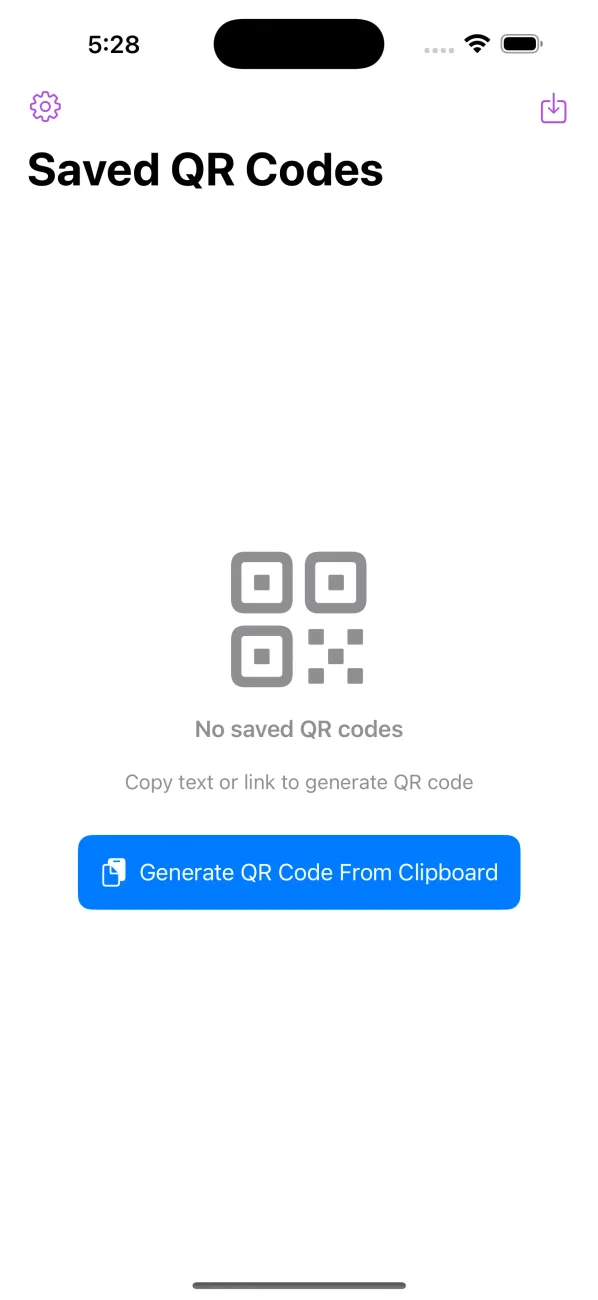
About
When to Use LetzQR
QR codes are everywhere these days, making information sharing quick and easy. LetzQR is perfect for various situations:
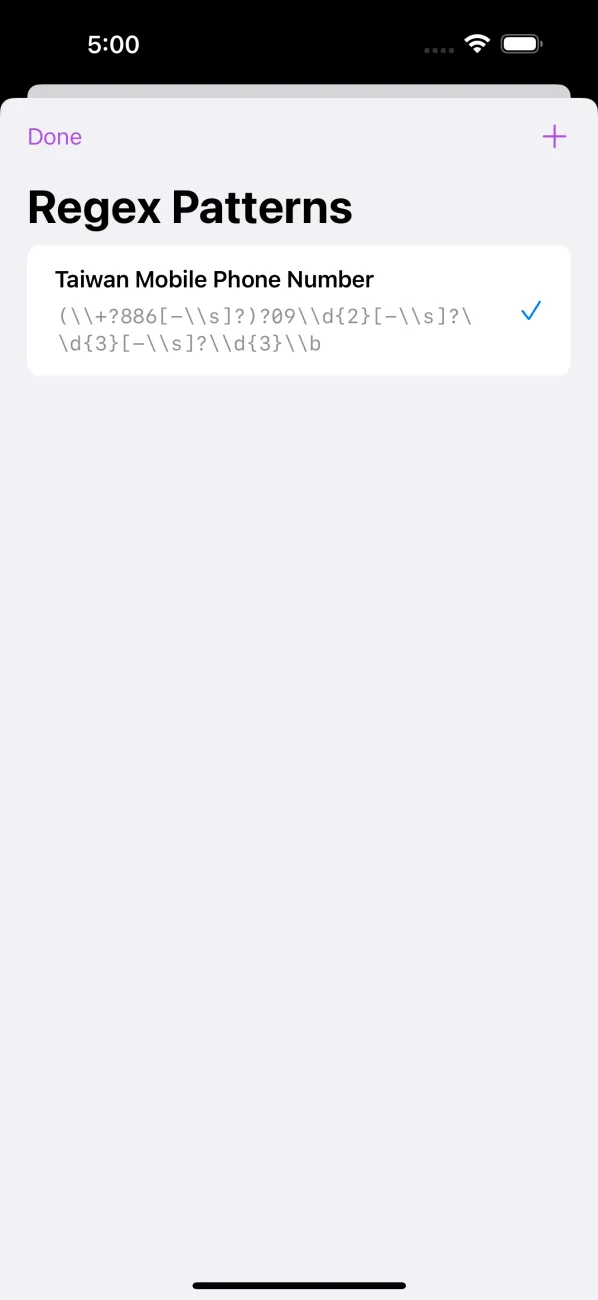
For Professionals: At meetings, conferences, or networking events, ditch the hassle of exchanging business cards. Just copy your contact info or website URL, generate a QR code, and let others scan it. You can even create custom rules to format specialized data like product numbers or document IDs.
For Educators: Teachers can quickly generate QR codes for class materials, assignments, or useful links. Students simply scan the code to access resources, saving time and effort. For interactive learning, create QR codes for quizzes or activities on the spot.
For Social Butterflies: Sharing social media profiles at parties or events is a breeze. Set up your favorite platforms and generate QR codes instantly using widgets. Expanding your network has never been easier.
For Marketers: Promote events, product information, or special offers using QR codes. Need to update campaign details? Just generate a new code with the latest information, keeping your promotions agile and up-to-date.
For Travelers: Share essential travel details like hotel addresses, restaurant recommendations, or sightseeing guides. Convert them to QR codes in advance and keep them handy for offline access, making sharing simple even without internet.
For Family and Home: Save your Wi-Fi password, family contact info, or important documents as QR codes. Guests can easily scan and connect. With widgets, frequently used codes are just a tap away on your home screen.
LetzQR eliminates the frustration of traditional information sharing, making digital interactions smoother. Whether it’s for work, school, socializing, or daily life, LetzQR saves you time and enhances your communication.
What’s new
Version 1.1 · Apr 16, 2025
## QR Code Details Page Supports Multi-Page Viewing
- Added TabView to enable swipe navigation for QR code details
- Added page indicators and page number display (e.g., "1 / 3")
- Implemented left and right arrow buttons for page control
## Title Editing Interface Enhancements
- Redesigned the title editing popup with a more modern UI
- Improved title editing experience with clear input, cancel, and confirm buttons
- Enhanced focus handling and keyboard event monitoring in the input field
- Improved visual design of the edit button for better clarity
## Batch Editing in QR Code List
- Added "Edit" mode for selecting multiple QR code items
- Implemented "Select All / Deselect All" functionality
- Enabled batch deletion of selected items
## Clipboard Page Improvements
- Refactored ClipboardPageView by extracting ClipboardQRPageView to simplify main view structure
- Enhanced button design and layout for better user experience
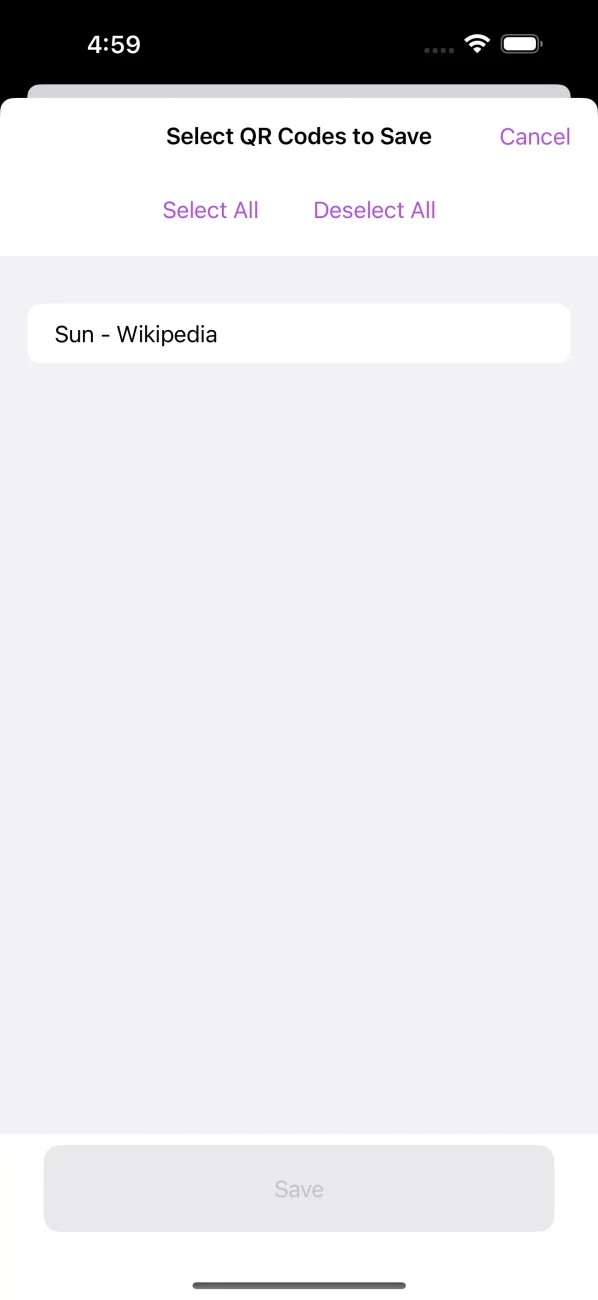
- Improved "Save All" workflow with progress display and completion notifications
## Progress Display and Feedback Optimization
- Added loading indicators during QR code generation
- Added a progress overlay for the "Save All QR Codes" action
- Displayed saving progress (e.g., "Saved x / y")
- Showed success message after completing operations
---
These enhancements significantly improve the functionality and user experience of the application. The improvements in QR code management and batch operations make the app more practical, while the updated UI provides a more modern and intuitive user interface.
App privacy
What WuFeng Chiang declares on the App Store about how this app handles data.
-
Data not collected
The developer does not collect any data from this app.
Privacy practices may vary, for example with the features you use or your age.
Information
- Seller
- WuFeng Chiang
- Category
- Utilities
- Version
- 1.1
- Updated
- Apr 16, 2025
- Released
- Mar 30, 2025
- Size
- 6.3 MB
- Requires
- iOS 18.2 or later
- Age rating
- 4+
- Languages
- Traditional Chinese, English
- Copyright
- © WuFengChiang@2025
You might also like
-
 otpNowOne-Time-Password Auth
-
 Pass Secure - password managerThe ultimate password manager
-
 File Converter: PDF,Image,TextImage to PDF, text, and more
-
 Bluetooth ToolkitUtilities
-
 Lump: Hex ViewerUtilities
-
 KrypterPQSecure Enclave file encryption
-
 Open Links in AppsOpen apps • Clean links
-
 LudyQR - QR creator & scannerQR Creator, Scanner & Privacy
-
 Biscuit ManagerUI for the Biscuit
-
 TracerouteXTraceroute and network tools