
- Age rating4+
- CategoryUtilities
- DeveloperToyota Canada
- LanguagesEnglish+ 2 more
- Size51.8 MB
Links to the official App Store page
Download.org hosts no file of Lexus Dashcam Viewer. The button opens its official App Store page, published by Toyota Canada. Listing last checked on Nov 24, 2026.
Screenshots
About
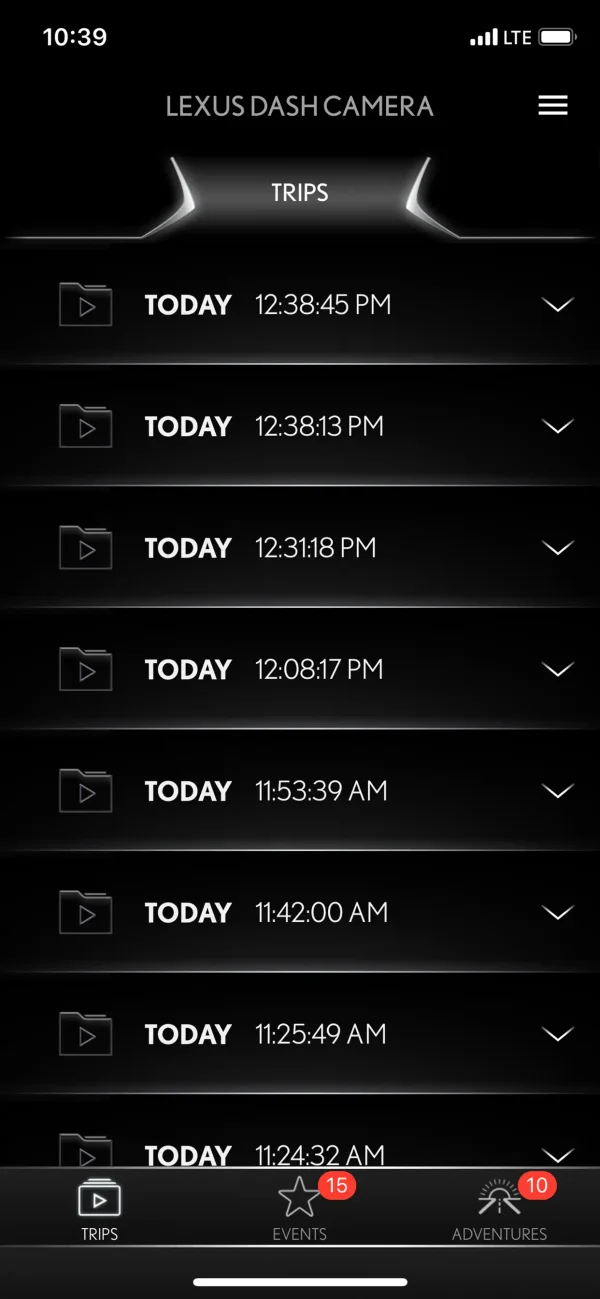
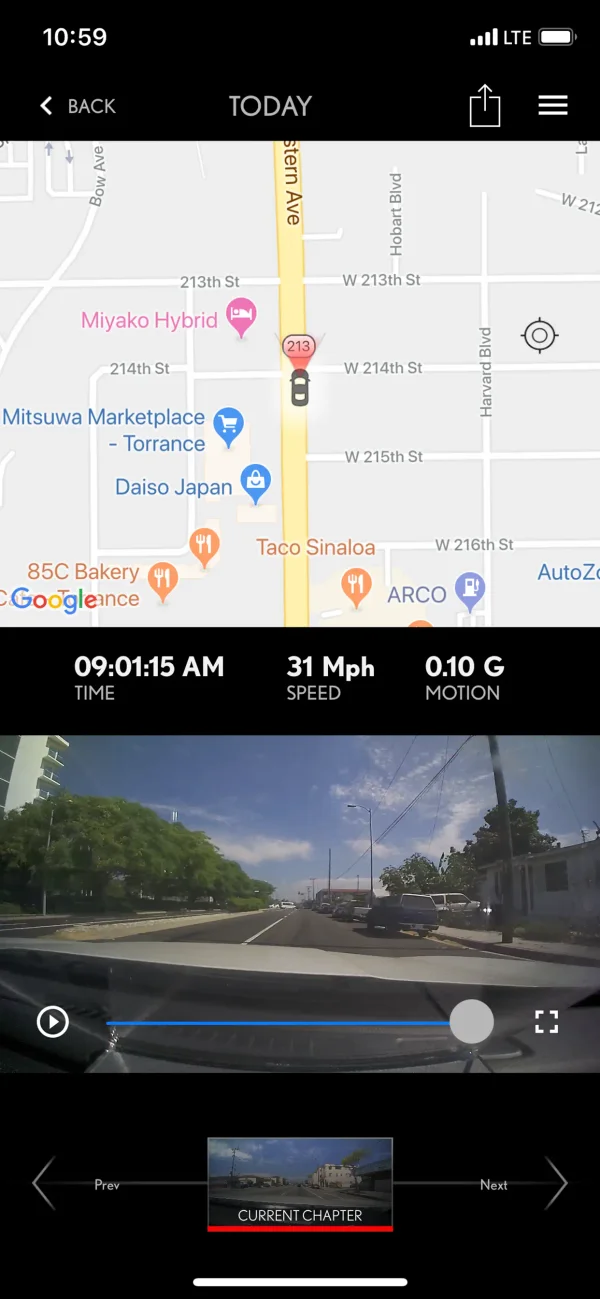
The LEXUS DASHCAM App allows access to your genuine LEXUS DASHCAM with your iPhone using the built in WIFI connection. Adjust the camera settings and/or download your memorable videos directly using your iPhone.
App Features:
- View and download your recorded videos directly to your phone
- Adjust camera settings:
• Video quality
• Buzzer noise levels
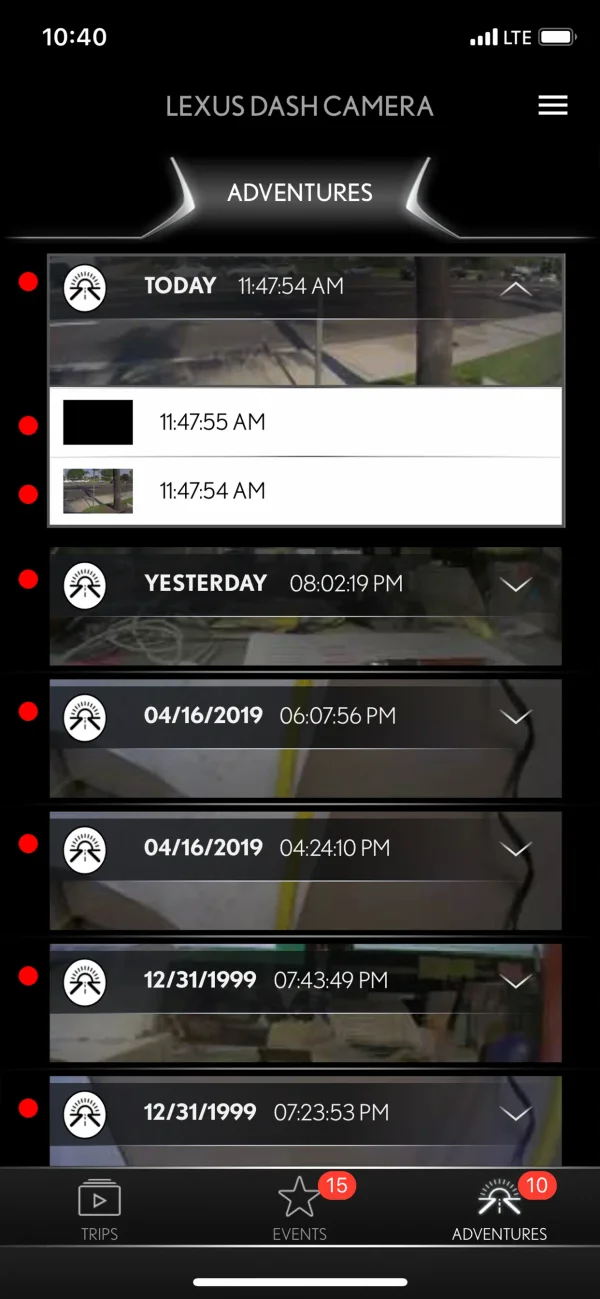
• Turn ON/OFF Adventure Mode, and adjust SD card’s Adventure Mode memory allocation
• Turn ON/OFF Parking Surveillance Mode, and adjust sensitivity, wake-up modes and surveillance start delay functions
• Live view feature
- For your safety, the app will disconnect from the LEXUS DASHCAM if vehicle movement is detected. Do not operate your iPhone while vehicle is in motion.
Camera Features:
Your LEXUS DASHCAM features 5 unique recording modes: 3 automatic modes and 2 manual modes activated using the “ACTION” button:
1) Continuous recording – automatically records when vehicle ignition is on. Never worry about turning on the camera to start recording. When SD card is full, oldest files are automatically overwritten.
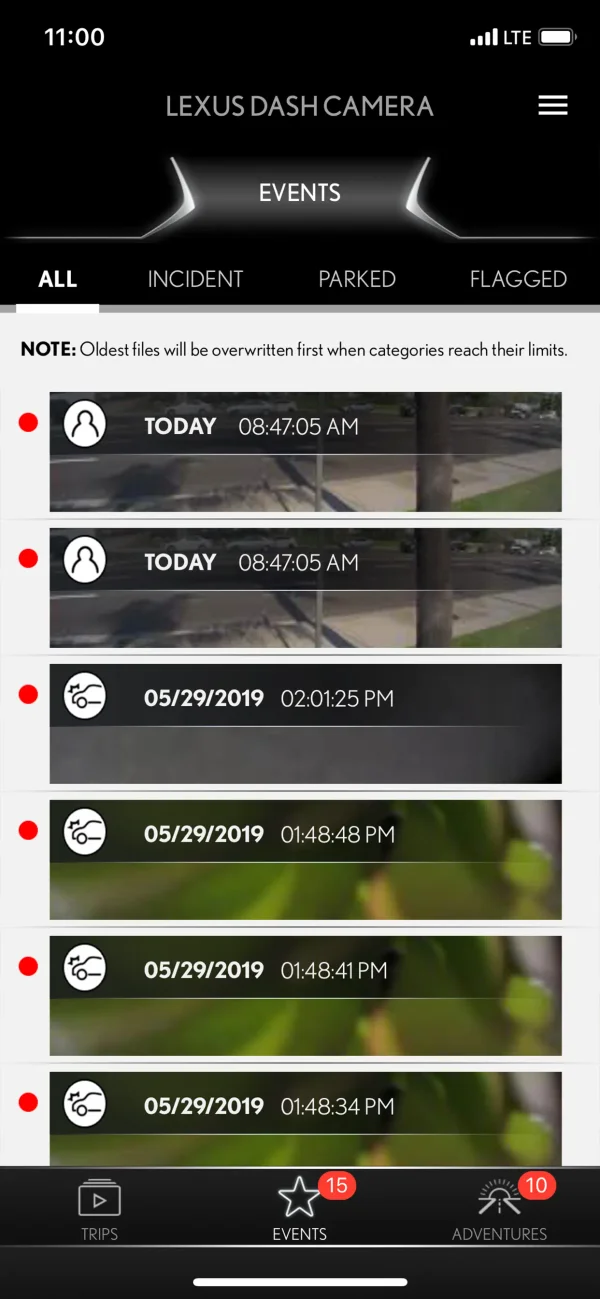
2) Automatic Incident recording – if an abnormal shock is detected when driving, camera automatically locks and protects the video file from overwriting for review at a later time. Sensitivity can be adjusted. Maximum of 10 event videos can be protected from overwriting.
3) Parking surveillance – when vehicle is parked with vehicle ignition off, camera automatically wakes up and starts recording if an abnormal shock is detected. Parking surveillance files are locked and protected from overwriting. Sensitivity can be adjusted. Maximum of 10 parking surveillance recordings can be protected from overwriting.
4) Manual Flagged Event recording – capture interesting moments by pressing the “ACTION” button on the camera. The current video segment(s) 12 seconds before and 8 seconds after button activation will be protected. Maximum of 5 manual event recordings can be protected from overwriting.
5) Adventure Mode recording – capture your driving adventures. Press and hold the “ACTION” button on the camera for 1 second to start protecting the recorded videos. The Adventure Mode recording will stop protecting files after maximum time is reached, or when the “ACTION” button is pressed and held again for 1 second. Maximum of 1 hour of Adventure Mode videos can be protected from overwriting.
Open Source Software Used:
https://www.e-iserv.jp/top/driverecorder/DashCamViewer/oss/oss_sp.html?lang=en
What’s new
Version 1.4.4 · Jan 8, 2025
Update fixes a connectivity issue with certain iPhones.
App privacy
What Toyota Canada declares on the App Store about how this app handles data.
-
Data not collected
The developer does not collect any data from this app.
Privacy practices may vary, for example with the features you use or your age.
Information
- Seller
- Toyota Canada Inc.
- Category
- Utilities
- Version
- 1.4.4
- Updated
- Jan 8, 2025
- Released
- Sep 20, 2017
- Size
- 51.8 MB
- Requires
- iOS 16.0 or later
- Age rating
- 4+
- Price
- Free
- Languages
- English, French, Spanish
- Copyright
- © Toyota Canada Inc.
You might also like
-
 Lexus Integrated DashcamUtilities
-
 THINKWARE CONNECTEDReal-time dash cam!
-
 Rogers Smart Home MonitoringUtilities
-
 PRIME WireUtilities
-
 DVR LexusUtilities
-
 Toyota Integrated DashcamUtilities
-
 THINKWARE DASH CAM LINKUtilities
-
 Celebright Cloudpermanent holiday lighting
-
 HydroHome - by BC HydroEnergy & Smart Home Management
-
 ANCEL BM200BM200