- Age rating4+
- CategoryMusic
- DeveloperAlexey Nadzharov
- Size8.3 MB
Links to the official App Store page
Download.org hosts no file of lfoch. The button opens its official App Store page, published by Alexey Nadzharov. Listing last checked on Nov 12, 2026.
Screenshots


About
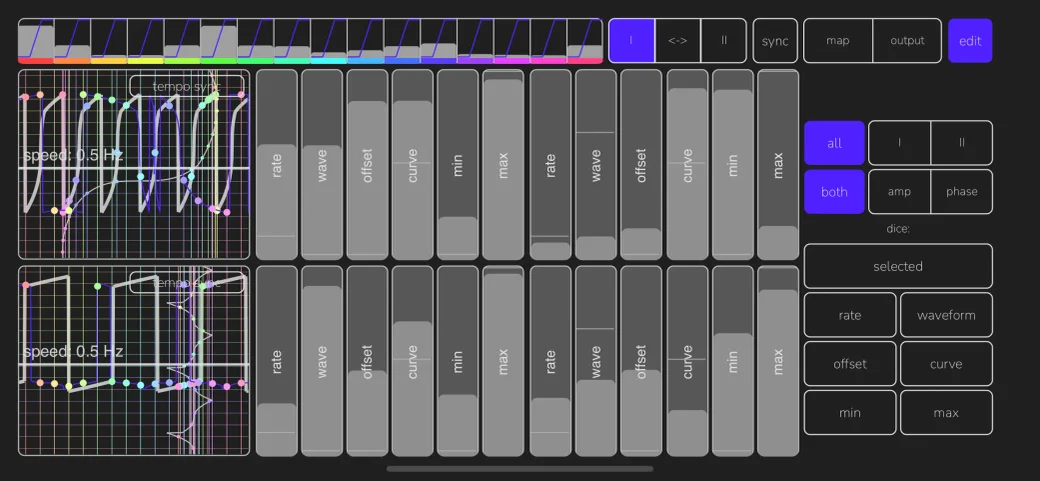
lfoch is an experimental LFO generator that can create "chase"-like effect with multiple outputs from a single complex waveform
It features:
- 2 LFO generators with phase modulation / ring modulation:
- Each LFO generators contains 2 suboscillators; one suboscillator modulates phase of another
- For each suboscillator you can set waveform rate, waveform type (with smooth morph between sine, triangle, sawtooth and square waveforms), nonlinear curve (for overdrive-like effect) and minimum/maximum range
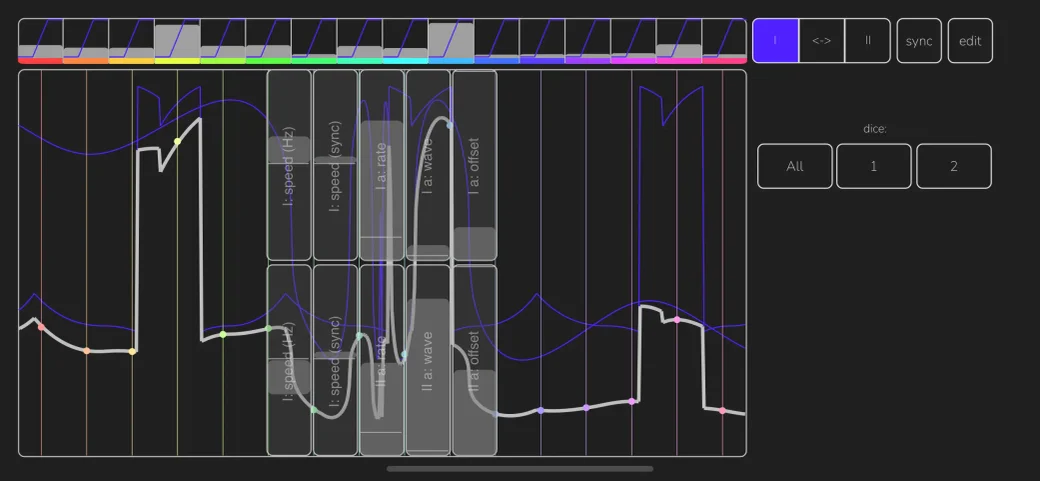
- The result waveform is a multiplication of two generated LFO waveforms
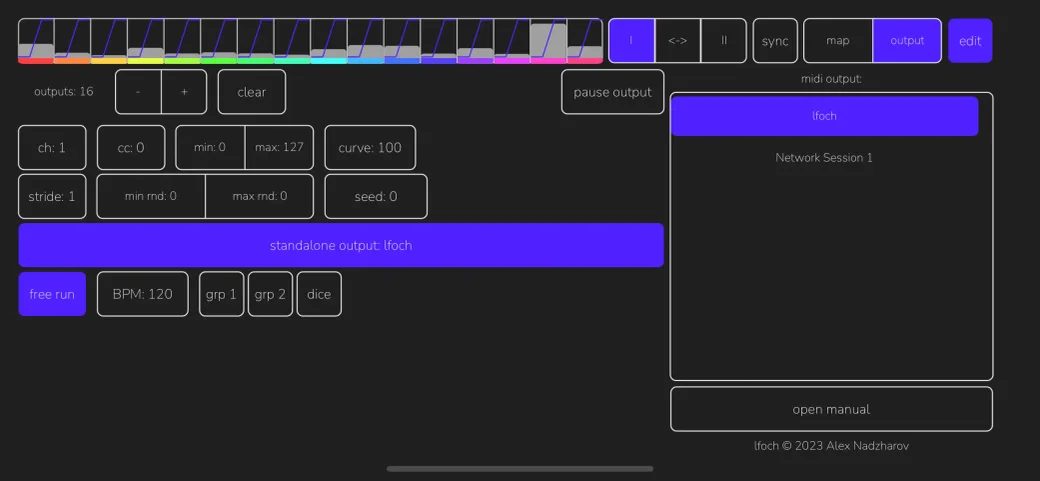
- You can use 1..16 points from this waveform to output as MIDI control change values
- You can toggle the "playback" (phase change) of each generator with I/II buttons
- You can randomise parameter values with "dice" buttons
- App has two modes for live usage
- 'perform' mode has larger waveform view and some selected sliders (if any)
- 'edit' mode contains all controls on one screen
- Each generator can be synchronized to tempo. In this mode the "speed" value runs from 4 quarter forward to 4 quarter backwards speed, the fastest value in this mode is 1/32
- When running inside AUv3 host the app uses host's transport.
- "free mode" setting allows you not to follow the host transport
lfoch is a standalone app and an AUv3 MIDI Effect.
AUv3 effect supports parameter automation and preset saving inside host.
Standalone version currently does not output MIDI in background mode.Note for AUM users:This application starts with 16 control change outputs from CC 0 to 15 on MIDI channel 1. AUM has default mapping of the CC #7 (volume) for each channel. Please keep this in mind when setting it up together.
What’s new
Version 1.0.2 · Apr 15, 2026
MAINTENANCE UPDATE
- minimum version is now iOS 15
- updated to latest JUCE framework version
App privacy
What Alexey Nadzharov declares on the App Store about how this app handles data.
-
Data not collected
The developer does not collect any data from this app.
Privacy practices may vary, for example with the features you use or your age.
Information
- Seller
- Alexey Nadzharov
- Category
- Music
- Version
- 1.0.2
- Updated
- Apr 15, 2026
- Released
- Jan 26, 2023
- Size
- 8.3 MB
- Requires
- iOS 15.0 or later
- Age rating
- 4+
- Price
- $3.99
- Copyright
- © 2023,2026 Alex Nadzharov
You might also like
-
 FAC PolyfloCreative Modulation Flow AUv3
-
 TonebankAfro-Harmonic Sequencer
-
 ANALOGy8Virtual Analog Synth AUv3
-
 VividShaperProgrammable AUV3 synthesizer
-
 SpaceWalk - Chord GeneratorAmbient Chords. Zero Effort.
-
 AuDelayGolden Ratio Cosmic Delay AUv3
-
 GRDelayGranular Random Delay AUv3
-
 SimpLoopA (Fairly) Simple Looper AUv3
-
 PhaseIIDual Stereo Phaser AudioUnit
-
 GateVerbGated Reverb AudioUnit