
LiberDrop - Transfer Files
Device to device, no cloud
Designed for iPhone, iPad, iPod touch
Free
- Age rating4+
- CategoryProductivity
- DeveloperTenetCode
- LanguagesEnglish
- Size31.8 MB
Links to the official App Store page
Download.org hosts no file of LiberDrop - Transfer Files. The button opens its official App Store page, published by TenetCode. Listing last checked on Nov 17, 2026.
Screenshots

About
Move files straight from one device to another. No account, no upload, no waiting for a cloud to sync.
HOW IT WORKS
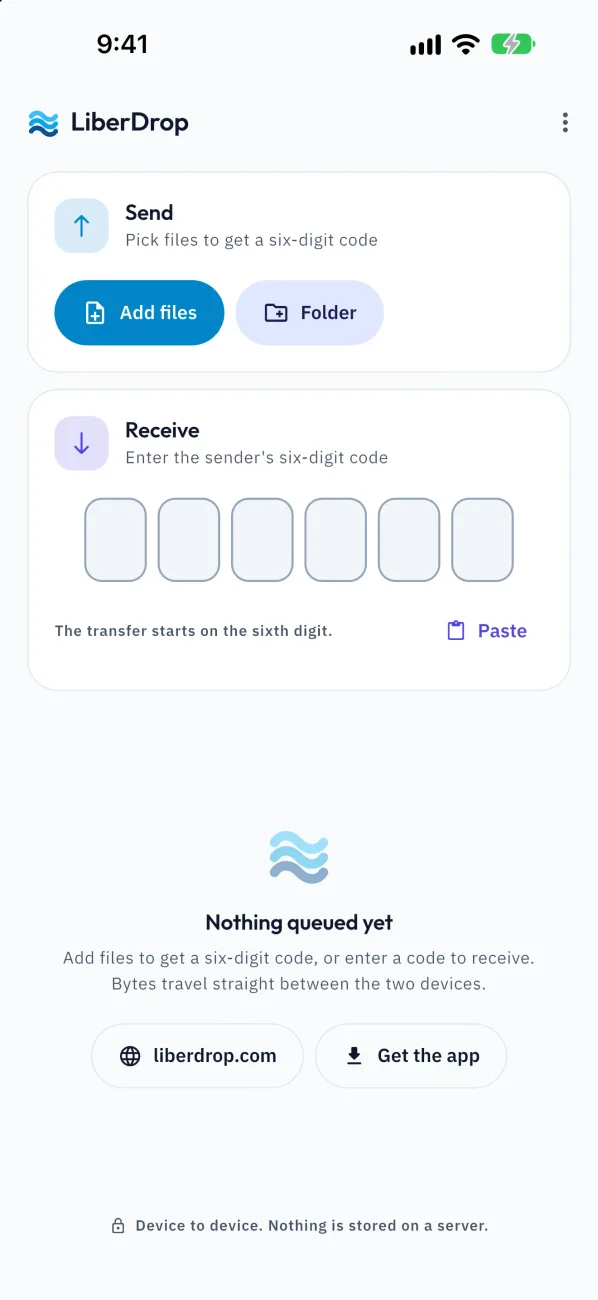
1. Pick the files you want to send. LiberDrop gives you a six-digit code.
2. Enter that code on the receiving device.
3. The transfer starts on the sixth digit.
NOTHING IS STORED ON A SERVER
Files travel directly between the two devices over an encrypted peer-to-peer connection. The LiberDrop server only introduces the two ends to each other. It never receives your files, your file names, or their contents, and nothing is kept once the transfer ends.
ANY DEVICE ON BOTH ENDS
iPhone, iPad, Mac, and any modern browser at liberdrop.com. Send from a phone to a laptop, from a desk to a tablet, in either direction. The other end needs nothing installed.
WHAT YOU CAN SEND
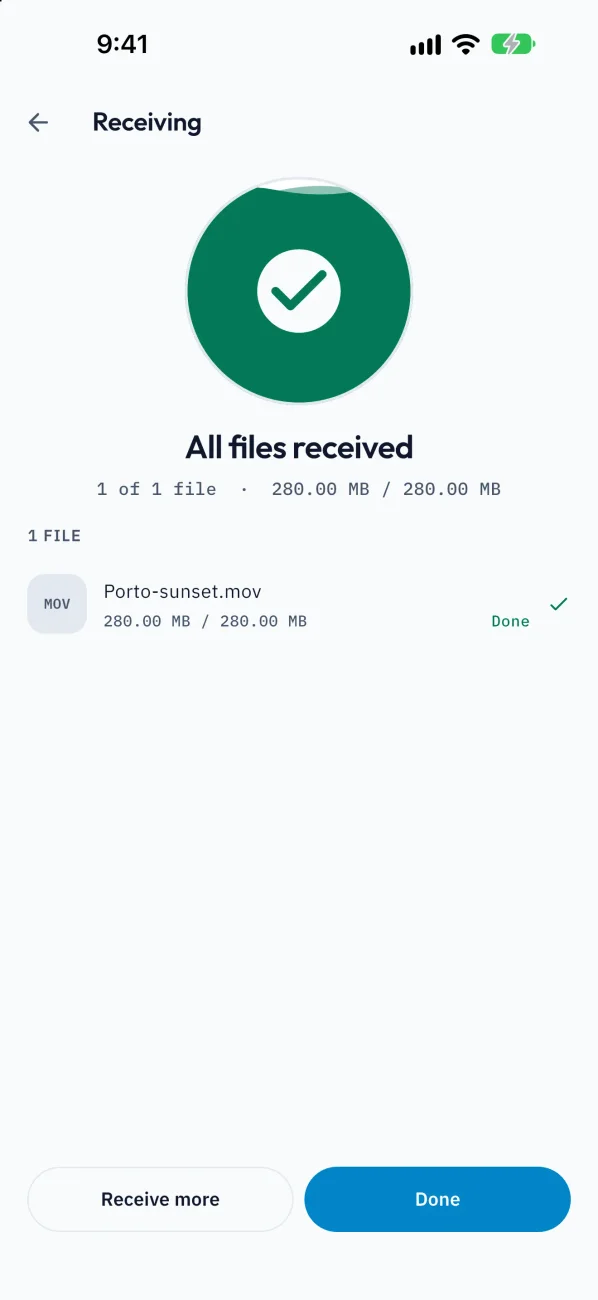
Photos, videos, documents, archives, entire folders, and text from the clipboard. Queue several files at once and watch each one finish.
DURING A TRANSFER
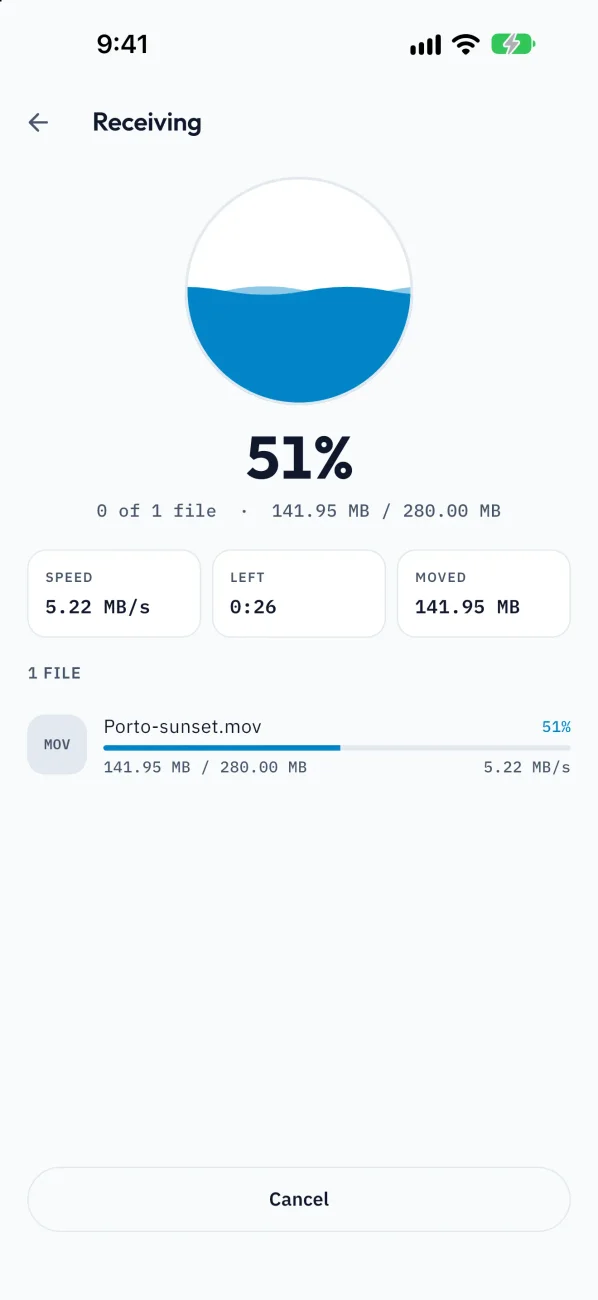
- Live speed, time remaining, and per-file progress
- Received photos and videos go into your photo library
- Send straight from Photos, Files, or any app through the share sheet
- Paste a code instead of typing six digits
- Light and dark appearance
Two devices, a six-digit code, and the bytes between them. Nothing else is involved.
What’s new
Version 2.8.3 · Sep 28, 2026
• Share a link instead of reading out a code. Tap Share on the send screen and send the link however you like. When the other person taps it, LiberDrop opens with the code already filled in, and they tap once to start receiving. If they don't have the app yet, the link opens in their browser and the transfer works there too.
• Picking a large file now shows that LiberDrop is getting it ready, instead of leaving you on a screen that looks stuck.
App privacy
What TenetCode declares on the App Store about how this app handles data.
-
Data not collected
The developer does not collect any data from this app.
Privacy practices may vary, for example with the features you use or your age.
Information
- Seller
- TenetCode, Inc.
- Category
- Productivity
- Version
- 2.8.3
- Updated
- Sep 28, 2026
- Released
- Jun 28, 2023
- Size
- 31.8 MB
- Requires
- iOS 15.0 or later
- Age rating
- 4+
- Price
- Free
- Languages
- English
- Copyright
- © 2026 TenetCode Inc
You might also like
-
 ValGenesis VLMS 4.2 PS1Paperless validation tool
-
 Link and Bookmark OrganizerAll your links in one place
-
 KhovaOne clear plan, every shift
-
 TransfqrQR file transfer. No cloud.
-
 APasswordLocal Password Management Tool
-
 FileIt.Online - Cloud StorageStore data securely online
-
 excelsecu authenticator2FA with eSecuFIDO
-
 Punchi: Reward Habit TrackerBuild habits, earn rewards
-
 JakMeChats app for Teams
-
 EZ2 WriteUltimate writing companion