
Libratory
Read along with your audiobook
Designed for iPhone, iPad, iPod touch
Free · In-app purchases
- Age rating4+
- CategoryBooks
- DeveloperPetar Sabev
- LanguagesEnglish
- Size88.1 MB
Links to the official App Store page
Download.org hosts no file of Libratory. The button opens its official App Store page, published by Petar Sabev. Listing last checked on Nov 23, 2026.
Screenshots

About
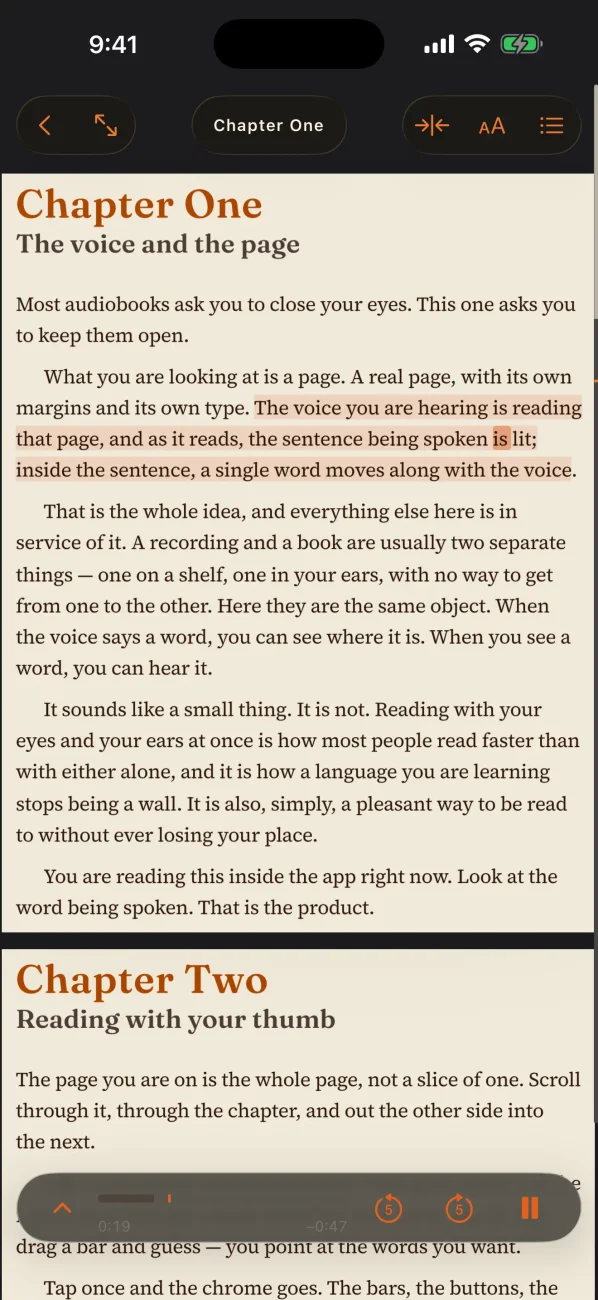
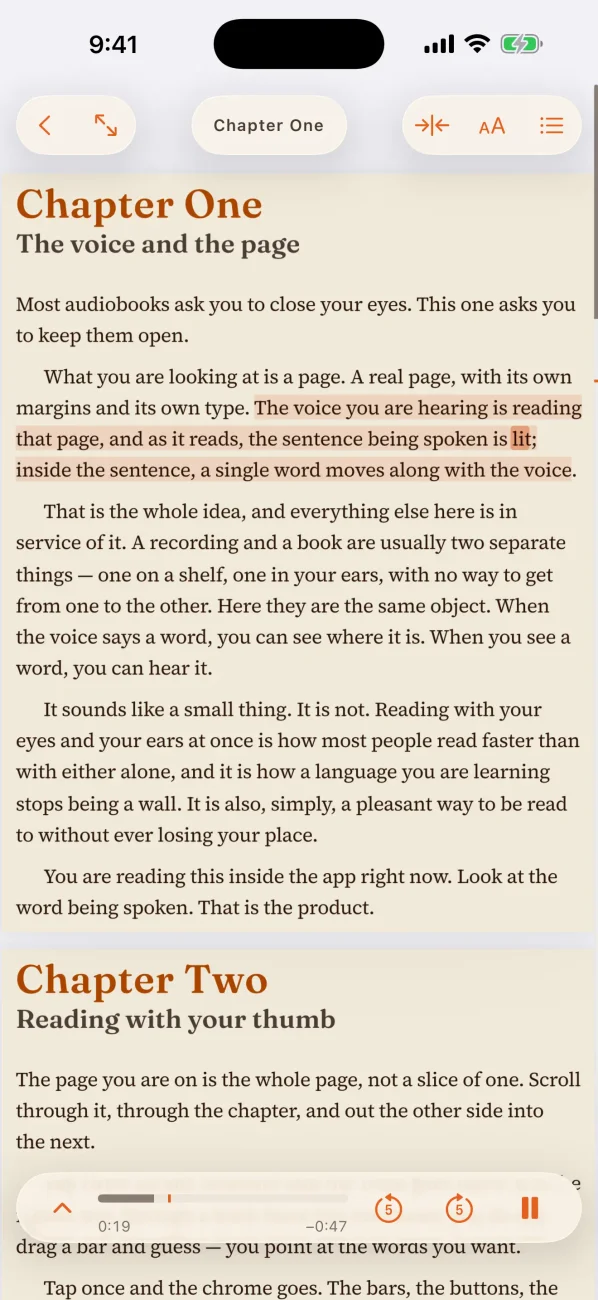
Read and listen with Libratory. Hear narration over the real pages of a book, with the sentence and word highlighted as they are spoken. Double-tap a sentence to listen from there.
LOCAL READING IS FREE
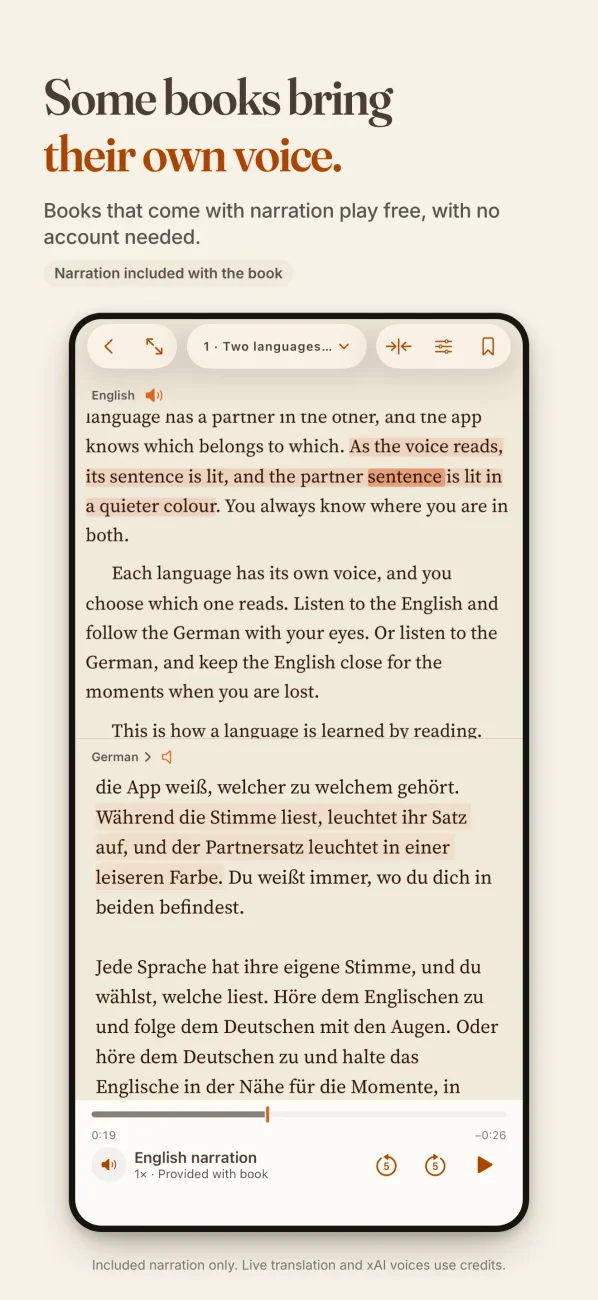
Import your books, use connected shelves, and play supplied narration and translations without a Libratory account or subscription. Downloaded books and supplied audio work offline. The bundled sample books let you try the reader immediately.
READ YOUR DOCUMENTS ALOUD
Open PDFs, EPUBs and photographed pages. Choose local voices for on-device listening, or optional hosted services for page preparation, live translation and cloud voices. Hosted features require iOS or iPadOS 26.2 or later (26.4 where regional age checks require it) and an internet connection.
ASK AND RETELL
Ask a question about the page, the chapter or the whole book, typed or spoken, and get an answer that points to the passages it comes from. Hear a PDF or EPUB as Key takeaways, or describe your own way of reading and keep it as a preset. These optional cloud features use credit and require iOS or iPadOS 26.2 or later.
FOLLOW THE PAGE
• Read a synced book in Page, Column or reflowable Text view
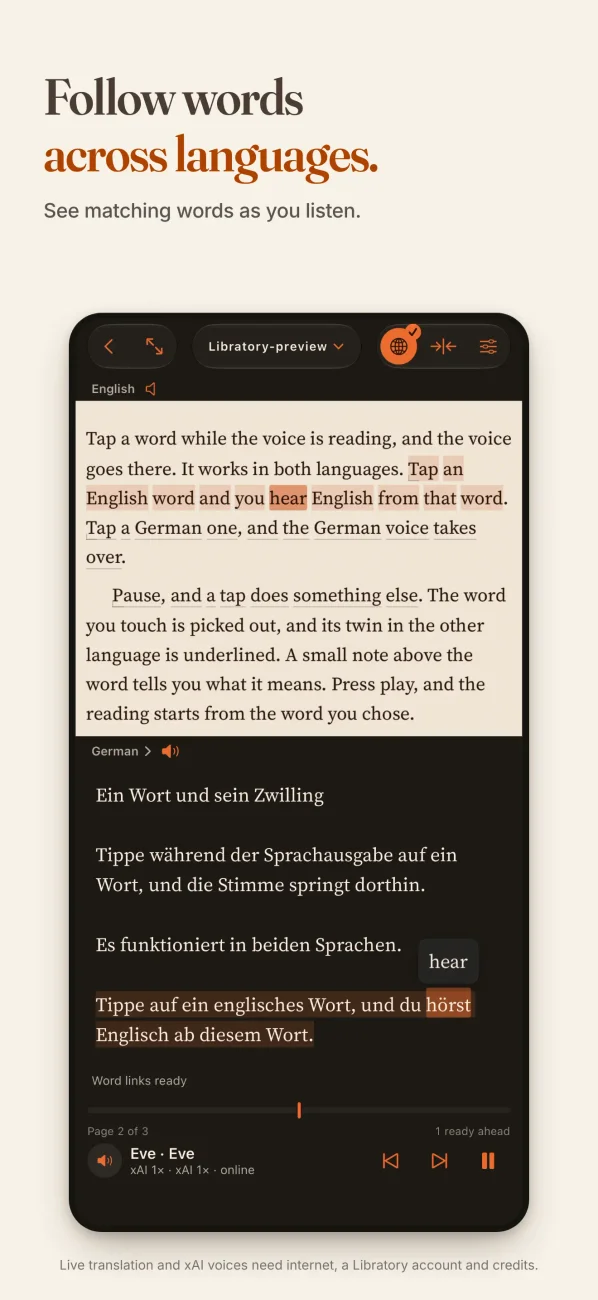
• Follow sentence and word highlights where the book supplies timings
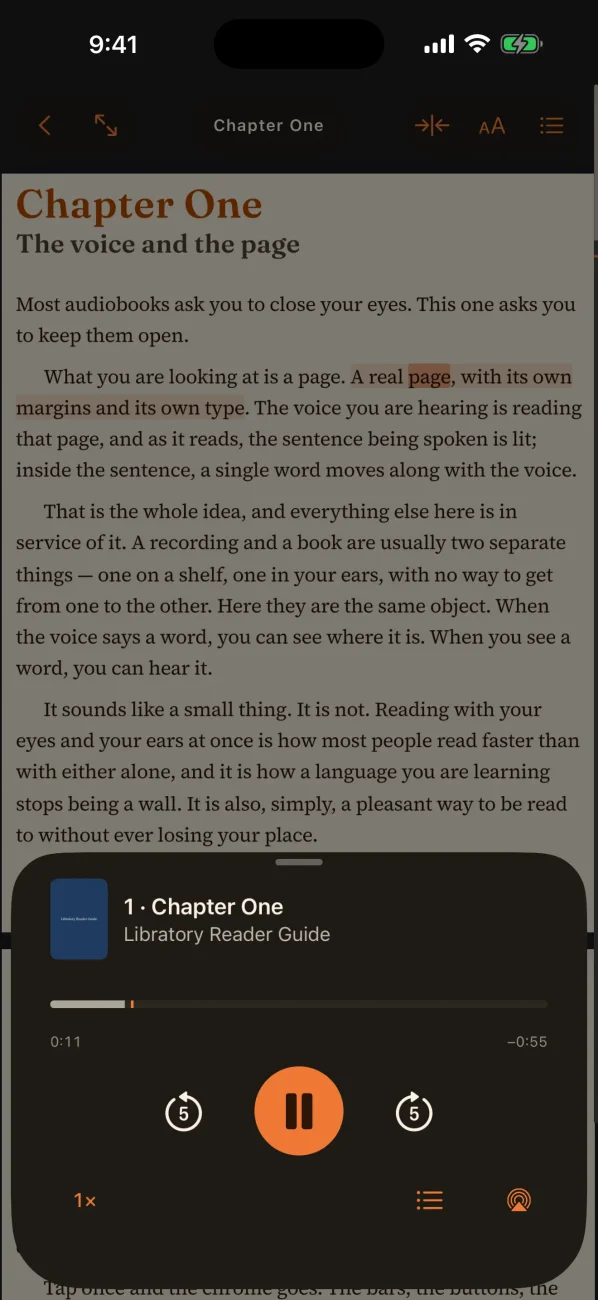
• Change playback speed, resume your place, and listen with the screen locked
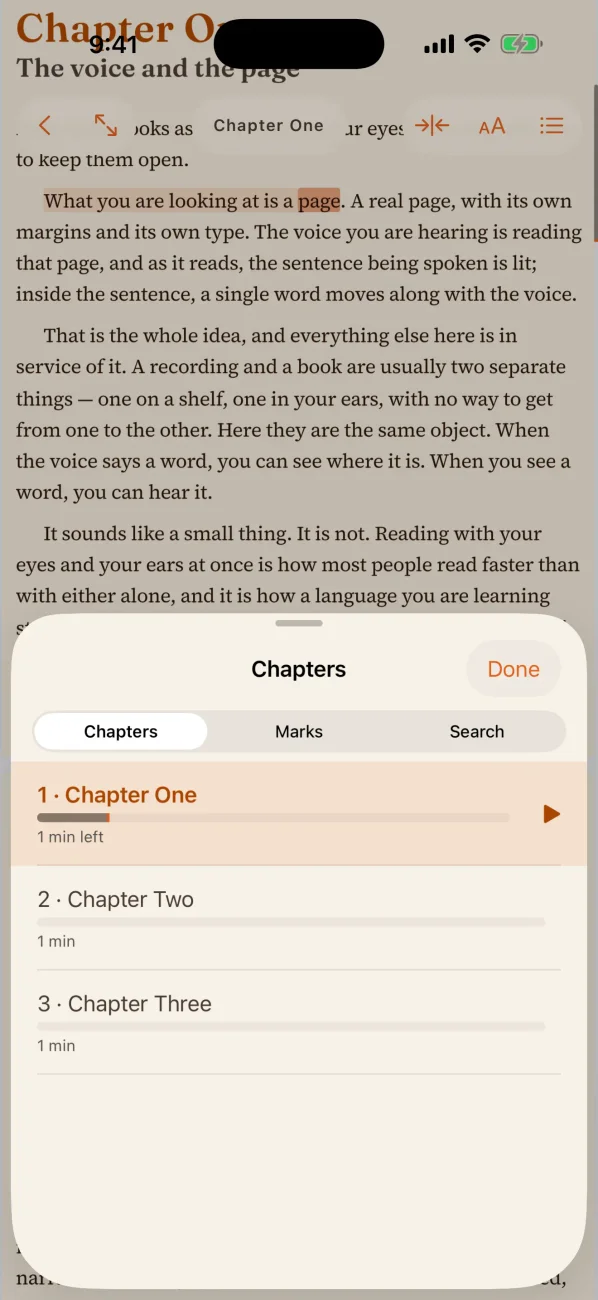
• Open M4B audiobooks and navigate their chapters
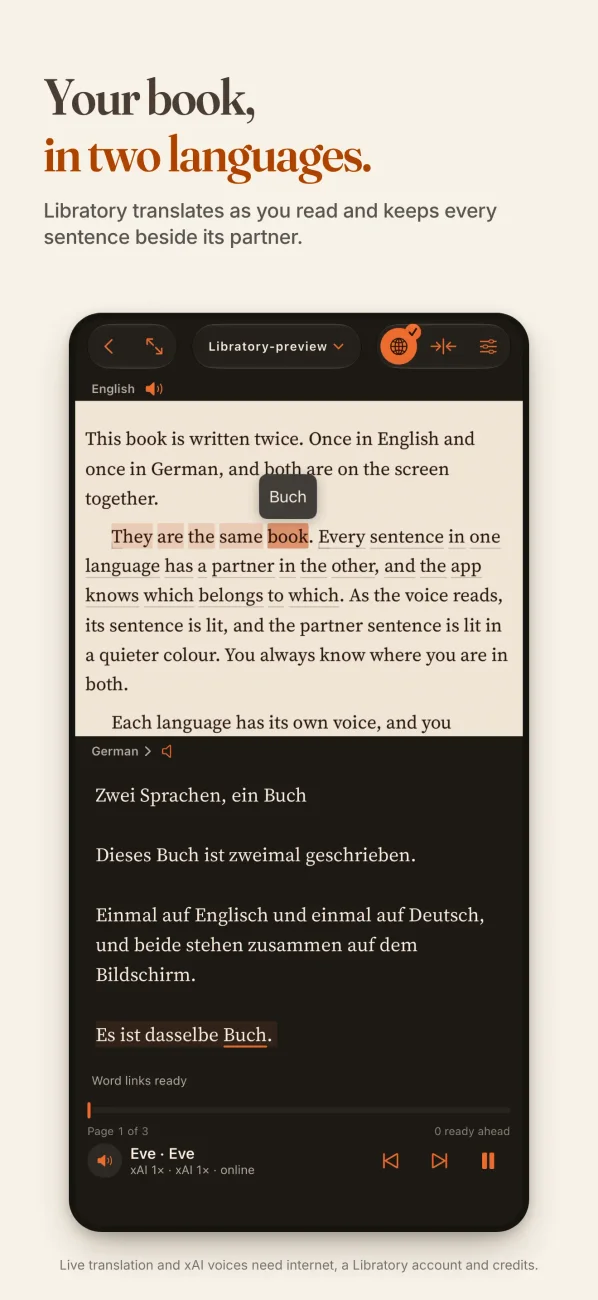
READ IN TWO LANGUAGES
• Play books exported with an original and translation side by side, each with its own voice
• Use Sentence pairs to hear each sentence followed by its translation, with separate speeds, repetitions and pauses
• Use optional hosted translation while reading imported documents
KEEP YOUR LIBRARY TOGETHER
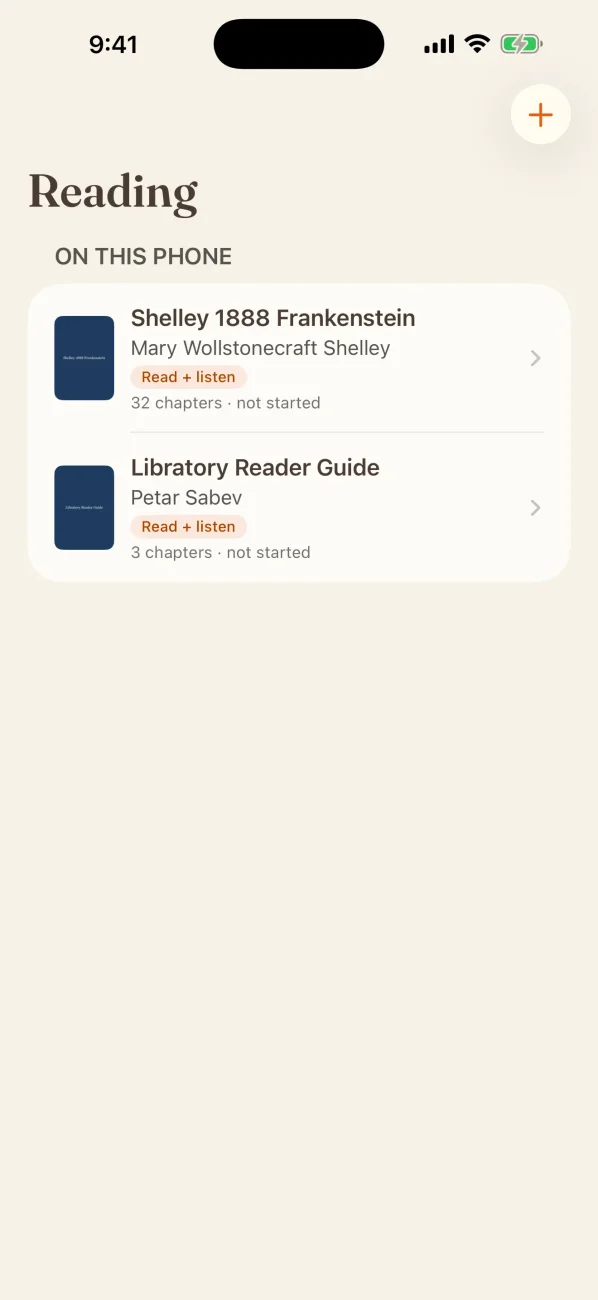
• Organize books with folders and tags; search your library, books and saved words
• Save words with notes and return to them in Marks
• Download free narrated classics from the built-in public shelf
• Pair with the free Libratory desktop tool for Mac to get its synced EPUB exports over Wi-Fi or Tailscale, or import them through AirDrop and Files
OPTIONAL CLOUD READING
Hosted features need Sign in with Apple, age 16+ eligibility, and permission for each provider you choose. Eligible accounts receive free trial credit automatically, subject to capacity. If free trials are full, the credit is added when there's room; local reading remains available.
Subscriptions and credit top-ups are currently by invitation. Ask for access from Account > Plan & purchases. Invited accounts see available plans and Apple's localized prices before buying. Local voices carry no hosted fee, and a subscription is never required to play narration or translations already supplied with a book. Purchased credit remains usable after a subscription ends.
YOUR READING, YOUR CHOICE
Books and reading positions stay on your device. Optional hosted work sends the needed content to your chosen provider with your permission. Review cloud permissions, account data and deletion in Account. Support reports exclude book content and can be inspected before sharing.
Works on iPhone and iPad with iOS 15.6 or later. The simpler iOS 15–16 reader supports Pages, Text, supplied bilingual books, playback and saved progress. Bookmarks, search, folders and tags require iOS 17 or later. Hosted features require iOS 26.2 or later, with 26.4 required for some regional age checks.
Get the free Mac export tool at libratory.dev.
Terms of Use (EULA): https://www.apple.com/legal/internet-services/itunes/dev/stdeula/
Privacy Policy: https://libratory.dev/reader/privacy/
What’s new
Version 26.1122.0 · Nov 22, 2026
Three new Bulgarian SaraTTS voices are available as one optional download. Once installed, they read offline and highlight the word being spoken.
Follow along word by word with Apple and Supertonic voices. In the voice list, tap the play button beside an installed voice to hear a short passage before you choose. On-device voices appear first.
In a PDF, drag the player's progress bar to another page. Reading pauses when you lift your finger. Press Play to hear the new page from the beginning.
Key takeaways and your own presets, easier to follow and kinder to your credit.
• Key takeaways and presets now work from the page's text. A picture of the page is sent only for a table or a figure, and you can turn pictures off completely.
• The page shows what is being retold: a light underline on the lines it comes from, a stronger one and the word lamp on the key words.
• See and change the model for your presets directly in How it reads. Each model keeps its own summaries. Switch models to hear a different reading, or return to a model to replay its saved result.
• In a synced offline book, tap a word while paused to hear just that word.
• Tap a word in the retelling pane to listen from there. Hold How it reads to go back to the book as printed.
• Change a retelling's language or its size (section, paragraph or page) and it plays straight away.
• Drag the line between the page and the retelling pane to give either more room.
• If a passage can't be retold, it is read as printed and a short note says why; the next part is retold again.
• One permission per provider now covers Ask and reading modes.
• Ask works in your reading language and on books whose contents list has entries without a page.
• Usage shows every charge again, including retellings.
• Fixes: a paragraph no longer repeats, the word lamp no longer flickers to another paragraph, and long quoted passages are retold instead of held.
App privacy
What Petar Sabev declares on the App Store about how this app handles data.
-
Data linked to you
May be collected and linked to your identity.
- Purchases
- User content
- Identifiers
- Usage data
- Diagnostics
- Other data
Privacy practices may vary, for example with the features you use or your age.
Information
- Seller
- Petar Sabev
- Category
- Books
- Version
- 26.1122.0
- Updated
- Nov 22, 2026
- Released
- Sep 18, 2026
- Size
- 88.1 MB
- Requires
- iOS 15.6 or later
- Age rating
- 4+
- Price
- Free
- In-app purchases
- Yes
- Languages
- English
- Copyright
- © 2026 Petar Sabev
You might also like
-
 Aura: Audiobooks & PodcastsClassic Audiobooks & Podcasts
-
 CrownNovelBooks
-
 Brio Reader: Book ReaderBooks and web pages
-
 Papira: eBook & PDF ReaderEbook & PDF Reader
-
 Narretta: Books Read AloudYour picture books, narrated
-
 FinnBook: EPUB & eBook ReaderRead aloud, track reading time
-
 Readora: Book ReaderRead your library, your way
-
 Narrio: Books Read AloudEPUB & PDF audiobooks, offline
-
 Readers PortA modern eBook
-
 BookSpeak: EPUB to AudiobookNatural voices. Read along.