LiDAR Cane
Feel the world through touch
Designed for iPhone
Free · In-app purchases
- Age rating4+
- CategoryUtilities
- DeveloperStingray Digital
- LanguagesEnglish
- Size1.4 MB
Links to the official App Store page
Download.org hosts no file of LiDAR Cane. The button opens its official App Store page, published by Stingray Digital. Listing last checked on Nov 14, 2026.
Screenshots

About
REQUIRES AN IPHONE WITH A LIDAR SCANNER — iPhone 12 Pro or later Pro and
Pro Max models. It will not work on non-Pro iPhones.
LiDAR Cane turns your iPhone's LiDAR sensor into touch. Made for blind and
low-vision users, it converts the distance to obstacles into haptic feedback
you can feel — no screen reading required, though VoiceOver is fully
supported throughout.
TWO WAYS TO SENSE
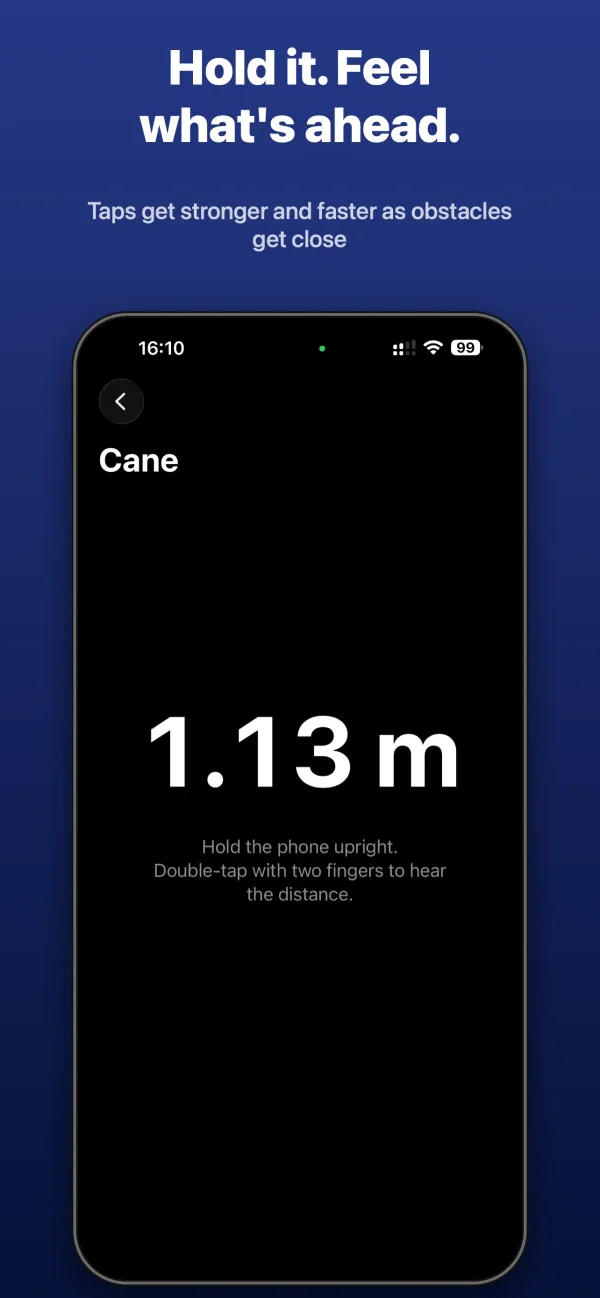
Cane Mode — hold the phone upright and walk. The nearest obstacle ahead taps
in your hand: weak, slow taps when it is far away, building to strong, rapid
drumming as it gets close. Silence means the way ahead is open. Double-tap
with two fingers at any time to hear the distance spoken aloud.
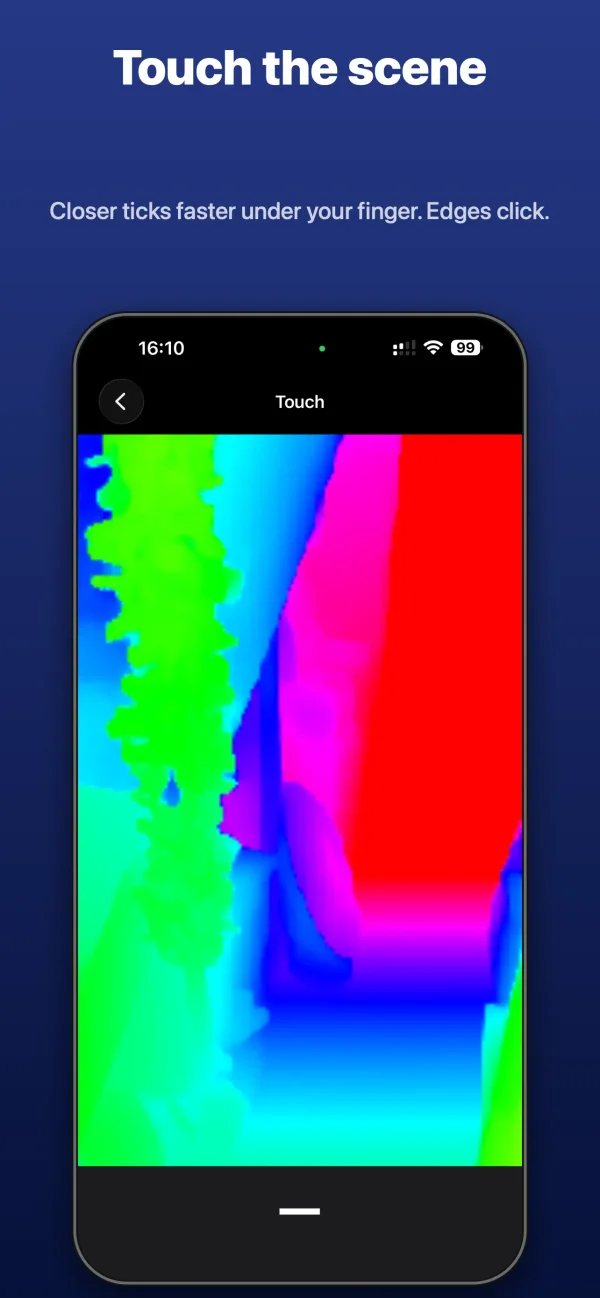
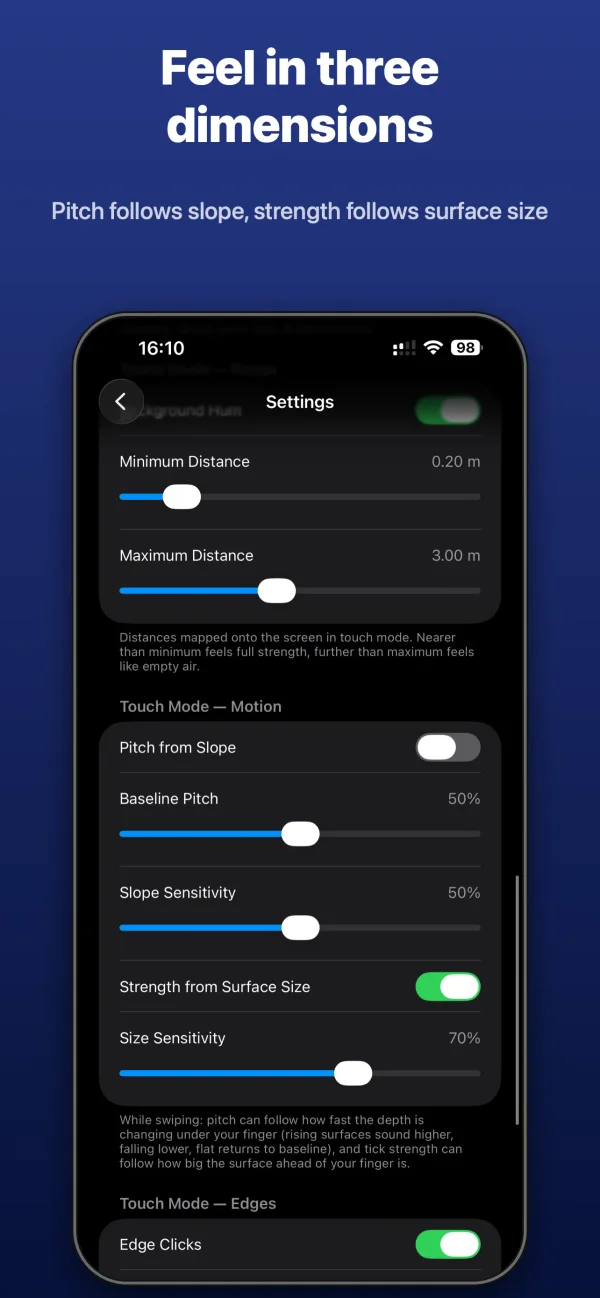
Touch Mode — the whole screen becomes the scene in front of the camera. Move
a finger across it and feel the depth under your fingertip, ticking like a
Geiger counter: closer surfaces tick faster, harder and higher pitched.
Crossing the edge of a table, a doorway or a kerb gives a sharp click under
your finger. Sweep around a room and build a picture of it by touch.
MADE TO BE TUNED
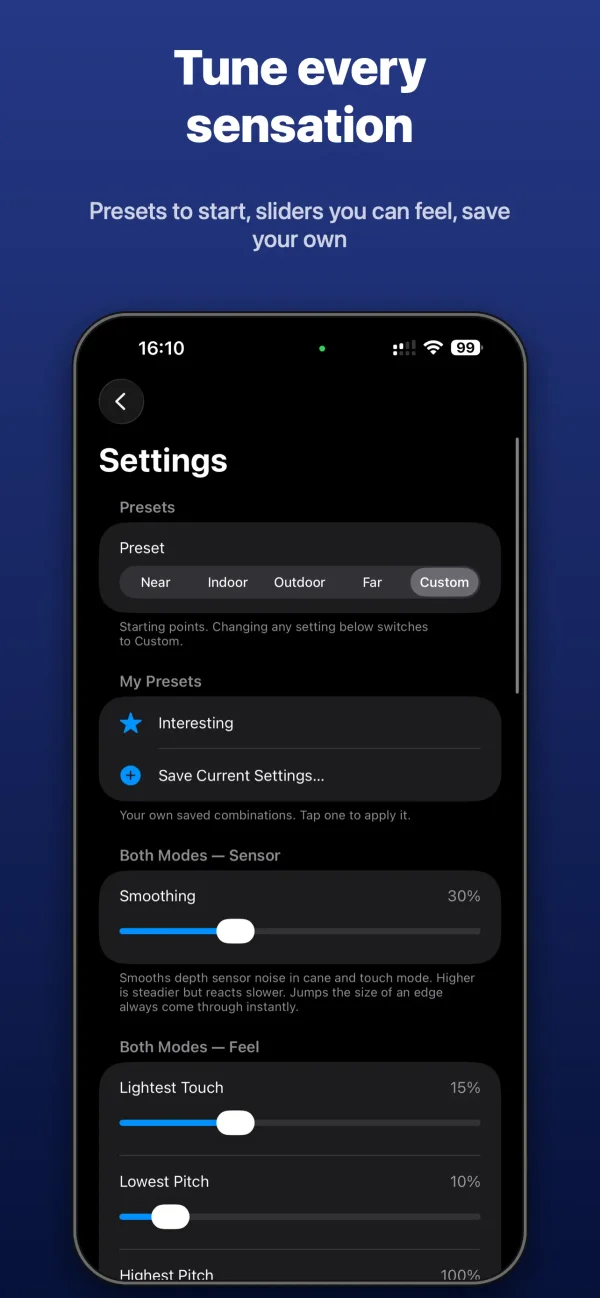
Every part of the feel is adjustable, and every setting plays a preview you
can feel as you change it. Choose a preset — Near, Indoor, Outdoor, Far — or
tune tap rates, distance ranges, pitch, strength, edge sensitivity and
sensor smoothing yourself, then save your own named presets. Pick the voice
that speaks distances, by ear, from the voices installed on your phone.
BUILT ACCESSIBILITY-FIRST
Every control is labelled for VoiceOver and speaks its value in real units —
meters, centimeters, taps per second. The screen never sleeps mid-use.
Spoken distances work even with the silent switch on.
FREE, WITH OPTIONAL TIPS
Everything in the app is free, for everyone, forever. If it helps you and
you want to say thanks, there are optional tips — buying one only removes
the Support button from the home screen. It unlocks nothing, because
nothing is locked.
PRIVATE BY DESIGN
No account, no ads, no analytics. The camera and LiDAR data never leave
your phone.
SAFETY
LiDAR Cane is an awareness aid. It is not a replacement for a white cane,
guide dog or other primary mobility aid, and should not be relied on as
your only means of detecting obstacles.
Terms of Use (EULA): https://www.apple.com/legal/internet-services/itunes/dev/stdeula/
App privacy
What Stingray Digital declares on the App Store about how this app handles data.
-
Data not collected
The developer does not collect any data from this app.
Privacy practices may vary, for example with the features you use or your age.
Information
- Seller
- Stingray Digital Ltd
- Category
- Utilities
- Version
- 0.06
- Updated
- Jul 7, 2026
- Released
- Jul 7, 2026
- Size
- 1.4 MB
- Requires
- iOS 18.0 or later
- Age rating
- 4+
- Price
- Free
- In-app purchases
- Yes
- Languages
- English
- Copyright
- © 2026 Stingray Digital
You might also like
-
 TSUNAMI AiUtilities
-
 LWS LightworksUtilities
-
 AntWave: Antenna & MicrowaveRF & Satellite Link Design
-
 Ear SonarHear the space around you
-
 ICIDOLiDAR indoor navigation
-
 LiDAR ToolkitUtilities
-
 smart audio controllerUtilities
-
 AI GloveAids visual navigation.
-
 dbDOSE Decibel Sound MeterDecibel Meter
-
 NightWalk Depth ScannerPhone Night Vision Tool